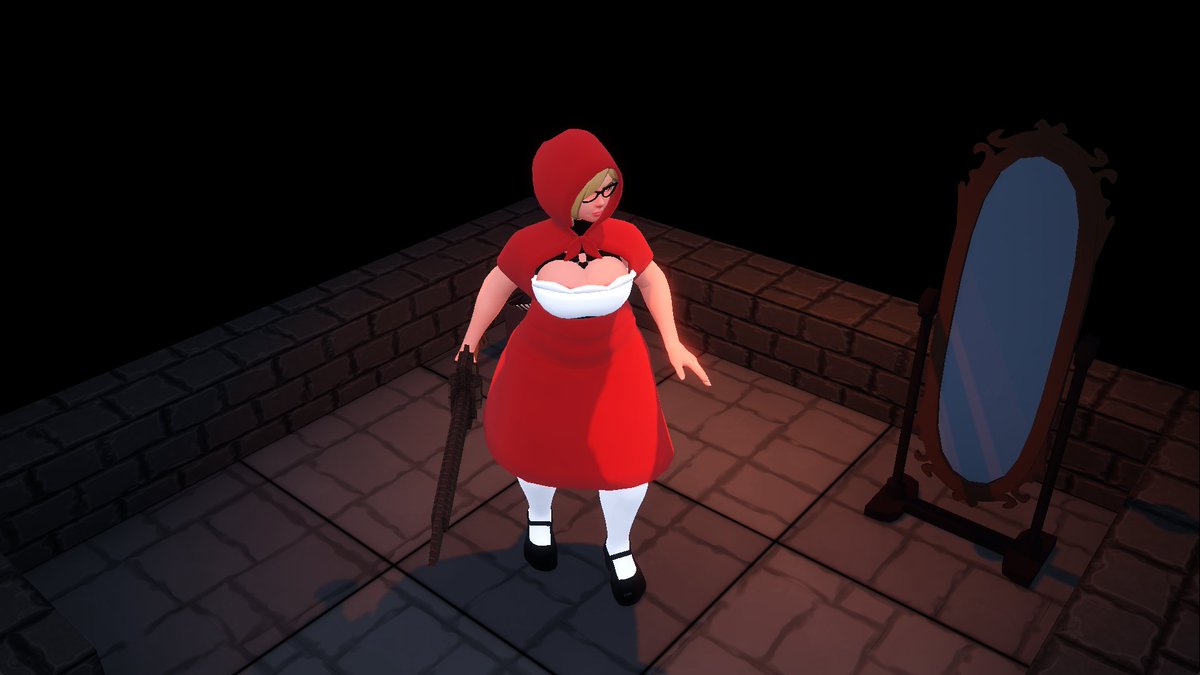
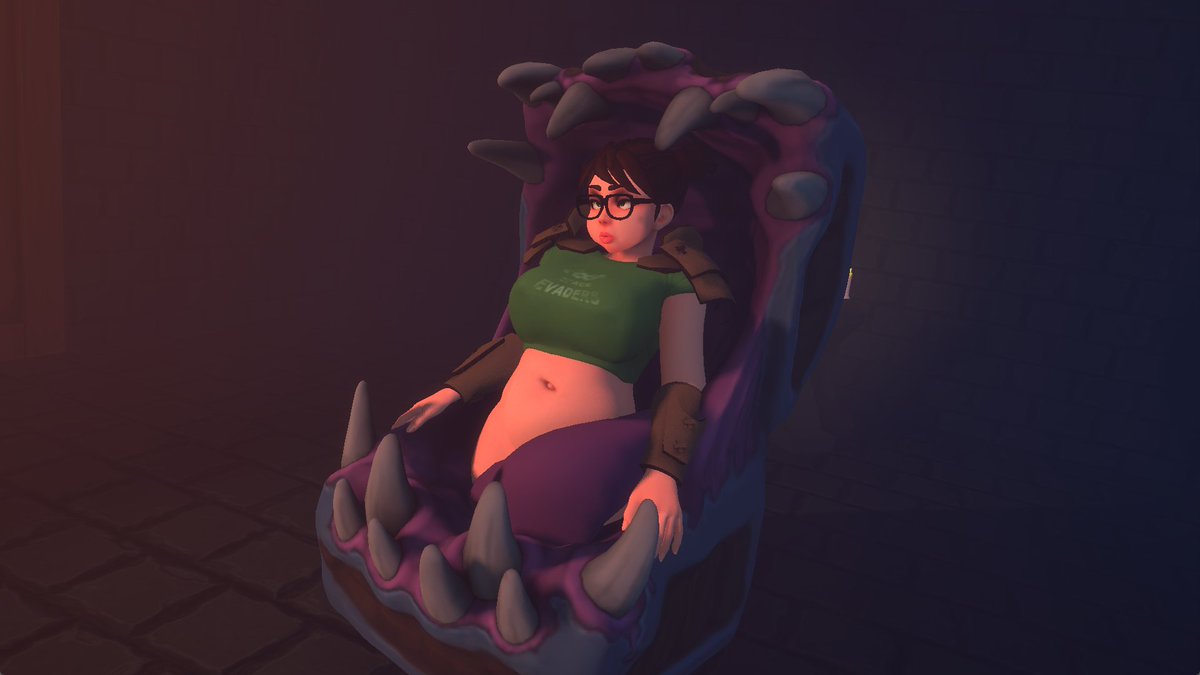
@simpai499818 She's in the first neutral floor church area as a regular slime. Escort her to the second neutral floor church and she turns into a slimegirl.
Early Access 7 is now up on patreon. There's 2 new cinematics this month. Also since v1.0 is taking so long there will be a new public build up on itch at the end of the month. https://t.co/wzUKi0AYmT
@MrNeutralChuu Kinda, the real v1.0 probably has around half a year left of development.
Early access in this case means it's the latest build I've been working on.
But yeah, it is pretty exciting. It feels like I can finally see the light at the end of a long tunnel :)
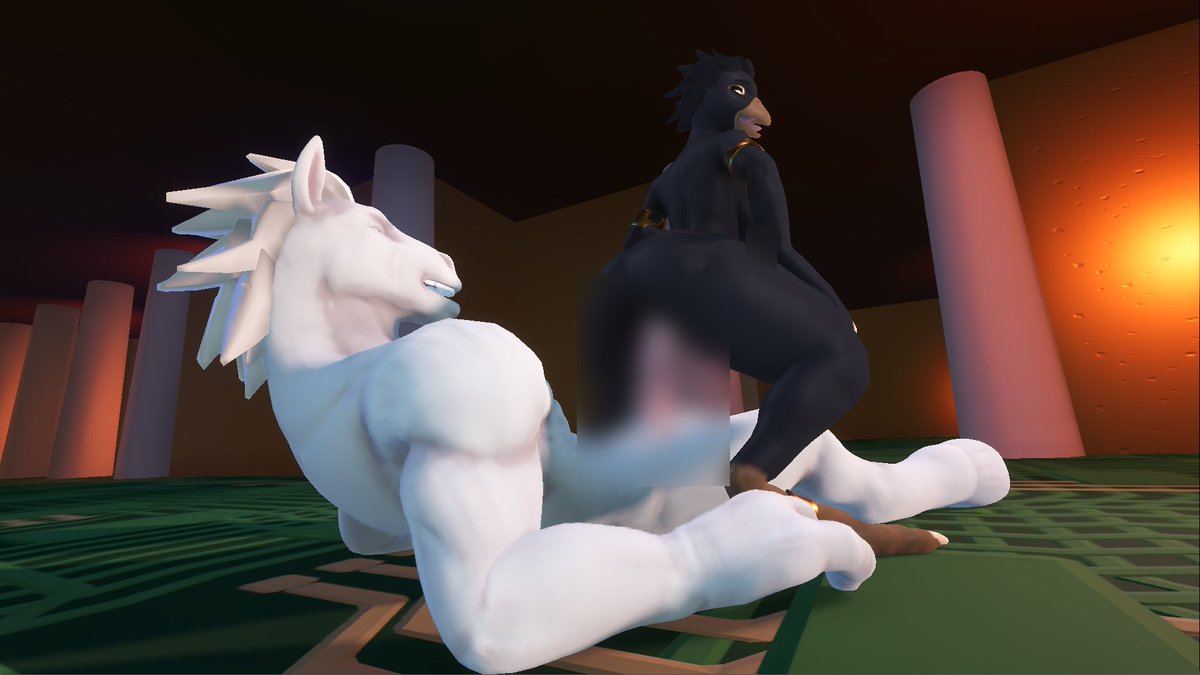
Early access 4 for v1.0 is now up on patreon. This one has a new horsey charactes, 2 new cinematics and a reworked outfit system. https://t.co/fGGU5p1aRi
@VeilDaFail No eta on the next public release yet, the original plan was to finish v1.0 first. But that's gonna take a while so I'll probably end up doing a halfway public release around August/September.
@nevercoomed Any kind of error I guess, it's weird that the window doesn't even show up.
If you have "shader_cache", "Saves" or "vulkan" folders next to the "logs" folder you could try deleting / moving them.
There might be some corrupted old data there that prevents the game from opening.
@nevercoomed You can also paste the following line into the address bar and check the logs.
%appdata%\Godot\app_userdata\HardStuck\logs
These are simple text files and can be opened in notepad, they contain the same output as the command line.
@nevercoomed Ah my bad, I thought it stayed open.
If you open the game folder and type "cmd" in the address bar, windows opens the command line at the correct location.
Then simply type "HardStuck.exe" to launch the game.
@nevercoomed Easiest way is to launch the game using the "Launch using Vulkan.bat" file in the game folder. The window that pops up with all the text is the command line, and any error messages should show up there in red.
@nevercoomed Are you on Windows or Linux?
If you run the game from the command line / terminal you should be able to see any error messages that pop up.
Also what kind of gpu do you have?