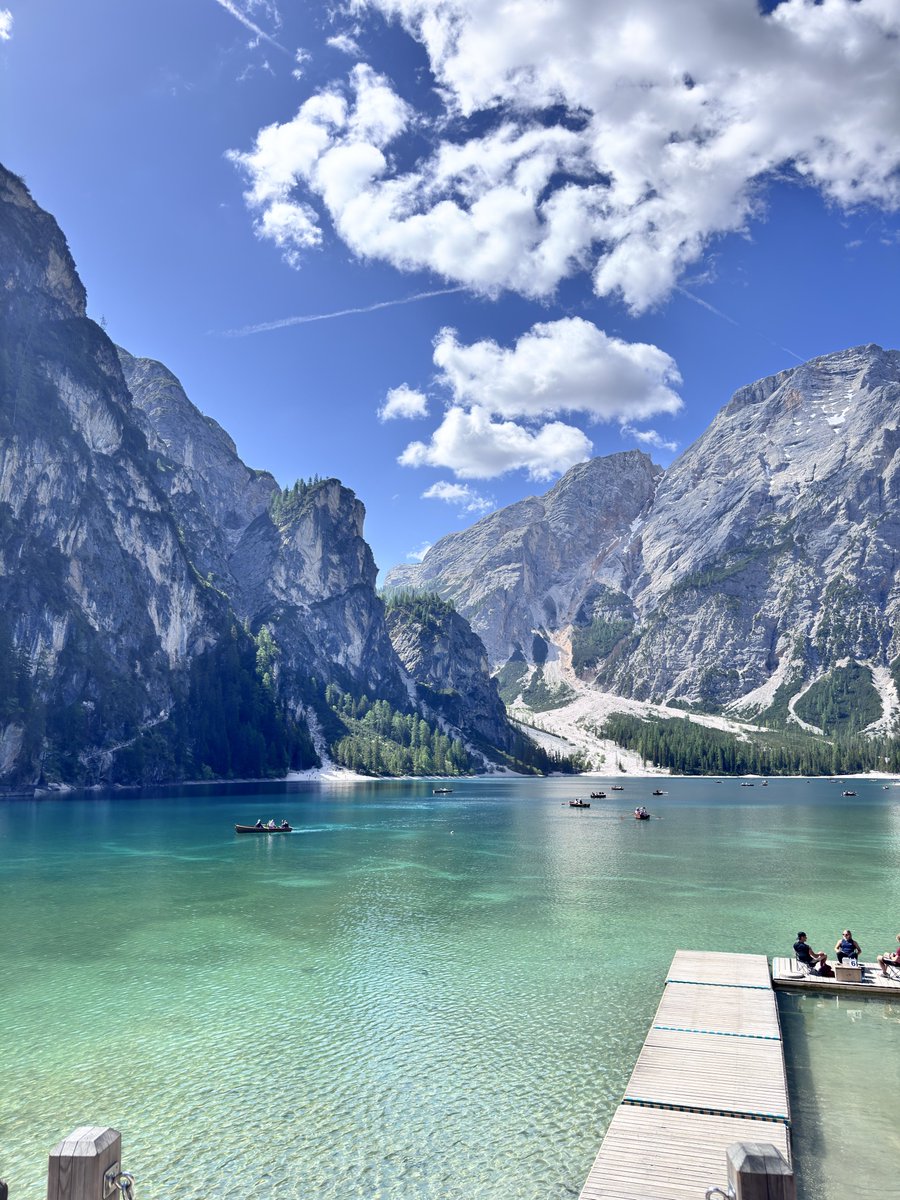
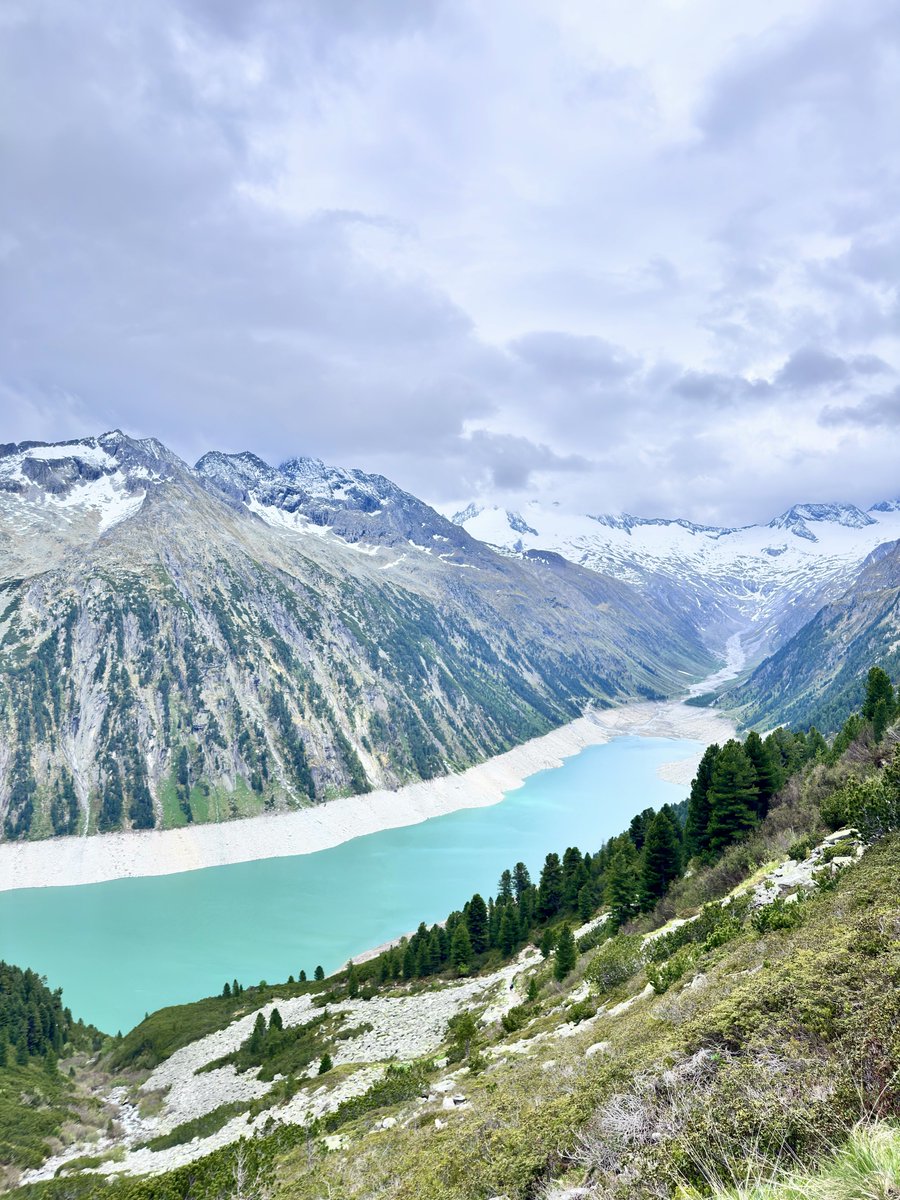
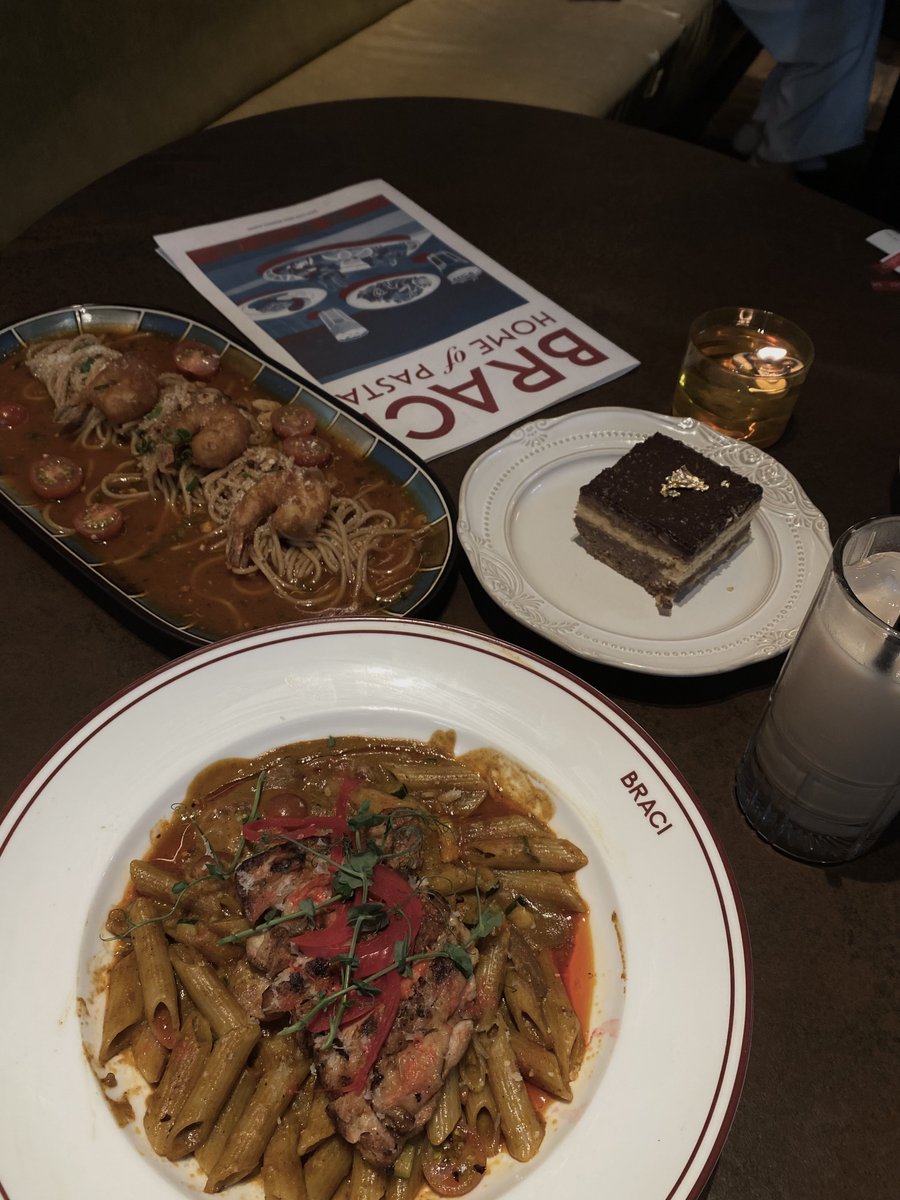
iPhone color grading 🥯 Here's how I get that moody food filter‼️ Instantly gives it a more premium feel.
📷: iPhone
🎨: Edited with the original iPhone camera
Here are the settings I used:
▪️Brilliance -35
▪️Highlights -75
▪️Contrast +5
▪️Black Point +15
▪️Natural Saturation -25
▪️Sharpness +100
☕️Every photo has its own lighting, so feel free to tweak these settings a bit to get the look you want.
iPhone can totally give off those Fuji vibes...!! Ahhh 👋🏻 This contrast color tone is seriously so good!!
📱 Editing: iPhone
✨ Filter: Contrast Color +85
◽️ Adjustments:
▪️ Exposure -6
▪️ Vibrance -12
▪️ Highlights 15
▪️ Contrast 10
▪️ Brightness 12
▪️ Natural Saturation 10
▪️ Sharpness 20
(Feel free to tweak these settings based on your pics)
iPhone Color Grading
📷: iPhone original camera
🎨 Filter reference
•Exposure -2
•Vibrance +3
•Highlights +2
•Brightness +1
•Saturation -2
•Sharpness +2
•Clarity +4
Parameters are not fixed, adjust according to the actual situation of the photo












![LoveyouApo's tweet photo. #แชร์ด่วนที่สุด พลังโซเชียลช่วยพาคุณลุงกลับบ้านด้วยครับ
1 แชร์ตามกลุ่มต่างๆของคุณ อาจ #ช่วยให้ครอบครัวหนึ่งได้พบกันในวาระสุดท้ายของชีวิต
เมื่อคืนนี้ [ 18 มิ.ย. 69 ] เกิดเหตุสะเทือนใจ คุณลุงขับแท็กซี่หมดสติและ #เสียชีวิต บริเวณใกล้สถานีดับเพลิงบรรทัดทอง (จุฬา ซ.9) ร่างของท่านอยู่ที่ รพ.หัวเฉียว แต่ขณะนี้ #ยังไม่สามารถติดต่อญาติได้เลย
ตอนนี้รถของคุณลุงถูกนำไปจอดไว้ที่ สน.ปทุมวัน เพื่อรอครอบครัวมารับกลับบ้าน
#ข้อมูลเพื่อช่วยตามหาญาติ
ชื่อผู้เสียชีวิต: นายสุขชัย งามเผ่าพันธุ์ (อายุประมาณ 65 ปี)
ที่อยู่ตามบัตรประชาชน: หมู่ที่ 9 ต.บางรักพัฒนา อ.บางบัวทอง จ.นนทบุรี
ยานพาหนะ: ขับรถ #แท็กซี่เขียวเหลือง ทะเบียน #1มค362 กรุงเทพมหานคร (แท็กซี่บุคคล)
สถานการณ์ปัจจุบัน: รถของคุณลุงถูกนำไปจอดไว้ที่ สน.ปทุมวัน เพื่อรอครอบครัวมารับกลับบ้าน
#สิ่งที่คุณช่วยทำได้ทันที
#แชร์โพสต์นี้ เพื่อเพิ่มโอกาสให้ญาติหรือคนที่คุ้นเคยกับคุณลุงผ่านมาเห็น
#หากคุ้นหน้าหรือรู้จักญาติ รบกวนแจ้งให้ติดต่อที่ สน.ปทุมวัน หรือโทร 02-215-2993
การกดแชร์ของคุณในตอนนี้ ไม่ใช่แค่การส่งต่อโพสต์ แต่คือ #ความเมตตา อันยิ่งใหญ่ที่จะช่วยส่งคุณลุงกลับไปสู่อ้อมกอดของครอบครัวอย่างสมเกียรติ ทีมงานขอขอบคุณทุกพลังความช่วยเหลือล่วงหน้าครับ
#ตามหาญาติ #กู้ภัยปทุมวัน #พลังโซเชียล #ขอแสดงความเสียใจอย่างสุดซึ้ง
https://t.co/GAJGwwbTWH](https://pbs.twimg.com/media/HLKh55paoAAq2fs.jpg)





