WordPress 6.1 gives you more control over the space in, around, and between your blocks—both the ones you’re using for content and their container blocks. Adjust padding, margin, block gap, and more to refine your layouts. #WordPress
What is image optimization and why does it matter for your #WordPress website? Check out this new 5-minute video and learn all about this simple and powerful method for maximizing the performance of your website. https://t.co/oPxCBs6OdU #LearnWP
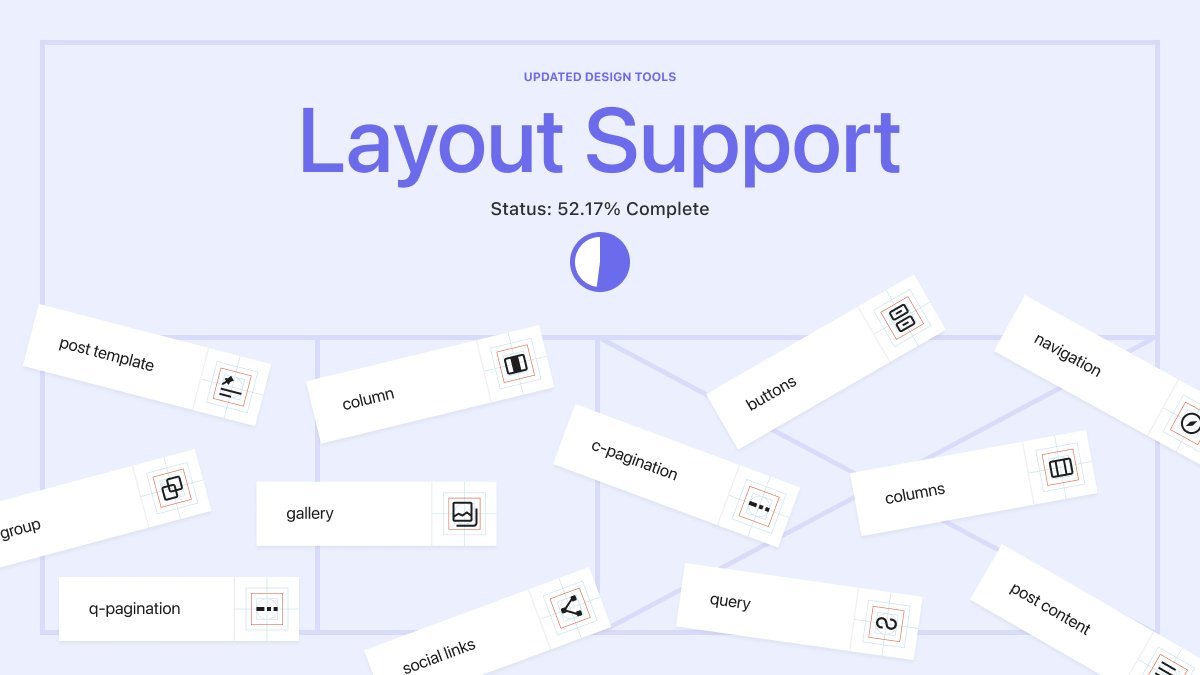
Try out more layout configurations with consistent design tools across container blocks. Find out which blocks have layout support, and which will get more in 6.1: https://t.co/GateYDvwoX #WordPress
Learn how to create a landing page for your #WordPress website using a block theme in this 10-minute video. https://t.co/PFPpRp8XBK #LearnWP --> Great tutorial for all types of marketers, businesses, and site builders.
Get more control over your content with 5 new template options available for block themes in WordPress 6.0. Try them out: https://t.co/PvoDJVyRpn #WordPress
New #WordPress developer tutorial --> WordPress Filter Hooks --> Watch this 13-minute tutorial to learn more about filter hooks and the role they play in the WordPress developer's toolbox, from blogs to e-commerce sites. https://t.co/SiFuHIb9hM #LearnWP
Keeping up with the many changes in online shopping over the last three years can be tricky – but we got you. 🤜 🤛
Kathryn investigates the 10 hottest #eCommerce trends you can take advantage of in 2022 and beyond.
https://t.co/VKj39ElbL1
What’s the next chapter in your story? How will WordPress 6.0 help you get there? Tell us — we’d love to hear from you! https://t.co/WLR6mJpM7G #GrowYourStoryWP
📸: AlfieGrand via the WordPress Photo Directory