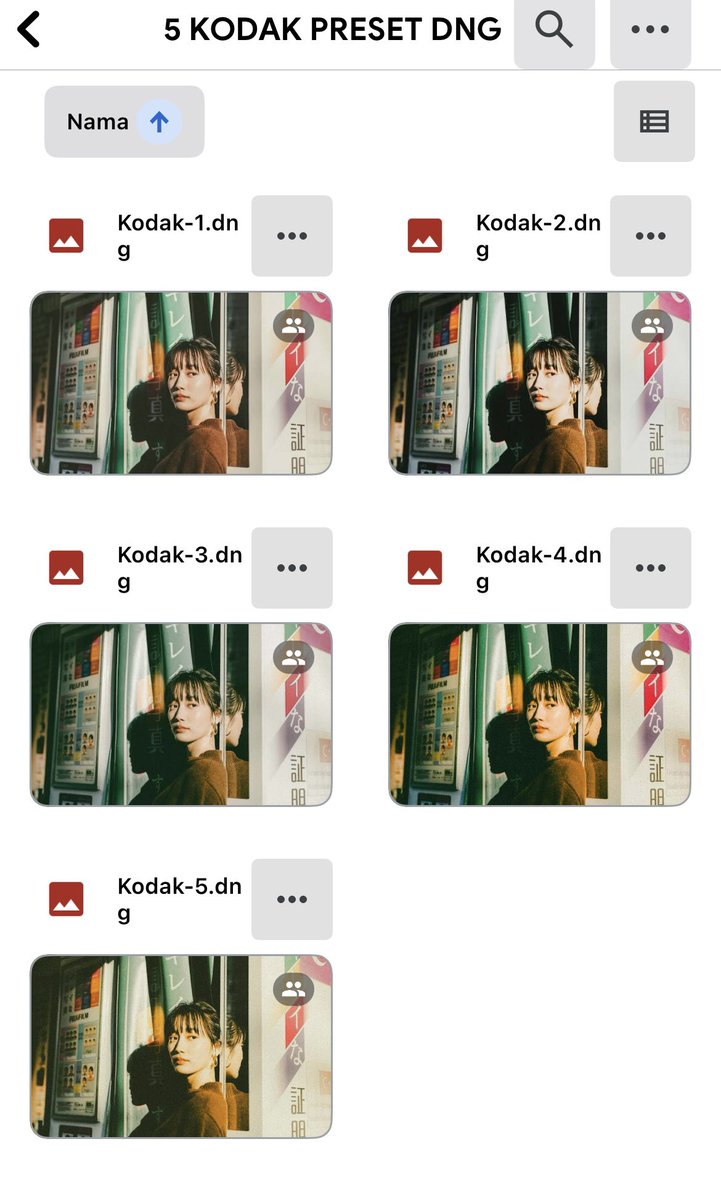
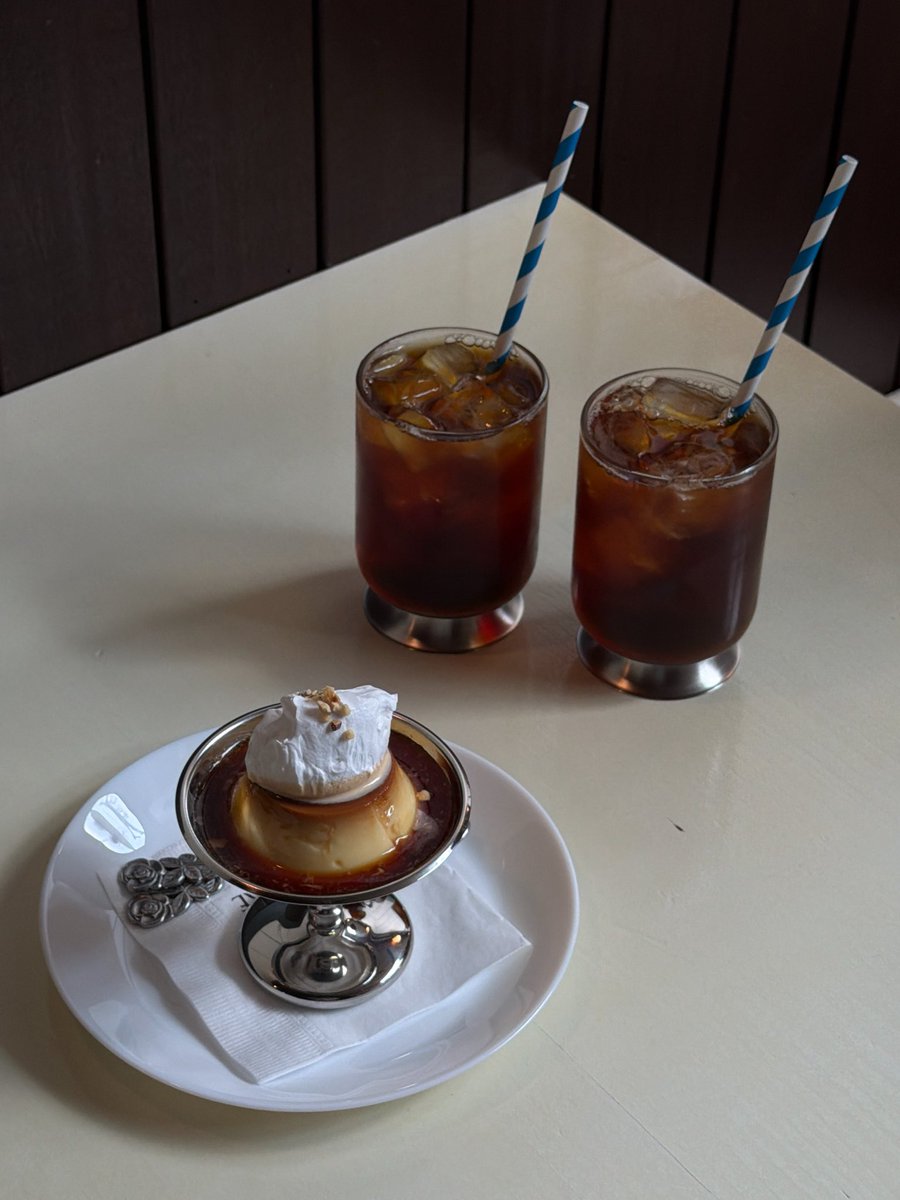
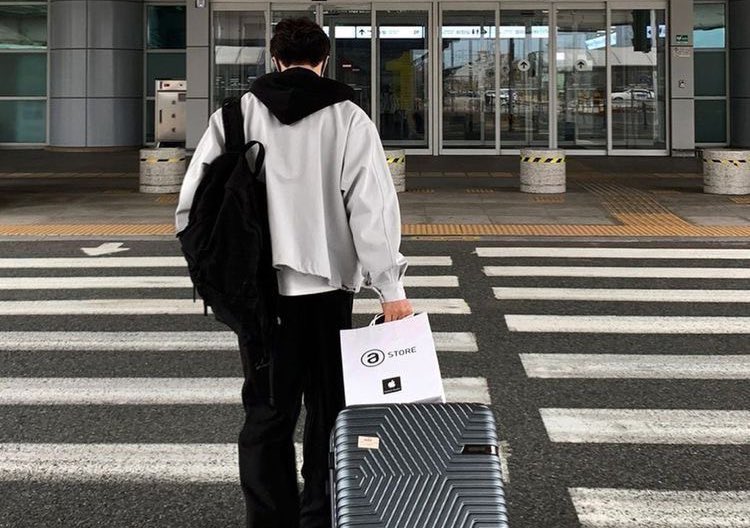
📱iphone original camera color adjustment parameters:
(lower exposure before shooting -1.0~1.7)
•Exposure -15
•Vividness -8
•Contrast +10
•Brightness -5
•Sharpness +40
•Clarity +35
(The parameters for each photo are different, adjust appropriately within the range according to personal preferences and style)
You can totally get that Fuji look on your iPhone!! Perfect for landscapes!
📱iPhone's built in filter:
•Contrast Color Exposure -2 (skip this if your pic is already dark)
•Brilliance +30
•Highlights -8
•Shadows +15
•Contrast +12
•Saturation +8
•Natural Saturation +10
•Warmth -10
•Tint +5
•Vignette +12 (this is the secret to that Fuji film vibe)
*This filter gives off major Fuji vibes! Perfect for those beach days!!
iPhone Color Grading | Summer Beach Reverse Color Filter 🌊
🎨: iPhone Original camera
🌷Adjustments:
•Sharpness +46
•Highlights -67
•Shadows +23
•Contrast +17
•Brightness +32
•Saturation +50
•Vibrance +30
•Color Temperature -40
•Tint +27
•Sharpening +71
【Specific parameters should be adjusted according to your own photos💕】
📷: iPhone Original Camera
🌷Adjustments:
•Brilliance -39
•Highlights -10
•Contrast +12
•Brightness -14
•Saturation -14
•Temperature -8
•Tint +6
•Sharpening +95
【Remember to tweak these settings for your own pics💕】
Filter📒 Contrast➕ Saturation➖ Brightness➖