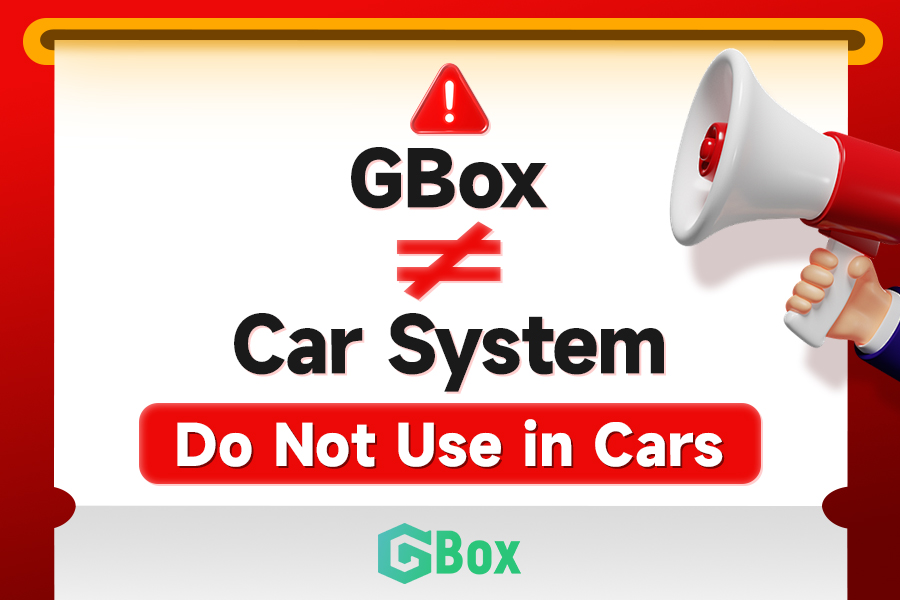
🚫 Reminder from GBox
Dear users,
Please note: GBox is not compatible with car systems.
Using modified GBox APKs may lead to unknown risks.
‼️Do not use GBox on car head units.
💡Use GBox only on phones or tablets.
For inquiries, contact:
📩 [email protected]
@VictoryEmeka7 We're excited to hear from you! To help us address your feedback efficiently, simply open the GBox app, tap the menu icon in the top right corner, select 'Help & Feedback,' fill in the necessary details, and submit a ticket. Thanks again for being such a valued GBox user!
@wildbrian79 Thank you for using our app and apologize for any inconvenience. Could you please send us more details on your issue as following steps: https://t.co/4utJ2KKeGD> ABOUT US> CONTACT US or by Telegram(+65 9130 5613 / +65 9035 9589), and we will be able to assist you.
@thor_212002 Our team is working to verify the cause of this issue and resolve it. Please be patient and wait for our response.If you have any other questions,
@Yiyiyilin1 GBox supports Android 10-13 at the moment. It is compatible when your system is in this scope.Our team is working hard to adapt to Android 14.I have forwarded your issue to the technical team, and we will work hard to verify and fix it.
If you are unable to install Google Play on your phone, don't worry. This video will guide you on how to install Google Play on your device.
#gbox#googleplaystore#googleapp
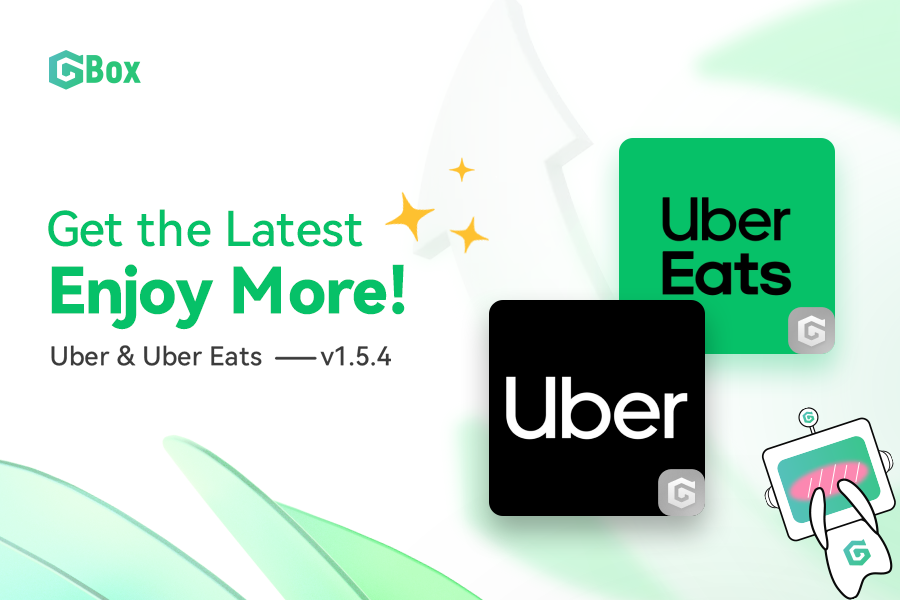
🙌Update now! v1.5.4
Uber: https://t.co/6lbzB3Z6xN
Uber_Eats: https://t.co/ths0VAEaPS
Note:Please visit our official website(https://t.co/K88RPeWIRe) for the update. Before you proceed, ensure that your GBox is updated to the latest version.
App Update Alert 🥳🎉
Click the link below to access the latest version update:
https://t.co/7PL2FsQgE7
💡Note: Please ensure that your GBox is updated to the latest version before proceeding. You can find the update information on our official website.(https://t.co/K88RPeWIRe)
Explore upgraded features with our premium membership! Share ideas for exciting additions. Contact us anytime!
Telegram Channel:https://t.co/0QXTOy8WdF
Official Website(Beta Version):https://t.co/WscAE8B91q
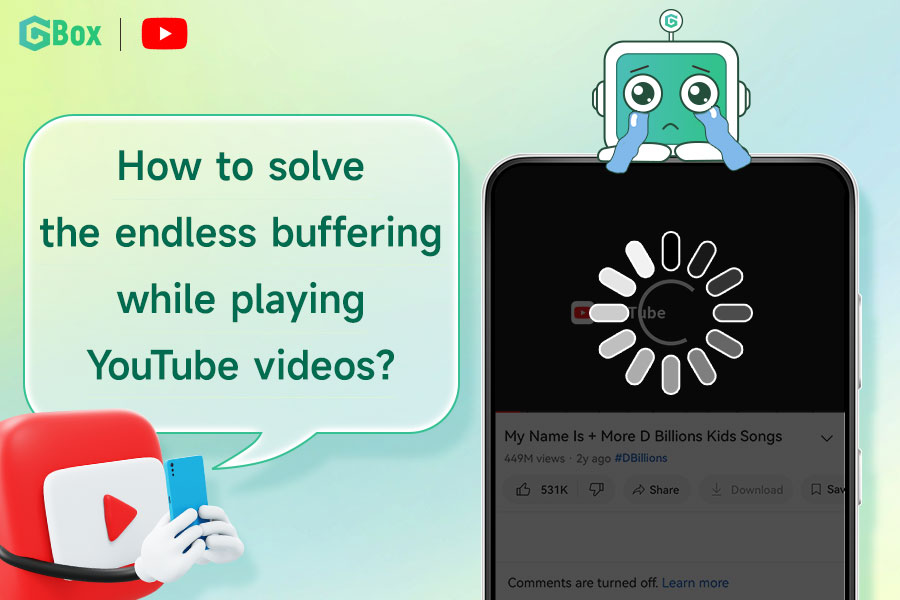
The interruption of YouTube playback has been resolved in version 1.4.6.
If the solution didn't work for you, you can force-stop YouTube (kill the process) & restart it. Alternatively, you may attempt to force-stop either GBox or YouTube, followed by a restart of both.
Good news!!
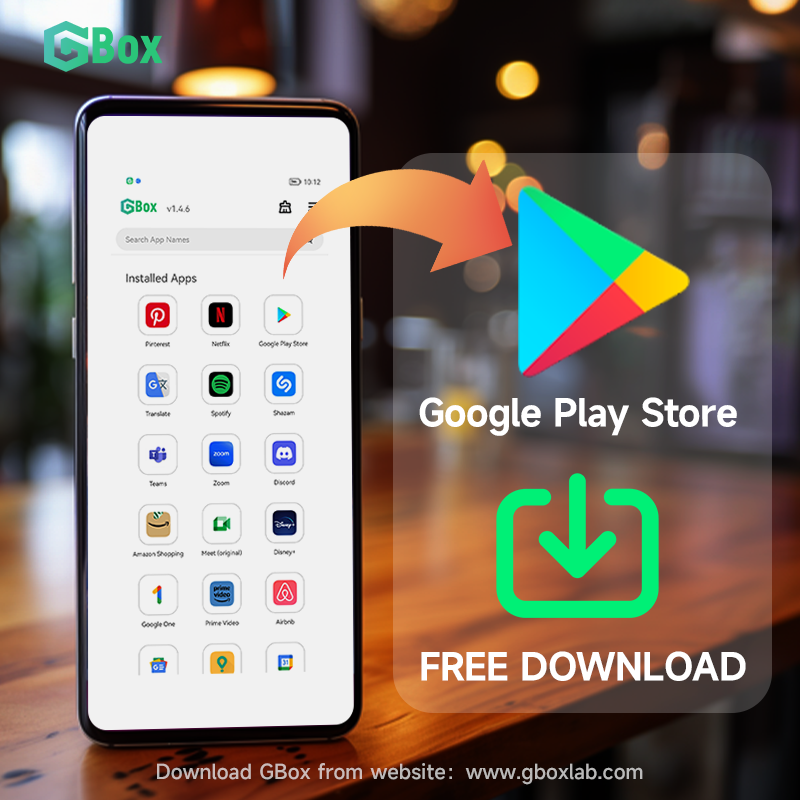
Google Play Store Available
Visit our official website to download our latest version for free. Just enjoy access to a vast selection of applications
Email: [email protected]
WhatsApp/LINE/Telegram:+65 9130 5613
#gbox#googleplay#playstore#googleplaystore