5 lines of code that make a difference.
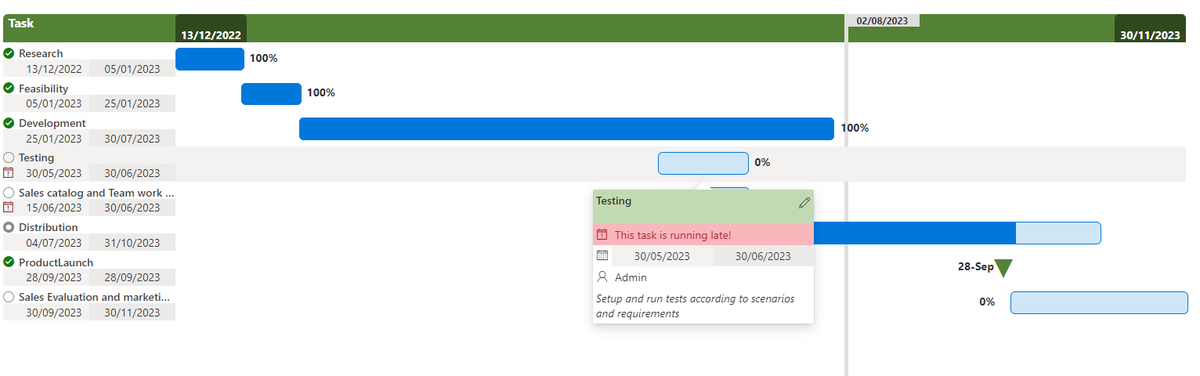
I have just updated the Gantt Chart code after being pointed out that the starting position of the tasks was incorrect.
https://t.co/bVO5VHqRBD
#sharepoint#listformatting
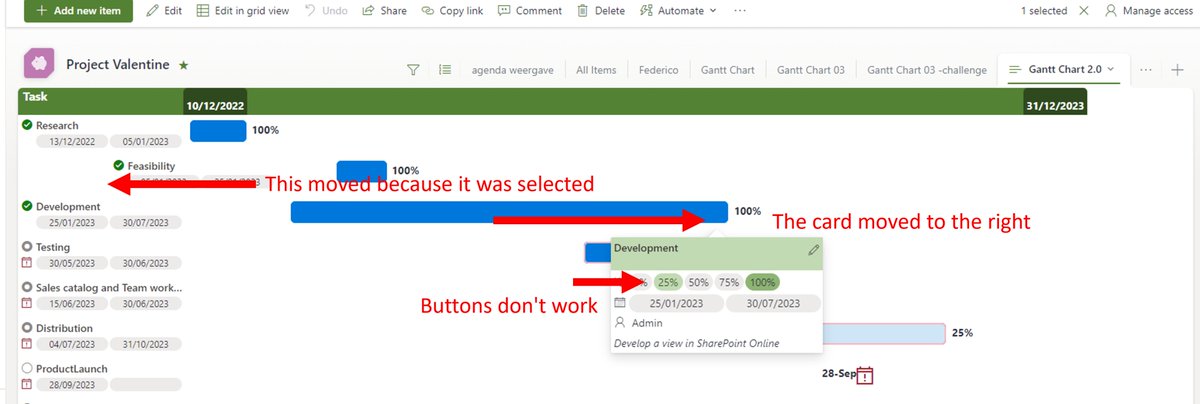
I am seeing big problems in the new #SharePoint#list#viewformatting.
Actions don't work in customcards and lines are indented when clicked while they should not.
Are more people seeing this?
@techan_k , @theChrisKent
@aaclage@techan_k@theChrisKent Dear @aaclage ,
It is indeed no longer moving. 👍
And the setValue actions work again. 👍
But the customCards only appears if my mouse over is like 300 px next to the object to which the customcard is linked.😢
@aaclage@techan_k It is indeed nice, but I am very worried about the display of documentsets.
I can't believe that this update/feature was implemented and no one looked at documentsets.
https://t.co/AZtgorBebq
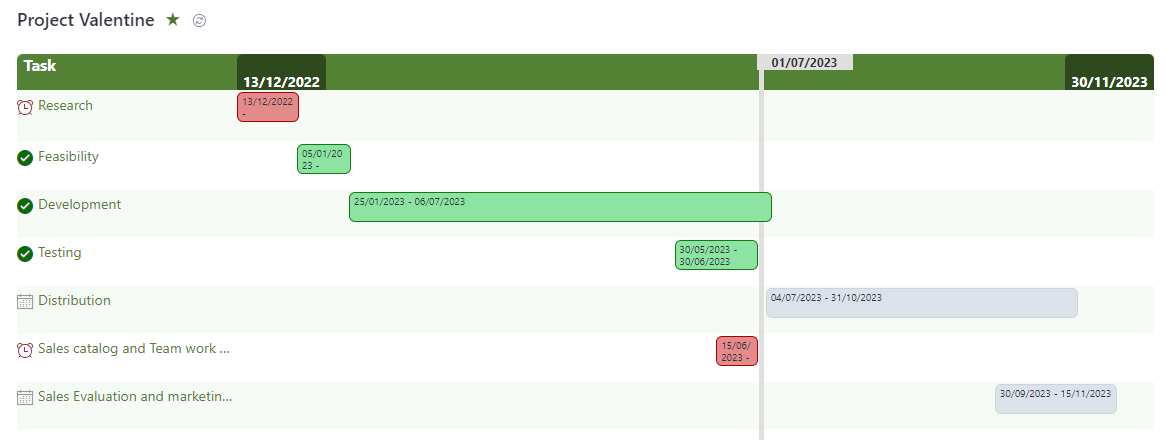
I finished the updated view for Gantt Charts in SharePoint Online.
Download the new code here: https://t.co/bVO5VHqRBD
The previews code and instructions are still available too https://t.co/u6gpytwF6J
#SharePoint#viewformatting#Sharingiscaring#ganttchart
After 2 years finally made some time to update the Gantt chart for SharePoint. Still work in progress. Previous version is still available: https://t.co/e0fbIGxeRR
Excited about my Friday afternoon project! 🎉
Just created a #SPFx extension to embedded #MicrosoftTeams into #SharePoint! 🚀
Now communication and collaboration can be made without switch context, saving time and improving productivity.💪 #sharingiscaring#Microsoft365Dev#PnP
@Haquafresh You're welcome @Haquafresh
I suppose it takes a while before the rollback is done in every system.
Did you try this while holding down the CTRL-key?
Other solution: Switch to classic-view 🤪
Microsoft changed the def. behaviour when performing drag-n-drop from Outlook to SharePoint. Mails are now moved 🙄instead of copied
In my opinion completely counter intuitive, so I am looking for support for this feature (rollback) request: https://t.co/92thJUjxmA
🙏😀