🆕 The latest Genially updates are here!
💥 Create interactive images with AI
💥 Find the component you need or create your own with AI Builder
💥 Present offline with Genially Viewer
💥 Download your geniallys as SCORM and xAPI packages
And there’s more!
Two chances to meet Genially this November 🇺🇸
📍First stop: #DevLearn, Las Vegas
📍Next: #OLCAccelerate, Orlando
➡️ Which event will we see you at? Let us know in the comments!
New #CoffeeWithGenially ☕
@lozninger explains how prototypes, visual thinking, and interactivity can make complex ideas easier to explore without losing nuance.
See the interactive map his team built with Genially: https://t.co/ucFmCafjX7
#DesignThinking
Real people. Real creations. Real inspiration. ✨
Meet Hannah De Dios and discover how she’s used Genially to create engaging learning experiences—and be there for a friend when words weren’t enough.
🚀 Full story at #WonderFest2026
🎟️ https://t.co/ywVnsDMzRM
Can design help people see a problem differently and turn ideas into action?
In the next #CoffeeWithGenially, Benjamin Cutivet-Løzninger @lozninger shares lessons from designing for complexity at the UN.
Watch the trailer. New episode on October 21 ☕
Perfect spelling and just the right tone? It could still be a scam. 👀
AI can make phishing much more convincing. That’s why training your team to spot the signs matters.
➡️ Watch the full conversation on YouTube or listen on Spotify: https://t.co/SQhBN9HeLO
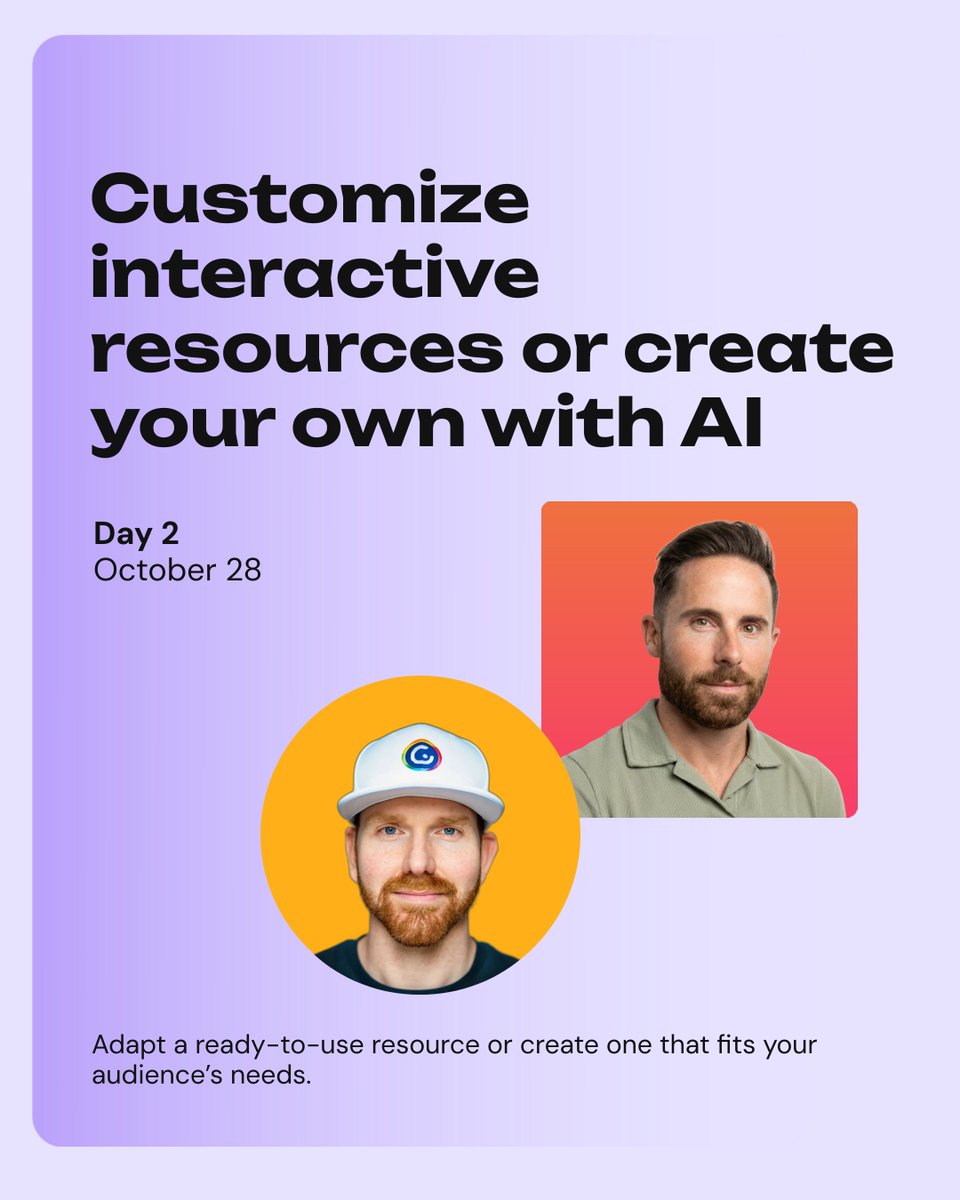
At #WonderFest2026, you’ll learn how to create participatory activities, customize interactive resources, and turn an idea into an editable creation.
📅 October 27, 28 & 29
📍Online event
Sign up here: https://t.co/ywVnsDMzRM
Full program: https://t.co/xTsSY2vb1C
Multiple choice can become “click first, think later.”
I flipped the order:
Think → commit → see the choices.
On #GenializeThat: one small interaction change that prompts learners to predict before they choose.
🧠 Try it: https://t.co/kZjdVjfxvS
@genially
Maps are made for exploring. So why just look at them? 🗺️
Tell Genially AI ✨ what you want people to discover, like important places or historical events, and watch your map become interactive, with text and markers placed right on the image.
How to: https://t.co/vA4mWIZBFo
Explore Halloween 🎃 traditions around the world 🗺️ with this interactive map created with @Genially.
Just one of the fun and free Halloween activities shared in this post!
13 FREE Halloween Activities for Home and School
https://t.co/Cibk6WKMU0
Okay, NOW I can really start talking about this.
WonderFest 2026 is coming. 🎉
I’ve had a front-row seat to what our team at Genially has been building, and I am ridiculously excited for people to experience it.
This isn’t just another virtual event. We’re creating an entire experience around big ideas, creativity, interactivity, AI, and what’s next for learning and communication.
And trust me… we’ve got some pretty cool surprises planned. 👀
The theme says it all:
✨ Generate what’s next. ✨
Consider this your official invitation to WonderFest. Save your spot here: https://t.co/LGjTSeIpA3
#WonderFest2026 #Genially #GenerateWhatsNext #EdTech #InteractiveLearning
The new #CoffeeWithGenially episode is out 🎥 We discuss AI-powered threats, prompt injection, responsible AI, and why security awareness matters.
Coffee ready? ☕ Watch on YouTube: https://t.co/yJlThpxt7J
Or listen on Spotify: https://t.co/COgwhVtJ7y
#WonderFest2026 is back! From October 27–29, you’ll work on a real challenge, explore different ways to approach it with AI, and learn from the Genially community.
3 days · Online event
Save your spot: https://t.co/ywVnsDMzRM
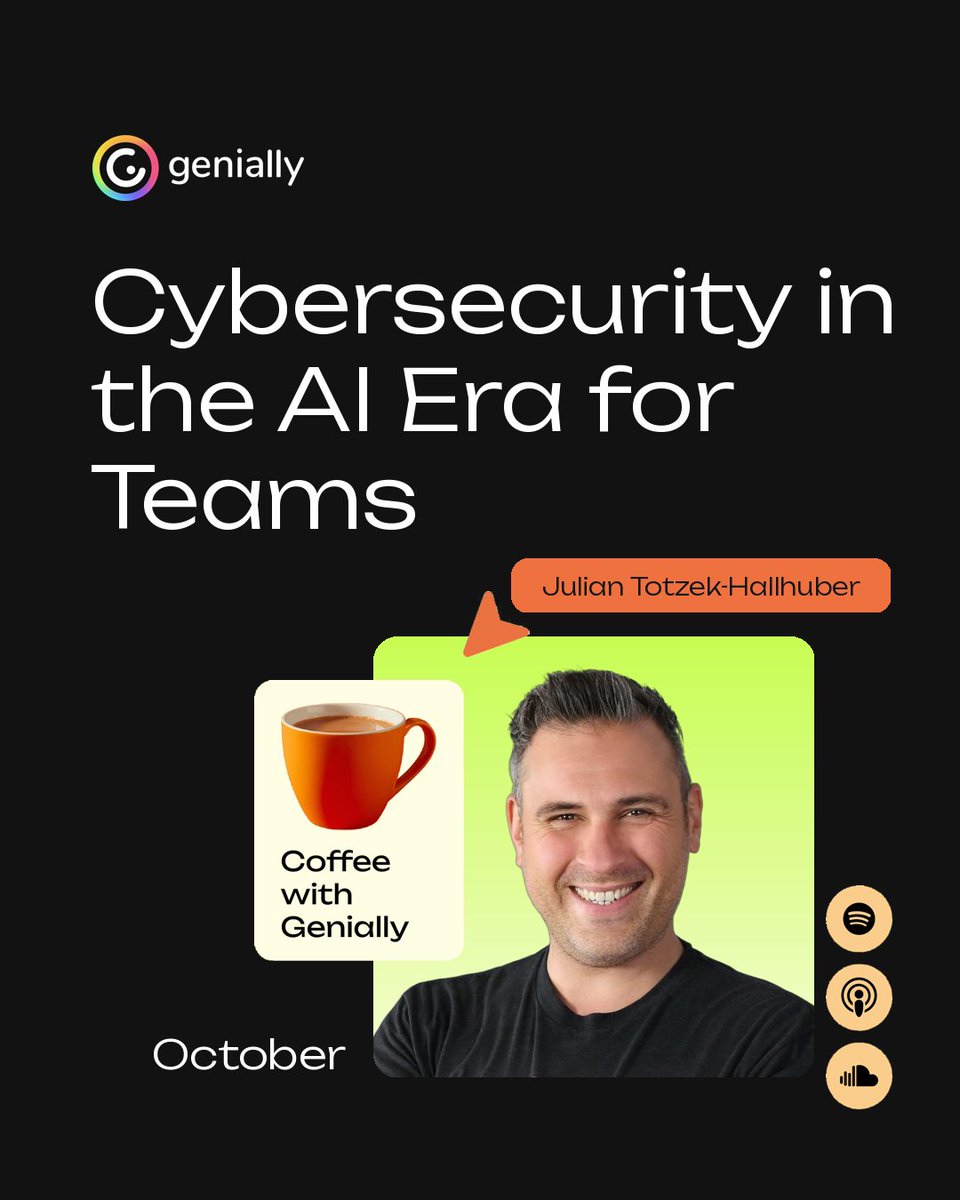
AI is transforming how teams work, and how cyber threats evolve. 🔐
Join Julian Totzek-Hallhuber for Coffee with Genially on October 6 and learn what your organization can do to prepare.
Register: https://t.co/TO3MINtZ6y
Explore Halloween 🎃 traditions around the world 🗺️ with this interactive map created with @Genially.
Just one of the fun and free Halloween activities shared in this post!
13 FREE Halloween Activities for Home and School
https://t.co/Cibk6WKMU0
ibW adopted Genially to create learning experiences, all embedded directly into their LMS. The impact on productivity has been significant:
💥Higher content output.
💥Faster content creation.
💥More efficient updates.
The story: https://t.co/euZzjR4mll
AI is reshaping the digital threat landscape. 🔐 On October 6, application security expert and author Julian Totzek-Hallhuber joins #CoffeeWithGenially to explore emerging risks and how teams can prepare.
Register here: https://t.co/TO3MINtZ6y
Does storytelling really improve learning, or is it sometimes just attractive packaging? ☕
In this German edition of #CoffeeWithGenially ☕, Jennifer Fritz shares practical tips for creating credible, memorable learning experiences.
https://t.co/Ace0ywpOd2
How can emotional intelligence help us communicate better and navigate change at work?
In this Italian edition of #CoffeewithGenially ☕, Ilaria Iseppato from Six Seconds shares insights for HR, L&D, and people leaders.
Watch the full episode: https://t.co/Ajg2C0CS6E
SCORM just got an upgrade 😍 Choose SCORM 1.2 or 2004, enable dynamic SCORM, and configure tracking in one streamlined flow. Sync compatible updates without re-uploading the package to your LMS.
▶️ Hit play to learn more!
https://t.co/a5599yJ7cd