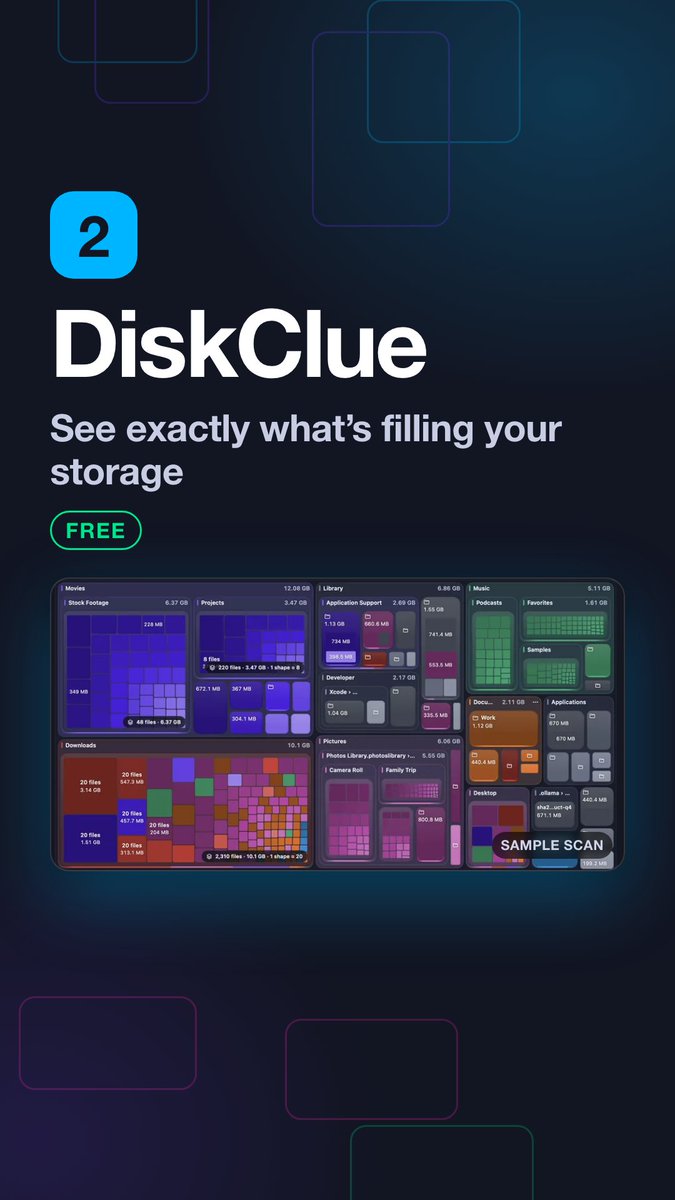
Meet DiskClue.
A visual Storage Map for Mac that helps you see what’s using space, understand why it’s there, and reclaim it with care.
We’re building in public. Early access soon.
Four places to inspect inside your Mac’s Library: caches, iPhone backups, Messages attachments, and Xcode DerivedData. Their sizes vary; check what you still need before removing anything. Which folder surprised you most? https://t.co/v1hhUsz3jR #MacTips
Review Downloads regularly: old installers and duplicate copies can quietly occupy gigabytes. Confirm which copy you need before moving extras to Trash. What’s the largest folder on your Mac? https://t.co/v1hhUsz3jR #MacTips
New Mac tip: check storage by folder before the drive fills up. A visual map helps you spot large files and review what you need before removing anything. Which of these apps would you try first? https://t.co/v1hhUsz3jR #MacTips
“System Data” isn’t one folder. It can include caches, app support files, virtual memory, and snapshots. Check what’s using space before removing anything. What’s the biggest mystery category on your Mac? https://t.co/v1hhUsz3jR #macOS#MacTips
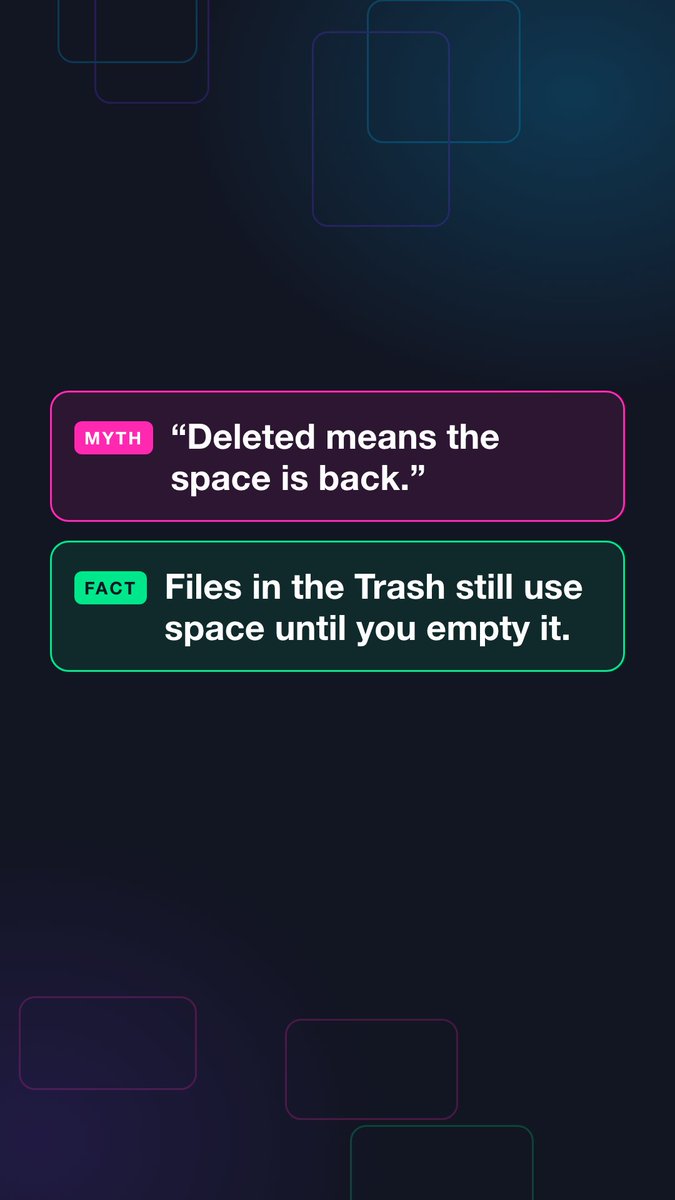
Moving a file to Trash doesn’t immediately reclaim its storage; the file still takes space until Trash is emptied. Review what you moved first. Which Mac storage myth surprised you most? https://t.co/v1hhUsz3jR #macOS#MacTips
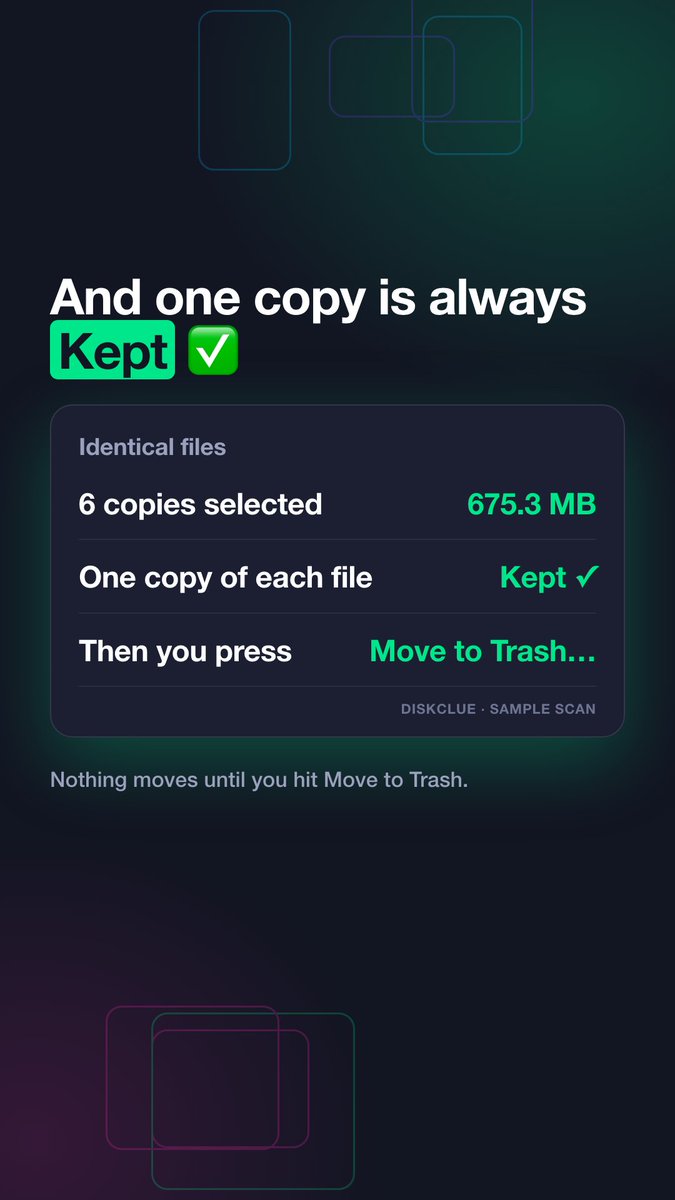
True duplicates match in content, not just in name. Keep one copy you need and review the others before moving them to Trash. Where do duplicate downloads pile up on your Mac? https://t.co/v1hhUsz3jR #MacTips
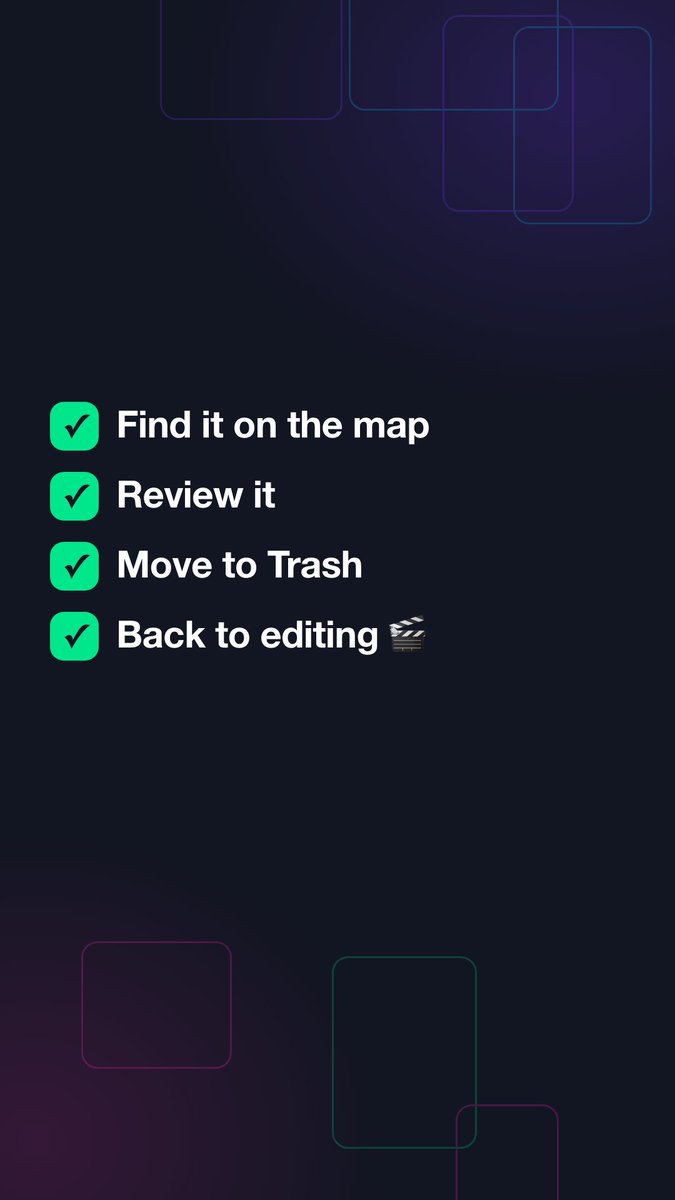
A video export needs working space, and render caches or proxy media can quietly use gigabytes. Map those folders, review what your editor still needs, then move only safe leftovers to Trash. Ever hit “disk full” mid-export? https://t.co/v1hhUsz3jR #macOS#MacTips
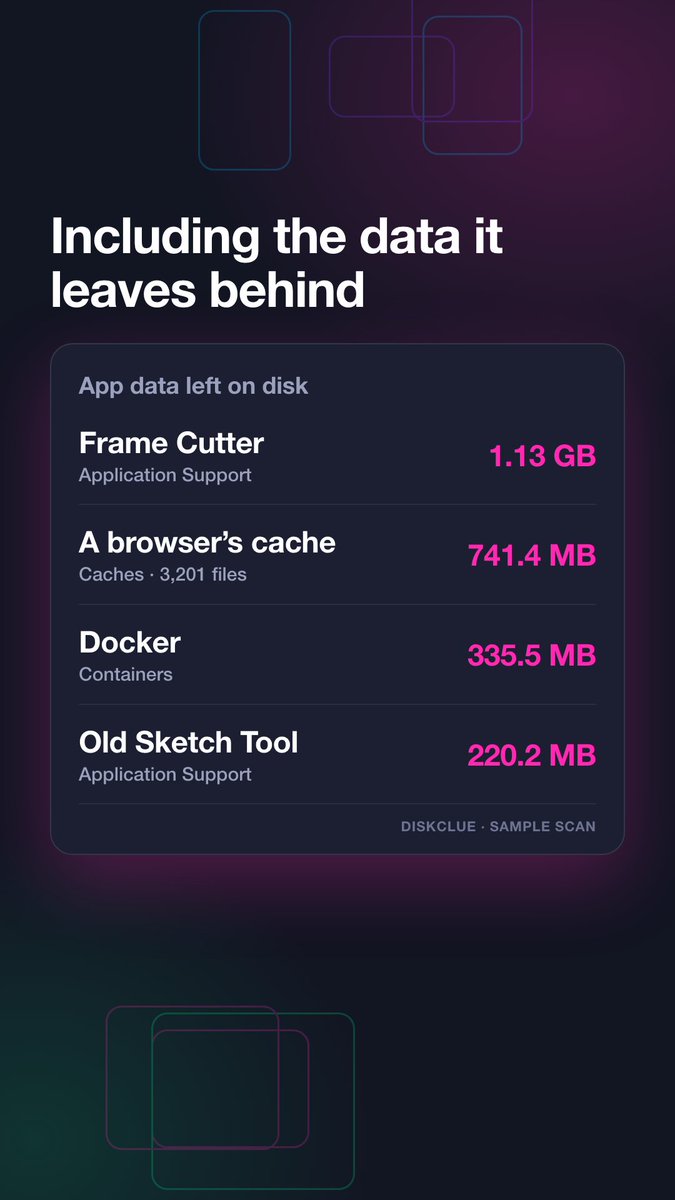
Dragging a Mac app to Trash may leave support files and caches in Library. Check its full footprint and review exact paths before removing anything. Which app left the biggest surprise on your Mac? https://t.co/v1hhUsz3jR #macOS#MacTips
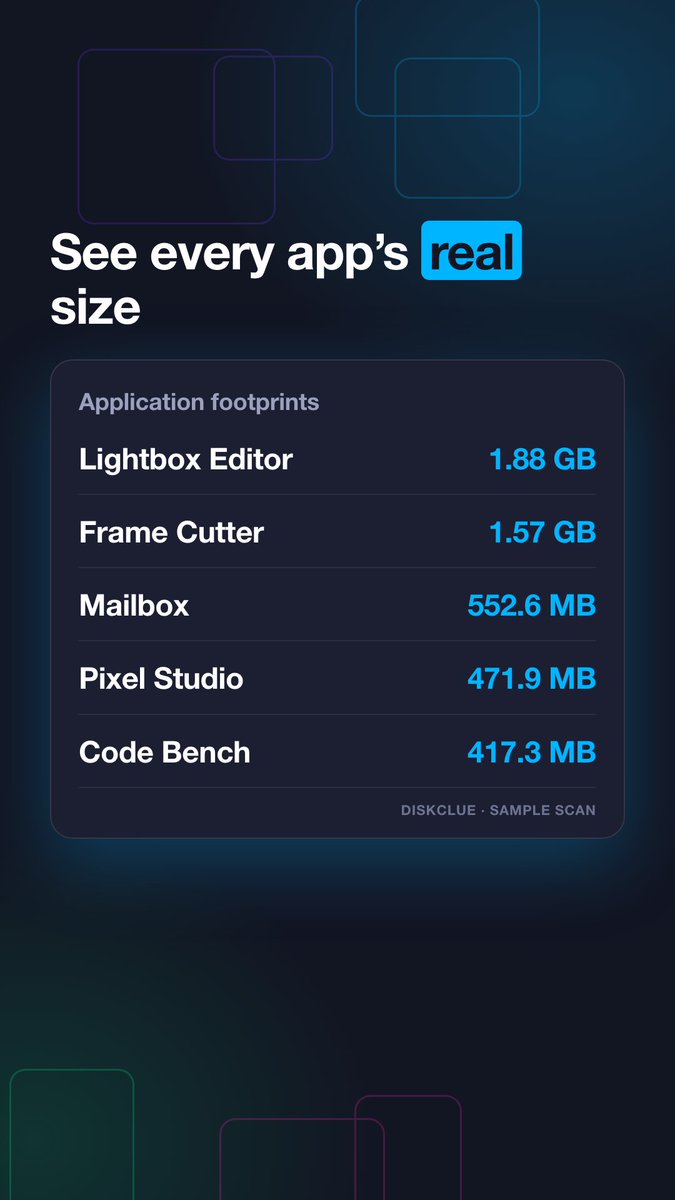
An app’s size can include more than its .app file. Data and support files in Library may add to its footprint, so inspect exact paths before removing anything. Which app takes the most room on your Mac? https://t.co/v1hhUsz3jR #macOS#MacTips
@hakimuddinkika We built DiskClue, a visual Mac storage map of scanned files and folders. It helps you see what takes space before deciding what to remove. Live and free to try: https://t.co/v1hhUsz3jR
@Ever_Featured DiskClue is a visual Mac storage map of scanned files and folders. It helps you see what takes space before deciding what to remove. Live and free to try: https://t.co/v1hhUsz3jR. Happy to share more details if useful.
@aksh_ray07 We’re building DiskClue, a visual Mac storage map of scanned files and folders. It helps you see what takes space before deciding what to remove. Live and free to try: https://t.co/v1hhUsz3jR
@dramaricic This Sunday we’re building DiskClue: a visual Mac storage map of scanned files and folders. It helps you see what takes space before deciding what to remove. Live and free to try: https://t.co/v1hhUsz3jR
@Joi2James We’re building DiskClue: a visual Mac storage map of scanned files and folders, so you can see what takes space before deciding what to remove. Live and free to try: https://t.co/v1hhUsz3jR
@Invent_List This week we’re building DiskClue: a visual Mac storage map of scanned files and folders. It helps you see what takes space before deciding what to remove. Live and free to try: https://t.co/v1hhUsz3jR
@Chandan_blaster We built DiskClue, a visual Mac storage map of scanned files and folders. It helps you see what takes space before deciding what to remove. Live and free to try: https://t.co/v1hhUsz3jR
@larsbuilds We’re building DiskClue: a Mac app that maps scanned files and folders so you can see what’s taking space before deciding what to remove. Live and free to try: https://t.co/v1hhUsz3jR. Happy to hear what you think.
Start with a map, not a guess: DiskClue shows which scanned files and folders use Mac storage, so you can inspect exact paths before deleting. Shottr and Stats cover screenshots and system stats. Which would you try first? https://t.co/v1hhUsz3jR #macOS#MacTips
@founderclub2 We built DiskClue for Mac owners who want to see where their storage went. It maps scanned files and folders visually so they can inspect what’s taking space. Live and free to try: https://t.co/v1hhUsz3jR
@neo_subhamoy DiskClue helps Mac users see which files and folders are filling their drive with a visual storage map. It’s live and free to try: https://t.co/v1hhUsz3jR. Curious what you think.