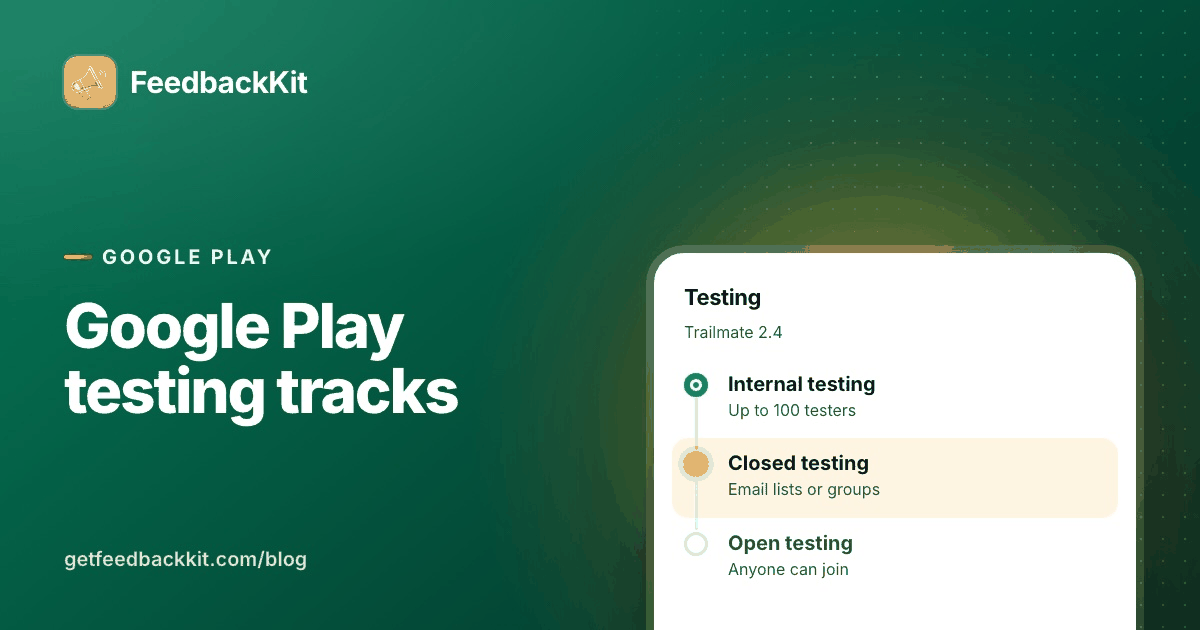
Internal, closed, open. Three testing tracks on Google Play, and the difference decides who can install your build. Tester limits, opt-in links and what the pre-launch report tells you. Written up on the @getfeedbackkit blog.
https://t.co/rWHqjeFoY6
You finish the build, hit submit, and the waiting starts with no real answer to "how long". I went through what Apple says about review times, what each status means, and when an expedite is worth asking for. Written up on the @getfeedbackkit blog.
https://t.co/RDZPhLo393
Every feature request tool comparison I read was written by a company selling one of them. This one covers Canny, Featurebase, UserVoice, Productboard, Nolt and Frill, including @getfeedbackkit, and says where each fits.
https://t.co/i9kxRmZKH4
Adding a feedback board to an Android app should be a Gradle line and a screen, not a week of plumbing. I walked through the Kotlin setup for @getfeedbackkit end to end: Gradle, user ids, Compose views, filters, theming, and the gaps.
https://t.co/IjTz6MwmjD
A feature request that says "make it faster" costs you a round trip before you can triage it. I wrote templates: what a good request contains, the triage card, and a reply for every status. @getfeedbackkit sends those replies.
https://t.co/BeliSzSxaf
Canny is the name most teams start with, and for some it is still the right call. I went through eight alternatives on their own sites, @getfeedbackkit among them, and wrote down how each one prices and who it suits.
https://t.co/GVgDBKxjvE
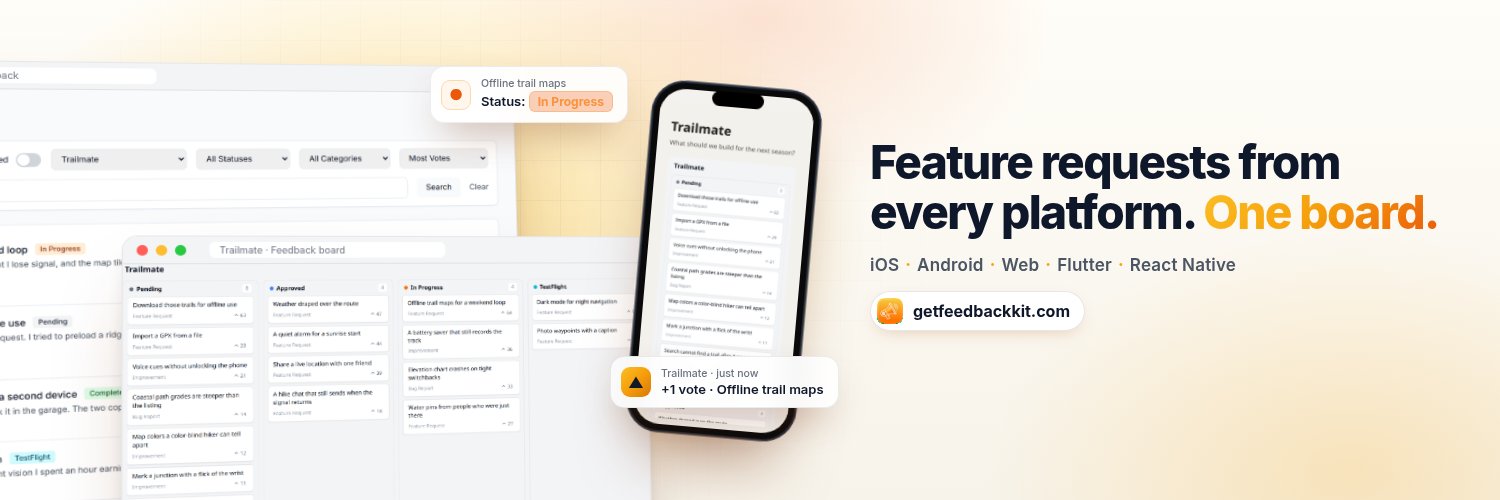
Feature requests for an iOS app arrive by email, reviews, TestFlight and social, and none of those talk to each other. I got tired of losing good ones in a thread I never reopened. @getfeedbackkit pulls them into one list.
https://t.co/iSvDI9s3H8
Feature requests for an iOS app arrive by email, reviews, TestFlight and social, and none of those talk to each other. I got tired of losing good ones in a thread I never reopened. @getfeedbackkit pulls them into one list.
https://t.co/iSvDI9s3H8
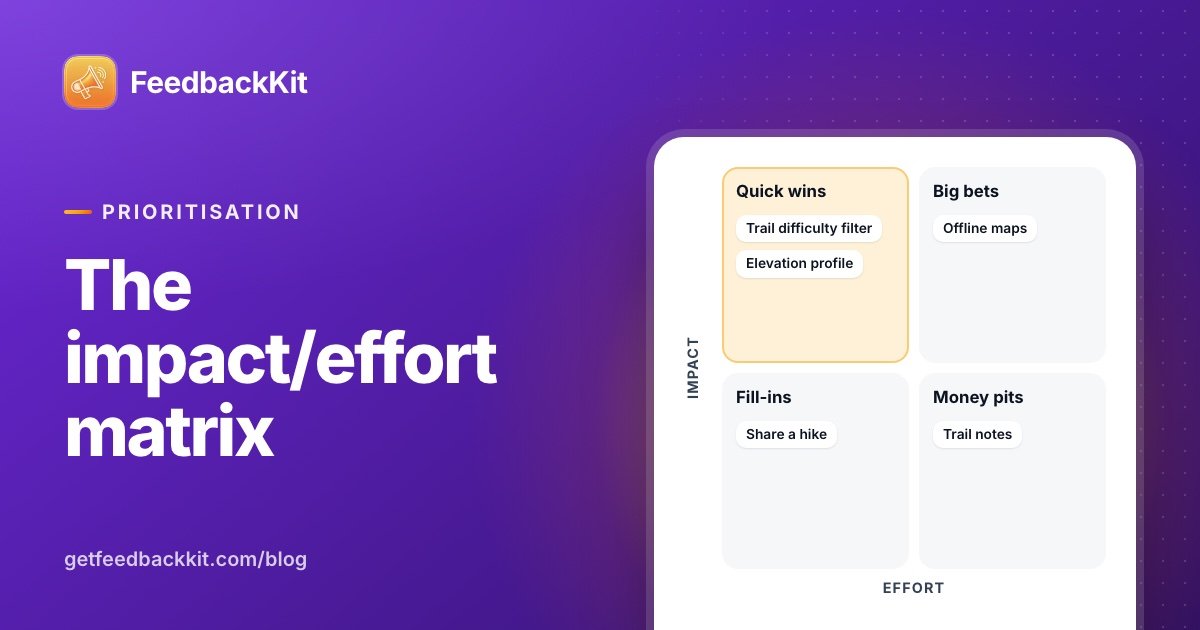
Your feedback list has quick wins in it and you cannot see them, because everything sits in one pile. I score requests on impact and effort, with impact built from votes and the revenue behind each request. @getfeedbackkit gives you both.
https://t.co/NAc4eWMpZJ
Users ask for something and never hear back. Founders do not want to email everyone about things nobody asked for. @getfeedbackkit lets people opt in to updates on the requests they care about, so the message lands where it was wanted.
https://t.co/rqkLNzXHu5
Picking an in-app feature request tool for iOS comes down to eight questions, and most demos answer none of them. Where do requests live, who can vote, what happens when you ship one? I ran @getfeedbackkit through the same list and wrote it up.
https://t.co/55y2hRo4i0
Picking an in-app feature request tool for iOS comes down to eight questions, and most demos answer none of them. Where do requests live, who can vote, what happens when you ship one? I ran @getfeedbackkit through the same list and wrote it up.
https://t.co/55y2hRoC7y
Reading 20 feature requests is easy. At 200, you start guessing what matters.
FeedbackKit keeps every request in one list with its votes, status and category. Sort by most votes, hide what's completed or rejected, and see what your users want first.
https://t.co/1p0d34RIT1
Collecting feature requests is the easy part. Deciding what to build next is where they pile up.
FeedbackKit puts every request on a kanban board: move it from Pending to Approved to In Progress, with the vote count on each card so you can see what your users want most.
https://t.co/EALCz6Vwjb
Google Play has no separate beta app. Testing happens on tracks in Play Console, each with its own testers. Picking the right track for each build is most of the work.
The three tracks:
- Internal testing: up to 100 testers per app, and a new build reaches them within minutes.
- Closed testing: email lists of up to 2,000 people each, or Google Groups. You can add extra closed tracks.
- Open testing: anyone on Google Play can join, with an optional cap of at least 1,000 testers.
Builds move between tracks without a fresh upload. And internal app sharing gives you a download link for any build, good for 100 downloads and 60 days.
@getfeedbackkit is my side project, built next to my consulting work. The full guide:
https://t.co/EDzQX5xPMN
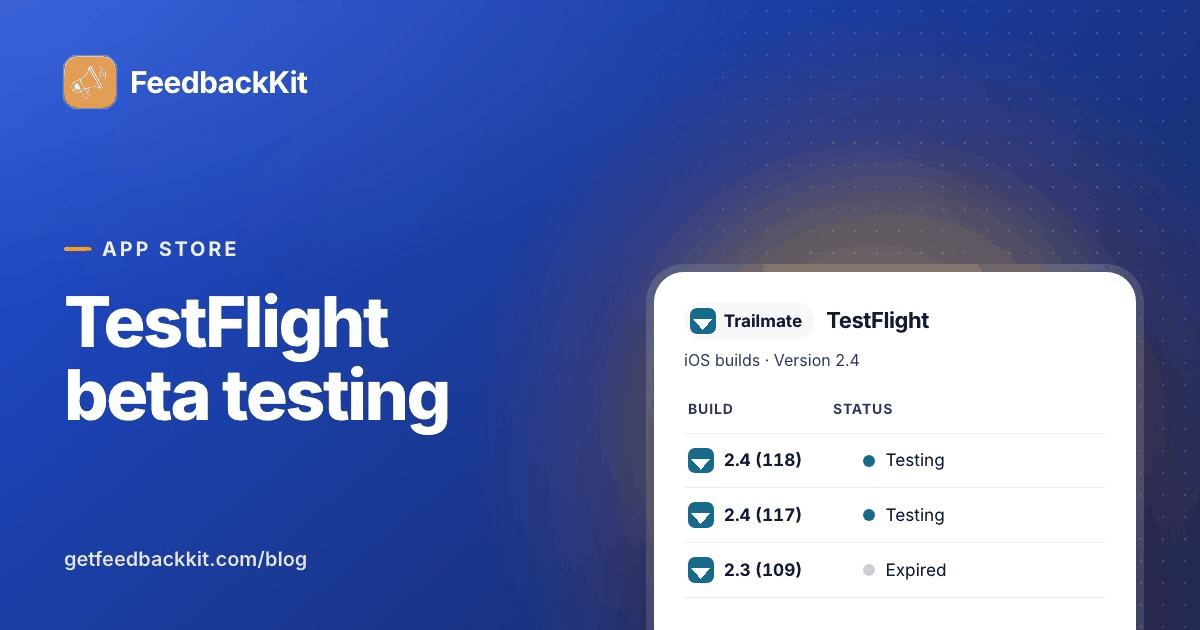
TestFlight is the cheapest way to find out whether a build is ready before strangers on the App Store find out for you.
How it's organised:
- Internal testing: up to 100 people on your App Store Connect team, and their builds skip review.
- External testing: up to 10,000 people per app, by email invite or public link.
- The opening build of each version goes through TestFlight App Review.
- A build stays available for 90 days, so plan your build cadence around that.
The lesson I'd underline: clear test notes and quick replies matter more than the number of testers.
@getfeedbackkit is my side project, built next to my consulting work. The practical guide:
https://t.co/soZeNnA3V8
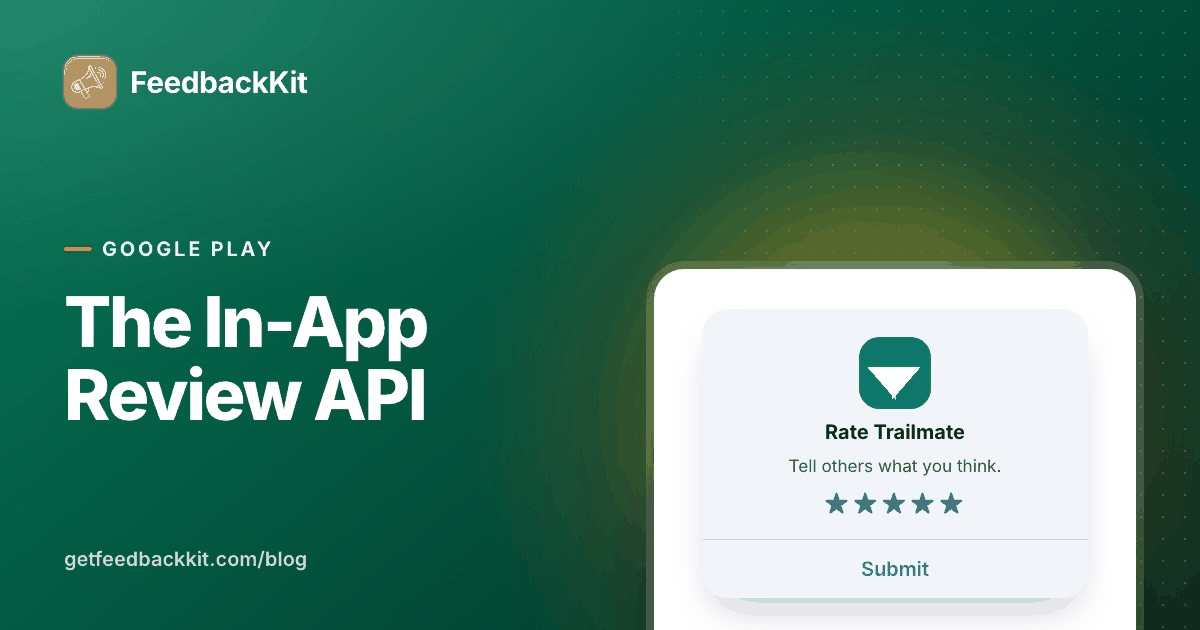
Google lets you ask for a rating without sending people out of your app. The code is a few lines of Kotlin. The quota, the timing and testing are the hard part.
The basics:
- Create a ReviewManager, call requestReviewFlow() to get a ReviewInfo, pass it to launchReviewFlow().
- Google enforces a time-bound quota, so the card may not appear, and the API never tells you whether it did.
- Never trigger it from a button. For a permanent "Rate this app", link to your store listing.
- Don't ask any question before or while the card shows.
- Test through the internal test track or internal app sharing, and use FakeReviewManager in unit tests.
@getfeedbackkit is my side project, built next to my consulting work. The full guide:
https://t.co/FfUkh2eeE5
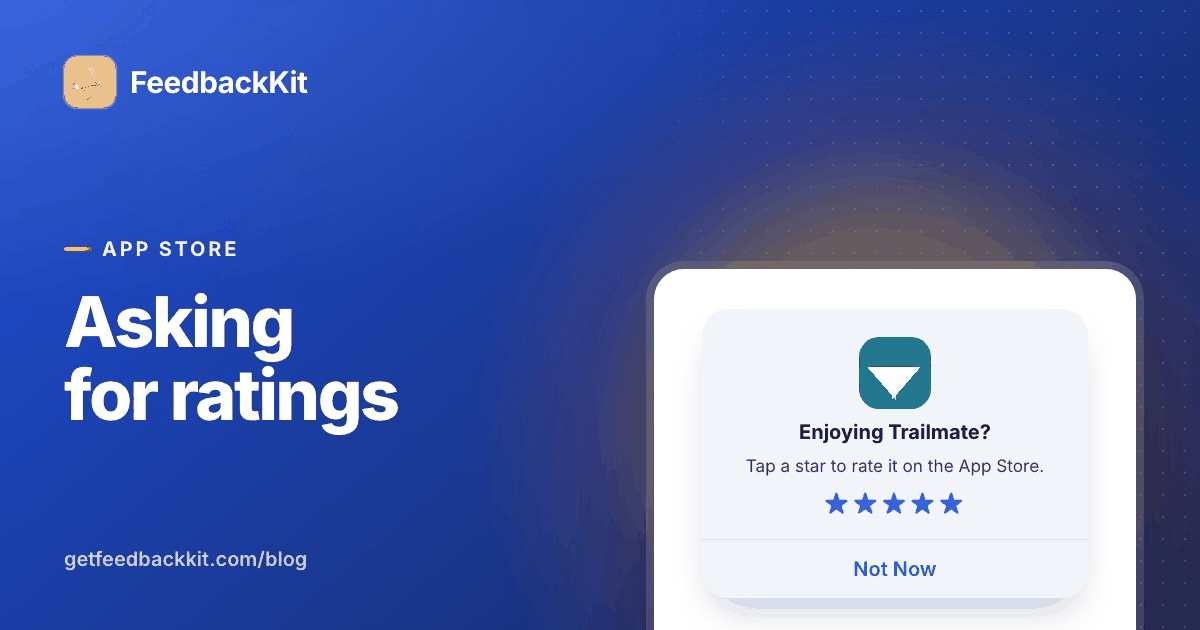
The rating prompt on iOS is one line of code, which makes it easy to call in the wrong place, at the wrong time, with the wrong API.
What to know:
- SKStoreReviewController is deprecated. In SwiftUI, read the requestReview environment value and call it. In UIKit, call AppStore.requestReview(in:).
- The system decides whether the prompt appears: at most three times in 365 days for people who haven't rated on that device.
- Never call it from a button. For a "Rate this app" button, link to your product page with action=write-review.
- A rating prompt has no reply channel. Give people a separate way to tell you what they want.
@getfeedbackkit is my side project, built next to my consulting work. The full guide:
https://t.co/jlHqjxWYx5
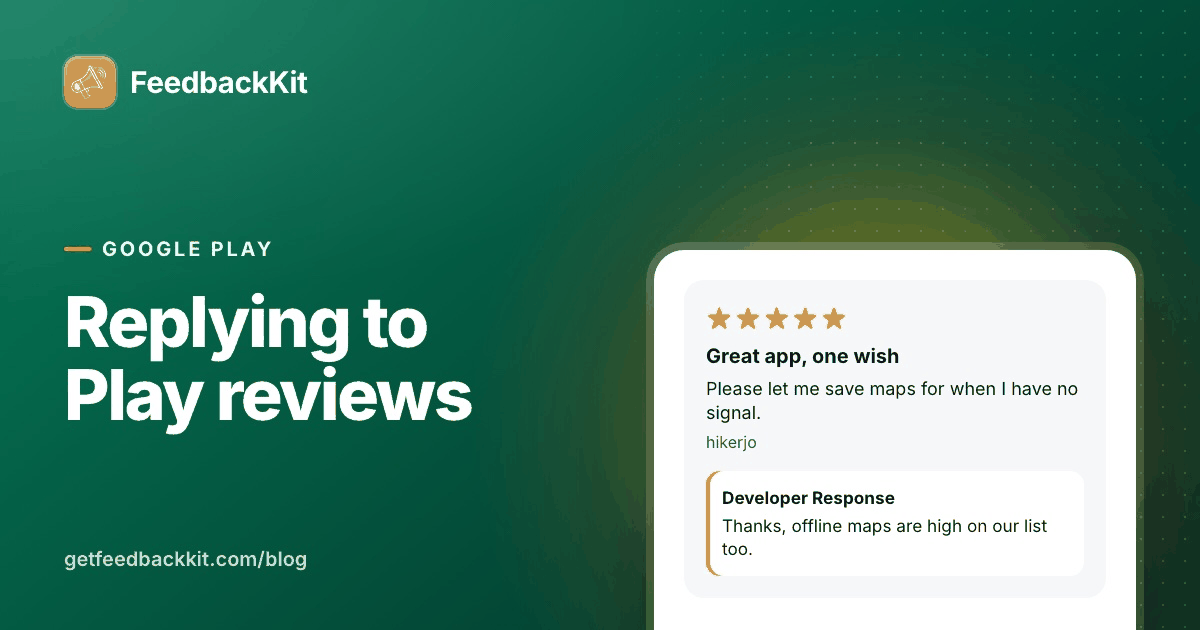
A Google Play review sits on your store listing where every potential user reads it. So does your reply.
The mechanics:
- Reply from Ratings and reviews in Play Console. You need the Reply to reviews permission.
- Each review gets one public reply, which you can edit at any time.
- The reviewer gets a push notification and an email, and can update their review whenever they like.
- Through the Reply to Reviews API, a reply can be at most 350 characters.
Google's posting policy in short: be clear and relevant, be nice, don't solicit or promote, keep it clean.
@getfeedbackkit is my side project, built next to my consulting work. How it works plus sample replies you can adapt:
https://t.co/dxaUH99Dkn
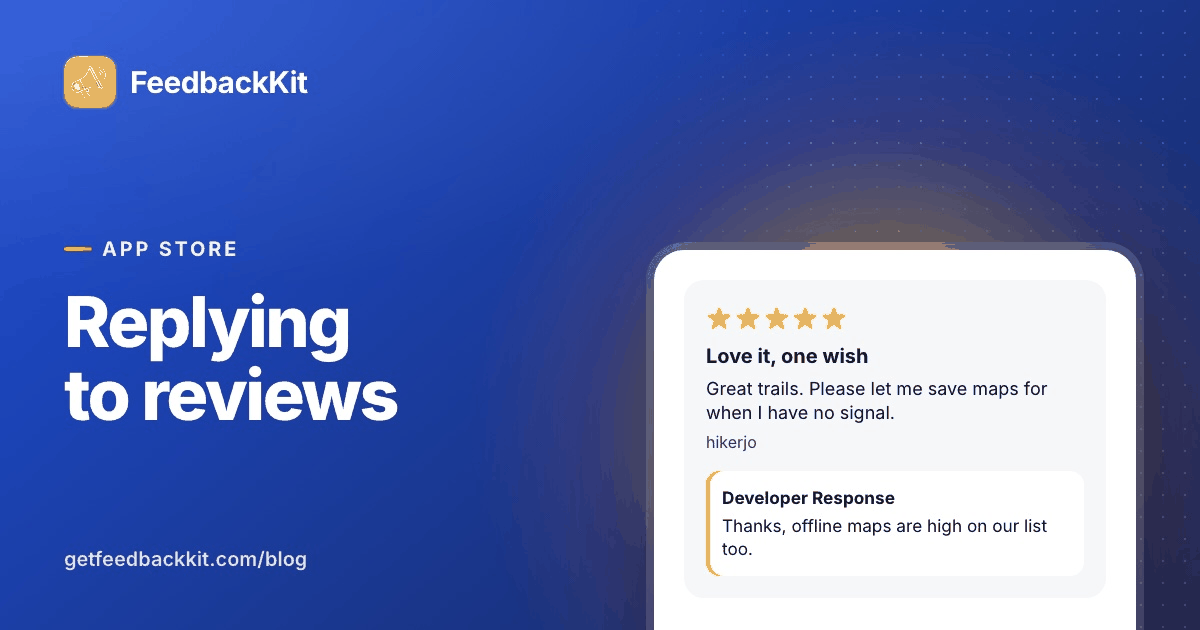
An App Store review is feedback you didn't ask for, in public, next to your download button. A good reply turns it into a conversation.
How it works:
- Reply from Ratings and Reviews in App Store Connect, with the Account Holder, Admin or Customer Support role.
- Each review shows one response. You can edit or delete it. Replies can take up to 24 hours to appear.
- The reviewer is notified and can update their review.
- Guideline 5.6.1: be respectful, stick to what they said, no personal info, spam or marketing.
For a feature request in a review, tell them where in the app they can add it or vote for it. Then you can tell them when it's done.
@getfeedbackkit is my side project, built next to my consulting work. Rules, tips and templates:
https://t.co/tUD5sWSNGE