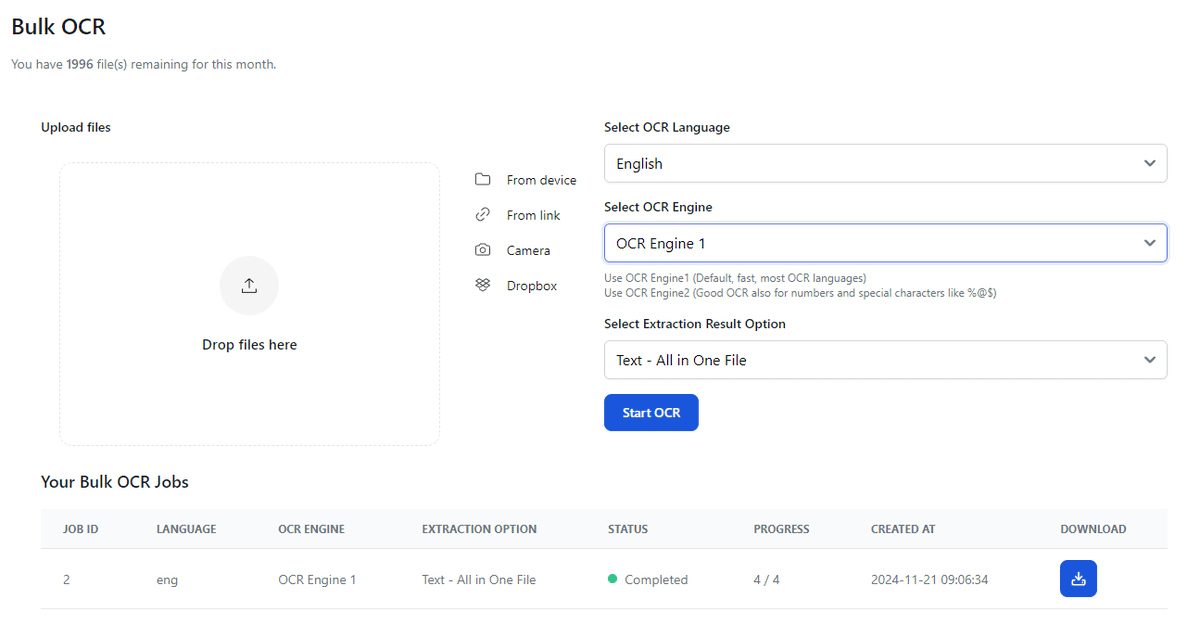
FileDrop sends every submission straight to Google Drive, Dropbox or OneDrive, and the details to Google Sheets or Airtable. No more downloading and re-uploading by hand.
How do you request files in Google Drive from someone without a Google account? FileDrop File Forms upload straight into your Drive folder. Full guide on our site.
Before: a shared Drive folder and no idea who opened it. After: FileDrop Rooms. A personal link for each person, an NDA before entry, and page-level analytics. Files stay in Google Drive.
Many clients give up at Google Forms' sign-in screen before uploading. FileDrop Forms collect files without a Google sign-in and add reminders for non-responders.
How do you set up an investor data room in Google Drive? New FileDrop guide: folder structure, file naming, sharing settings, and what Drive can't do on its own.
What's the easiest way to insert images in Google Sheets cells? The FileDrop guide compares the Insert menu, the IMAGE function and drag and drop with the FileDrop add-on.
Does Google Forms have a signature field? No. FileDrop Forms do, and you can import your existing Google Form instead of rebuilding it. Signed PDF of each response included.
Looking for a DocSend alternative? New FileDrop guide compares 3 data rooms (FileDrop Rooms, Orangedox, Papermark). FileDrop Rooms runs straight from your Google Drive folder, so there are no re-uploads.
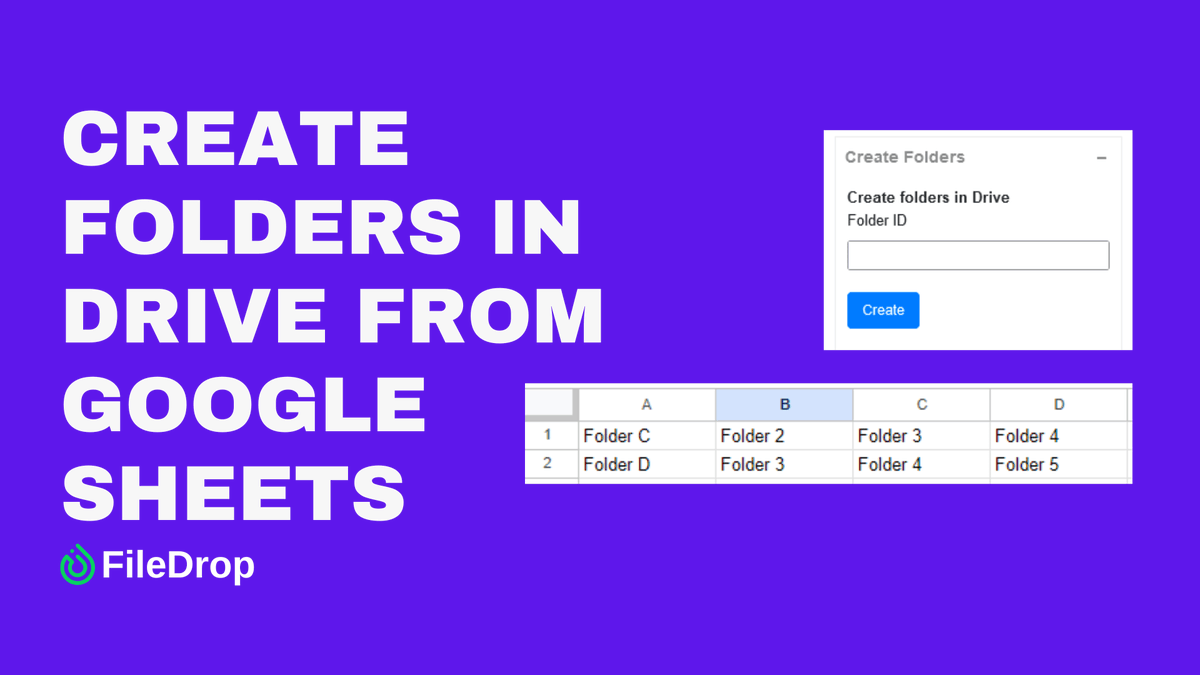
Google Drive can't create more than one folder at a time. List them in a Google Sheet and the FileDrop add-on creates them all, subfolders included, in one click.
Sharing a Google Drive folder with clients or investors? FileDrop Rooms adds personal links, NDAs, watermarks and analytics. Participants don't need an account.
Year-end without the chasing: FileDrop sends your checklist to every client, reminds only those still outstanding, and files what arrives by client. Built for accountants and bookkeepers.
FileDrop Rooms reads straight from your Google Drive folder, so your data room updates when a file changes. No re-uploading. See how it compares with Orangedox, DocSend and Papermark in our data room comparison.
Can Google Drive copy a folder? No, only files. FileDrop's Google Sheets add-on copies folders with their subfolders, or structure only, and emails you when a big copy is done.
Sharing a Google Drive folder with someone who has no Google account? "Anyone with the link" means anyone. New FileDrop guide on secure ways to share Drive folders with non-Google users, plus FileDrop Rooms for revocable access.
Waivers, consent forms, client agreements: FileDrop Forms collect the signature and the files in one submission. Draw-to-sign on phone, tablet or desktop, no Google sign-in needed.
Send a Slack message when a row is added to Google Sheets, without Zapier or code. FileDrop Automations make it a few-minute setup: our guide has the steps.
Still chasing clients for logos and brand assets over email? FileDrop gives agencies one branded intake page, automatic reminders and files up to 1 GB filed straight into client folders.
Did the investor read the financial model, or just open the folder? FileDrop Rooms shows the time spent on each page of each file in your Google Drive data room.
Which data room keeps up with Google Drive? We compared FileDrop Rooms, Orangedox, DocSend and Papermark on file sync, NDAs, watermarks and analytics. FileDrop Rooms works with Google Drive only.