Loopty just hit 1,000 downloads and we're already closing in on 2,000!
I built Loopty to make launching apps, websites, folders, and shortcuts on Mac effortless. Seeing people use it feels great.
Thank you, all 🙏
- NickyGee
#macOS#indie#productivity#free
New Commands Tab 🧑💻
A new type of menu item, just like apps, folders, websites, and files, but instead of launching an app it opens your Terminal of choice and executes the configured command.
New Hotkeys Tab ⚡️
A keyboard view with all available keys. Drag any key onto a menu item to assign it as that item's hotkey.
For example, drag the letter C onto Chrome and, with the menu open, pressing C will instantly launch Chrome- no mouse required.
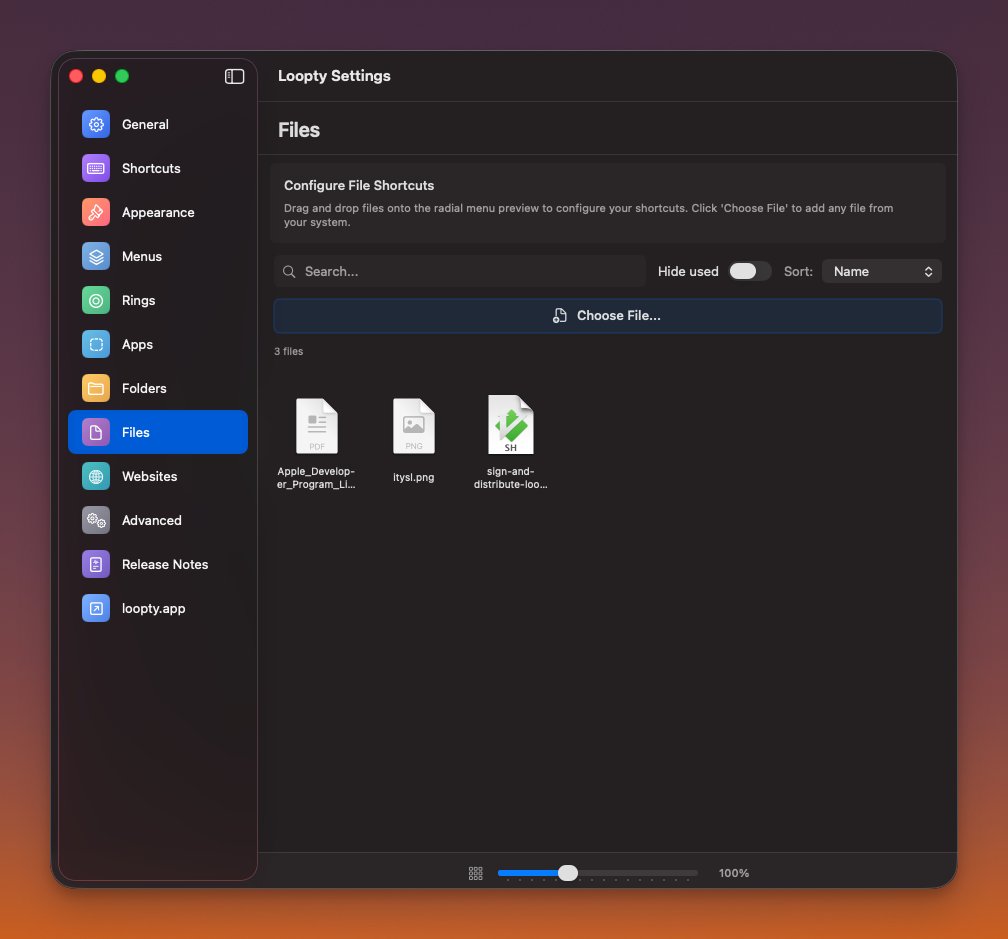
@Ooze6589 Thanks again for pointing out the missing apps. We made some changes [released with v0.0.25] to discover apps better and Safari is now captured properly:
@Ooze6589 As far as 'remove custom folders' go- are you referring to the actual option to add folders in the settings or something else? If you're talking about the 'folder' tab could you say more about option to remove it? What exactly were you imaging for this?




![getloopty's tweet photo. @Ooze6589 Thanks again for pointing out the missing apps. We made some changes [released with v0.0.25] to discover apps better and Safari is now captured properly: https://t.co/5UHImVg7h9](https://pbs.twimg.com/media/HEOSvTgbsAAqyYU.jpg)


