We want to make OpenWork the best place to get work done.
so we're shipping:
- OpenWork Artifacts
- @ollama support
- @OpenAI image gen 2
- And our new extension system
OSSCAR Scaling rundown #5 => #1
Continuing the OSSCAR Top 50 countdown for the Scaling category! 📈
#5 Noctalia ships noctalia-shell, a sleek, minimal Wayland desktop shell crafted for the Linux community that wants beauty without bloat
Day 3 of making OpenWork Labs Launch Week
Introducing: Handsfree — control your computer with your voice.
It uses MCPs for deep app integrations and computer use as the escape hatch for everything else.
Still early, but feels like the beginning.
Day 2 of making OpenWork 💅
- New org onboarding screen — sign in and immediately see what your team set up (providers, marketplaces, workers)
- Pick your default model right from onboarding
- Cloud vs local provider badges so you know where things come from
- Toast when new providers get added — click to pick a new default
- Model picker redesign: provider accordions, recommended models, choose exactly which models show up in your session
- Can't accidentally disconnect cloud-managed providers anymore
- Clean sign-out that actually cleans up
The big one: shell customization.
You can now toggle sidebar, status bar, docs, feedback, model picker, browser panel, welcome page -- all from settings.
This is the foundation for white-labeling. Change the app name, hide what you don't want users touching. Locally today, cloud-managed soon.
Sign-in button is right in the status bar now. No more digging through Cloud settings to connect. One click.
Moved authorized folders into its own Permissions tab. Settings home is now a hub that links everywhere instead of a wall of toggles.
Workspace icons are dynamic now. Each workspace name generates a unique gradient using @paper shaders. They actually look good at 16px. Also replaced the loading shimmer with an animated orb -- way cleaner.
Bunch of new features coming together:
- New OpenWork MCP
- Compatibility with Anthropic Plugins
- Marketplaces to assign specific plugins to your team
- RBAC
Just launched the easiest way to share your agents/skills/mcp with your team.
We built the OpenWork MCP to essentially allow you to write:
"Please share this skil/mcp with the sales team"
Sales team then gets access to it via a small marketplace.
It's our favorite way to share skills internally.
after playing around a lot with ralph wiggum loops i think i realized this kind of long running agent is only valuable for these use cases:
- research (experimental auto training)
- building new product from scratch
- processes that have time bottleneck (eg. long computation)
for other types of long running agents it's better to rely on scheduled agents (have 50+ right now) that maintains a state across runs in a more non deterministic way
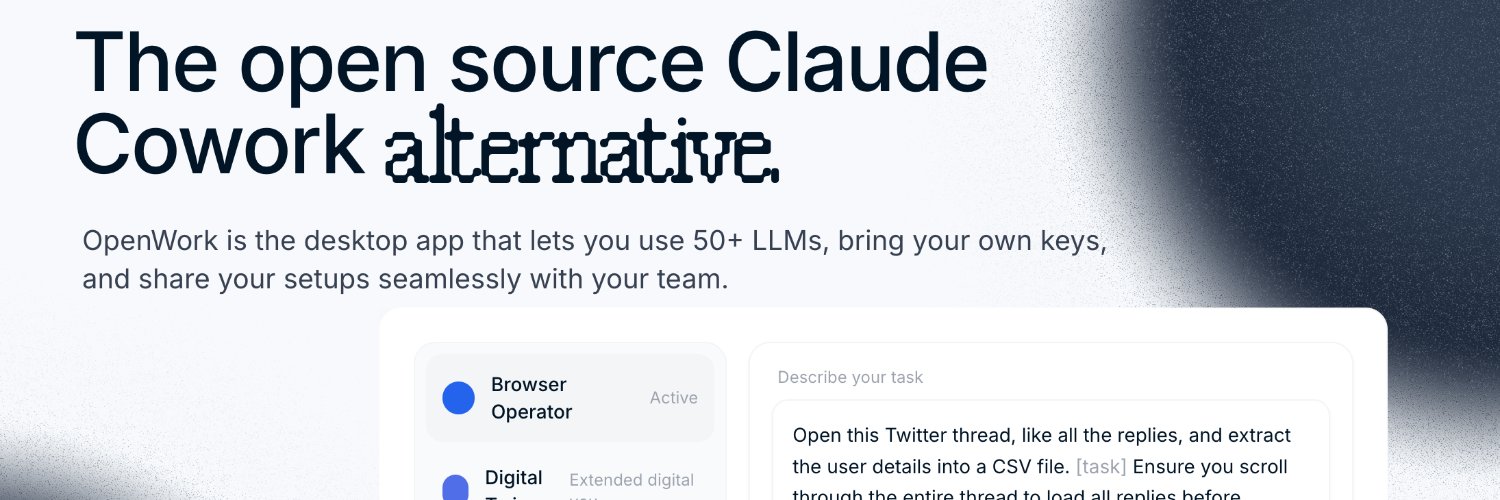
OpenWork (@getopenwork) is the open source alternative to Claude Cowork.
Roll out AI compliantly across your non-technical org at scale. Use your existing agents, deploy on-prem, and use any LLM provider you want.
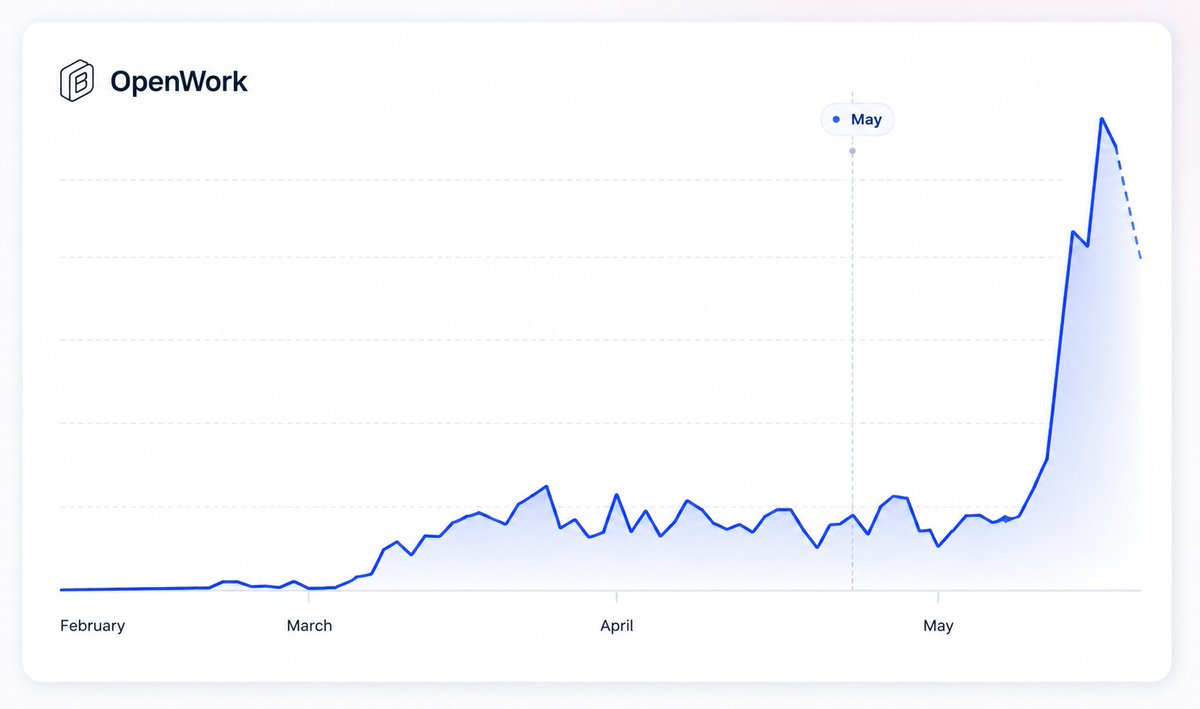
They already have 14k stars on GitHub with over 150k downloads.
Congrats on the launch, @benjaminshafii!
https://t.co/eRqwk7gPlH