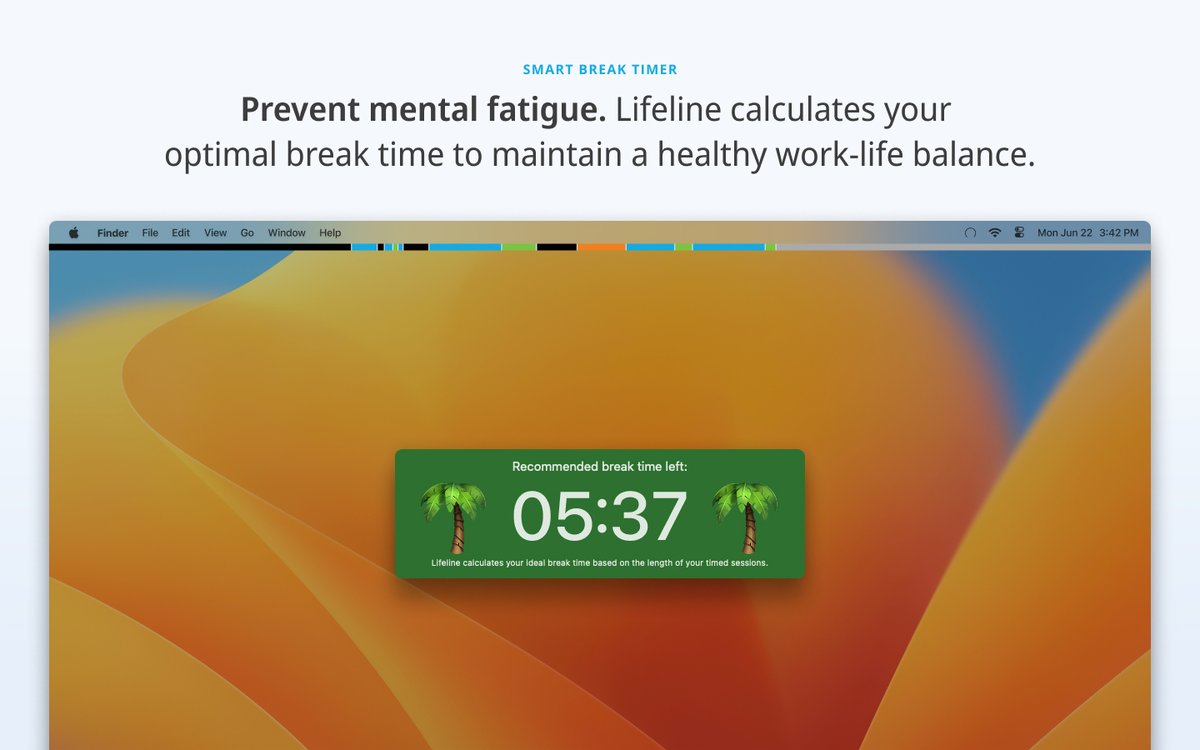
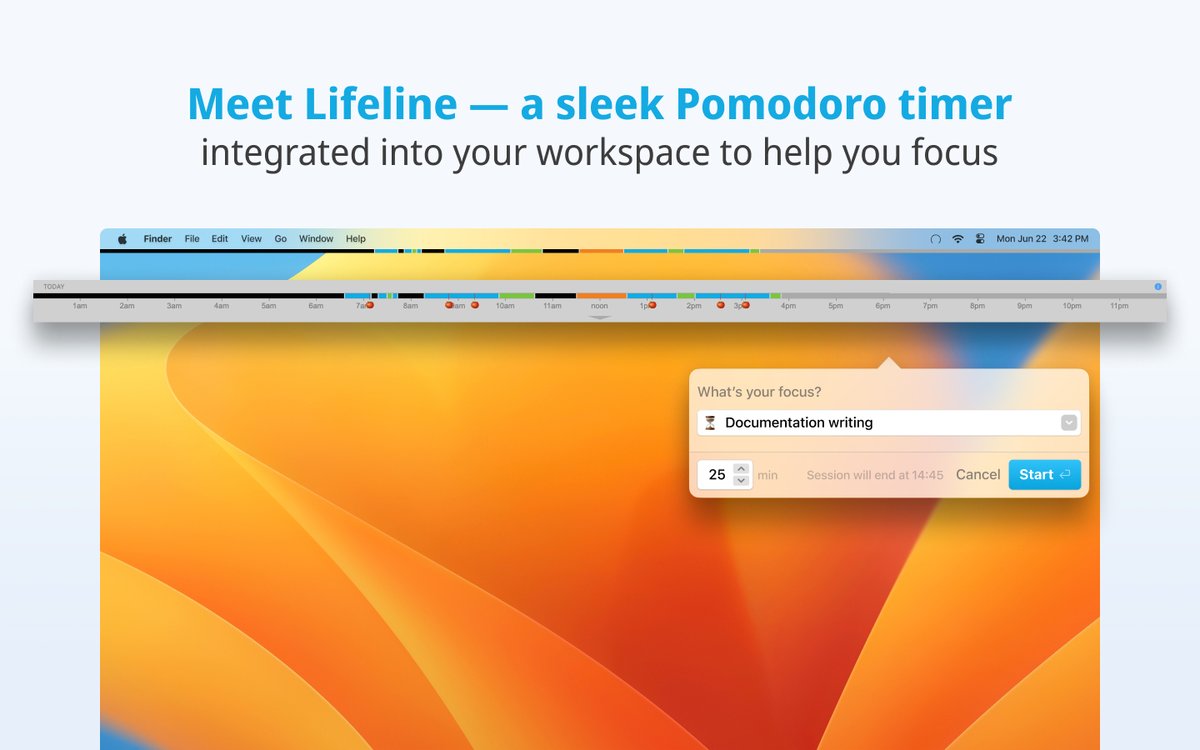
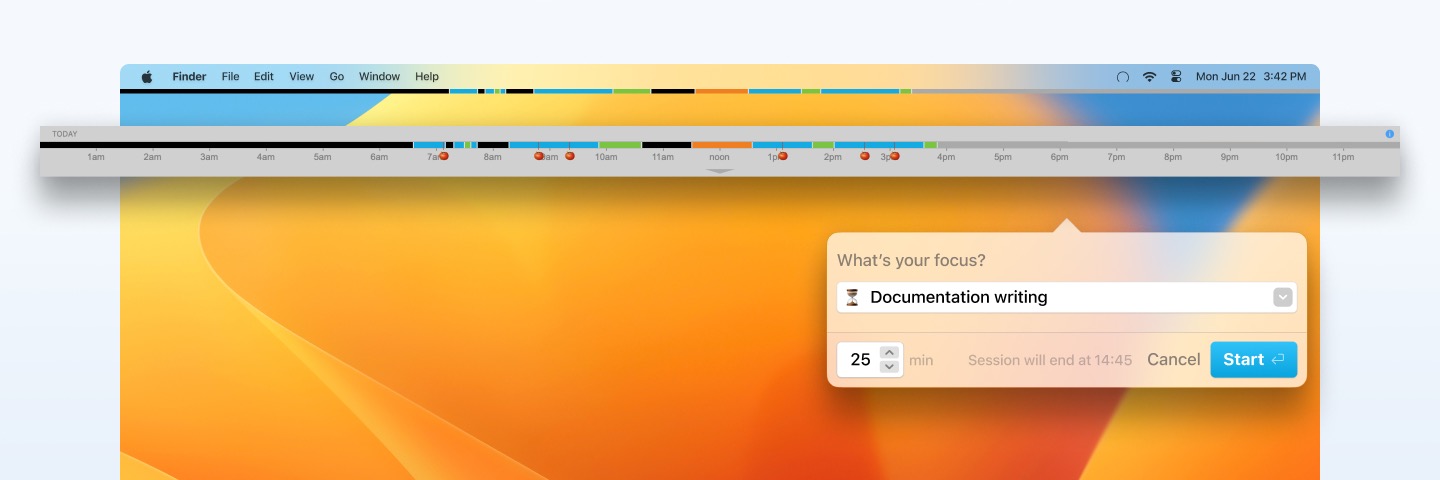
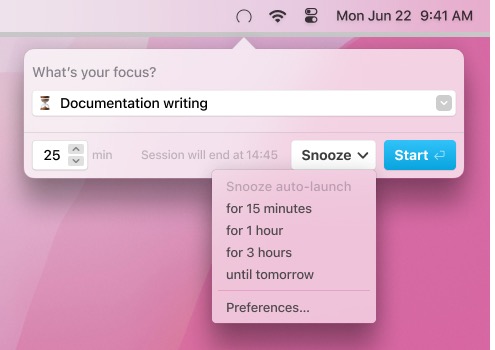
Need more focus and calming breaks during your workday? Try our #Pomodoro timer app, Lifeline! 🍅
New version with upgraded UX out now—visual progress bar, smart break timer, easy time-tracking, and meeting support. 🤩 Get it on the macOS App Store: https://t.co/cDGTWHliZS
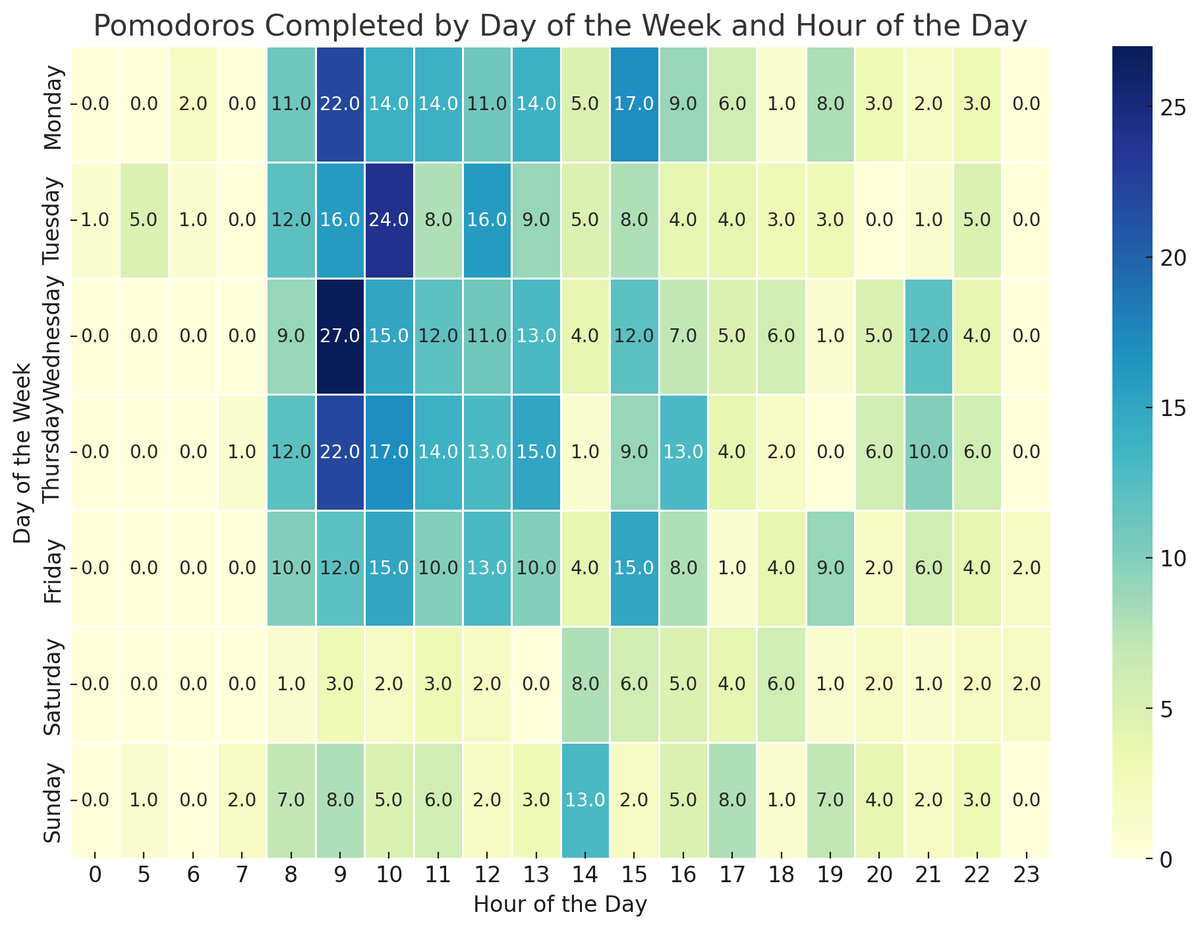
Used #ChatGPT to create a heatmap of the total number of pomodoros 🍅 I completed from May - July with data from @getsaent's Lifeline app.
Gotta work on those slacked-off Friday mornings. 😊
#pomodorotechnique
@B66Paul@getsaent Good question! That's actually a consideration.
The way this points system works is that you get points for:
1. Focus
2. Taking breaks
Also, if you go over 90-100 mins without breaks, you stop receiving points for focus.
So more work/hours ≠ more points.
🚨 Secret Lifeline features alert! 🚨
@timmetz reveals how to:
🌟 Rate sessions and track focus trends
🏆 Get points to gamify productivity
Turn on these hidden gems to understand your #productivity patterns.
Watch now 👇
https://t.co/88w1f6cSPK
Lifeline 1.6.8 is now available in the macOS App Store!
🍅 Get tomatoes for manually added sessions
⏲️ Real-time session duration adjustments
📅 Meeting length adjustment
@timmetz explains the details in the video.
#ProductivityTools#pomodoro
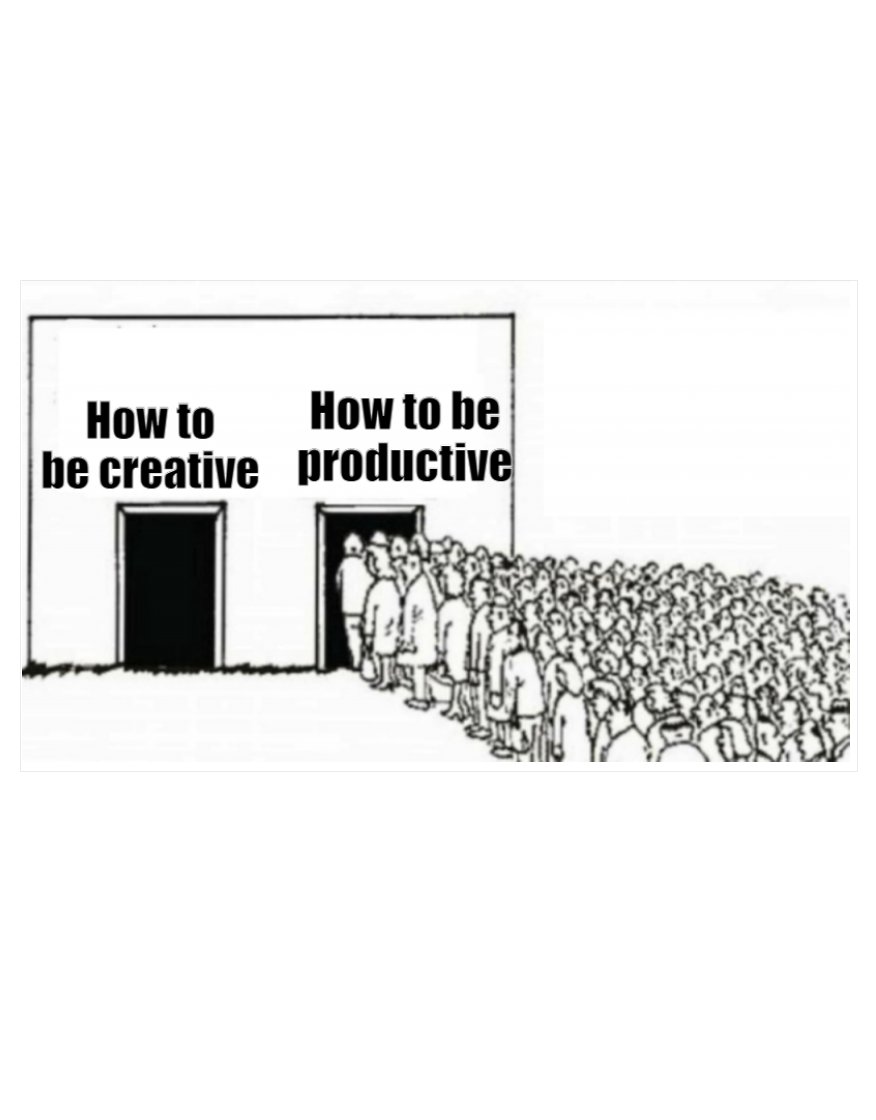
Focus is accepting chaos elsewhere.
Came across this excerpt from "The One Thing." It's so true that if you prioritize and focus on what's most important, the other things you ignore try to drag you down and can feel chaotic.
"Accept chaos. Recognize that pursuing your ONE Thing moves other things to the back burner. Loose ends can feel like snares, creating tangles in your path. This kind of chaos is unavoidable. Make peace with it. Learn to deal with it. The success you have accomplishing your ONE Thing will continually prove you made the right decision." @garykeller@jaypapasan
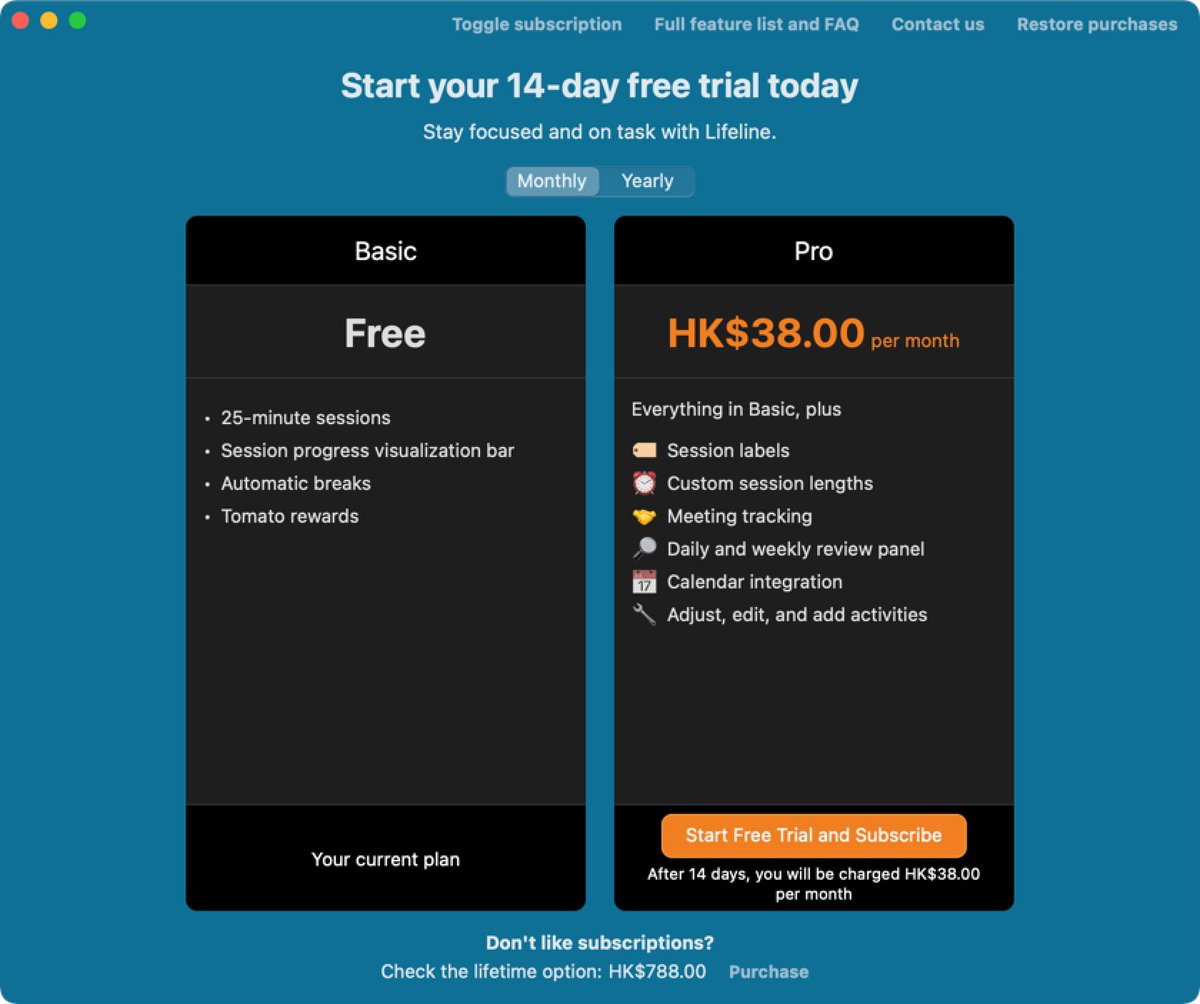
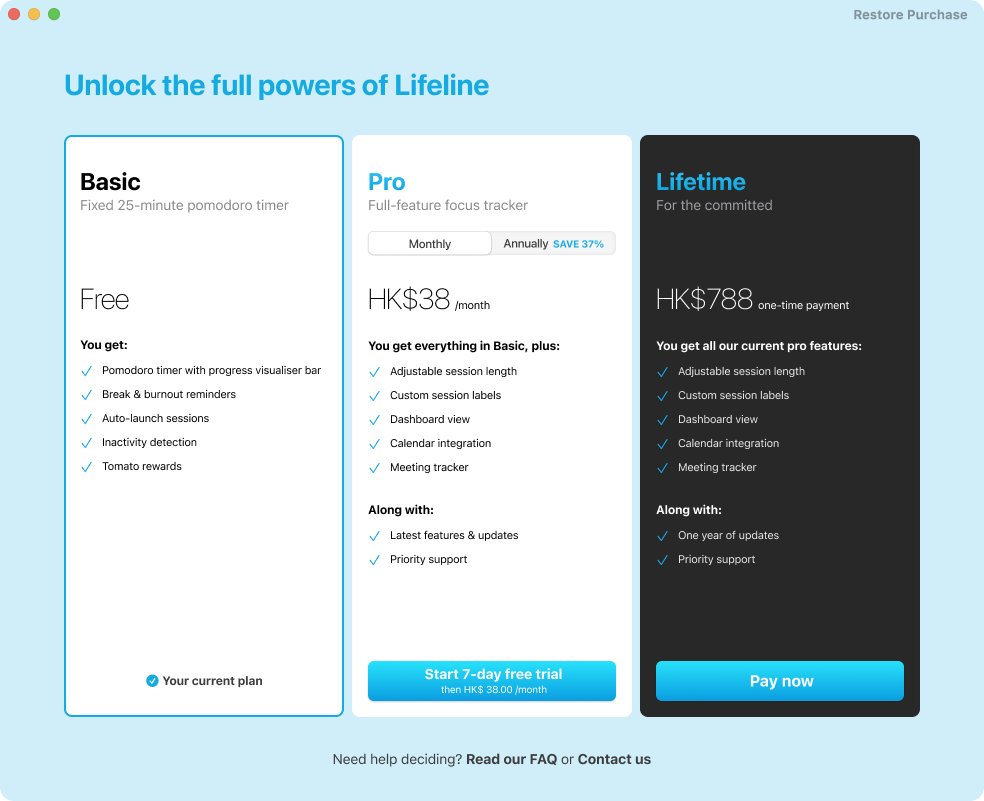
@collaredbear1 If you're on Lifeline Pro you can go to "Review stats and activities..." and then enter and edit those manually, as in the attached video.
Need more focus and calming breaks during your workday? Try our #Pomodoro timer app, Lifeline! 🍅
New version with upgraded UX out now—visual progress bar, smart break timer, easy time-tracking, and meeting support. 🤩 Get it on the macOS App Store: https://t.co/cDGTWHliZS
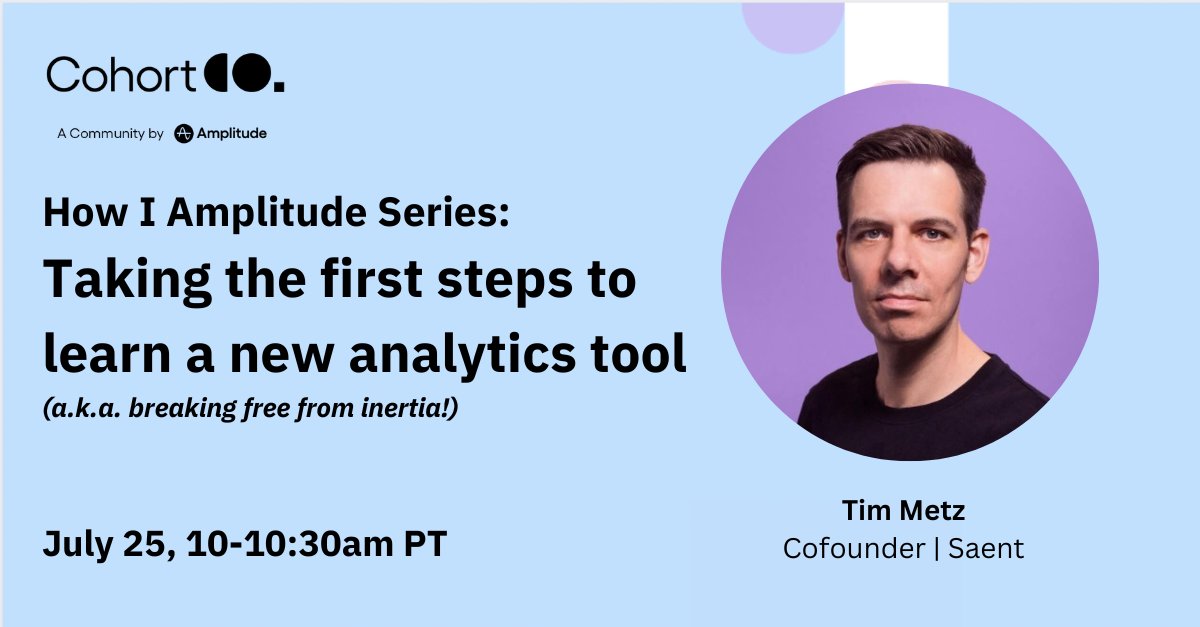
Ever bought a tool that you never learned how to use?😅
Join us at 10am PT on 7/25 to hear @timmetz’s story on how investing time into his analytics practice led to meaningful changes for his app, @getsaent Lifeline.
It's about growth, one step at a time: https://t.co/AIRbAZCaRv
In 2023, even Superman isn't safe from the relentless pings of message notifications and distractions. As mere mortals, how do we stand a chance? What's your digital kryptonite, and where's your Fortress of Focus for escaping the world's distractions?
🚀 Lifeline 1.6.4 is here with the auto-launch you've been asking for! Instant sessions, simplified snoozing, and zero-minute tracking. Update now and take your productivity to the next level. #Productivity#Pomodoro
Lifeline 1.6.2 for #macOS is now available:
⏰ Ticking clock sound for #Pomodoro fans.
🌴 A refreshed break screen awaits.
⊗ Easier snoozing for auto-launch.
@TestUserF Hey Fernando. Thanks for pointing that out. That wasn't on purpose. We'll correct this in the next update so that when you have that option turned on, you can indeed right-click the taskbar icon to start a session.
Lifeline 1.6.1 is now available in the #macOS App Store.
The auto-launch and meeting features no longer feel left out—they’ve also received their well-deserved paint job in this release. We’ve also fixed a few minor other issues and bugs.
We all have a dream that needs our attention but never gets it. Investing 25 minutes daily—one 🍅, as per @PomdoroTech—can lead to incredible progress.
Eight tips in the thread to help you get started.
#pomodorotechnique#pomodoro
8. Reward yourself.
Celebrate with ice cream after your first full week of tomatoes. Treat yourself to dinner after a month. Take a vacation after a quarter. 🏝️