Summer Holiday Remote Access Pack - 3 Months at $29 Only
Work, travel, watch, and stay connected anywhere this summer. Get 4 workspaces for your family and connect up to 10 remote devices anywhere.
Available only until July 30.
Learn more about offer: https://t.co/UOg10THybc
Q1 2026 Product Updates: Deeper Integrations, Smarter Access, Better Insights
https://t.co/tGo2h2dPRv released several major updates in Q1 2026 focused on deeper integrations, stronger access management, and better visibility into remote operations. The platform expanded its HTTP API capabilities, allowing companies to create multiple API keys, assign permissions, and integrate remote workflows directly into internal systems and SaaS products. New remote device access settings provide more flexible permission management and improved control over public access. The company also introduced Remote Access Analytics, enabling teams to collect session data through the API and visualize it in dashboards or BI tools for operational insights. These updates help businesses improve security, streamline workflows, and make faster data-driven decisions.
Learn more: https://t.co/bSlnSvMZWg
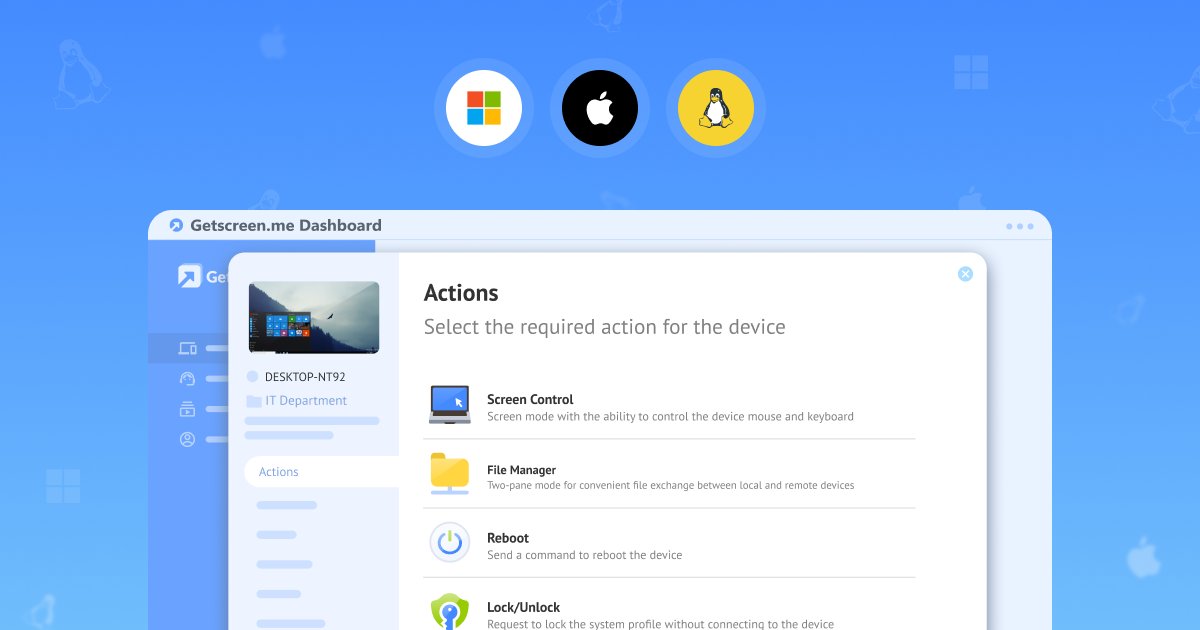
File Manager Feature for Remote Support
Slow file access disrupts remote support and wastes time. A built-in File Manager removes this barrier and gives technicians direct control over remote files.
No need to guide users. No need to switch tools. Upload, download, and manage files in one interface during remote access sessions.
Faster actions. Fewer errors. Clear workflows.
Explore how a built-in File Manager makes remote support predictable and efficient: https://t.co/krYDL8f2x6
Boost Remote Support Efficiency with Screen Control.
Teams do not use screen control as a feature. They use it to resolve technical issues faster. https://t.co/tGo2h2dPRv turns remote screen access into a practical workflow tool that removes delays, improves collaboration, and reduces downtime. The result is simple: faster fixes, clearer communication, and more efficient support in every session.
Explore the full potential of the feature: https://t.co/8UpyseW4nO
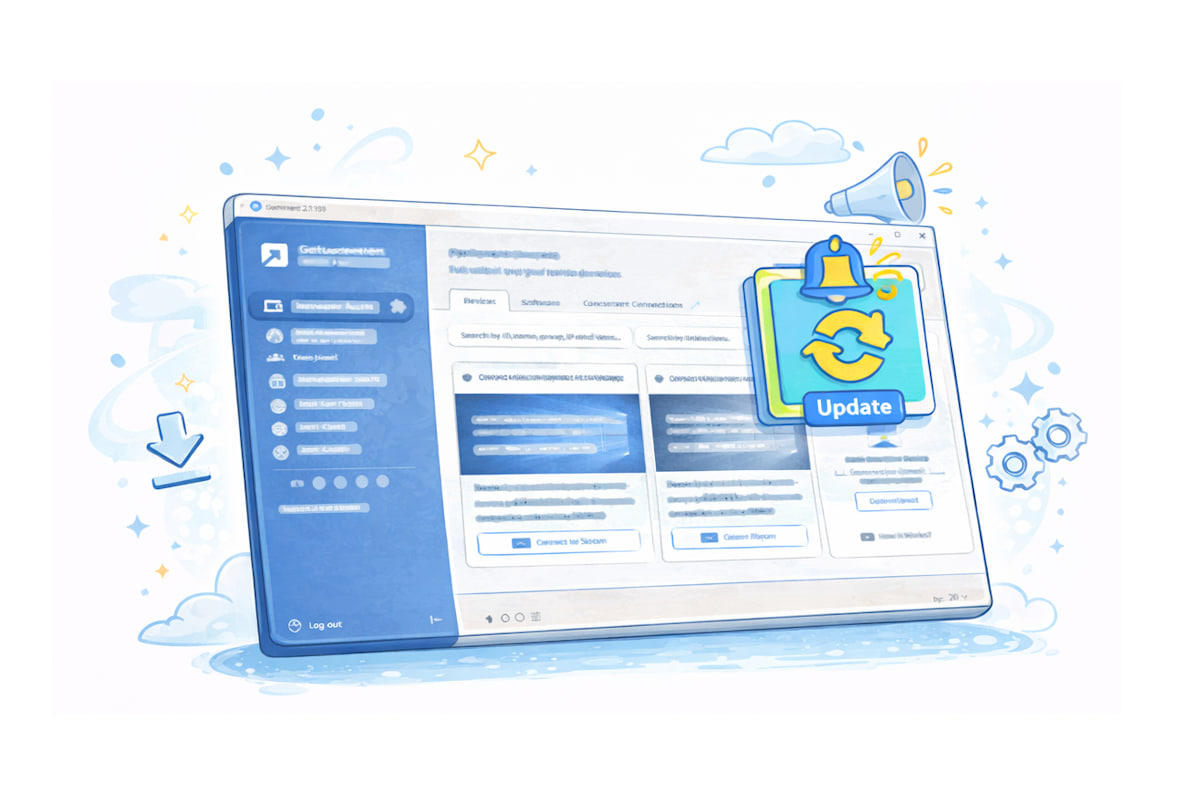
📢 In the meantime, we’ve released a new batch of server updates, now available for immediate use.
1.168 April 21
• Added an HTTP API request to retrieve the list of installed programs
• Added new license status change events to the Audit logs
• Fixed an issue with assigning the "All" group
1.166 April 6
• Added a download link for the agent application in widget mode
• Fixed an issue with exporting connection history when filters are applied
• Fixed an issue with autofill when creating technicians
• Fixed a permissions validation issue when editing technician groups and devices
1.165 March 30
• Added agent version display in tile view in the Permanent Access section
• Fixed an issue with editing technicians imported from Active Directory
• Fixed permission inheritance from the "All" group
1.164 March 23
• Fixed an issue where API keys were deleted when a technician account was removed
1.164 March 23
• Added notifications for API key expiration
• Fixed session recording issues in terminal and file transfer modes
• Fixed an issue with displaying device groups in history retrieved via HTTP API
• Fixed the device group selector for shared devices in Permanent Access
See the full list of changes in the help section: https://t.co/ZGEugkw6fw
📈Remote Access Analytics: Turn Every Session into Insight
Remote support does not end with a closed session. Every connection holds data about time, performance, devices, and technician workload. Without analytics, these signals stay unused. With the right approach, they reveal bottlenecks, highlight patterns, and show where time is lost.
In a https://t.co/tGo2h2dPRv setup, analytics works as a separate layer. This keeps sessions fast while giving teams full control over data through external tools and custom dashboards.
Explore how small insights compound into real performance gains: https://t.co/ups4XD8G4n
Remote work sounds flexible until technical issues slow everything down. Small teams get overwhelmed. Choosing the right remote access software can reduce downtime, cut support costs, and keep operations under control from anywhere.
In this article, we break down 6 real reasons why small businesses rely on remote access tools and how they turn daily challenges into efficiency gains.
Explore how cloud-based solutions like https://t.co/tGo2h2dPRv help teams stay fast, lean, and scalable: https://t.co/zkYxIyrUEk
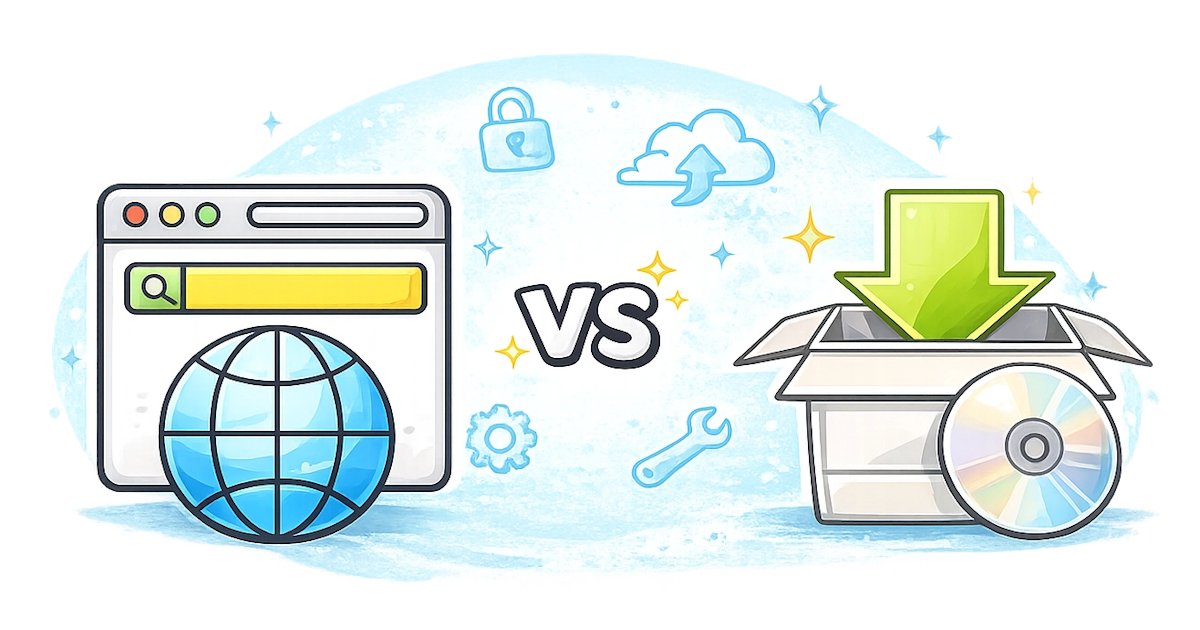
Why would teams prefer browser-based to desktop-based remote access software?
Do you really want to spend hours on setup, updates, and infrastructure maintenance when access can start in minutes?
Browser-based tools let teams connect from anywhere, manage everything in one place, and scale without extra hardware. Less complexity means faster support and fewer operational headaches.
Explore the full breakdown and see how both models work: https://t.co/dRPfDTzjEZ
If everyone in your remote desktop system is an admin, you're building technical debt.
Custom roles help structure team access and reduce risk.
https://t.co/FnXQErkzPt
⚙️ Integration remains a key driver of efficient IT operations!
https://t.co/tGo2h2dPRv has now been added as a remote session entry in Devolutions Remote Desktop Manager, expanding the list of supported remote access technologies.
IT professionals can initiate https://t.co/tGo2h2dPRv sessions directly from their RDM environment and manage remote connections from one centralized platform.
We made another practical step toward more streamlined remote support workflows.
Learn more about our integration with Devolutions: https://t.co/TUPDXExJW7
We rebuilt the Technicians & Access Rights system with custom roles and clearer delegation. And upgraded session recording with terminal capture, file manager recording, previews, bulk actions, and more.
Read the full Q4 update on our blog:
https://t.co/Z40qcK9pD1
#GetscreenMeNews #q4report #QuarterlyReport #NewFeatures #ProductUpdate #RemoteSupport
When remote access becomes teamwork, rules matter.
Team Settings in https://t.co/tGo2h2dPRv let you define access, session behavior, and security policies once — and apply them across your whole team.
See how it works:
https://t.co/quOFuoSMTA
#Getscreen#News#RemoteDesktop #RemoteSupport
▶️Video Session Records: See what actually happened in a remote session.
Video session recording in https://t.co/tGo2h2dPRv helps teams stop guessing and start understanding. Record sessions manually or automatically, review changes later, and keep continuity across support work. Read the full story on our blog: https://t.co/2EYg4lfMYr
#Getscreenme #GetscreenMeNews #DarkMode #RemoteDesktop #RemoteSupport #ITSupport #ProductUpdate
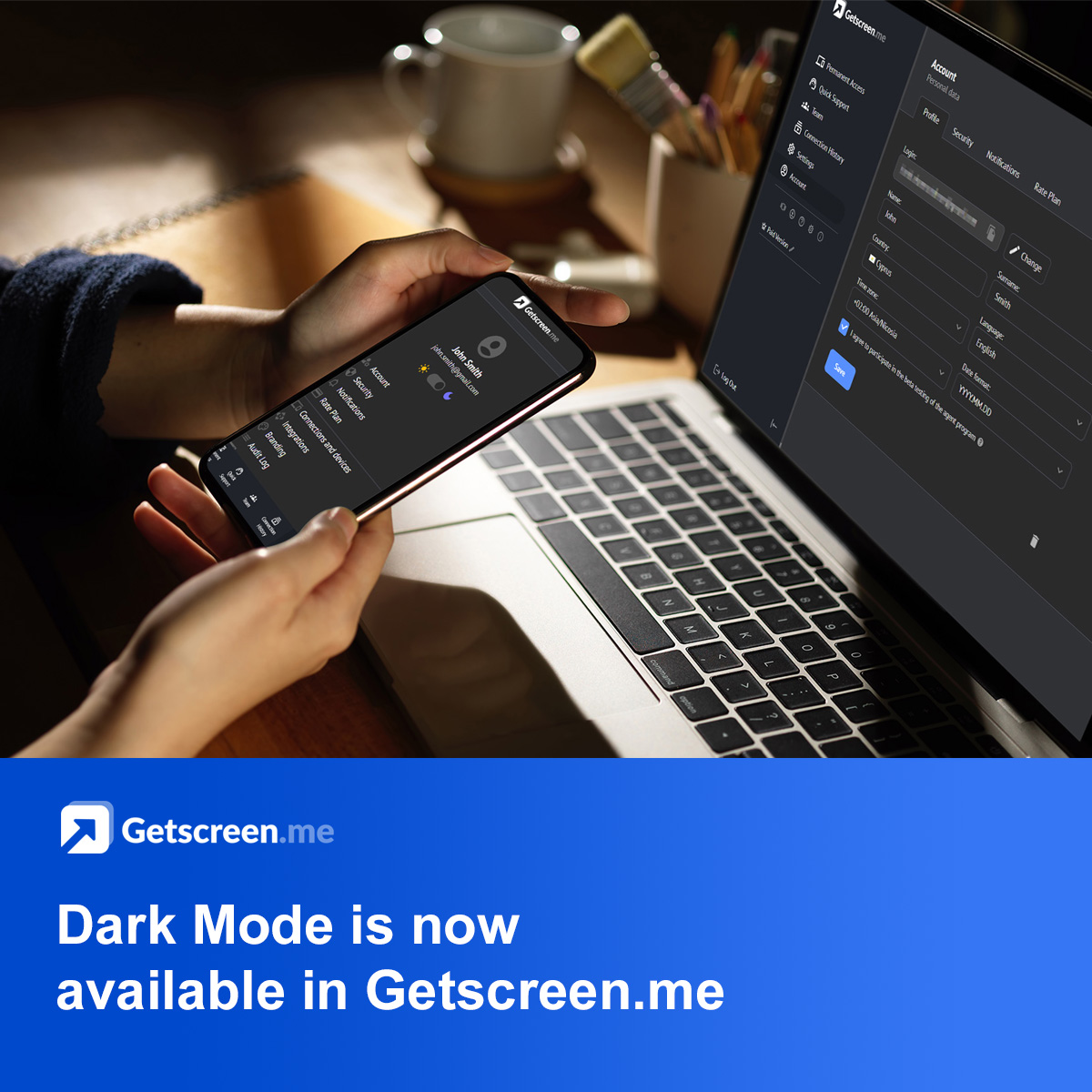
🌙 Dark Mode is now available in https://t.co/tGo2h2dPRv
Less eye strain. Better focus. More comfort during long remote sessions.
In our latest blog post, we explain what Dark Mode is, where to enable it in https://t.co/tGo2h2dPRv, why it matters for IT and support teams, and how it’s used in real-world workflows.
👉 Read the full article: https://t.co/xHL3ME3cKN
#Getscreenme #GetscreenMeNews #DarkMode #RemoteDesktop #RemoteSupport #ITSupport #ProductUpdate
🎄Season’s Greetings from https://t.co/tGo2h2dPRv!✨ Merry Christmas & Happy New Year 🎁 Wishing you cozy holidays with family and friends.
Whether you’re helping loved ones remotely, keeping systems running, or staying connected while traveling — we’re here to make remote access simple and stress-free.
📖 Read our full 2025 product recap on the blog 👉 https://t.co/CCtlCvmeRJ
#GetscreenMe #HappyHolidays #MerryChristmas #HappyNewYear #GetscreenMeNews
🖤 https://t.co/tGo2h2dPRv Black Friday: extra value on business & lifetime plans
💼Business: bonus devices or an extra tech seat with annual Advanced/Enterprise plans
🏠 Personal: Lifetime License with additional benefits
🎁 Contest: win one of five Lifetime licenses
👉 Full details here: https://t.co/acA9YKhWHA
What’s new in Q3 2025 - We’ve rolled out powerful upgrades to make your remote sessions even smoother:
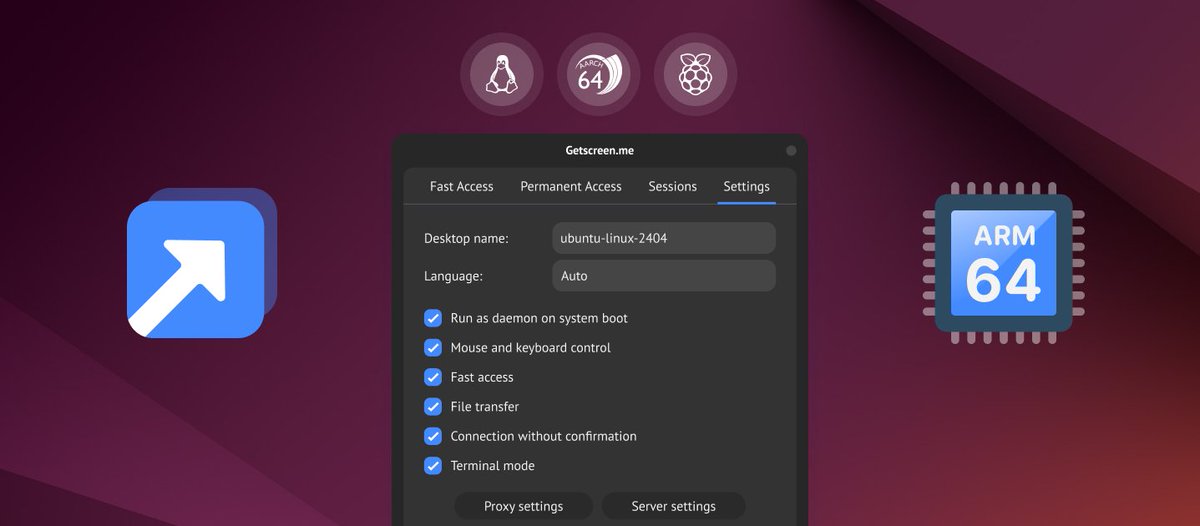
💻 Linux ARM Support — control Raspberry Pi, Apple M1, and more
🎥 Quality Settings — balance performance & clarity
🧩 Concurrent Connections — open several devices at once
⚙️ Interface & Automation — faster React dashboard + auto cleanup
Read the full post on our blog 👇https://t.co/iklEEMnQmH
Q2 Highlights
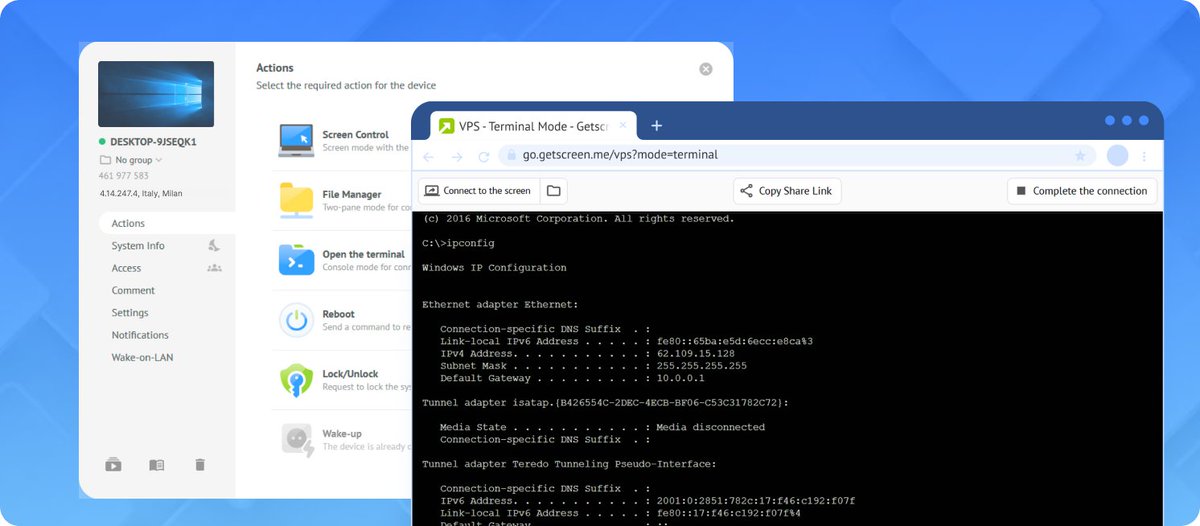
🖥 Terminal Mode — Command-line access, no full control needed. Fast & lightweight for pros.
💬 Chat without active session
🎥 Tune video quality for your bandwidth
🖤 Black-and-white mode & hidden wallpapers for weak internet
📱 Mobile session trial for security
💳 Pay in BRL 🇧🇷 & AED 🇦🇪
Read more https://t.co/wMCOD2LqOi
🚀 Earn with https://t.co/mvEsNPNr2t! Our Partner Program is live 🎉
IT pros, MSPs, and tech-savvy friends — earn 30% commission on every sale you bring in.
Promote a top-rated remote access tool 🌍
Join now 👉 https://t.co/HCHL7w07yh
#AffiliateMarketing#RemoteAccess
🚀 Q1 2025 From the sleek new Dashboard 2.0 to lifetime subscription deals and feature upgrades, we’ve been hard at work making https://t.co/mvEsNPNr2t better than ever. Check out all the details and updates here 👉 Read More https://t.co/8daRXMXRk2