Execution isn't your job anymore.
😫 AI writes, codes, replies, decides. But we're still copying, pasting, and prompting. We've become the bridge between our Mac and AI.
🪄 Shadow fixes that. It sees your screen, hears your voice, and runs your prompts.
Shadow V2 is out.
Meeting AI has ears but no eyes
Shadow update: now auto-captures your screen too. transcript + screenshots = full context for AI follow-up.
Live on Product Hunt now: https://t.co/XWLa6G5VLR
"What was on that slide?"
Shadow now pulls in relevant screenshots when you ask 💬
Not just what was said. What was shown.
It's full meeting understanding.
Skills just got way more powerful 🛠️
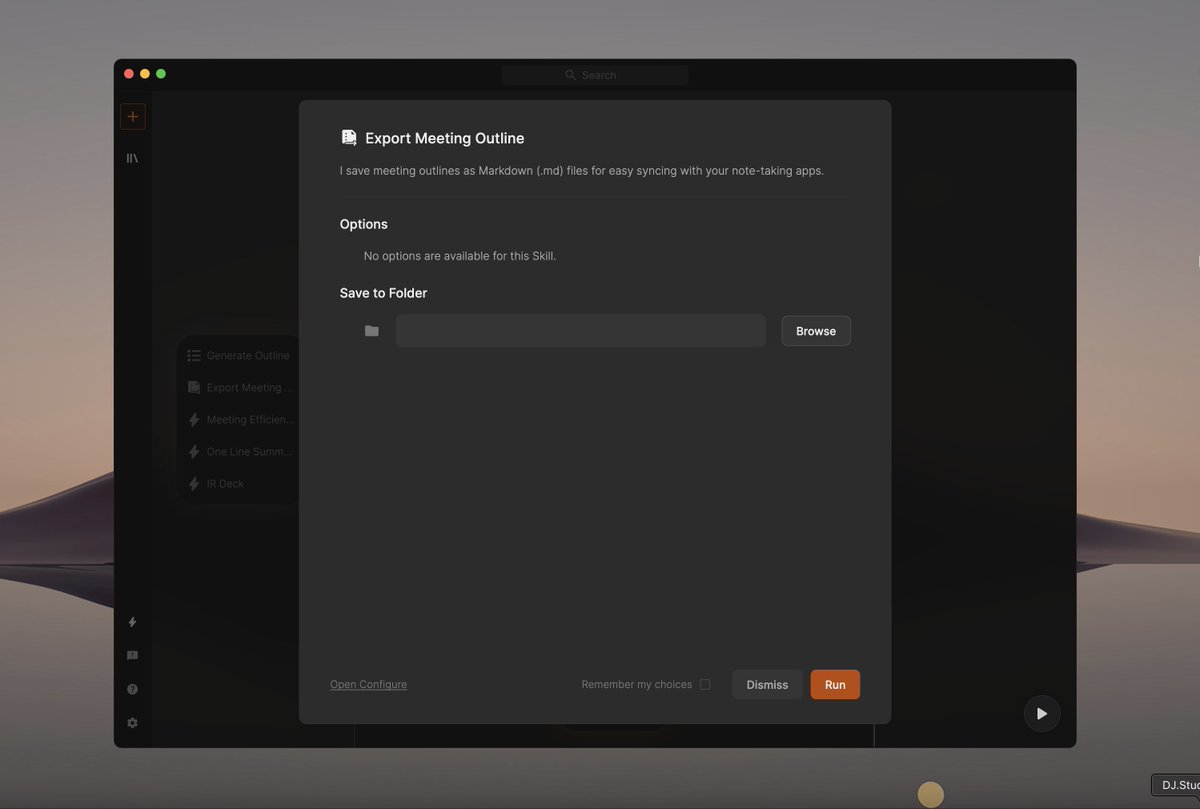
1. Fully customizable prompts. Run any post-meeting task you want.
2. Export as .md or send to Zapier, n8n, anywhere via webhook🔗.
Your meetings, your prompts, your workflow.
Shadow now captures your meeting screen automatically 🧙
No setup. No manual selection. Just join your meeting.
Shadow detects the meeting window and starts capturing on its own.
https://t.co/4prcFCeBNo
I don't do this often but I just have to say that @getshadowai is really good. Not even an ad, just think its great, only wish it read the native apple calendar
Shadow just got eyes👀
Until now, Shadow captured everything you heard in a meeting.
Starting today, it also captures everything you saw — with automatic Smart Screenshots.
Transcript + Screenshots = The complete story of your meeting.
https://t.co/bhA87tTc4y
Try Shadow today
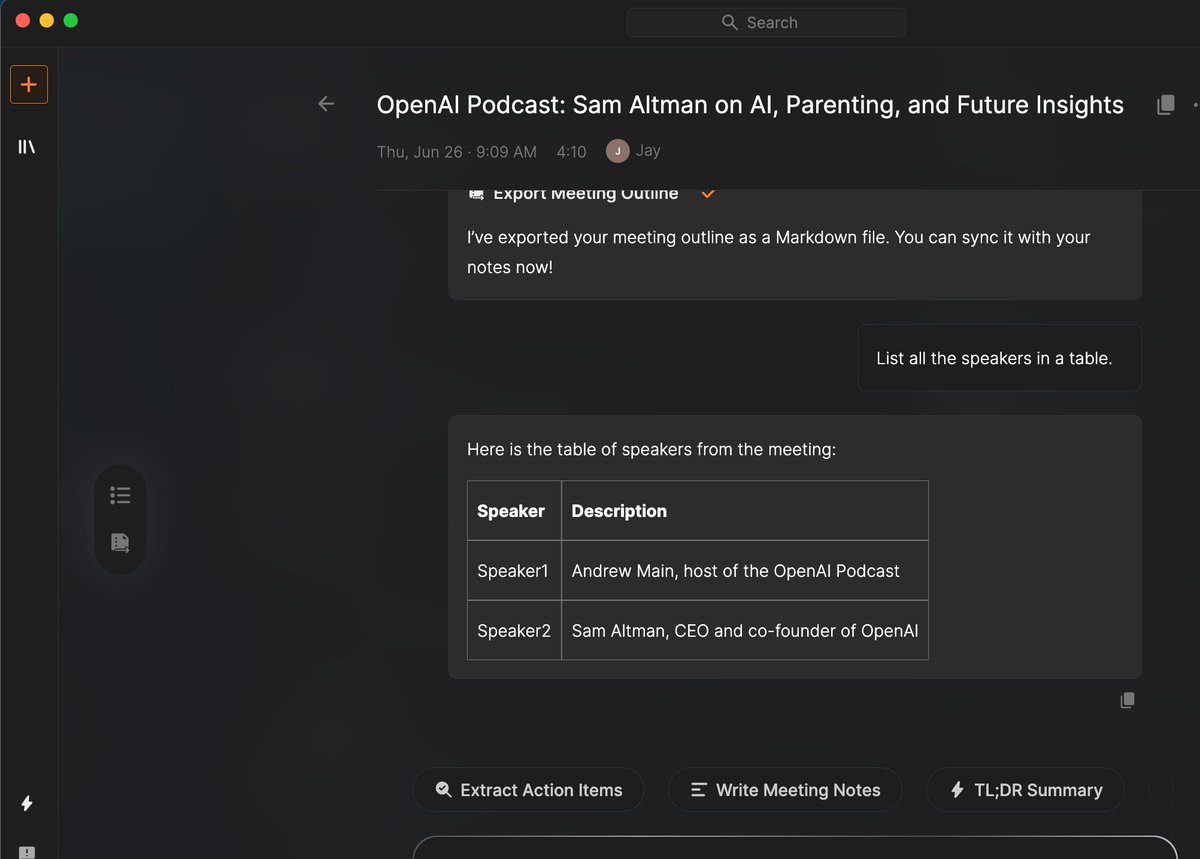
✨ HOT TIP : Shadow exports your meeting outline straight into Markdown.
This means..
👩💻 PMs → tasks in Jira
💼 Sales → recaps in Slack
📚 Students → notes in Notion
Your meetings, saved exactly where you want them.
Shadow is now your live meeting sidekick 🤖
You can now ask Shadow questions while you're still in the meeting.
Want smart follow-up suggestions?
Looking for a recap before you hang up?
Just ask Shadow directly — it's like having a brilliant colleague right there with you. 🥳
Don’t you get annoyed when @meetgranola or @NotionHQ proudly say “meeting detected”… when you’re just recording a video message? 🎥📷
Try https://t.co/bhA87tTc4y — the only AI that just works. 📷⚡️
Introducing the Speaker Timeline.
No more endless scrolling to review who said what. With the new timeline on the right side of your transcript, you can instantly jump to any speaker and make corrections faster than ever.
Shadow doesn’t just take notes.
It remembers what matters, follows up, and gets work done without bots or noise.
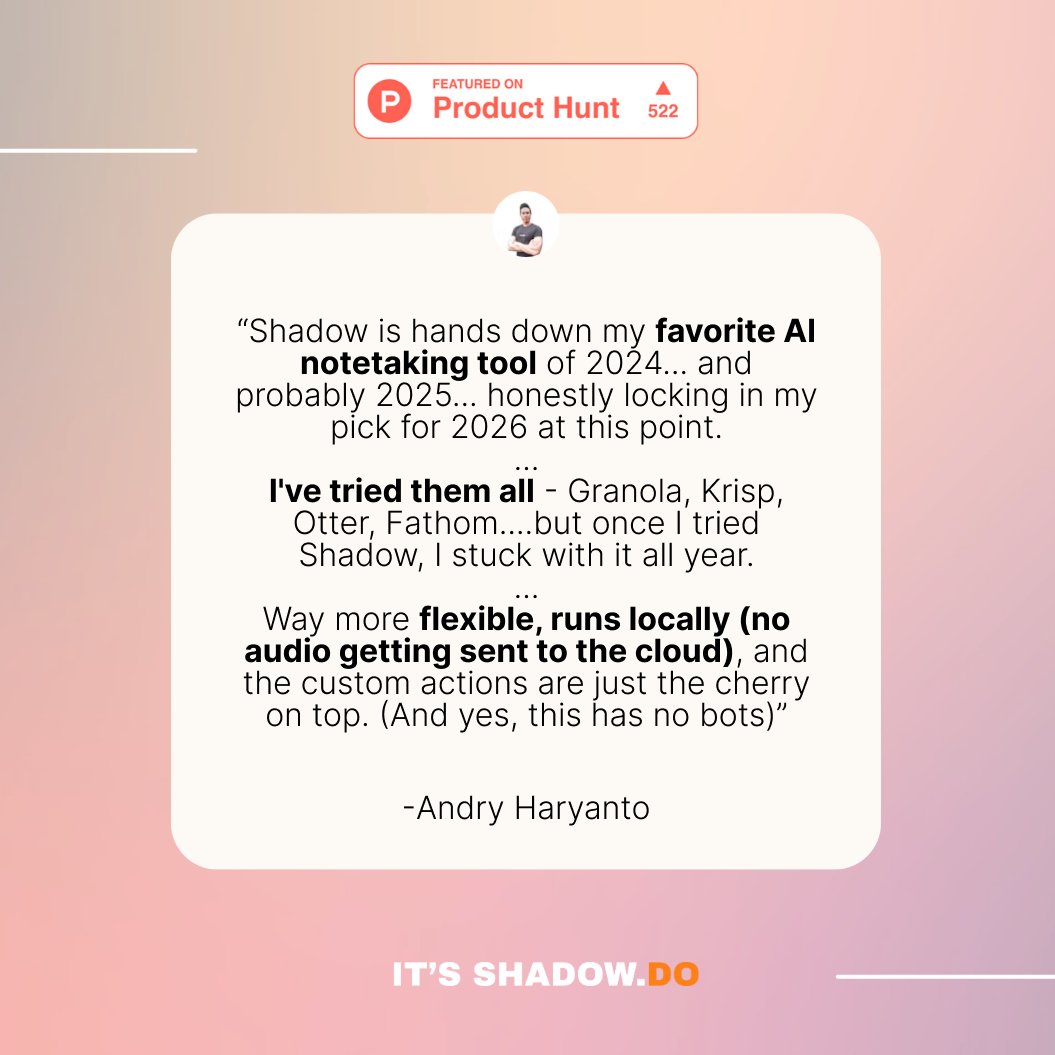
When we launched on Product Hunt, users called it:
🧠 “A second brain”
⚙️ “Local, private, fast”
💬 “The only AI tool that stuck”
See why: https://t.co/bhA87tTc4y