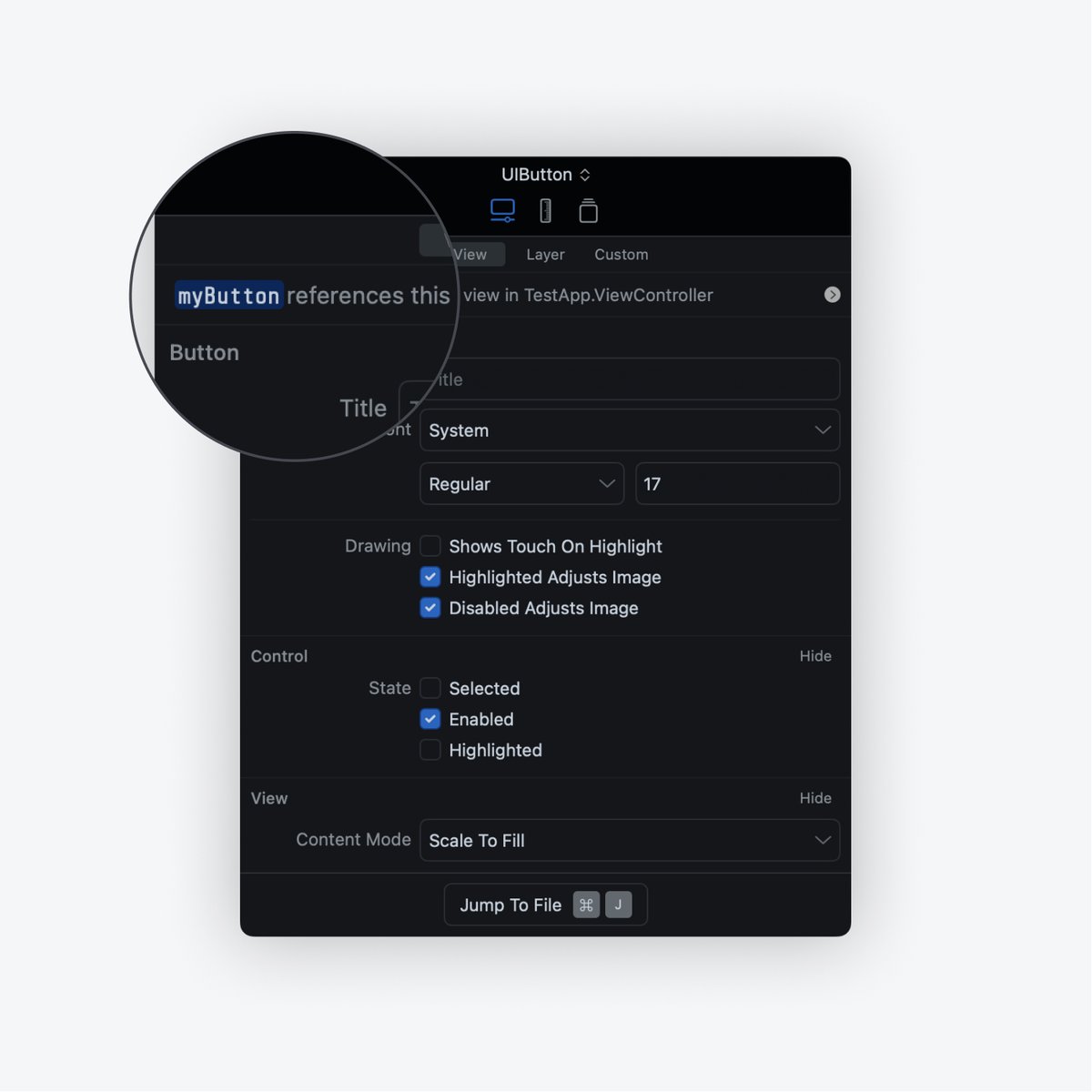
Thousands of iOS developers have used Sherlock to save time building their apps. Edit views and layout constraints in real time, simulate running on other devices and more all from your Simulator - zero configuration required
@putasm Hey @putasm
We're really sorry about the compatibility issue with iOS 17.4+ that was caused by some Apple API changes. We've been aware and investigating a fix, which has now been released with Sherlock 2.10.0. Thank you for your patience and support, and do update the app.
Unfortunately due to SwiftUI's declarative nature we're not able to provide the same experience as UIKit based apps. However Sherlock has some great UI framework agnostic features, such as the User Defaults Editor, Resizable Screen, and Open URL. We’ve also got some more coming soon.
Forgot to add a close button to your modal and trapped in a UIViewController forever? Sherlock 2.7.0 surfaces more properties and actions in the newly released Controller tab. Quickly dismiss and pop your views right from Sherlock.
@admoxly Hmm, that’s interesting, thanks for providing more details. We’ll investigate this further, and reach out to you via DM with our findings. Thanks for letting us know!
We’ve added Control Bar to Sherlock 2.5.0 today. It docks to your active Simulator and makes it easier to use your favourite tools such as Inspector, Resizable Screen, Open URL and User Defaults Editor.
Sherlock 2.4.0 introduces User Defaults Editor. View and edit your app’s user defaults in real-time. Try inspecting some of Apple’s apps with Sherlock for some fun insights.
We’ve released Sherlock 2.2.0 which makes it easy to test your Universal Links and custom URL Schemes right from the Simulator. Just hit ⌘ + O from a focused Simulator to check it out.
@klemendev Unfortunately so. Due to SwiftUI's declarative nature we're not able to provide the same experience as UIKit based apps. Our focus is currently set on building features which are UI framework agnostic, such as the Open URL feature released today.
Thousands of iOS developers have used Sherlock to save time building their apps. Edit views and layout constraints in real time, simulate running on other devices and more all from your Simulator - zero configuration required
@putasm Hi, this release includes memory management improvements around Sherlock’s interactions with LLDB, which is where high memory utilisation could happen for some users. This should help but we’re working on more improvements.
@Urkman Sorry @Urkman , we tried buy-once from 2019 to 2022 but it wasn’t sustainable. Sherlock requires major work to maintain compatibility with updates to Xcode and iOS. Subscriptions support us with this, and helps us release features much more regularly.
@RustemAqtau We don’t have these hosted publicly at the moment, but you can view the list of changes when you hit ‘Check for updates’ or an update is automatically suggested in app. We’ll add them to the website soon too.
We’ve released Sherlock 2.1.0 which makes it easier to find the right view, searching by memory address.
Thanks to @diegotrevisan90 and @iSapozhnik for the idea. These feature requests are always appreciated.
@alokc83 Sherlock lives in your status bar, look for the pipe icon there while it’s running, and you should see it. Let us know if you have any issues.