𝗖# 𝗶𝗻 𝗩𝗦 𝗖𝗼𝗱𝗲 𝗮𝗹𝘄𝗮𝘆𝘀 𝗳𝗲𝗹𝘁 𝗯𝗿𝗼𝗸𝗲𝗻.
In March, this finally changed 👇
What's the problem with C# in VS Code?
You open your .NET solution in VS Code, Cursor, or another lightweight editor.
You get basic syntax highlighting. Some IntelliSense. Maybe a few squiggly lines.
But real productivity? That's been missing.
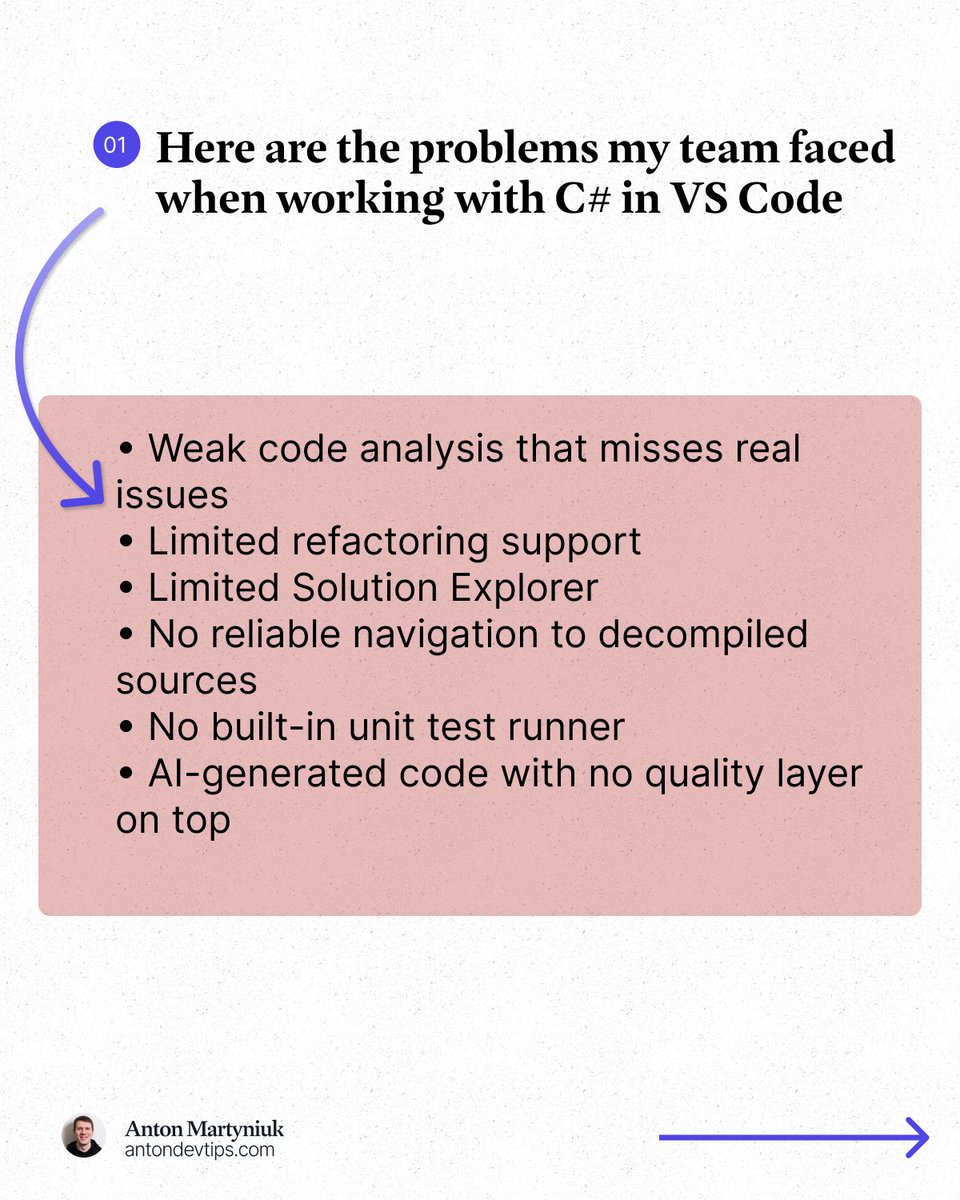
Here is what I kept running into:
• Weak code analysis that misses real issues
• Limited refactoring support
• Limited Solution Explorer
• No reliable navigation to decompiled sources
• No built-in unit test runner
• AI-generated code with no quality layer on top
For years, the only real options were:
❌ Use a full IDE like Visual Studio or Rider
❌ Piece together multiple VS Code extensions and hope they work
This changed in March.
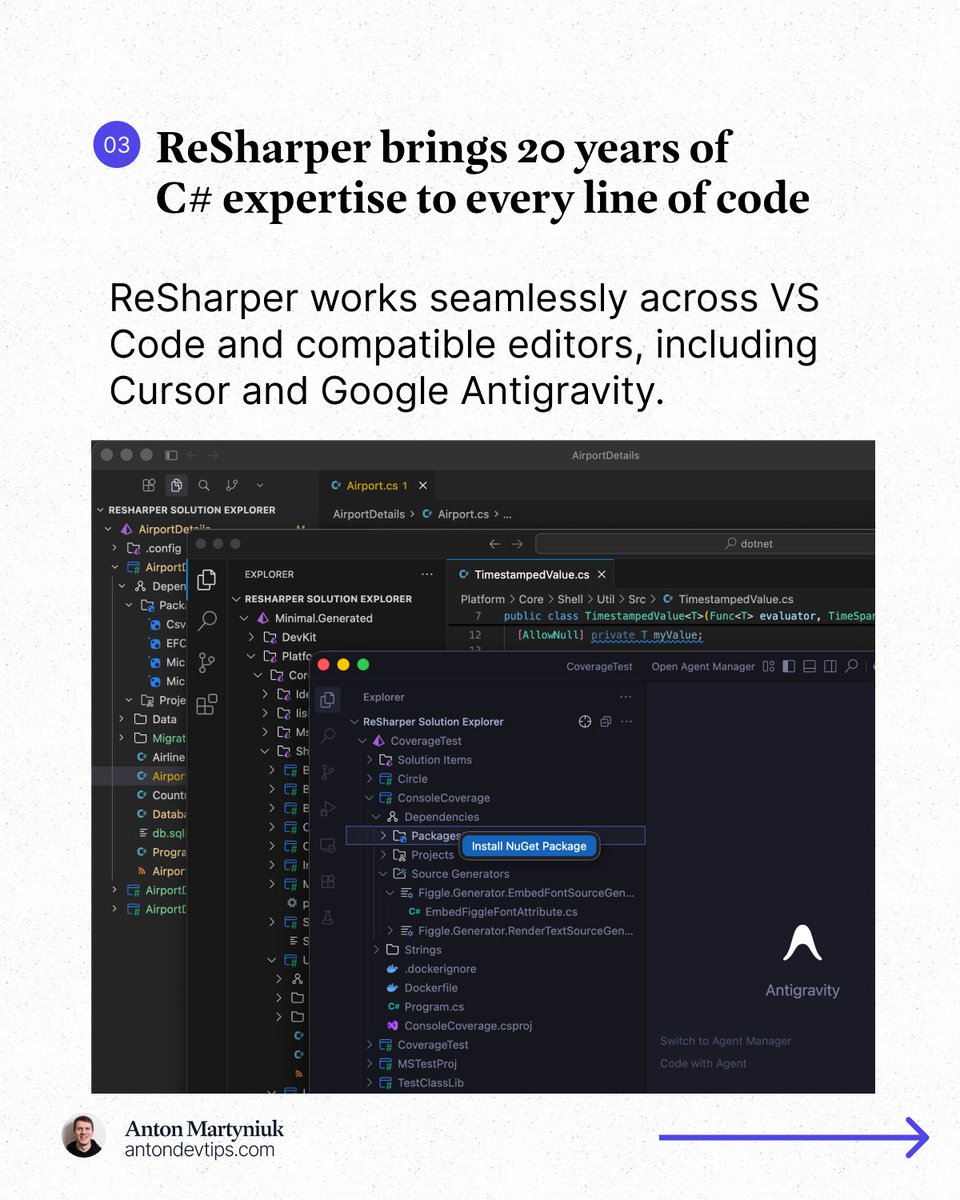
JetBrains officially released 𝗥𝗲𝗦𝗵𝗮𝗿𝗽𝗲𝗿 for VS Code, Cursor, and Google Antigravity: https://t.co/MVdN47IlJ7
This is the same ReSharper engine that millions of developers have trusted in Visual Studio for 20+ years, now running in VS Code, Cursor, and Google Antigravity.
𝗔𝗻𝗱 𝗵𝗲𝗿𝗲'𝘀 𝘁𝗵𝗲 𝗯𝗲𝘀𝘁 𝗽𝗮𝗿𝘁: 𝗶𝘁'𝘀 𝗙𝗥𝗘𝗘 𝗳𝗼𝗿 𝗻𝗼𝗻-𝗰𝗼𝗺𝗺𝗲𝗿𝗰𝗶𝗮𝗹 𝘂𝘀𝗲, 𝘀𝘁𝘂𝗱𝘆𝗶𝗻𝗴, 𝗮𝗻𝗱 𝗵𝗼𝗯𝗯𝘆 𝗽𝗿𝗼𝗷𝗲𝗰𝘁𝘀.
Here is what made a real difference for me:
1️⃣ Professional-grade code analysis
↳ Real-time inspections and quick-fixes for C#, Razor, Blazor, and XAML. It catches issues that basic extensions completely miss.
2️⃣ Smart coding assistance
↳ Context-aware completion, auto-imports, live templates, and inline documentation that go way beyond what a standard editor offers.
3️⃣ Solution Explorer inside VS Code
↳ A central hub for managing files, folders, NuGet packages, and projects across your entire solution. Just like in Rider or Visual Studio.
4️⃣ Refactoring you can trust
↳ Rename works across your whole solution while safely handling conflicts and references. No more search-and-replace guessing.
5️⃣ Fast navigation to any source
↳ Jump to symbols, usages, files, and types. When source code is not available, ReSharper decompiles assemblies and takes you directly to the declaration.
6️⃣ Built-in unit testing
↳ Run and manage tests for NUnit, xUnit .net, and MSTest directly in your editor with easy navigation to failing tests.
The next major area of focus for ReSharper for VS Code is debugging support.
JetBrains is actively working on support for launching debugging sessions and attaching to processes in .NET and .NET Framework applications.
👉 You can install ReSharper in the Extensions view of your editor (VS Code, Cursor, and Google Antigravity)
——
Many thanks to @jetbrains for sponsoring this post
@KatKanada_TM I saw a detailed step post on the internet how to get into Canada to work there by signing up to a community college. It is so common they publish how to guides.
I beat The Ultimate Checkout Sale game in 23s 🏃
Think you can beat me?
*TAP* 👇 & you could *WIN* an instant coupon from @TAKEALOT and enter the #UltimateCheckoutSaleTAKEALOT draw to *WIN* a R10,000 Takealot voucher 💙
https://t.co/bBZQGcqIZP
@CapitecBankSA 4. the takealot integration with capitec masterpass was broken for my name as it requires you to type in your name and surname but doesn't allow it to be more than 20 characters. Mine is more and is a common lone surname. I had to shorten my surname with 6 characters to pay.
@CapitecBankSA Yesterday I installed you masterpass app for the R300 takealot promotion. I created two orders one after another. One for R200 and then R300. Can I not get a voucher please as I didn't get one?
@CapitecBankSA 3. When I didn't get the voucher I deleted the masterpass app and reinstalled it again. I created a new order exceeding R300 after discount in a brand new takealot created account. However I still didn't get the voucher after paying with masterpass