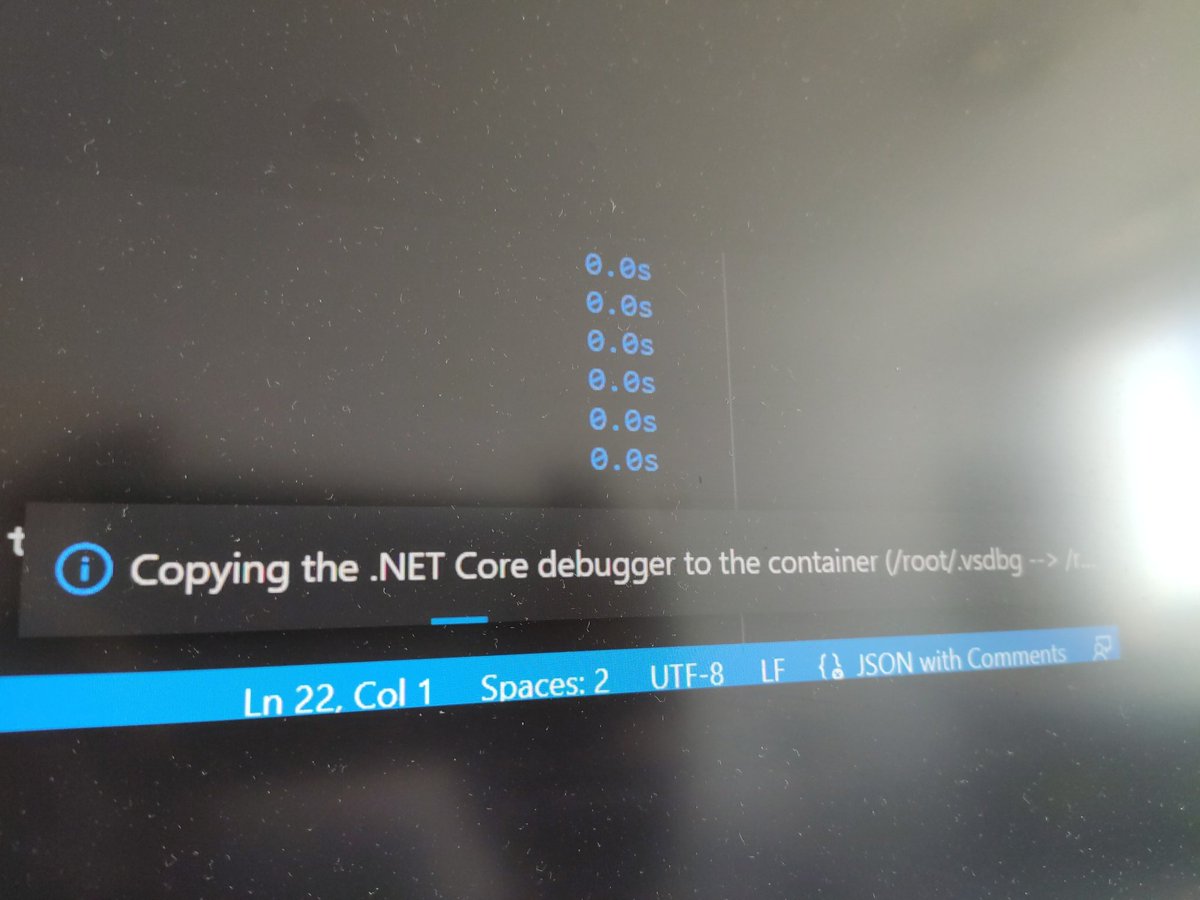
@danielrie@VisualStudioMac Steps:
1 remove container you're trying to debug and recreate it from source code
2 run debug, once prompt to copy debugger files to container is visible and accepted you should be able to see for a second where.vsdbg is located (root/.vsdbg in my case)
3 Rename .vsdbg folder
@danielrie@VisualStudioMac I've been able to fix it, in my case that was problem with vsgb files.
Renaming .vsdbg folder to something else caused it to be downloaded again and debug is working now
@danielrie@VisualStudioMac I've got same issue when I try to debug container from VS Code, I have docker desktop 4.1.1, docker engine 20.10.8 and .NET 6.0.300
It was working last week