по поводу фразы что автор "не осилил прочитать правила антропика с которым согласился при регистрации"
...правила антропика - это ихние внутренние корпоративные правила - они объязаны оказывать услугу. это как булочная - если она продает хлеб по закону хлеб может купить любой. если булочная перестанет продавать хлеб эскимосам- то булучную просто закроют. это дескридетация. корпоративные правила антропика вообще ничего общего не имеет с законами...
сами ��нтропик нарушают закон про ущемление по национальному признаку - к примеру американец который находится на территории рф - разве не может пользоваться клаудом? может, в силу гражданства сша. а русский который на территории ес ? тоже может в силу миграционных норм. антропик ввела ограничения в отношение региона... ок. но не в отношение физ лиц(!) это разные вещи. ограничение физ лиц - это явная дискредитация по нац признаку - а это уже в свою очередь суровое нарушение законов.
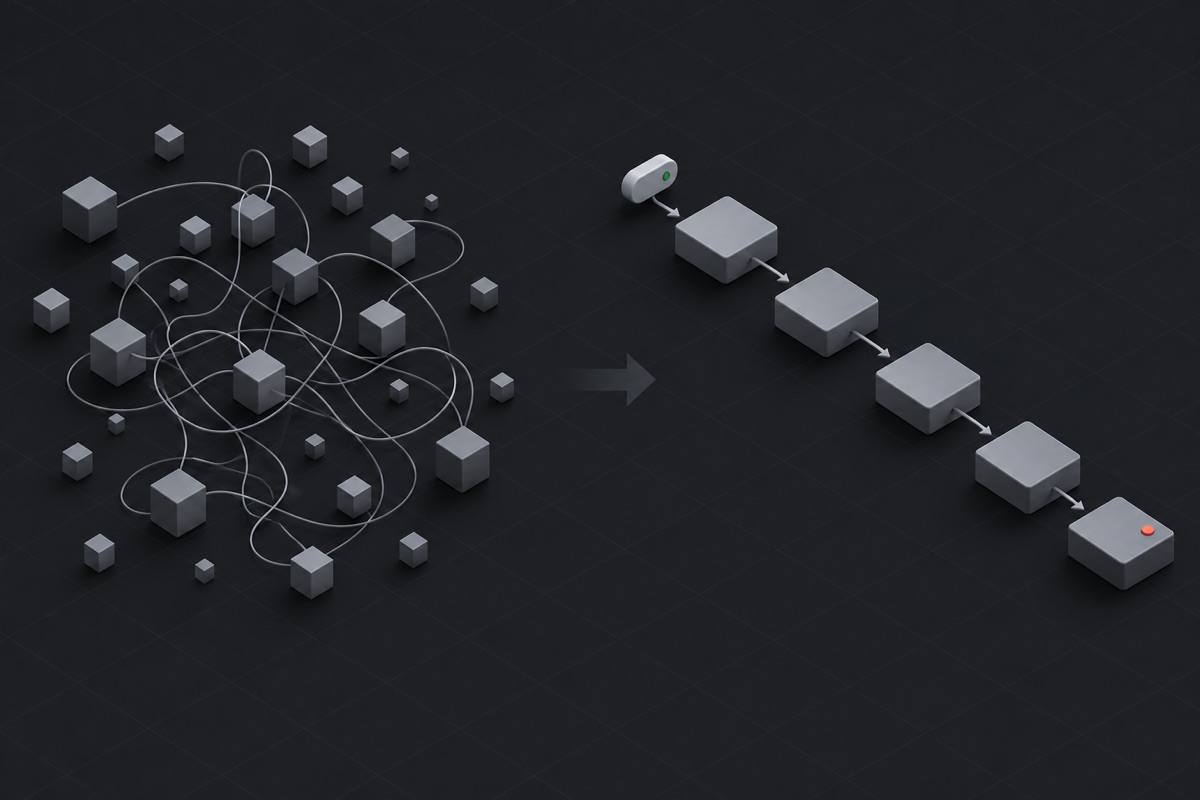
An idea in your head isn't a plan yet
Sound familiar? An idea feels crystal clear until you start building it. Then the steps turn out to be in the wrong order, half the details were never thought through, and nobody decided how to check the result.
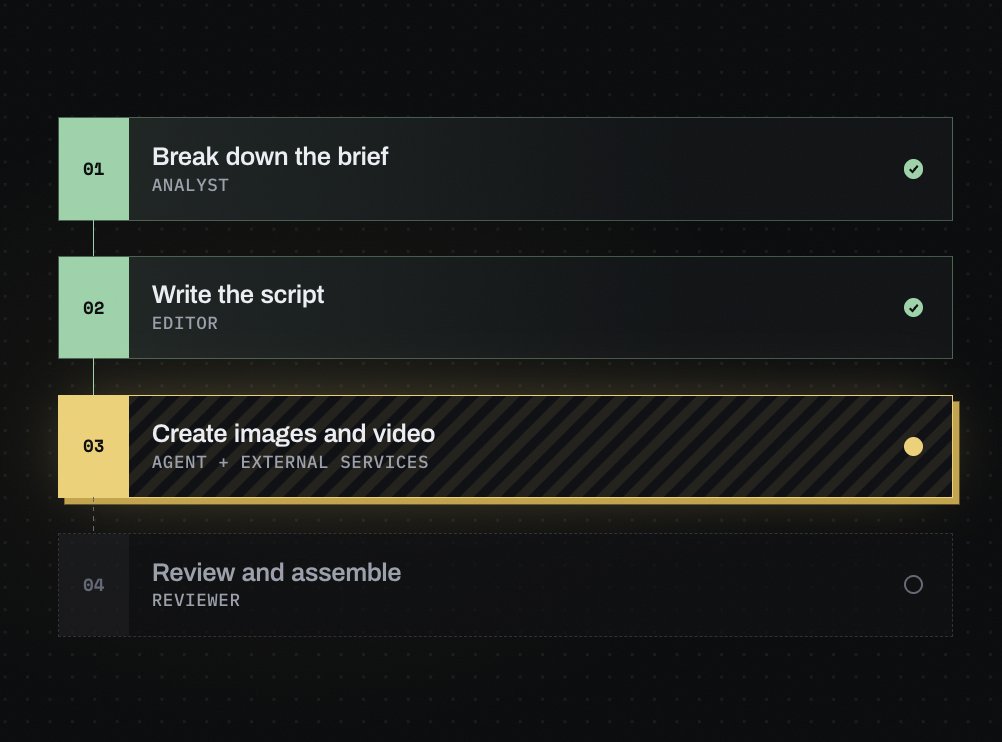
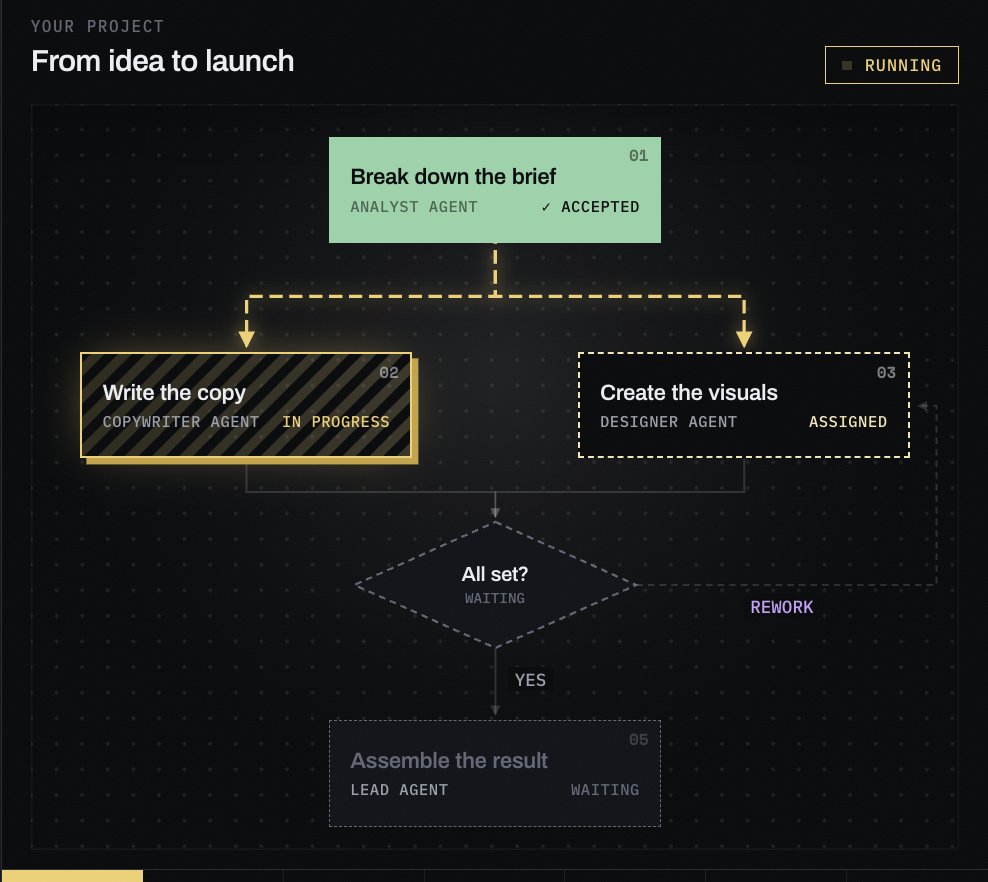
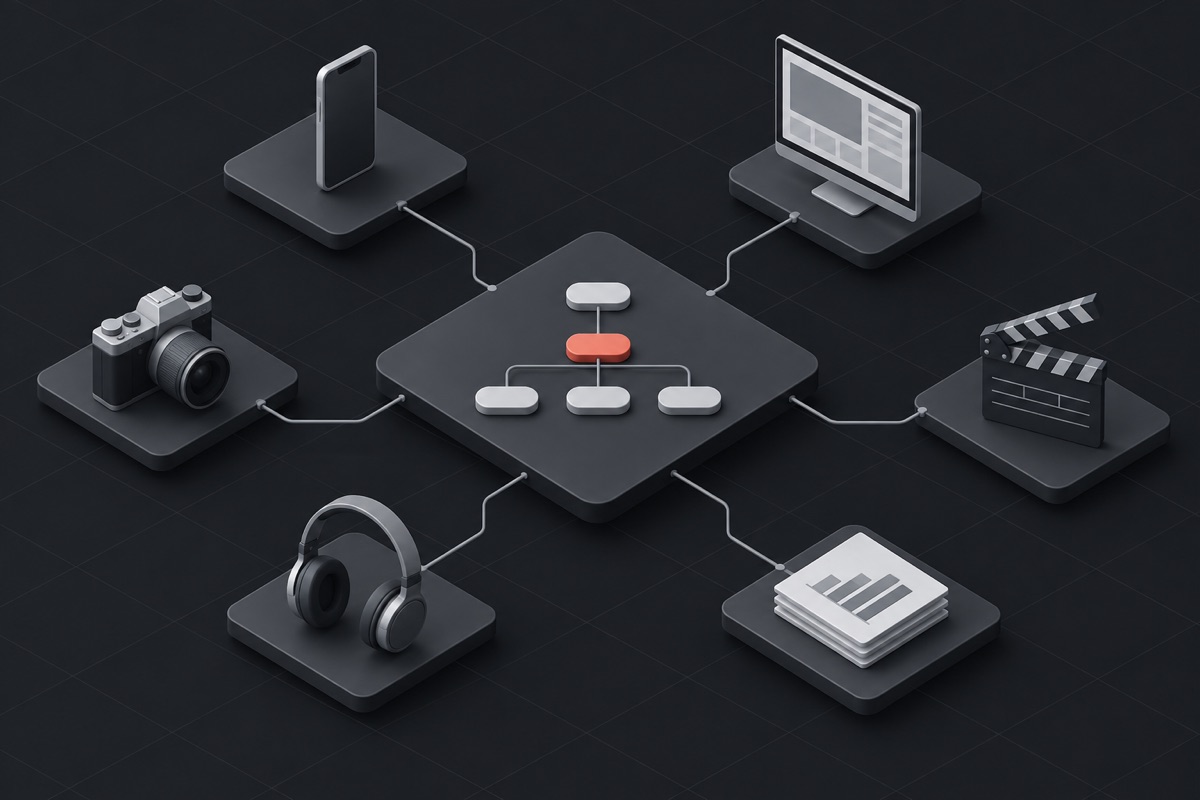
GOBL(in) turns your idea into a clear flowchart. Each block is a step with one job, arrows set the order, diamonds mark decisions. You see the whole project at once, and the gaps jump right out.
Better still, AI agents get it too. A structured plan beats a wall of prompt: your agent stops guessing and starts following steps.
Try it free at https://t.co/0ubYWLFAqW
#AI #agents #pipeline #visual #workflow #flow #orchestration #flowchart #editor #multiagent #opensource #orca #herdr
@lifeos_md Currently, this is a simple graph (flowchart) export to Obsidiant, as well as the flowchart import from Obsidiant into the Goblin system. After some minor refinement by the AI assistant, this flowchart will be suitable for AI agents to perform tasks.
Meet GOBL(in), a visual flowchart editor that turns your projects and ideas into clear, step-by-step diagrams that are ready to automate.
https://t.co/4zGKfJlBq6
-Works with the agents you already use: Claude Code, Codex, Grok CLI, Gemini CLI, Cursor, Antigravity and more
-Roles and teams: give every block its own agent, model and effort level
-Built-in checks and rework loops, so a failed step gets redone, not the whole project
-Built-in AI assistant that drafts, checks and improves your diagrams
-Export to Mermaid, Obsidian and PDF
-Free and open source under MIT: use it on the web, run it locally or self-host it
-HTTP API to plug the diagram into your own orchestrator
https://t.co/4zGKfJlBq6
#AI #agents #pipeline #visual #workflow #flow #orchestration #flowchart #editor #multiagent #opensource #orca #herdr
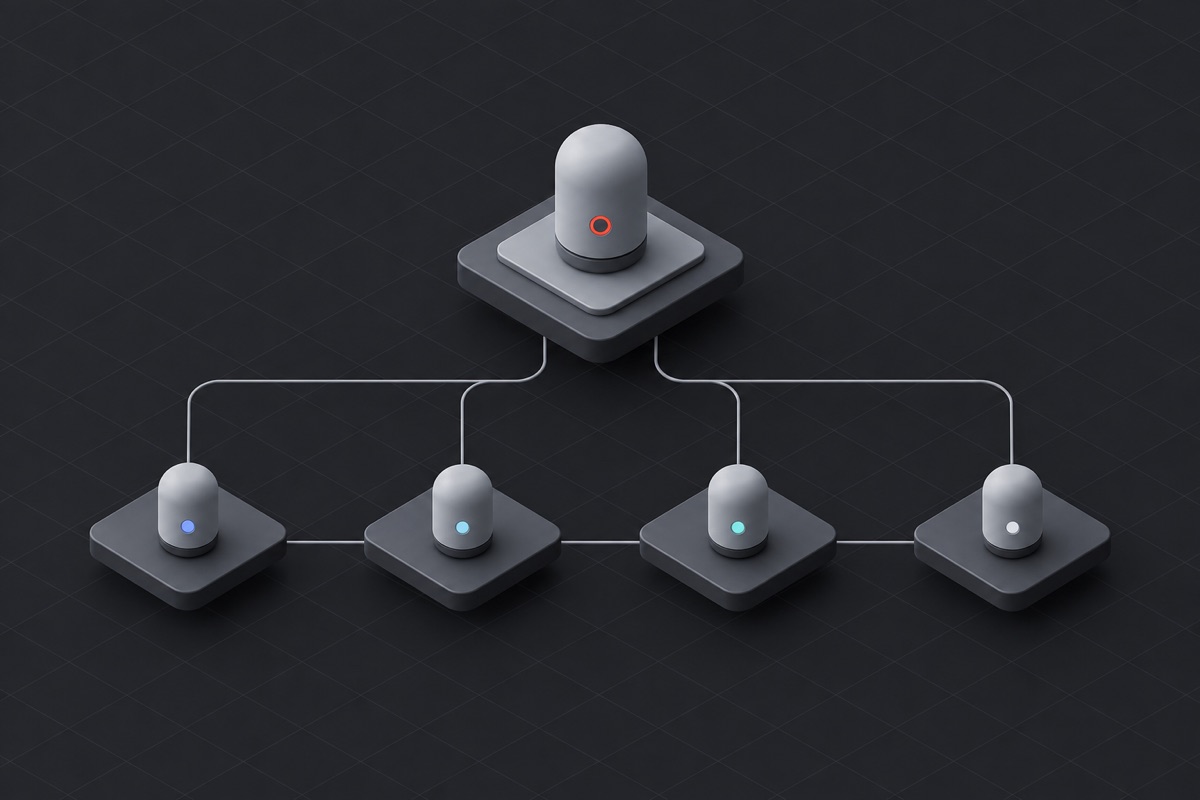
Meet GOBL(in): draw the plan, let your agents build it
https://t.co/4zGKfJlBq6
GOBL(in), a visual flowchart editor that turns your projects and ideas into clear, step-by-step diagrams that are ready to automate.
Draw the plan, or let AI draw it for you. Hand the diagram to your AI agent and watch it deliver the project block by block: on its own, through its subagents, or with a whole team of agents you assign. Here's what you get:
Visual planning: blocks, arrows, decisions, loops and parallel branches on one canvas
Any major model on your own subscription or API key: Anthropic, OpenAI, Gemini, Grok, DeepSeek, Qwen, Kimi
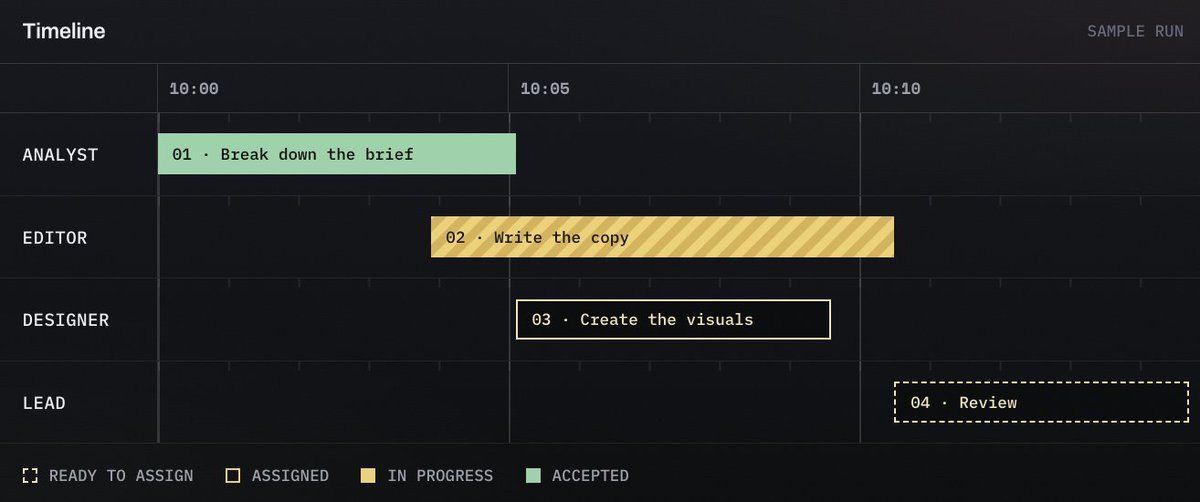
Live progress right on the canvas: step statuses, results inside blocks and a run timeline
...and more - see comment
https://t.co/4zGKfJlBq6
#AI #agents #pipeline
#visual #workflow #flow #orchestration
#flowchart #editor
#multiagent
#opensource
Draw the plan. Let the AI-agents run it.
Goblin Dot Red is a free flowchart editor for people who design systems rather than slides. Draw the blocks, connect them, give each block its own brief — and the same diagram becomes the plan an AI-orchestrator executes. Nothing to install, nothing to sign up for.
Try it - https://t.co/0ubYWLG8gu
#multiagent #orchestration #AI #agent #workflow #flowchart #editor #block #diagram #visual #agents #planner #task #mermaid #JSON #canvas #status #dashboard #multi #map #orca #herdr #Markdown #obsidian #cli #cursor #claude #codex #kimi #qwen #grok #opencode #pi
New AI agent planning - https://t.co/4zGKfJlBq6
Visualize the work of your agent swarm.
Coming soon.
A free visual editor for people who plan AI multi-agent systems. Compatible with Orca / Herdr / Superset and etc.
Subscribe and follow the news.
#flowchart#diagram#ai #Markdown #visual
#Mermaid #JSON #Canvas #multiagent #orchestration #free #orca #superset #herdr
Models comparison.
The same prompt for all models.
"Here are the parts of the face. Take this parts and create a harmonious and balanced whole face."
1) Kimi K3 (30min)
2) Gok 4.6 extra (30 min)
3) DeepSeek V4 PRO 0813 (15 min)
4) Qwen 3.8 pro (20 min)
...and last - a human-made version (5 min photoshop)
We still have a very long time to wait for AGI
#grok #grok46 #grok4_6 #kimi #qwen #deepseek #deepseekv4 #deepseek4 #deepseek813 #deepseek0813 #deepseek813
You can get Cursor Ultra Plan for FREE
Cursor and Grok just merged - and they're giving away Cursor Ultra ($200) for FREE
how to get:
1. you should have Grok Heavy subscription
2. install Grok Bot on your device
3. log in using your Grok Heavy account (select get Cursor Ultra)
after completing these steps, you will be granted access to Cursor Pro
to avoid spending too much on Grok Heavy, you can find ways to get it for as little as $50
do the math:
Grok Heavy: $300/mo × 3 = $900
Cursor Ultra Pro: $200/mo × 1 = $200
total value: $1,100
you pay: $50
that's a 96% discount on the two most expensive AI coding subscriptions on the market
recommend to grab it before the window closes
🚨 ICYMI Yarchi just published an awesome guide on building an AI "second brain" using Claude and Obsidian
Based on @karpathy's LLM Wiki concept, the idea is to stop starting from a blank chat window and start building a compounding knowledge graph.
Obsidian handles the local storage.
Claude acts as the brain.
I wrote down the condensed notes on how to wire them together:
The Stack:
→ Install Obsidian (your free, local text storage) and Claude Desktop Pro (the engine that reads and writes files).
The Bridge:
→ Install the "Local REST API" plugin in Obsidian, copy the key, and use Claude’s MCP framework to connect them (claude mcp add-json obsidian-vault...).
The Context:
→ Ask Claude to interview you. Have it ask about your goals, projects, and working style, then save it all to a CLAUDE.md file so it never forgets who you are.
The Structure:
→ Create specific project folders (Inputs, Process, Outputs, Feedback) and open them as isolated vaults so Claude stays focused on one job at a time.
The Automation:
→ Save repeated workflows as markdown "skills" and use Claude's schedule tab to trigger daily vault maintenance.
Voila!
You end up with an AI that organizes your files, summarizes your notes, and remembers your entire context.
Full guide from Yarchi here ↓