🔥 Sales teams: Let’s talk about the one thing we all need more of—clarity in the pipeline.
Grain’s new Deals feature isn’t just another tool; it’s a complete re-imagination of how sales teams prioritize deals, manage momentum, and win faster.
Here’s how:
🌶️ SPICED insights at a glance. Understand deal momentum, identify decision-makers, and pinpoint risks without digging through endless notes or calls. It's like having a deal coach built into your pipeline.
🛑 Stop wasting time on dead ends. Deals automatically reflect your sales process, surfacing real-time priorities so your team knows exactly where to focus.
📈 Momentum timelines and scorecard averages make every deal’s trajectory crystal clear. No guesswork, no surprises—just actionable insights for faster closes.
This isn’t about adding more noise to your workflow. It’s about giving your team the clarity and control they need to make better decisions—and win more.
👉 Want to learn more? Check out https://t.co/4nWg6ybtVc
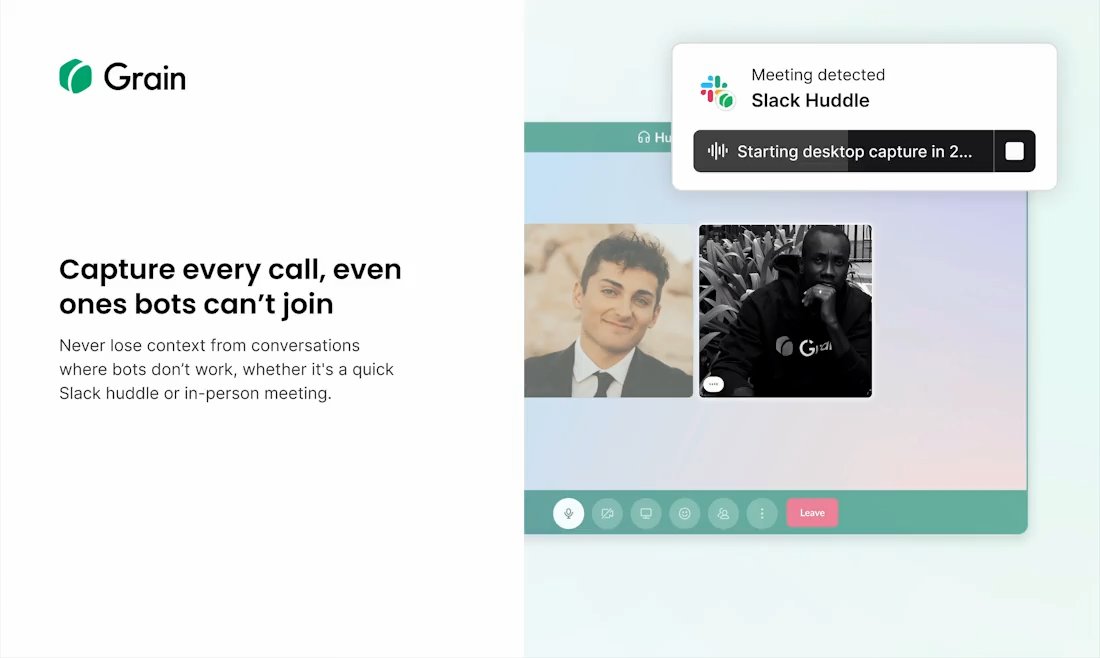
Grain can now record meetings without a bot!
The desktop app captures audio from your Mac and transcribes it. Good for Slack Huddles, impromptu calls, or when you don't want a bot in the meeting.
We're on Product Hunt today if you want to check it out:
https://t.co/aLdBOmXb2k
👋 Meet the new Ask Grain — an AI assistant that answers questions about your meetings, creates deliverables, and more. All with citations to moments from your meeting.
No guessing. No AI hallucinations.
Whether you need a recap, follow-up email, a list of action items, or customer quote — Ask Grain generates it near-instantly using your meeting context, and links every response to exactly where it happened. It's like ChatGPT, but purpose-built for your conversations.
Use Ask Grain for one off workflows like generating an executive summary of a meeting and writing it into an email or creating a product brief from a project kickoff.
Now available on all workspace plans — Including our free plan 🤯!
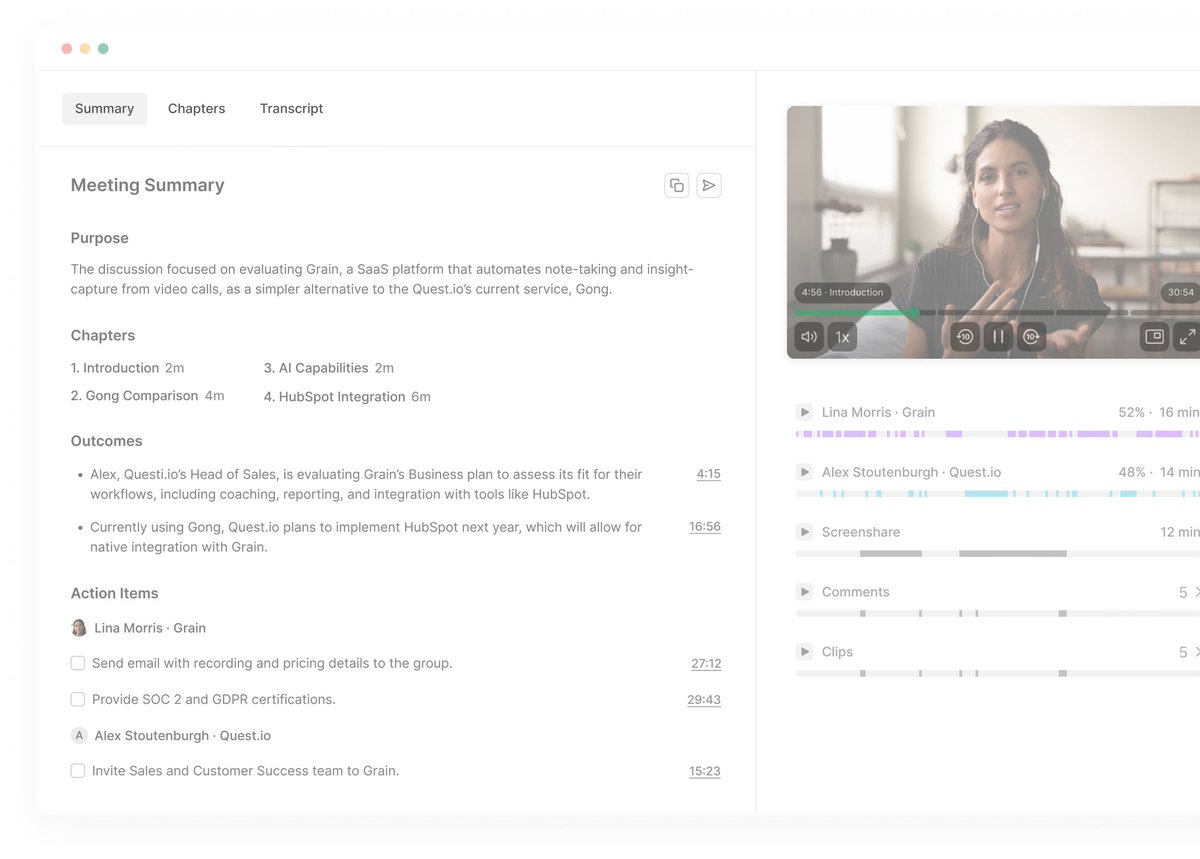
Ever wish you could walk away from a meeting with all the important details neatly wrapped up? With our new Grain Summary tab, you can!
Here's what's new:
Purpose: A one-sentence recap that tells you exactly what the meeting was about.
Chapters: Break down the conversation into timestamped sections—click on any chapter and jump right back in.
Outcomes & Action Items: A clear checklist of key takeaways and next steps, so nothing falls through the cracks.
Custom Note Templates: Need more detail? Use a template (like SPICED for sales calls) to capture the insights that matter most.
Simple, clear, and built to keep you organized. How do you currently keep track of your meetings?
👇 Drop your thoughts below! 👇
What if you could ask your meeting notes questions about your meeting instead of sifting through the recording yourself?
Say hello to Grain’s Ask Anything feature.
✨ Need to know the key deadlines for decisions?
✨ Wondering who has assignments, and what those action items were?
✨ Trying to remember that one critical insight?
Simply type your question, and Grain delivers the exact answers you need—accurate & fast.
👉What's the first question you're going to ask Grain?
Ever finished a meeting and thought, “How do I quickly share the important stuff with my team?”
Grain has your back.
1️⃣ Record your meetings with Grain – No more scrambling to take notes during calls.
2️⃣ Set up a Slack automation - Tailor it to your workflow in just a few clicks. (Walkthrough below 👇)
3️⃣ Watch your meeting notes appear like magic in your Slack channel or DM after every meeting concludes
No more scrambling to find important meeting summaries.
P.S. If Grain & Slack has saved you time, we’d love to hear your story. It might even get featured in an upcoming post!
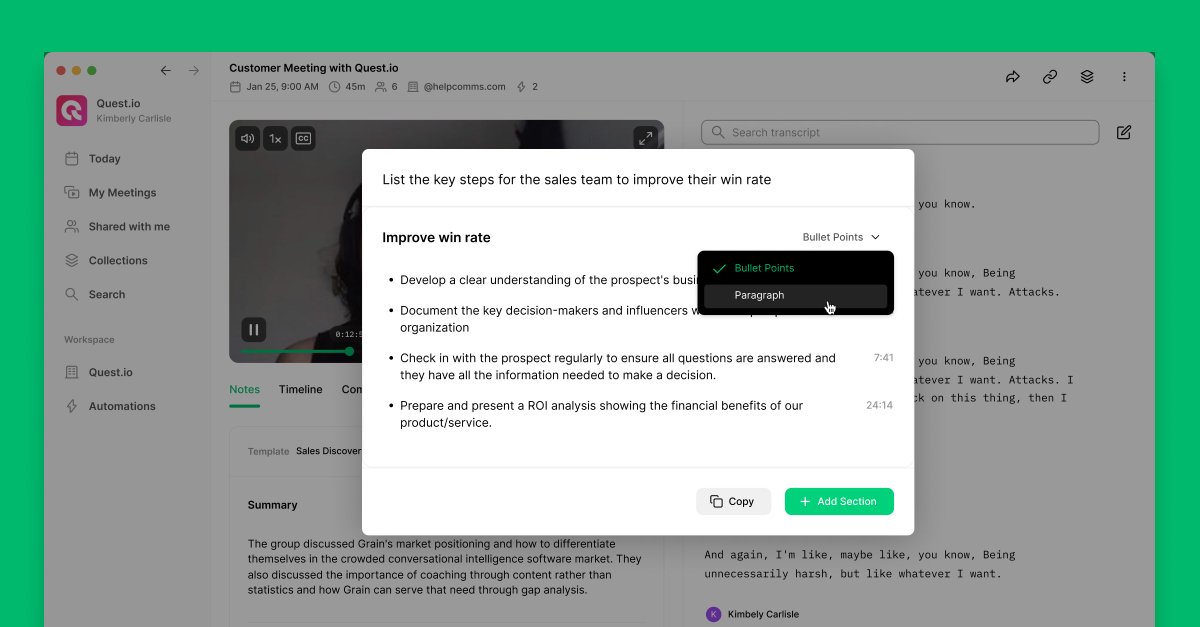
🥁 ChatGPT for Your Meetings
Just like with ChatGPT, you can use prompts to ask questions about your meetings. Grain AI will provide answers based on the conversation.
Customize the answer format to match your specific needs.
#ChatGPT#AI#Meetings
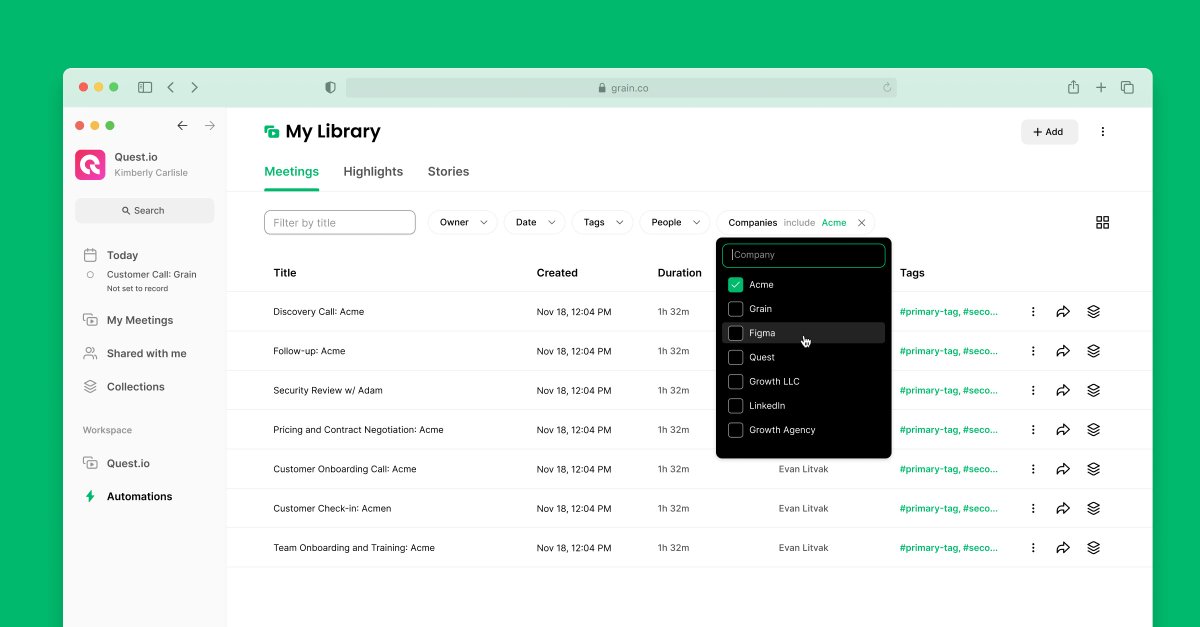
Filter your meetings by companies in Grain. 🤯
Looking for meetings with a customer? Tap on "Companies," type the company's name, and your library will display the meetings you've had with them.
Now, it's easier to track engagement and review customer interactions.
#AI#Sales
Automate all your sales busywork with the improved @GrainHQ x @HubSpot Automation😌
⏺️ Take personalized meeting notes
👤 Create a new contact
📑 Add call notes and log meeting activities
✍️ Update deal properties based on prospects' answers (when using Sales Discovery Template)
Unlock the Power of Your Meetings with Grain AI
1. Automated Meeting Summaries:
- Say goodbye to manual note-taking.
- Grain AI provides accurate AI summaries of your meetings.
- Instantly navigate and watch key moments.
- Share neatly formatted summaries with a single click
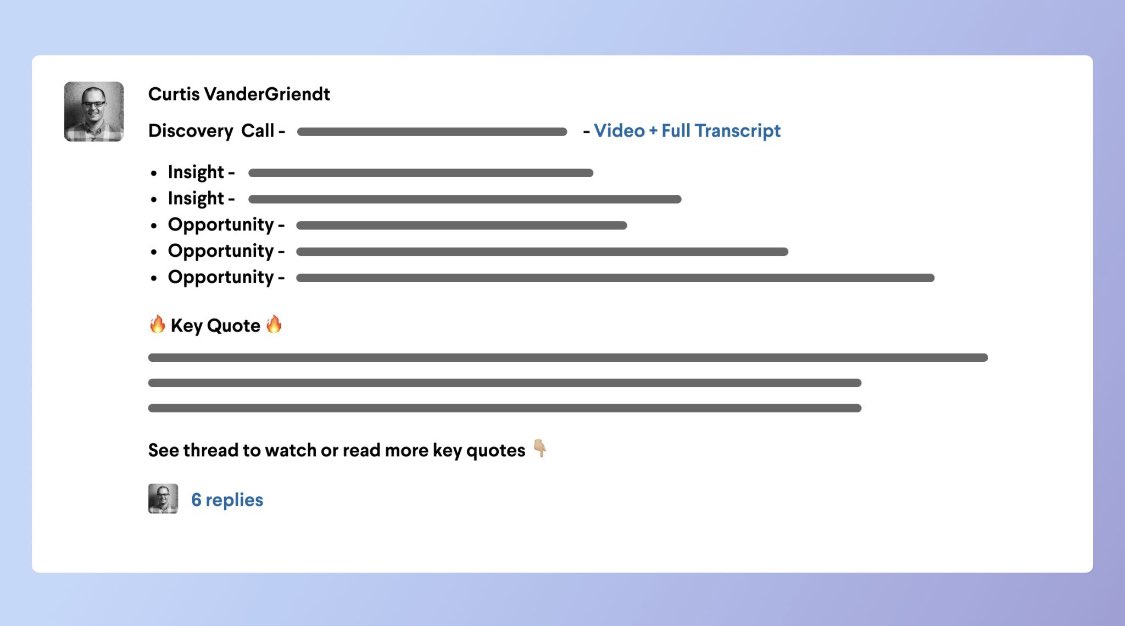
Tactical way to increase discovery engagement and visibility that has resonated:
👉🏼 Have a dedicated Slack channel for your area of focus
👉🏼 Use @GrainHQ to record calls, transcribe quotes, and easily share clips
👉🏼 Write a post with key takeaways and post clips in a thread
Drumbeating “Privacy” isn’t going to make people less nauseous about being recorded b/c privacy policies only apply to the registered user of a product.
The conversation we should be having is about the legality/ethics of recording consent of the NON-users.
Automate note-taking and post meeting workflows with AI ✨
Imagine this: You're on a call, fully engaged in the conversation. When the call ends, you receive the information you need, formatted exactly as you like, and it's sent directly to your inbox, Slack, HubSpot, etc.
🧵…
At #INBOUND23, @dharmesh said, "AI will take your job and give you one that's better."
With Notes Templates and Custom Sections, you can now completely delegate note-taking to Grain AI. It writes notes just like you, finally allowing you to focus on the work that truly matters.
Enjoyed being on the @remotelyone podcast with @kaleemclarkson and @rpaulhaney.
Resurfaced my favorite "remote work memory" where in 2020 our CTO teleported out of our Zoom call after his Roomba vacuum robot knocked out his wifi. Good times. https://t.co/CSKqCj6N4K