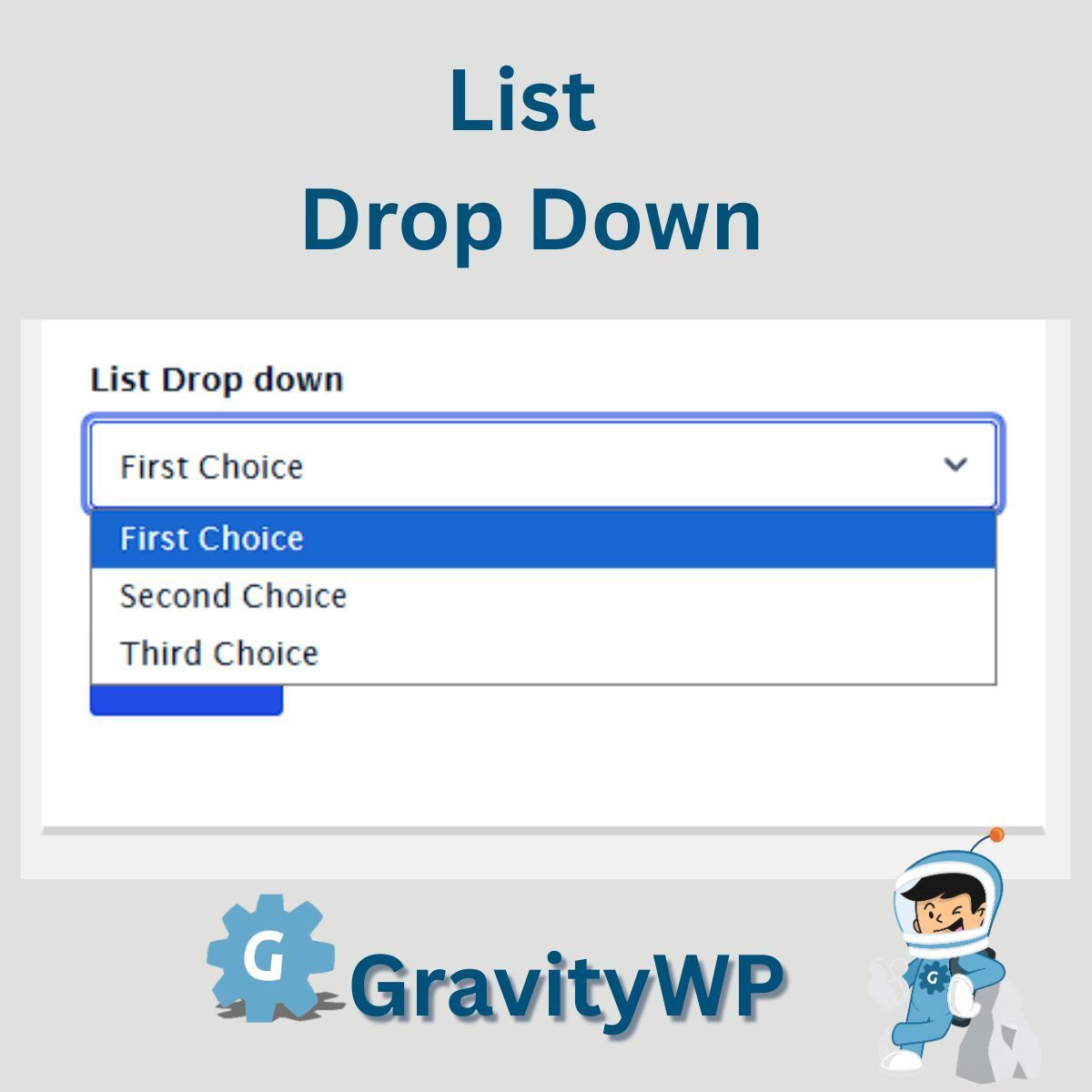
List Drop Down Tip: Great for forms where each row requires a set of specific choices like product sizes, departments, or yes/no options.
https://t.co/IPacxR0Yqe
#FormDesign#WordPress#GravityForms
Need better control over list field input? Try GravityWP's List Drop Down add-on replace free text with dropdowns in each list column!
https://t.co/UiJo430Wip
#GravityForms#FormUX#WordPressTips
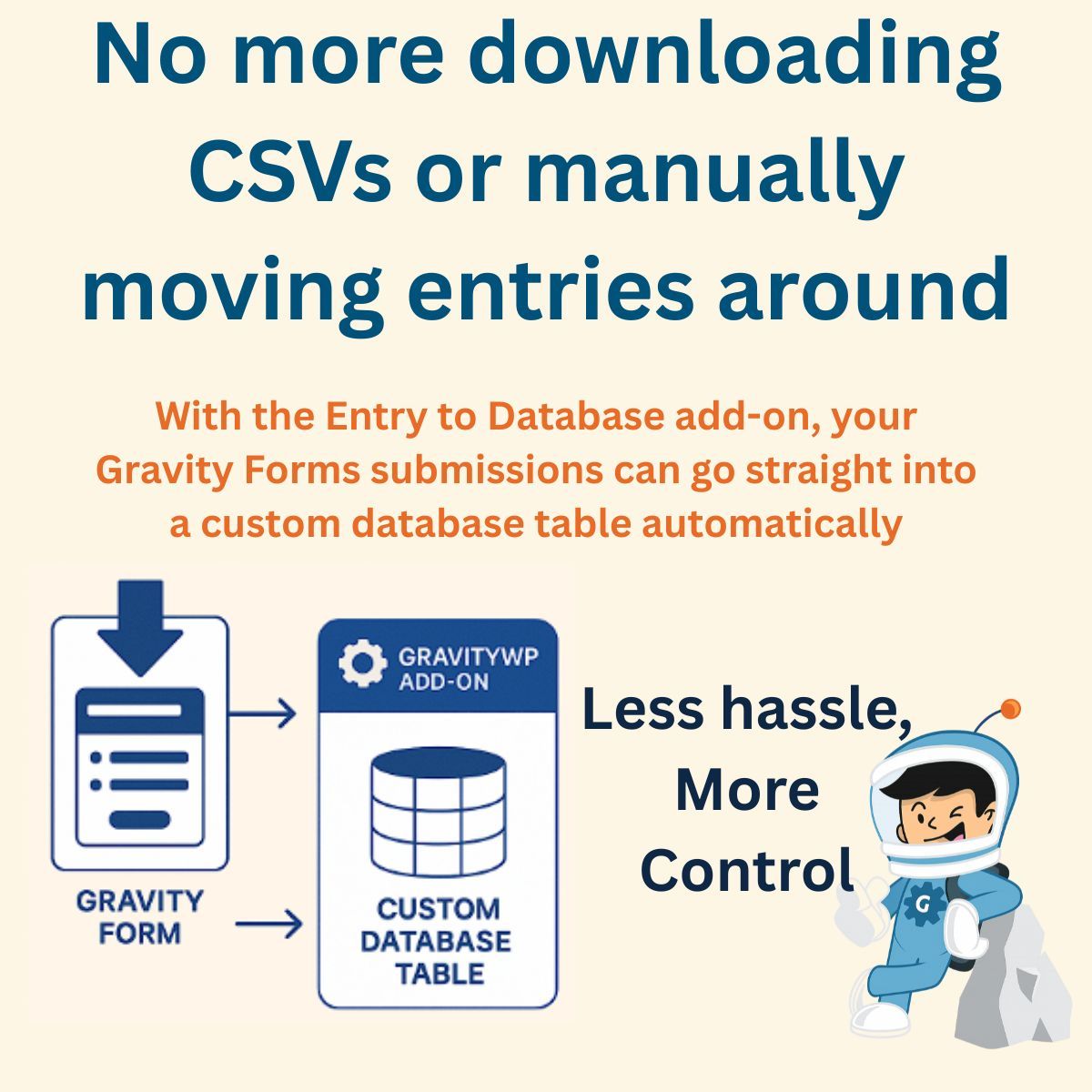
Tired of syncing your Gravity Forms data manually? Try Entry to Database store form entries straight into your custom DB table, no CSV export needed.
https://t.co/beEzqYWMOn
#NoCode#WordPressAutomation#GravityForms
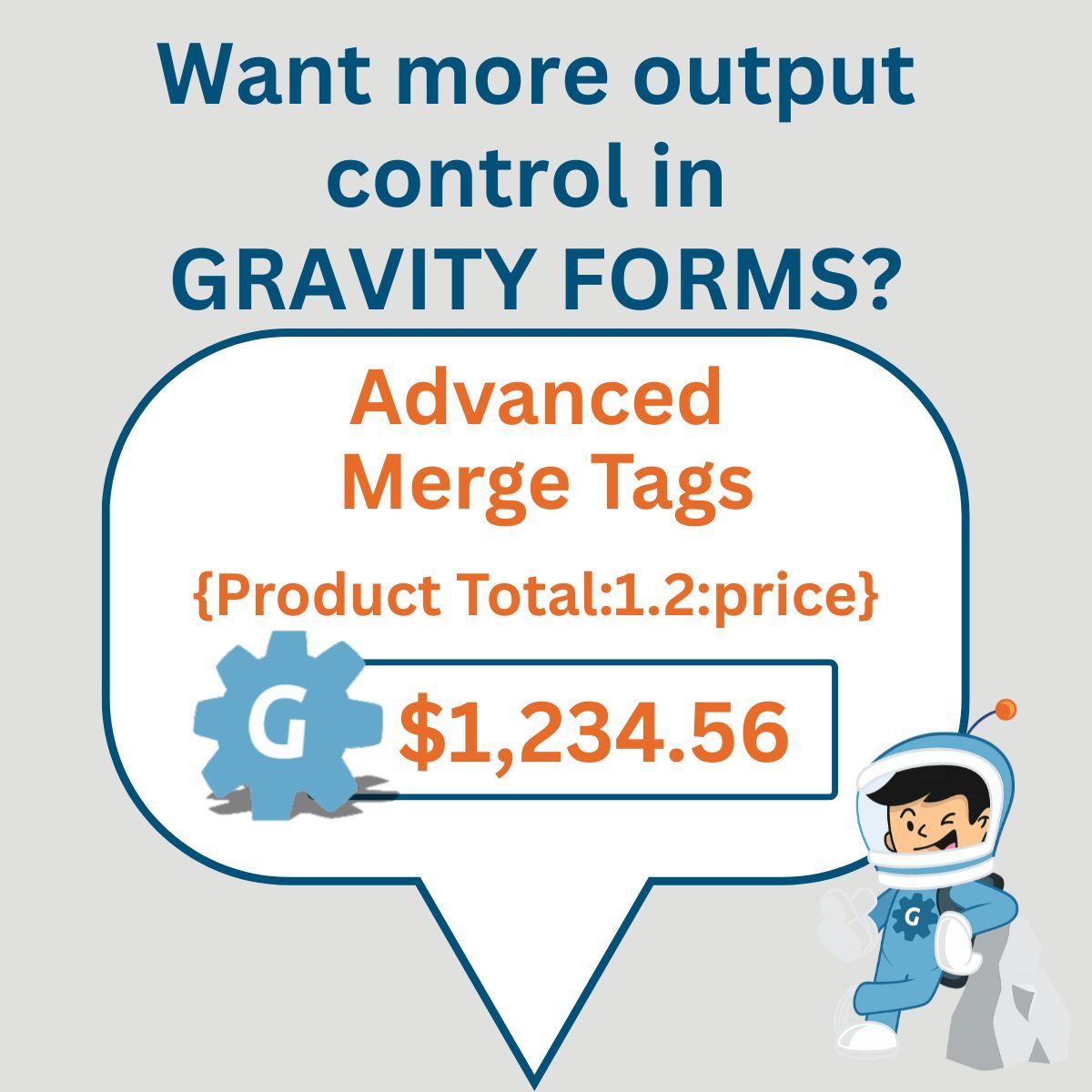
Want more control over how Gravity Forms entries show up on screen or email? Use Advanced Merge Tags to customize output with precision.
https://t.co/L3IPr1Rwcn
#GravityForms#MergeTags#WordPressTips
Want to control how numbers appear in Gravity Forms List Fields? Our List Number Format add-on applies decimals, comma separators, or even currency formatting per column. Clean data, no guesswork.
https://t.co/reJ8sJJoPL
#GravityForms#FormFormatting#WordPressTips
FAQ: Is Entry to Database GDPR compliant?
Yes our add-on stores form entries in a custom database you manage (inside WordPress or external). That means you control the data’s location, access, and deletion process all important for GDPR compliance.
Want to control the choices users can make in your List Fields?
Use GravityWP’s List Drop Down add-on to replace free text with dropdowns locked to the options you set. No code, no clutter.
https://t.co/UiJo430Wip
#GravityForms#FormUX#NoCode#WordPressTips
Quick Tip: Use the gwp_case merge tag modifier to automatically fix user-submitted names
Example: {Name:1:gwp_case to=""upper_first""} John, not john. Clean UX, no code needed
See the full list of supported modifiers: https://t.co/oN5laXhgPy
#GravityForms#MergeTag#WordPressTip
Need to auto-fill your Gravity Forms with live Airtable data?
Here’s a quick tip: Use GravityWP’s API Connector to fetch real-time values straight into your form fields.
https://t.co/mjXOZRzbcB
#GravityForms#Airtable#WordPress#WordPressDev#Automation
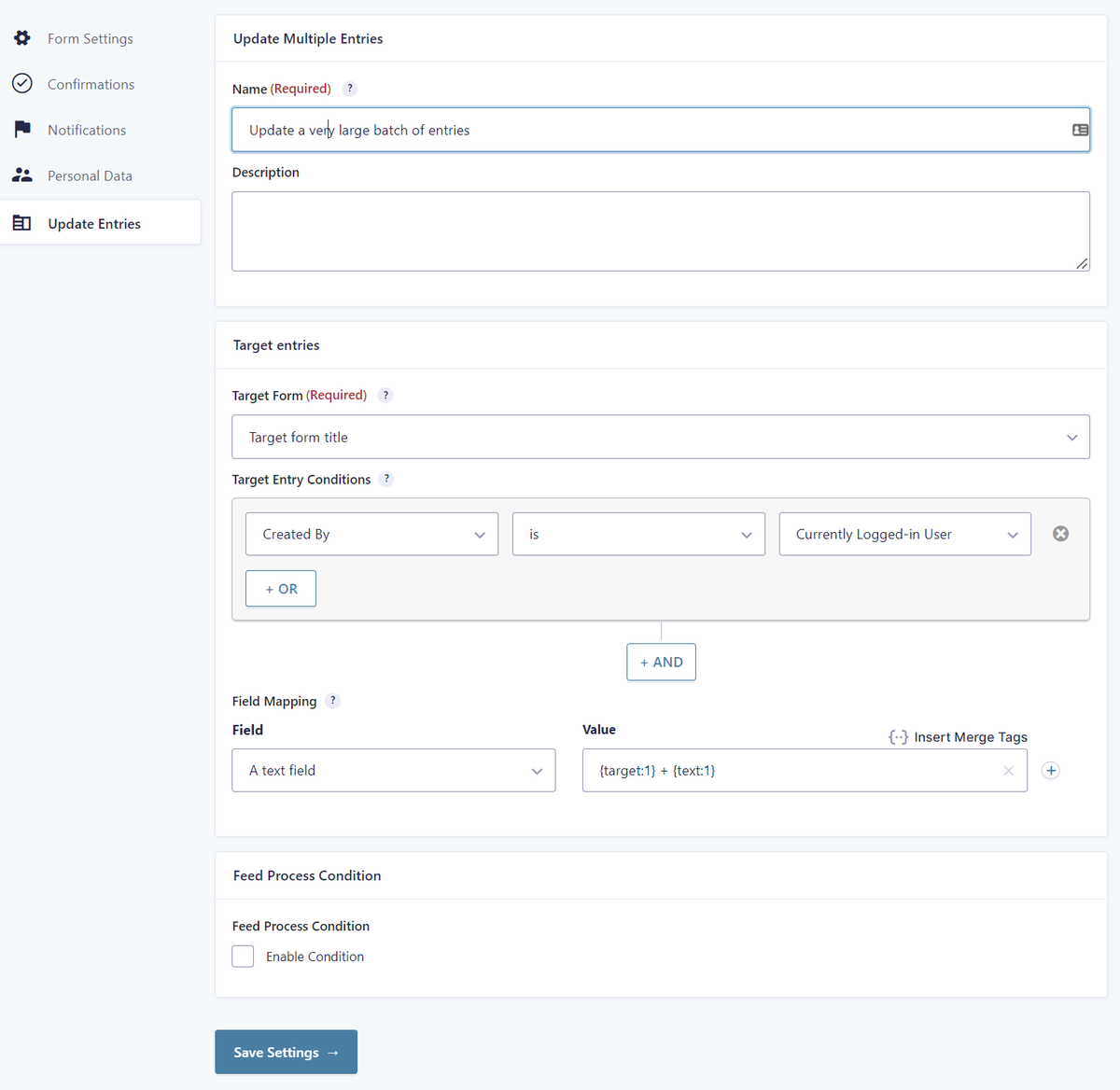
Need to store Gravity Forms entries in a custom database table without losing the original entries?
GravityWP’s Entry to Database add-on sends form submissions to a table you control, perfect for reporting, syncing, or extending data workflows.#WordPressTips#GravityFormsAddOns
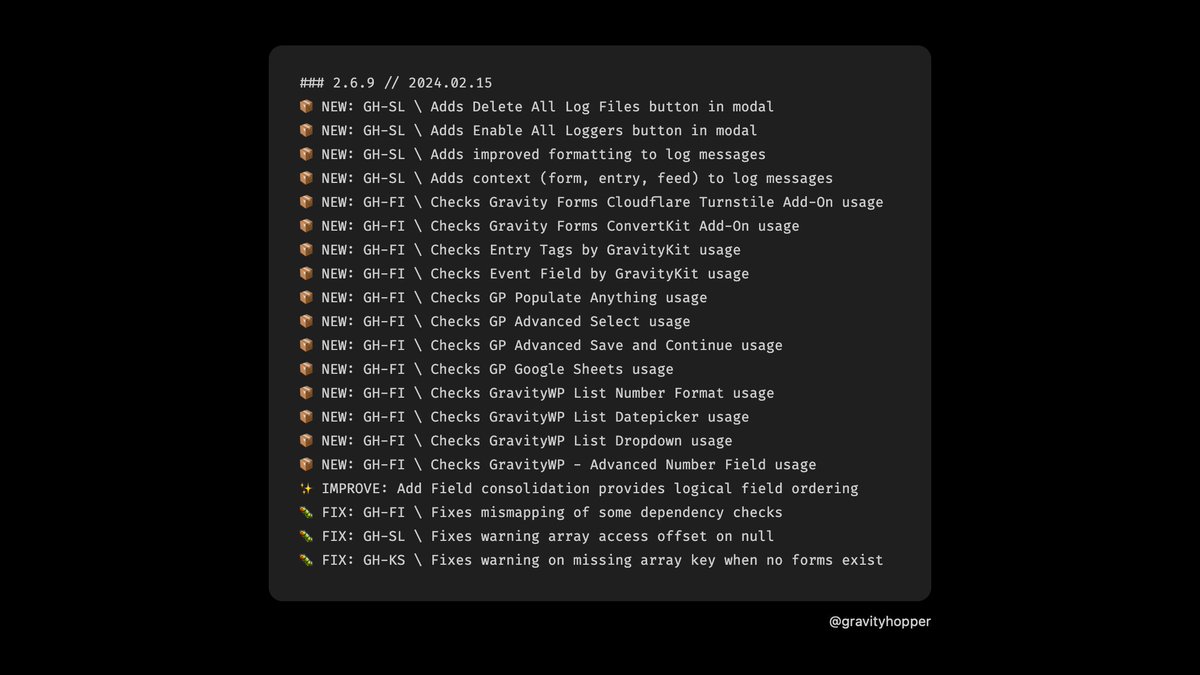
Gravity Hopper 2.6.9 → lots of little big stuff
🪵 logging experimentation
💎 form integrity auto-checks 12 more plugins
🧙🏽♂️ including @GravityWiz Populate Anything
🎛️ fine-tuning the Add Fields panel
We welcome @KarimSiam18 to our #GravityWP-team. Karim discovered his passion for gaming at a young age, and it led him to co-create a small browser game with friends, which ignited his interest in programming. Karim is back-end developer for GravityWP.
https://t.co/1BCOFLQkzx
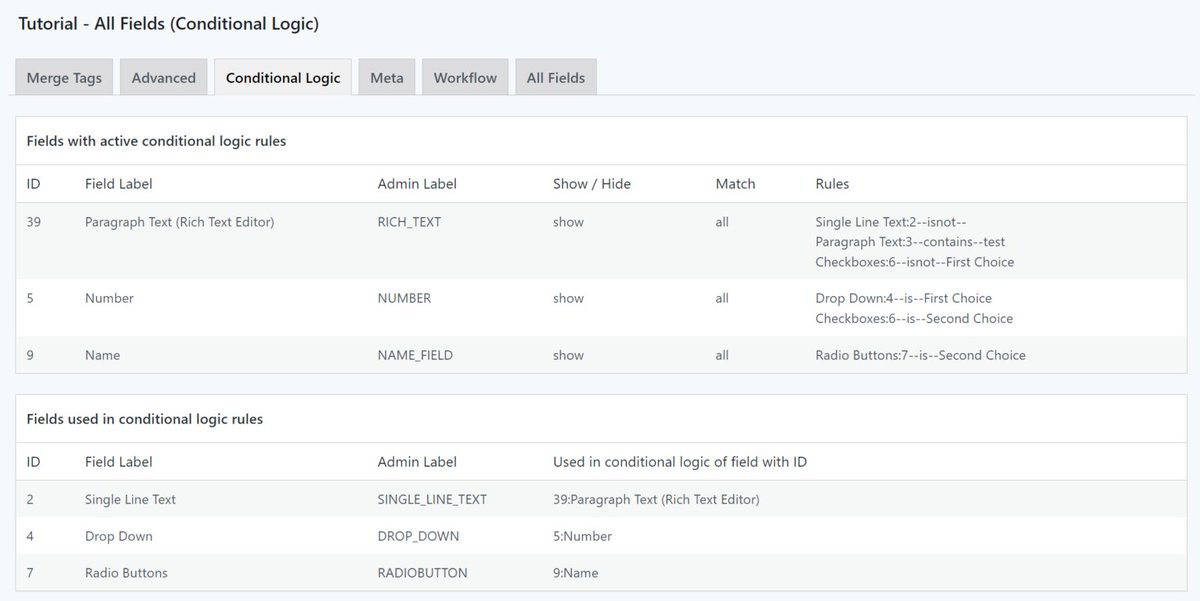
Version 1.3 of our free GravityWP - Merge Tags Add-on is available with two new tabs with information about Conditional Logic and Calculations in your Gravity Form. Get it here: https://t.co/zYyJ9K8YDx
@gravityforms
Teamed up with @Aiwoscom for 'Building a Website with #WordPress' workshops for kids during the Dutch Weekend of Science (#WvdW23), opening doors to science and tech! 🚀
De oudste én jongste deelnemer aan één van onze workshops 'Website bouwen met Wordpress' in het Weekend van de Wetenschap. #WvdW#WvdW23#WordPress#technologie
The GravityWP-team will be at #WCEU next week, and we'd be pleased to meet up for a coffee (or beer) with other WordPress and Gravity experts! Let us know here or on LinkedIn https://t.co/HuakaV5fLZ
Our GravityWP - Merge Tags Add-on for #GravityForms provides a handy overview of all your Conditional Logic rules. Download for free on the #WordPress repository: https://t.co/zYyJ9K8YDx