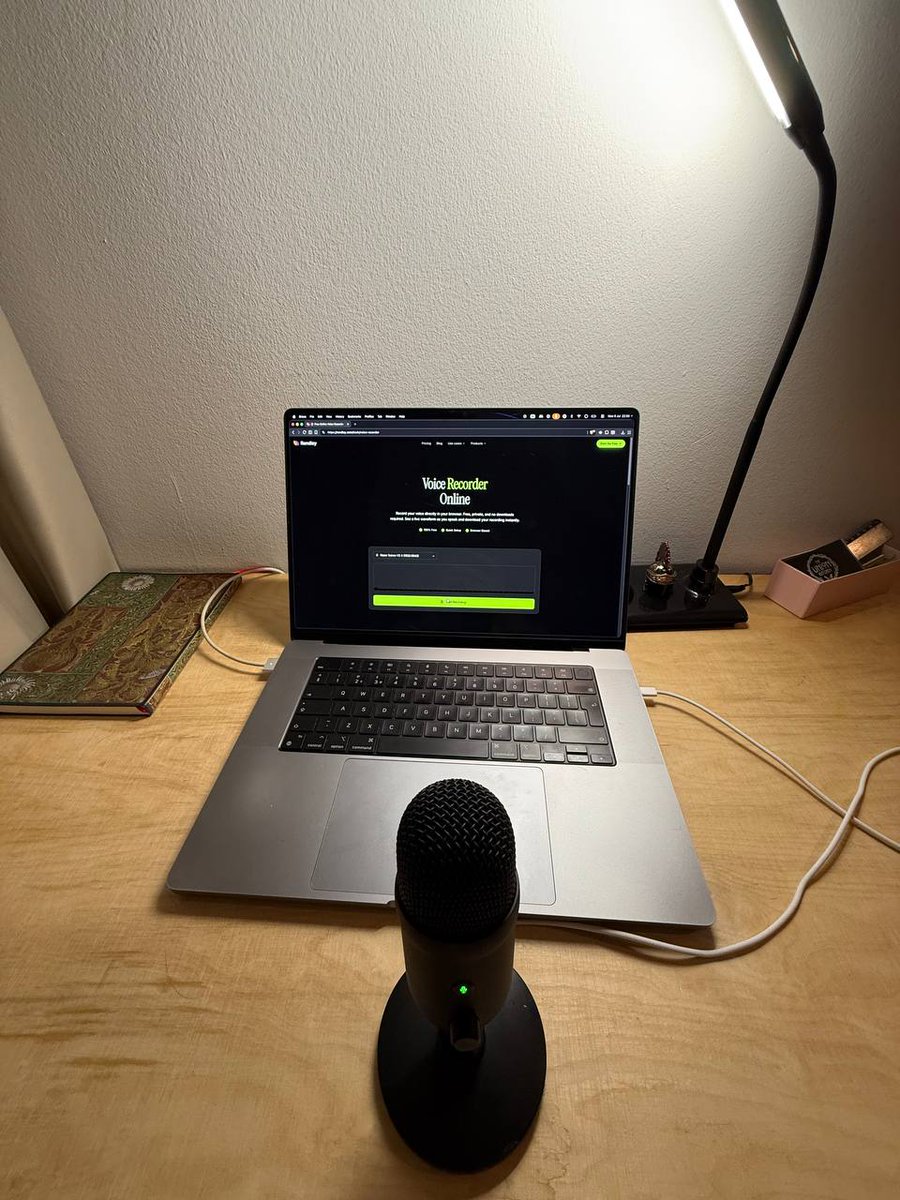
Trying a new experiment in Rendley 👀
You can now set up a Brand Kit once and have future videos follow it. You can also add your own rules to the agent, so it edits videos the way you like.
More exciting stuff coming soon.
Had a lot of fun recording and editing a video yesterday afternoon. It's something I'd like to do more often.
Recorded the voiceover with one of our free tools and edited everything in @rendleyhq.
The video is on YouTube already ⌛
🎨 AI videos shouldn't have to rediscover your brand every time.
Brand Kits let Rendley learn your colors, fonts, logos, brand voice, and more, so every video starts on brand.
Watch the full walkthrough ↓
Some people climb 1,250 feet to ship one piece of content.
You can just describe it, and Rendley builds the video in a couple of minutes. On-brand, every time.
https://t.co/wAAnLoT9Vb
🚢 This week we shipped Rendley MCP, bringing video editing directly into Claude and ChatGPT.
Drop a recording into the chat, describe the cut, get back a finished video with captions, B-roll, and your brand kit applied.
https://t.co/wAAnLoT9Vb
@marleen_swift Very true. I can imagine a workflow where a company has a well-defined brand kit and clear guidelines in place, so that all generated assets can take those into consideration.
We asked our video editing agent to create motion graphics, titles, and lower thirds so we could expand our asset library. It created over 100+ assets in less than 30 minutes, and we made all of them available in the editor.
We noticed many users were creating collage videos manually, so we added a shortcut for this.
Just select your videos, pick a layout, and apply. You can also reorder clips and adjust the cropping if necessary.
A few weeks ago we played around with an idea: what's the simplest way to turn a static design into a dynamic video?
After a few hours, here's what we came up with.
We gave it motion graphics skills, and made sure it can animate everything you ask it to. What this means is that instead of manually adjusting positions, rotations, easings, and more, you can simply prompt your idea and let the agent handle it.
A week ago, we shipped keyframe animations to Rendley. This was a huge milestone for us, but it had one major disadvantage, that you still had to apply them by hand.
So we did the reasonable thing and connected the keyframe system to our AI Agent.
A simple zoom or fade is the difference between a video people watch and one they skip.
Here’s a more detailed demo of how to use keyframes to add motion to your videos. By the way, this entire video was created with Rendley.
Try it out yourself: https://t.co/DfCYgsm4j6
Fun fact: one of our users wanted to translate the captions as well. This is not a feature we had planned, yet the agent understood the request and just did it.
Try it yourself on https://t.co/Kk5CDxcEG6
Translating videos into multiple languages just got way easier. Thanks to this integration, I can now speak in more than 175 languages. This might be the easiest way to reach new markets with your content.