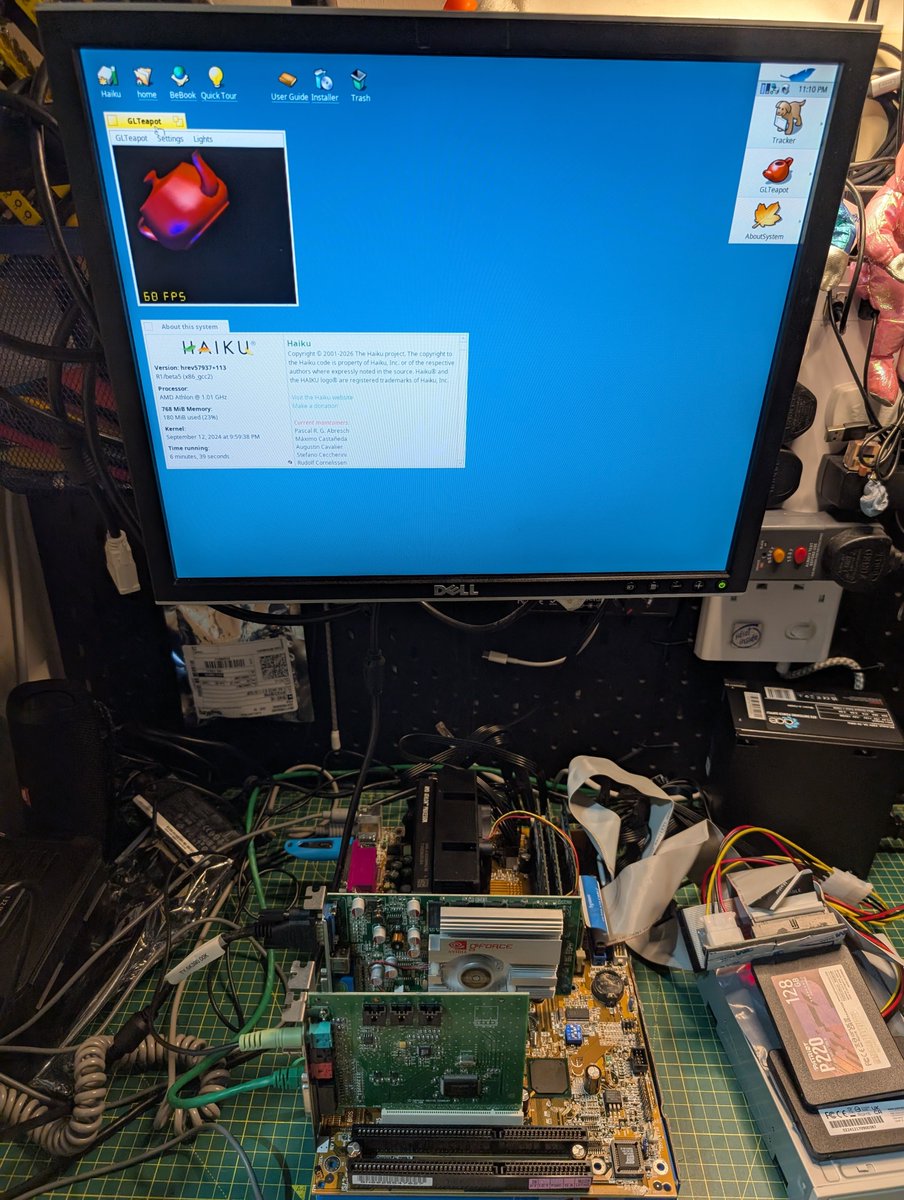
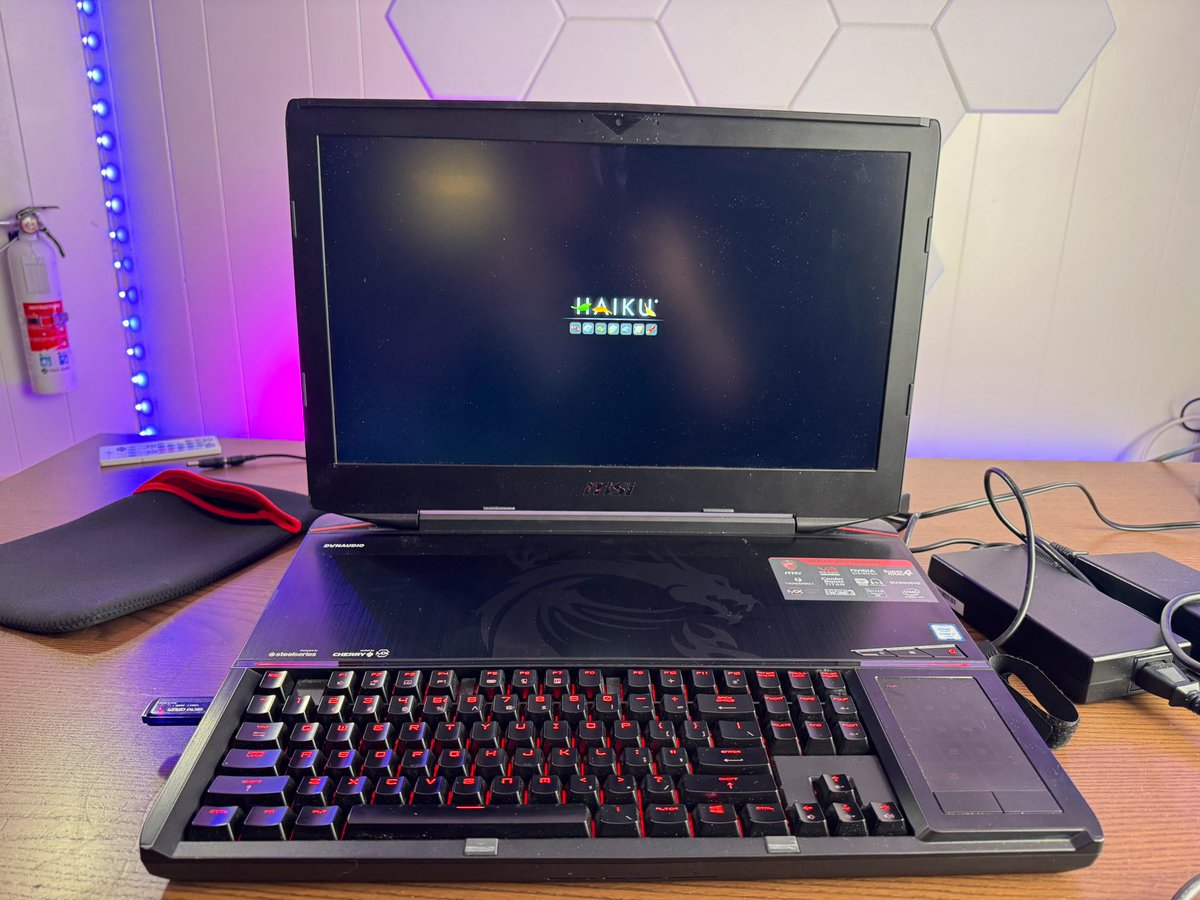
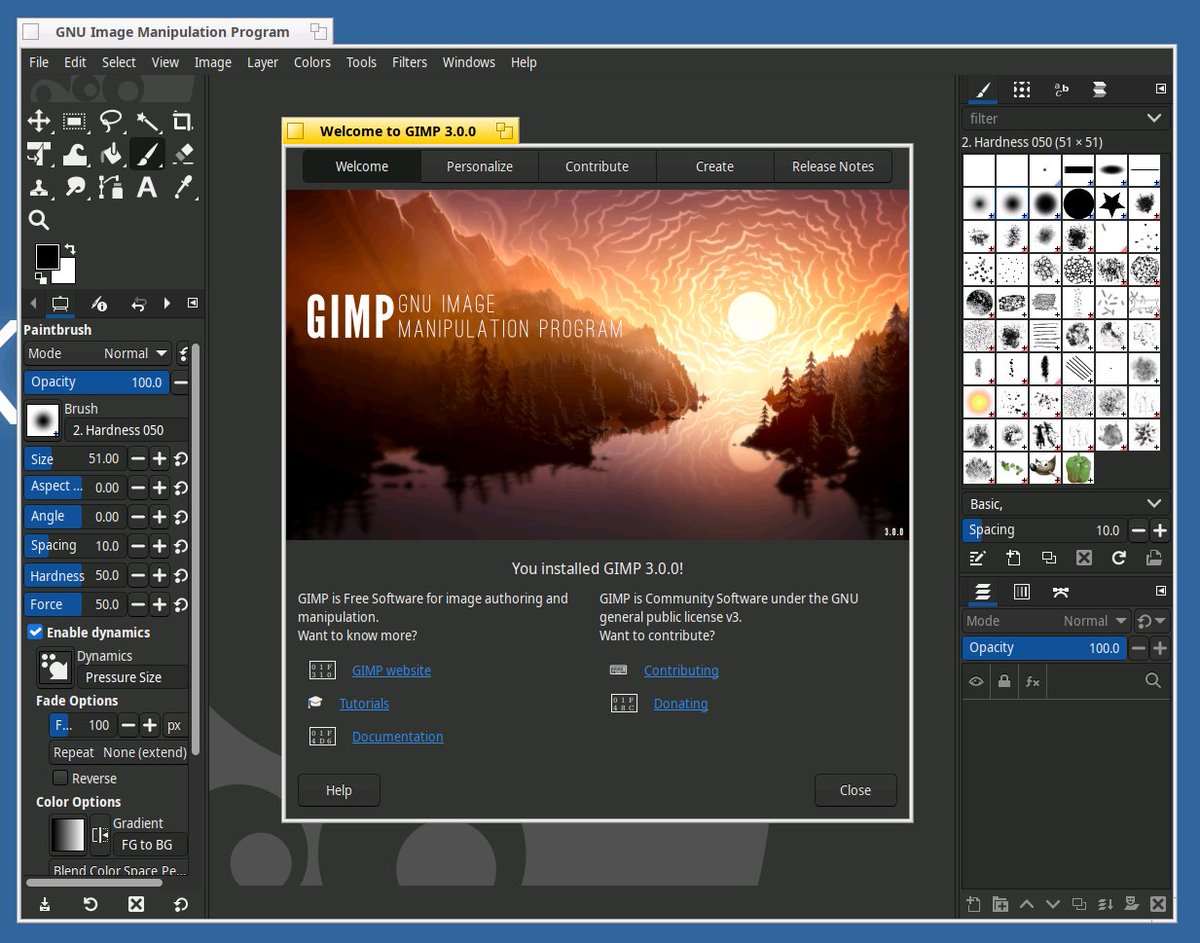
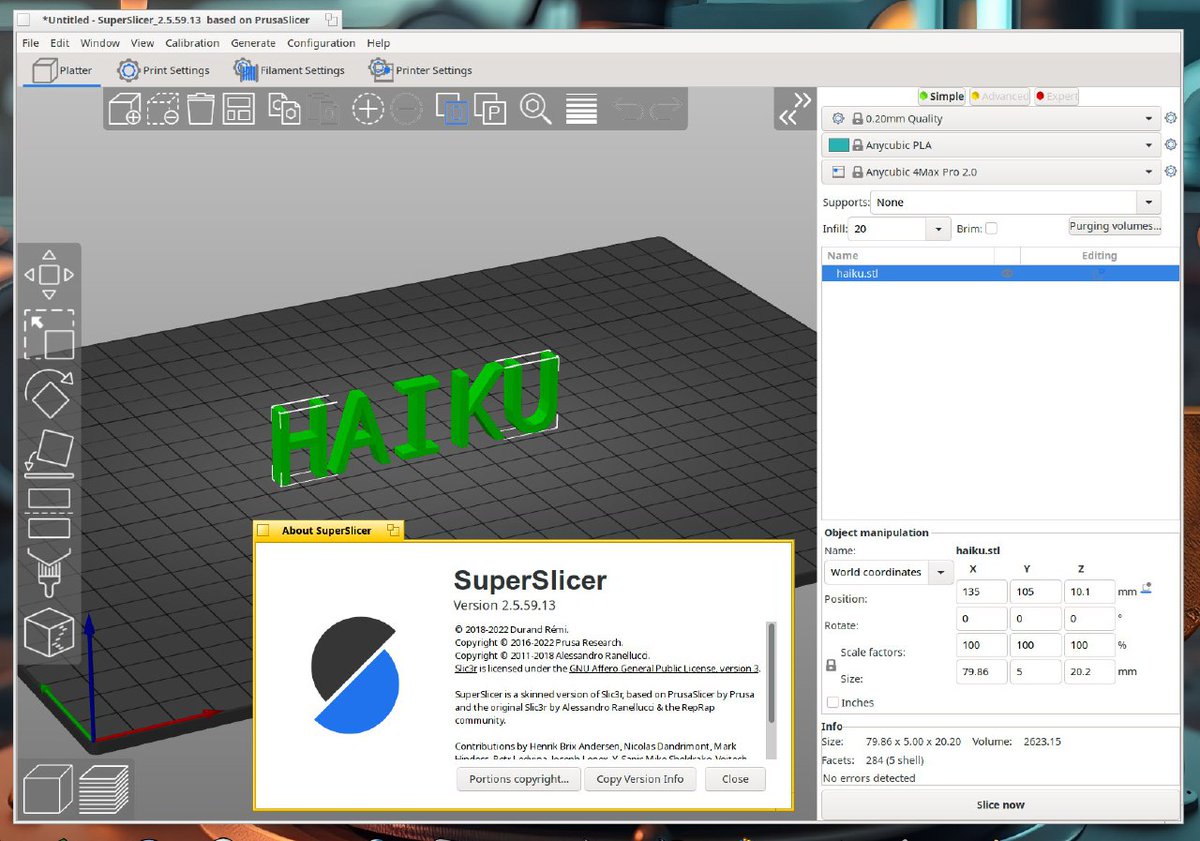
This month in Haiku: a lot of bugfixes and little improvements… oh, yeah, and the ARM64 port boots to the desktop (in QEMU, at least)! https://t.co/tkYPdlMbOy
Using HaikuOS to Manage my homelab on ThinkPad x61t
Amazing! It's very fast and clean! Even though this laptop has very old hardware, I can still perform maintenance on it smoothly.
#HaikuOS
Another month, another @haikuOS activity report... but this time, I wrote it from within Haiku itself, using the newly available Go port to preview the website live! Read it here: https://t.co/DHUW4omIEo
FOSDEM (@fosdem) ’25 is this coming weekend, and Haiku will be there! Look for our stand in the “K” building, and say hello to the volunteers representing the project.
Going to do another stream of Haiku development on Twitch this afternoon, again around 2:30pm EST (7:30pm GMT), this time looking at caching kernel thread stacks. Come take a look! https://t.co/cG5zAIDp61
💡 Have a custom keyboard layout? Configure it in Haiku using the Keymap preferences: drag & drop to swap keys, drop in special characters from CharacterMap, etc. More details: https://t.co/ljO479ULmB
Test run of the Core War tournament scripts using HaikuOS on a Samsung N150+ netbook at the Retro Computer Festival earlier today. #corewar@computermuseum@haikuOS
💡 Did you know? You can open paths & links from command output in Haiku’s Terminal by holding the Command key (usually ‘Alt’) and then clicking on them. (It even handles line:column suffixes!)
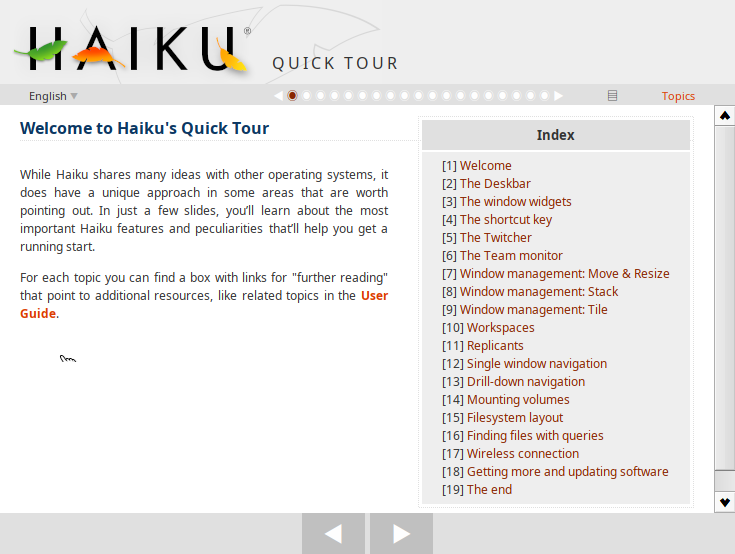
New to Haiku, or been a while since you’ve used it? Consider taking a trip through the “Quick Tour”, an introduction to Haiku in less than 20 slides. https://t.co/XKYfRploh2
If you’re curious about what goes in to developing Haiku’s user interface, you might be interested in checking out “Insight Factory”, a screenshot-filled blog run by Haiku developer Skipp_OSX. https://t.co/EK7tS3mTpa