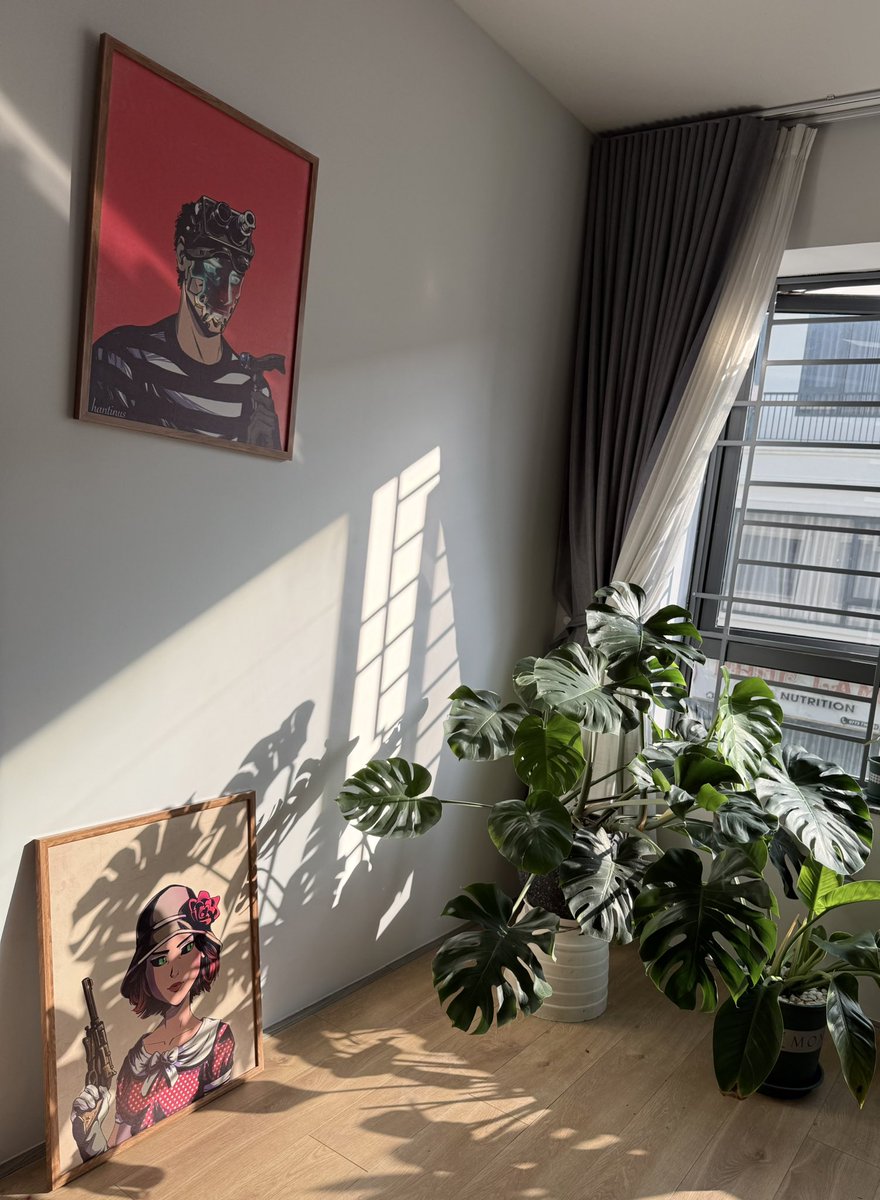
Old money said “diversify”. We said Fock it and stacked MadLads + Milady.
Not here to flip quick bags. Here because these two still feel like the real ones.
#milady#madlads#fockit
Whenever you buy a new Windows laptop, one of the first things you should do is run Grok Build
Windows and many laptop manufacturers ship PCs with a surprising amount of stuff you probably never asked for:
• Trial antivirus and OEM apps
• Preinstalled games and partner software
• Ads, recommendations, news and widgets
• Unnecessary startup/background apps
• Temporary files and other clutter
Instead of spending an hour digging through Windows settings and wondering what is safe to remove, let Grok Build audit the whole machine, figure out what is unnecessary and clean it up for you
Just make sure it shows you the plan first and leaves drivers, security features and hardware-critical software alone
Start with:
“Audit this Windows PC and safely clean up everything unnecessary. Remove unwanted bloatware, trial software and preinstalled games, disable ads, recommendations, news/widgets and unnecessary startup/background apps, and clean temporary files. Do not touch drivers, Windows security, updates or anything required for the laptop’s hardware. Show me the plan first, then make the approved changes”
A clean Windows install makes a brand-new laptop so much nicer to use
The funeral has been cancelled. 🪦
NFTs are back with a job.
The Saudi is the worker.
The Rig is the workplace.
$OIL is the paycheck.
Tokenized commodities meet JPEG culture.
Plan Saudi is in motion.🛢️
Clock in early:
https://t.co/kZWiQpGVGB
Grok 4.6 will work best with the Grok Build harness. The experience will be significantly worse without it, so best to evaluate using Build.
https://t.co/RRE8XKbiRI
I built a way for Grok Build to control a real Mac...open apps, click UI, type, and move the mouse just like you would
And I built the whole thing with Grok Build itself and optimised it to make the computer control as fast and efficient as possible
Most computer-use agents rely heavily on:
Screenshot → vision → figure out where to click → screenshot again → repeat
that works but in my experience they're not really practical for everyday tasks....as they are slow and can take forever to complete even basic steps
So I asked Grok Build to take a much faster approach with macOS Accessibility first to directly understand buttons, fields, menus and other UI elements....then only falls back to screenshots when they're actually needed
Previously Grok Build could execute shell commands on your Mac
Now, through this harness, it can actually interact with the Mac UI too
Shell → Accessibility → mouse + keyboard → screenshots when needed
Basically giving Grok Build hands for your Mac
Open source: https://t.co/8zckrqoRyO
people keep asking how i catch these nft mints early
i use:
https://t.co/LCzA5RIswQ
https://t.co/r0Rn2jl0C3
that's how i found them
StonkBrokers: FREE → 8 ETH
Zeibatsu Wagies: $2 → 0.4 ETH
all while the timeline kept saying “NFTs are dead.”
Introducing Kevar.
The AI quant that never clocks out.
27 live tools across perps, trenches, and US stocks.
Ask anything and Kevar answers with levels and receipts.
Every StonkBroker earns 100 credits a day.
$KEVAR launching on $STONKBROKER Stonk Launcher.
CHAIN MANCERS: NFT + TOKEN LAUNCH
🗓 Thursday, August 6 @ 6 PM ET
🎟 3,750 free mint spots (75% of 5,000 total supply)
🪙 $MANCER live on Stonkbrokers
🌐 Mint only at https://t.co/8cR0jnWIDM
All 5,000 Mancers are each backed by 500,000 $MANCER. 25% of the token goes to LP on Stonkbrokers, 75% goes to Anvil to back the minted NFTs. 25% of the NFTs head to Anvil AMM, where you can swap between NFT and token anytime for a 10% fee.
Mint stays open for 24 hours, then closes for good and anything left goes to the team wallet.
Have your wallet ready. See you Thursday. 🔮
🕐Announcement: https://t.co/jfxkwfEDb6 is now live!
A year ago, I went looking for something like a Great Replacement Tracker — a site that aggregated all the demographic data for the West and could tell me how bad things really were. To my surprise, I couldn't find one. So six months ago, I started building it myself.
Today, I'm announcing the first live version of the Great Replacement Clock. It tracks the European-descended share of the world's population and of 45 historically White countries. It consolidates historical figures and modeled projections into a single interactive timeline — sourced, auditable, and methodologically transparent.
Accurate ethnic demographic data for Western countries is uniquely difficult to access. No country directly tracks the share of its population that is of European descent. Several nations prohibit or restrict its collection outright; France's ban on ethnic statistics is the most prominent but not the only case. In other countries, official statistics obscure long-term trends through inconsistent census categories and aggregation methods that flatten meaningful distinctions. They miss and misclassify people in predictable ways: bundling Middle Eastern and North African populations into "White," absorbing later-generation immigrants into "native," or recording European immigrants to other European countries as merely "foreign." The US illustrates this: up through 2020, federal standards classified Middle Eastern and North African populations as White.
The result is a landscape in which some of the most consequential facts about the trajectory of Western societies are among the hardest to establish with precision.
This project exists to close that gap. It draws on the best available demographic evidence to reconstruct the European-descended share of each population across time, using a consistent definition across countries and eras. The sources, assumptions, and adjustments behind every figure are open to inspection.
This is a v1. If you spot a questionable figure, please flag it for review. I welcome feedback and contributions. This tool will only get better with time.
Demographic composition is a matter of public interest, not a protected secret. We deserve to know what time it is.
Most people seriously underestimate what Grok Build can do
They assume an AI coding agent is only useful for building apps or writing complex software
But some of its most valuable work is handling the boring, obvious tasks that quietly consume 10 minutes here, 20 minutes there, every single day
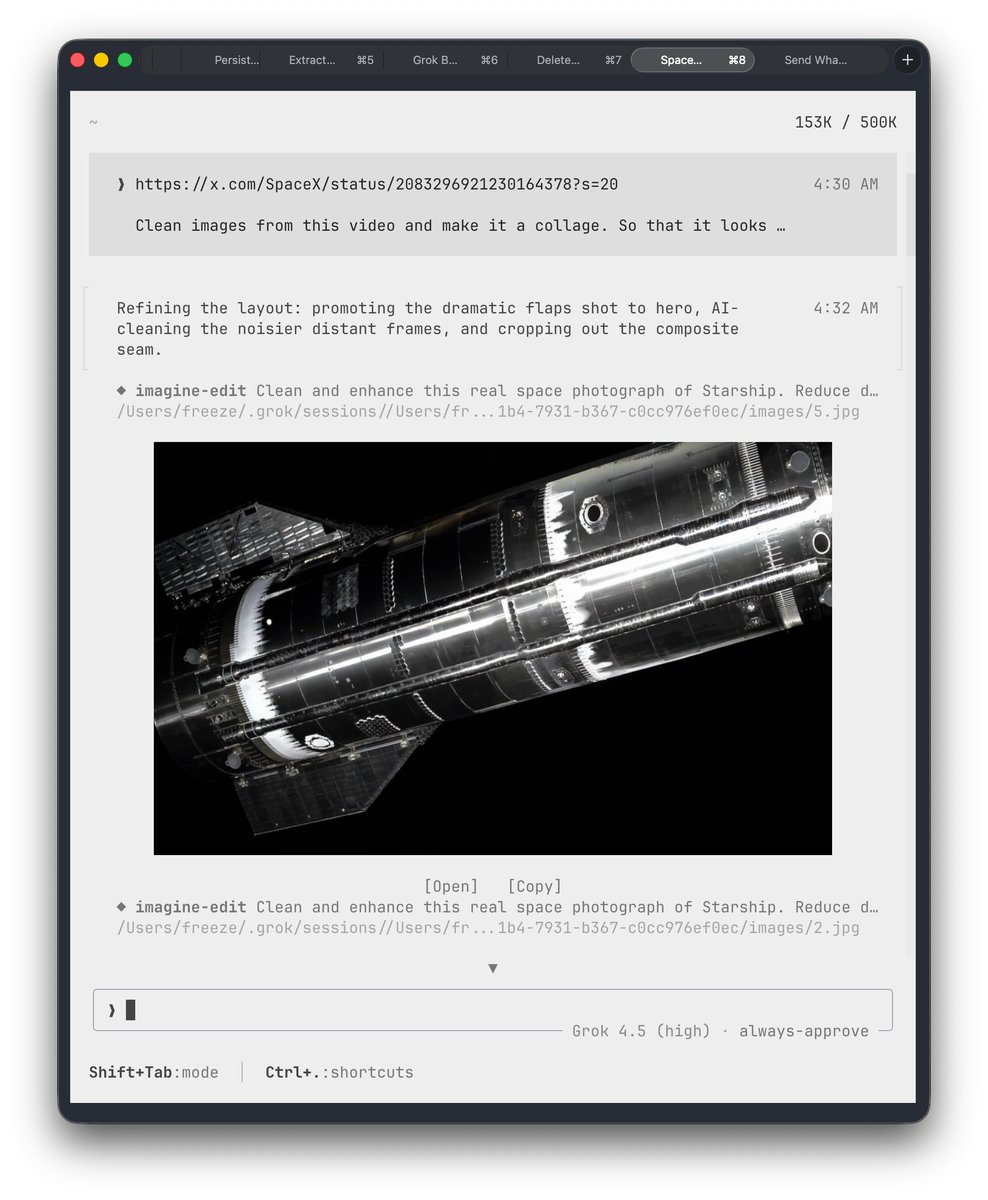
For example, I gave Grok Build a SpaceX video posted on 𝕏 and asked it to extract the clearest frames and turn them into a clean collage
It pulled the video, selected the strongest images, cropped them, arranged the layout and produced the final collage shown in the post below
I simply described the result I wanted, then let it handle the entire process while I worked on something else
And that is only one small example
You can use Grok Build to:
• Organize and intelligently search files across your computer
• Diagnose and fix audio, display and system-setting problems
• Download, install and configure apps or tools
• Extract images or audio from videos
• Add music, trim, compress and convert media
• Resize, crop and enhance images
• Batch rename and organize hundreds of files
• Clean spreadsheets, merge datasets and build dashboards
• Write scripts and automate repetitive tasks
• Fix broken configurations and connect tools together
Even something as annoying as an audio setting not working becomes much easier
Instead of hunting through menus, searching forums and trying random fixes, you can explain the problem to Grok Build
It can inspect the setup, identify the likely cause, change the relevant configuration and test whether the fix worked
It is basically an agentic operator living inside your computer, working within the permissions you give it
I also keep a simple instruction file telling Grok how I prefer tasks to be completed, including automatically opening the finished result after a successful run so I do not forget about it
Configure the workflow once, and Grok keeps working the way you prefer
That is what makes Grok Build so useful
It is not only building software
It turns all the small computer tasks between an idea and the finished result into work you can simply describe and delegate
Grok Build Web UI is live.
I built a local-first dashboard for Grok sessions. Open a fresh Grok CLI and it shows up live, then inspect activity, Git changes, session history, and control agents from one place.
npx --yes grok-ui
https://t.co/7HiJqmUfC8
If you’re also a MadLads or Milady holder and tired of the same recycled takes…
Follow.
I’ll drop unfiltered holder thoughts, what I’m actually watching, and occasional unhinged shit. No financial advice. Just real talk from inside the bag.
Old money said “diversify”. We said Fock it and stacked MadLads + Milady.
Not here to flip quick bags. Here because these two still feel like the real ones.
#milady#madlads#fockit