INSTEAD OF WATCHING AN HOUR OF NETFLIX TONIGHT.
This 1 hour Stanford lecture by Joel Peterson will teach you more about negotiation and getting what you want than most people learn in years.
Bookmark it and give it an hour, no matter what.
A man spends 50 years teaching at MIT.
He knows his time is running out.
So he records one last lecture — everything he knows, distilled into a single hour.
He died 5 months later.
This is that lecture.
The most important hour you'll watch this week. 👇
Bookmark it for later
🚨 This feels unfair.
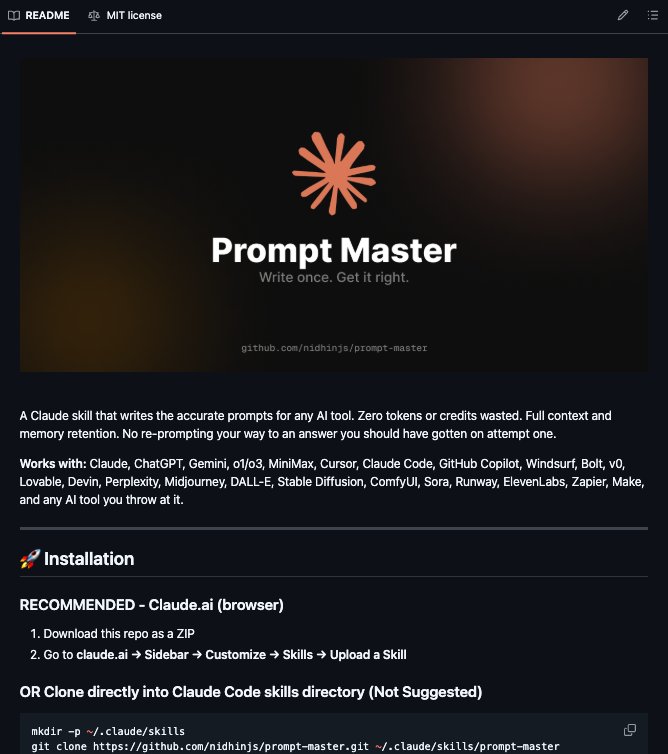
Claude + Prompt Master = 🔑
Turn any AI into a precision tool.
→No wasted tokens
→No retries
→No coding needed
Just install once → perfect prompts forever.
Normally $499.
FREE for 48h.
Want it?
1️⃣Like & RT
2️⃣Type "PROMPT"
3️⃣Follow:@taylorquinn_ai
How to build your first Claude Skill in 30 minutes:
(even if you've never touched a SKILL.md file)
.
.
.
Open the Claude desktop app.
Go to Settings → Capabilities. Turn on "Code execution and file creation."
You need a Pro plan ($20/mo).
Follow these steps:
→ 0 to 5 min: Open the skill-creator
- Go to Customize → Skills
- Click the "+" button
- Click "+ Create skill"
- Select "Write skill instructions"
Claude now interviews you. Do not skip this.
→ 5 to 15 min: Answer the interview (be specific)
Useless: "I write LinkedIn posts."
Skill that works: "LinkedIn posts. First line under 10 words. 3 short paragraphs.
No hashtags. No em dashes. Always end with one question."
The specificity is the skill.
→ 15 to 20 min: Write the description (this is the whole game)
Claude reads ONLY the description to decide if your skill fires.
Not the body. Not your examples. Just the description.
Bad: "Helps me write posts."
Good: "Use this whenever the user drafts a LinkedIn post, even if they don't say 'LinkedIn.' Trigger on words like 'post,' 'caption,' or 'hook.' Do NOT use for emails or essays."
80% of your description should be what it's NOT for.
→ 20 to 25 min: Install and test
Save the skill.
It's already in your list.
Toggle it ON.
Open a fresh chat.
Type a normal request.
The skill fires on its own.
No slash command.
Claude just knows.
→ 25 to 30 min: Debug if it doesn't fire
Prompt: "When would you use my [skill-name] skill?"
Claude quotes the description back to you.
You instantly see:
- what's vague
- what's missing
Edit the description. Test again.
Pro tip: Always add "Do NOT use for..." in your description.
Negative triggers matter more than positive ones.
3 rules I learned the hard way:
1. Keep the SKILL.md body under 500 lines
- Bloat kills performance
- Move long stuff into reference files
2. SKILL.md must be uppercase
- The folder name must be lowercase
- Get this wrong and the skill fails silently
3. One skill, one job
Mega-skills break
Build 5 small skills instead of 1 big one
The real difference:
- Most people paste the same instructions every morning.
- Skill users build it once. It fires forever.
♻️ Repost this to help one person stop re-explaining their work to Claude every day.
I tested 1,500+ Claude prompts…
Only a small percentage actually make money.
The rest? Useless.
So I filtered out the noise and built:
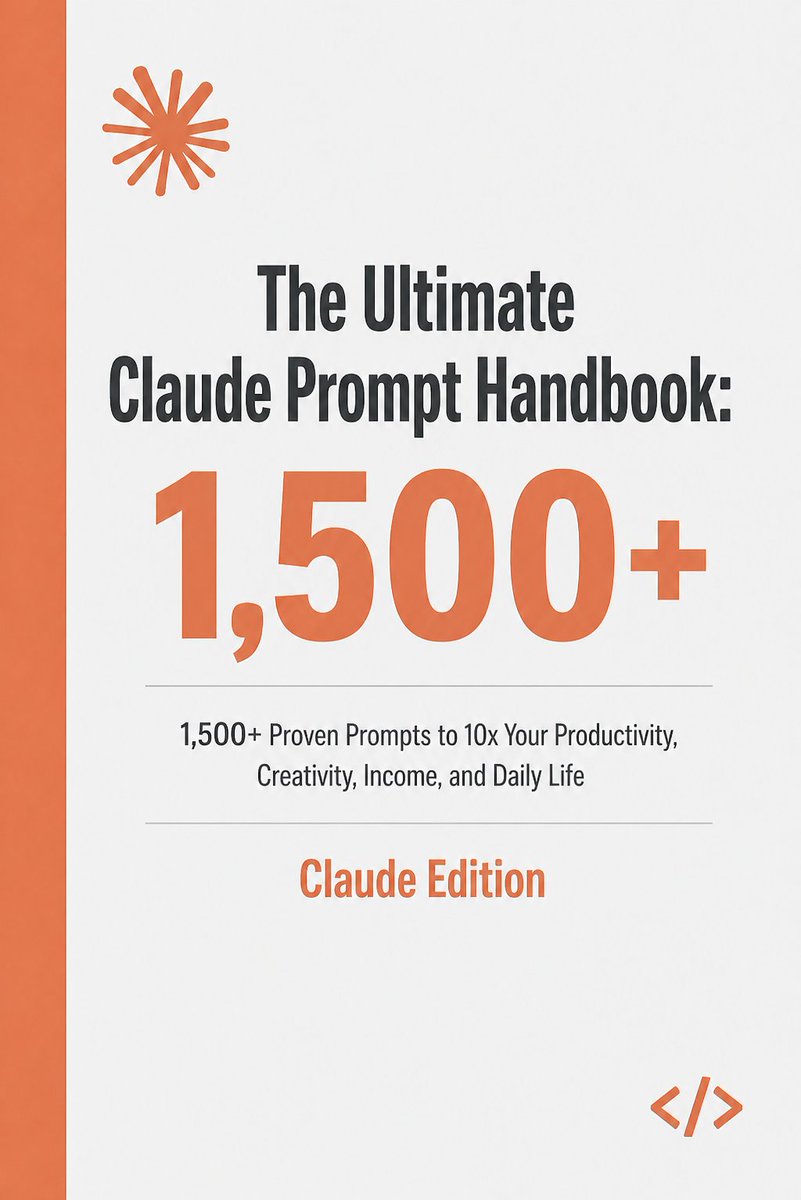
📘 The Ultimate Claude Prompt Handbook
Real prompts for: • Freelancing
• Copywriting
• Content
• Digital products
$179 → FREE for 48 hrs
Like + RT + Comment “Handbook” and so I can send it DM
(Must follow @Tech_AI_Rasel).
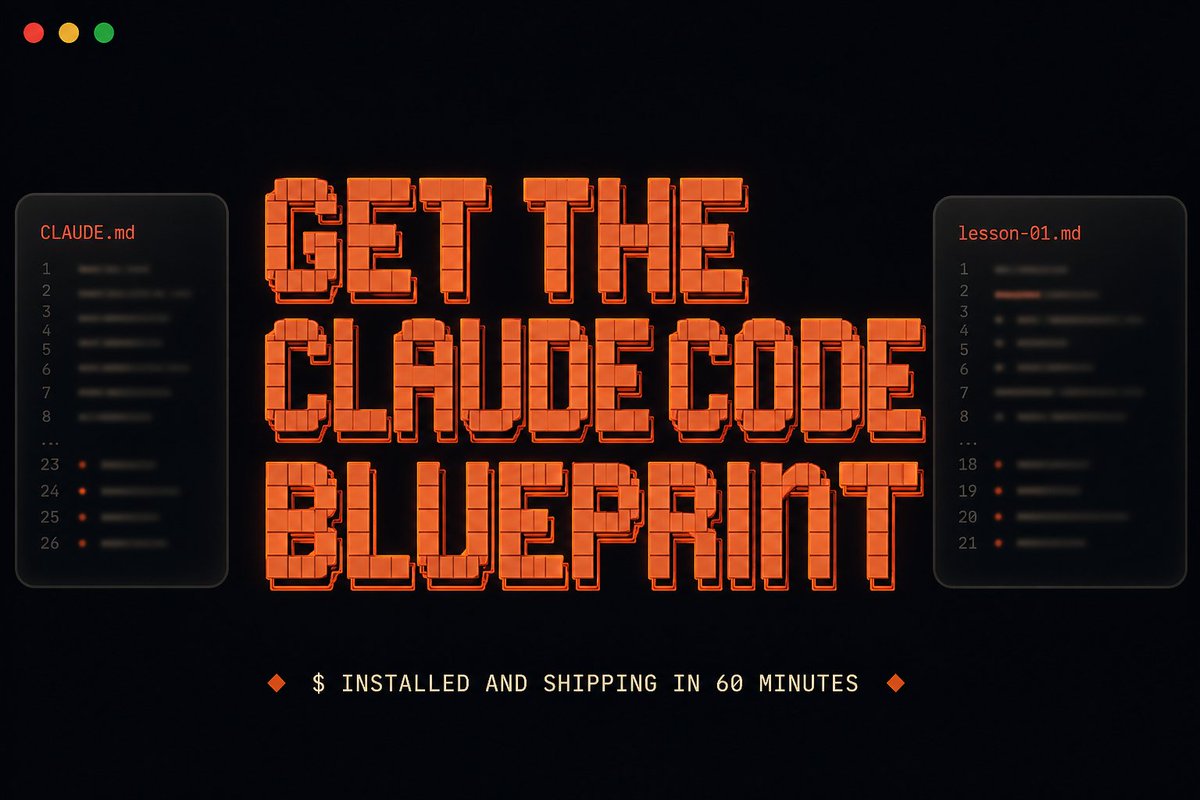
I made a free Claude Code Blueprint.
Most Claude Code courses are tutorials.
The Blueprint is interactive.
You install Claude Code, open the folder I send you, type "Start Lesson 1," and Claude teaches you while you use Claude Code itself.
60 minutes from start to finish. You end with a real tool deployed on the internet, all for free.
Watching tutorials doesn't teach you Claude Code. Using it does.
Whenever I talk to non-technical folks about using Claude Code, the same problem keeps coming up.
They install it, watch a few explainers, then quit when nothing they're seeing maps to what they actually want to build.
The fix isn't another explainer. It's putting your hands on the tool from minute one.
That's what the Blueprint is for. By the end of one short interactive session, you'll know:
- How a single slash command can research any company in 60 seconds, instead of 30 minutes by hand
- The trick to getting three Claude agents working in parallel inside one session
- The CLAUDE .md pattern that makes Claude predictable, not chaotic
- How to put your first Claude Code build on the internet, no terminal needed
The tool you build is yours. A public URL on the open internet, the kind you can text to a friend.
Comment "BLUEPRINT" below and I'll DM it to you (must be following)
Claude Sonnet 4.6 is the smartest Al right now.
But 90% of people prompt it like ChatGPT.
That's why I made the Claude Mastery Guide:
→ How Claude thinks differently
→ Prompts built for Claude
→ 2000+ Al Prompts
Comment " Claude " and I'll DM it free.
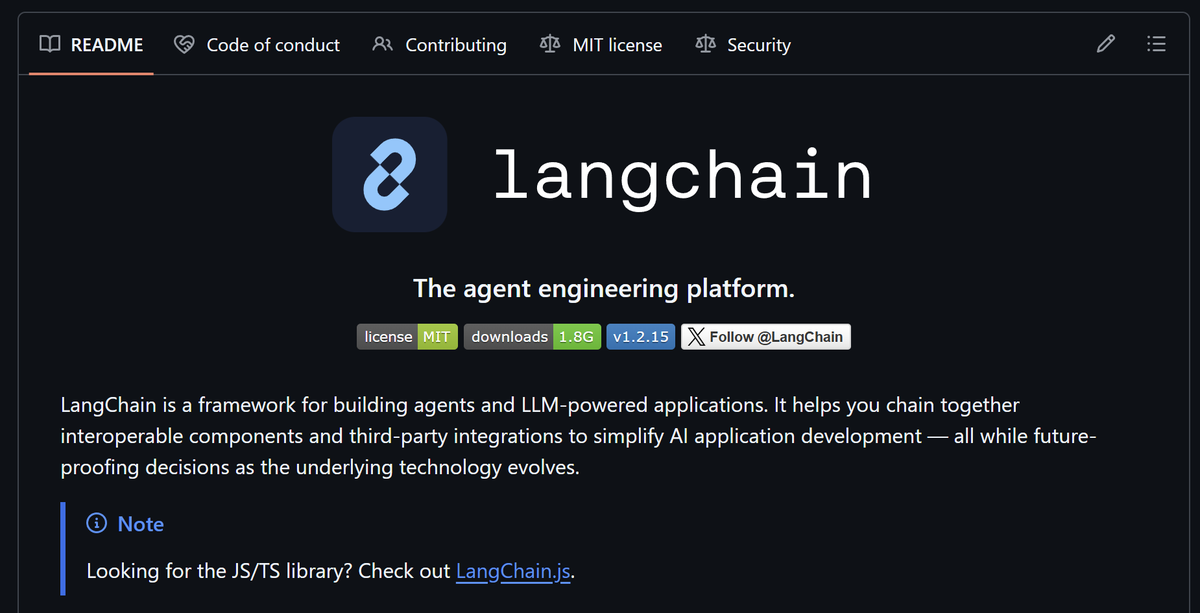
1. LangChain
El framework LLM que aparece en casi todas las ofertas de empleo IA. Si quieres construir apps LLM en producción, empieza aquí.
repo → https://t.co/oDcz71esX2
Busy professionals are quietly adding $10,000+/month using Claude.
Without quitting their jobs.
I’ve compiled all my Claude prompts and systems into a 53-page guide.
Like + comment 'Doc' and I’ll DM you my step-by-step guide for FREE.
You must be following me to receive the DM.
Taking this down in 24 hours.
Still using Claude Code like a basic assistant? 🤯
You’re leaving 90% of its power on the table.
Here’s a complete Claude Code workflow cheatsheet 👇
⚡ Setup → install, scan repo, auto memory
🧠 CLAUDE.md → project brain (context + rules)
🗂️ File structure → skills, agents, commands
🧩 Skills → reusable workflows (auto-invoked)
🔗 Hooks → automate tests, checks, actions
🔐 Permissions → control what Claude can access
💡 Real power = combining all of this
→ Plan → Execute → Verify → Repeat
This is how devs turn Claude into a
self-operating engineering system 🚀
Not prompting.
Not chatting.
But actual workflow automation.
🔖 Bookmark this
🔁 RT for devs
💬 Comment “CLAUDE” for full setup guide
✅ Follow @elora_khatun for more AI dev systems.





![beginnersblog1's tweet photo. How to build your first Claude Skill in 30 minutes:
(even if you've never touched a SKILL.md file)
.
.
.
Open the Claude desktop app.
Go to Settings → Capabilities. Turn on "Code execution and file creation."
You need a Pro plan ($20/mo).
Follow these steps:
→ 0 to 5 min: Open the skill-creator
- Go to Customize → Skills
- Click the "+" button
- Click "+ Create skill"
- Select "Write skill instructions"
Claude now interviews you. Do not skip this.
→ 5 to 15 min: Answer the interview (be specific)
Useless: "I write LinkedIn posts."
Skill that works: "LinkedIn posts. First line under 10 words. 3 short paragraphs.
No hashtags. No em dashes. Always end with one question."
The specificity is the skill.
→ 15 to 20 min: Write the description (this is the whole game)
Claude reads ONLY the description to decide if your skill fires.
Not the body. Not your examples. Just the description.
Bad: "Helps me write posts."
Good: "Use this whenever the user drafts a LinkedIn post, even if they don't say 'LinkedIn.' Trigger on words like 'post,' 'caption,' or 'hook.' Do NOT use for emails or essays."
80% of your description should be what it's NOT for.
→ 20 to 25 min: Install and test
Save the skill.
It's already in your list.
Toggle it ON.
Open a fresh chat.
Type a normal request.
The skill fires on its own.
No slash command.
Claude just knows.
→ 25 to 30 min: Debug if it doesn't fire
Prompt: "When would you use my [skill-name] skill?"
Claude quotes the description back to you.
You instantly see:
- what's vague
- what's missing
Edit the description. Test again.
Pro tip: Always add "Do NOT use for..." in your description.
Negative triggers matter more than positive ones.
3 rules I learned the hard way:
1. Keep the SKILL.md body under 500 lines
- Bloat kills performance
- Move long stuff into reference files
2. SKILL.md must be uppercase
- The folder name must be lowercase
- Get this wrong and the skill fails silently
3. One skill, one job
Mega-skills break
Build 5 small skills instead of 1 big one
The real difference:
- Most people paste the same instructions every morning.
- Skill users build it once. It fires forever.
♻️ Repost this to help one person stop re-explaining their work to Claude every day.](https://pbs.twimg.com/media/HHT11I4bIAAtzyO.jpg)