Most people try to animate CSS classes on the buttons themselves.
That’s why it looks jumpy.
Don’t animate the button.
Instead, animate a single background div behind them using layoutId from @motiondotdev
Add layoutId
Add transition {type: spring}
I finally got Onboard-Ui to a place i am happy with
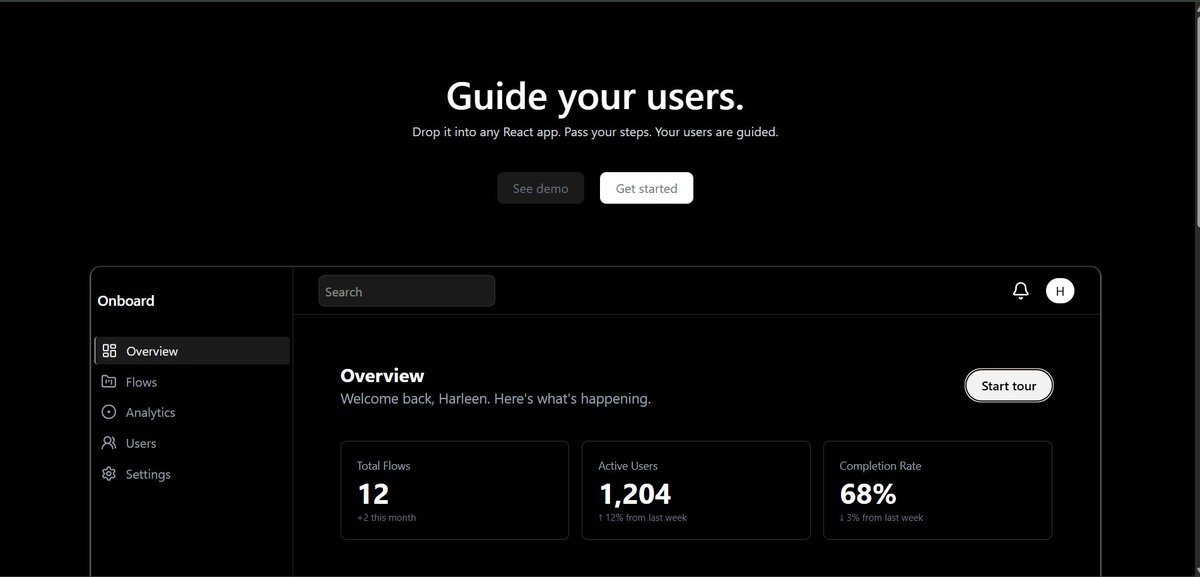
Its a spotlight onboarding component built in React
the spotlight to automatically reposition when the window is resized or the page scrolls
which is being done by Floating UI
Demo: https://t.co/MgSdARlrWV
made the https://t.co/ZzBVW4Z2yM
mobile responsive today — still a work in progress but it's getting there.
Onboarding component for React that actually feels good to use.
More updates soon
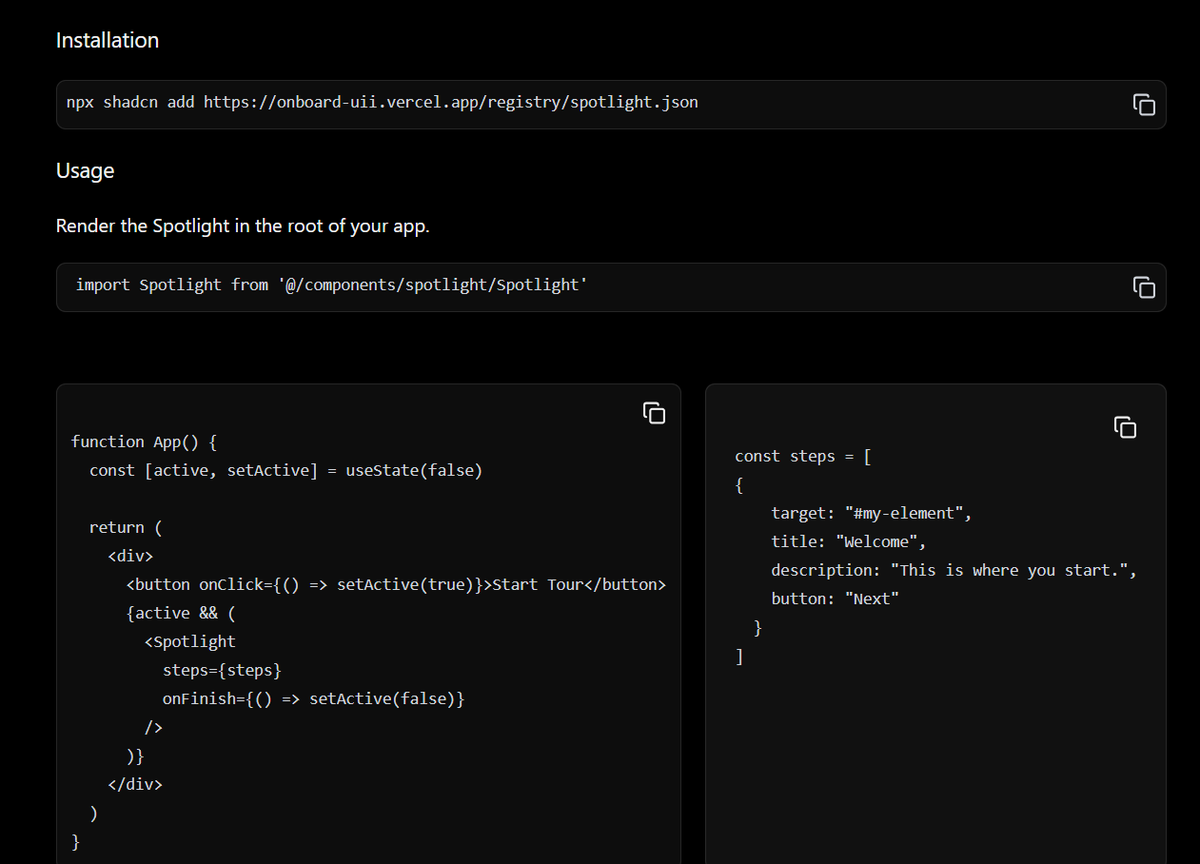
onboard-uii — spotlight onboarding for React
Guide your users through your app with beautiful spotlight effects.
still building but the registry works
npx shadcn add https://t.co/IhKoAnBx5I
:has() is slept on.
your JS doesn't need to be this long.
CSS already knows if something inside it is checked.
.card:has(input:checked) {
background: black;
transform: translateY(-15px);
}
That's it.
No JS file.
No event listener.
Most people try to animate CSS classes on the buttons themselves.
That’s why it looks jumpy.
Don’t animate the button.
Instead, animate a single background div behind them using layoutId from @motiondotdev
Add layoutId
Add transition {type: spring}
The difference clip-path makes for a simple dropdown is actually wild. feels so smooth and organic now.
appreciate the tip @manupaaji,
this transition is butter
Most people try to animate CSS classes on the buttons themselves.
That’s why it looks jumpy.
Don’t animate the button.
Instead, animate a single background div behind them using layoutId from @motiondotdev
Add layoutId
Add transition {type: spring}