

Top Tweets for #30DaysofPhotoshop

Master Photoshop exports!
On day 28 of #30DaysofPhotoshop, learn to save layered files & create flattened JPEGs for sharing. We'll cover key settings like quality, resizing, & color profiles.
https://t.co/g17W0YypLz
#learnphotoshop

Craft a realistic mockup in Photoshop!
Day 26 of #30DaysofPhotoshop shows you how to clear your canvas, apply graphics with Smart Objects, and add shadows/highlights for a professional finish.
Ready to learn?
https://t.co/NSdoPngwyH
#learnphotoshop #freeseries
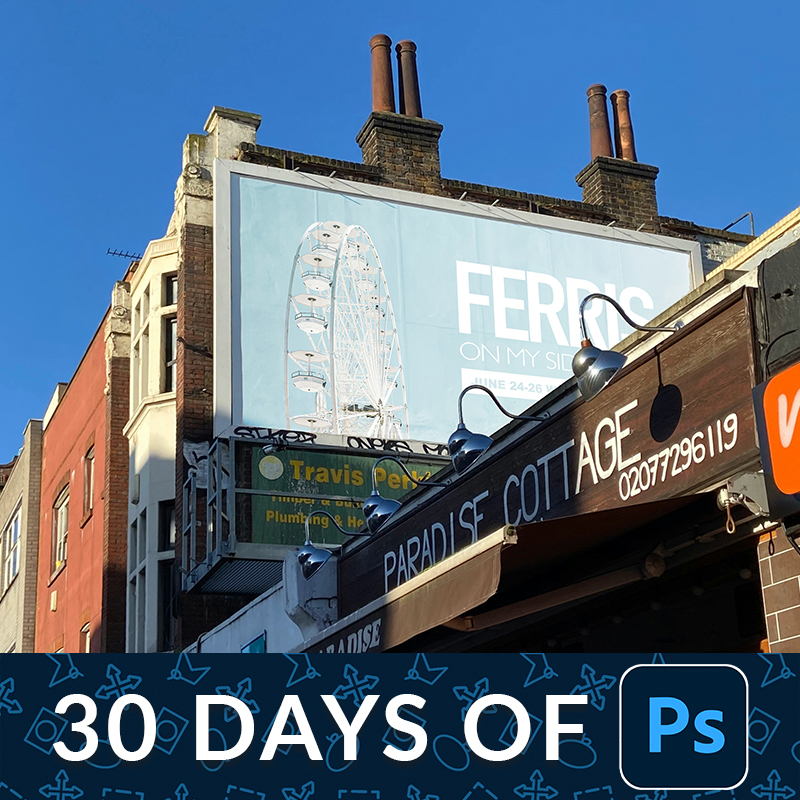
Learn our secret to perfect color matching in Photoshop!👇
We'll show how to easily duplicate colors from one photo to another using a simple levels adjustment layer. Get the exact look you want!
https://t.co/otNGoVFiAa
#30DaysofPhotoshop
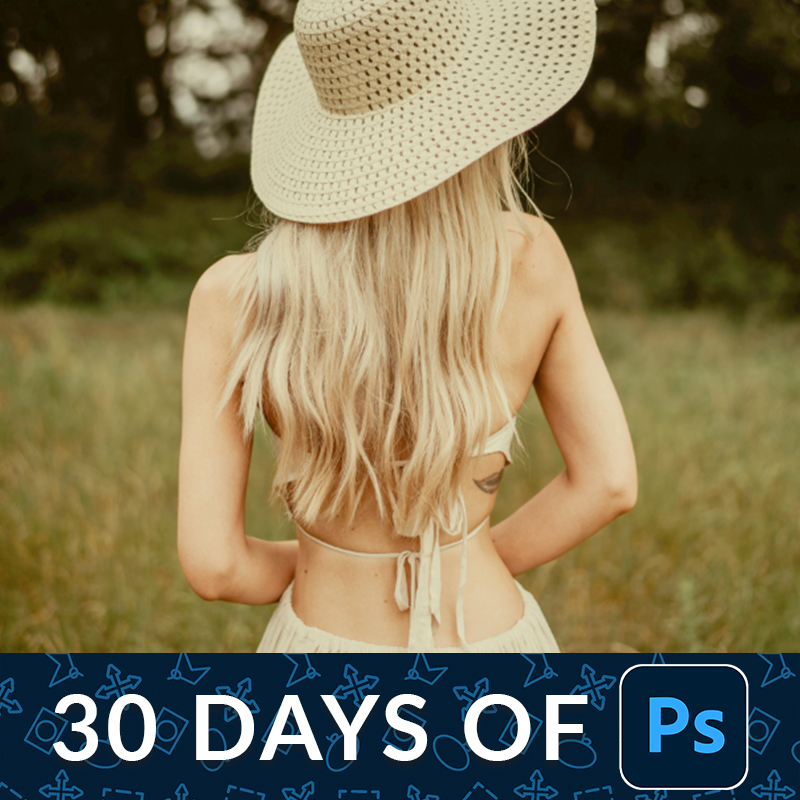
It's day 23 of our FREE series!👇
Today, we’ll teach you basic retouching in Photoshop to make your subject look their best. Learn to remove blemishes, reduce redness, brighten eyes and skin, and more.
https://t.co/S1zEBUy6KK
#30DaysofPhotoshop #photoretouching
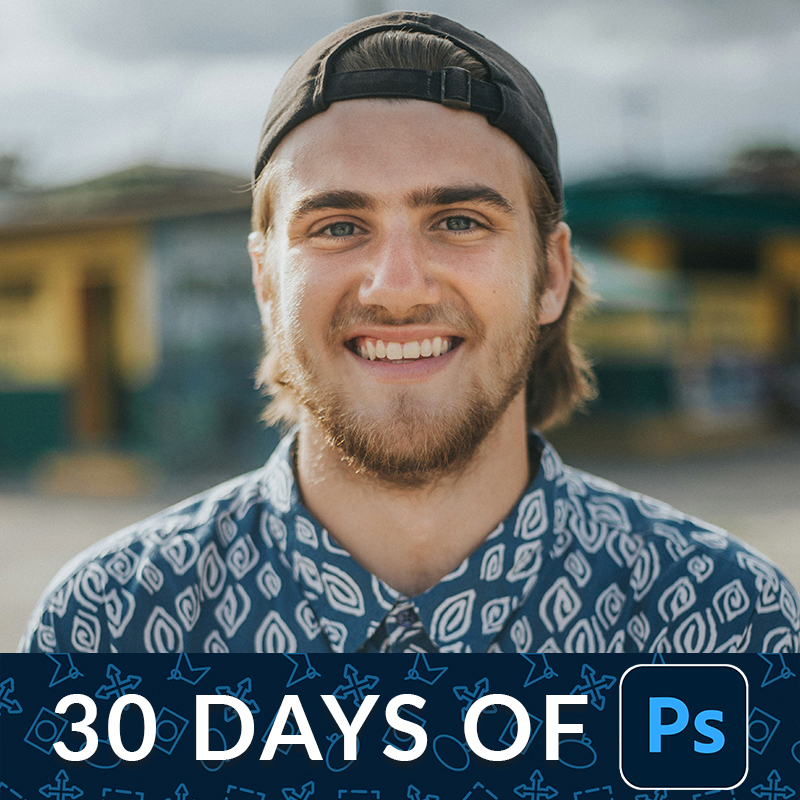
Day 22 of 30 Days of Photoshop! 📸
Learn how to use the Adobe Camera Raw filter to correct exposure, fix skin tones, straighten horizons, and remove distractions. We'll also cover Smart Filters and masking for non-destructive edits!
https://t.co/4Cq44lRik2
#30DaysofPhotoshop

Explore the power of Smart Objects!
On Day 16 of our 30 Days of Photoshop series, learn how to resize without losing quality, use non-destructive filters, and master dynamic file linking.
https://t.co/hoHw78y63r
#30DaysofPhotoshop #photoediting

It's Day 14 of #30DaysofPhotoshop!
In today's tutorial, we're diving into the Type Tool. Learn to add, style, and format text, including using the new Dynamic Text feature and placing text behind objects.
Let's go! 👇
https://t.co/GcXXrTCOHe
#learnphotoshop
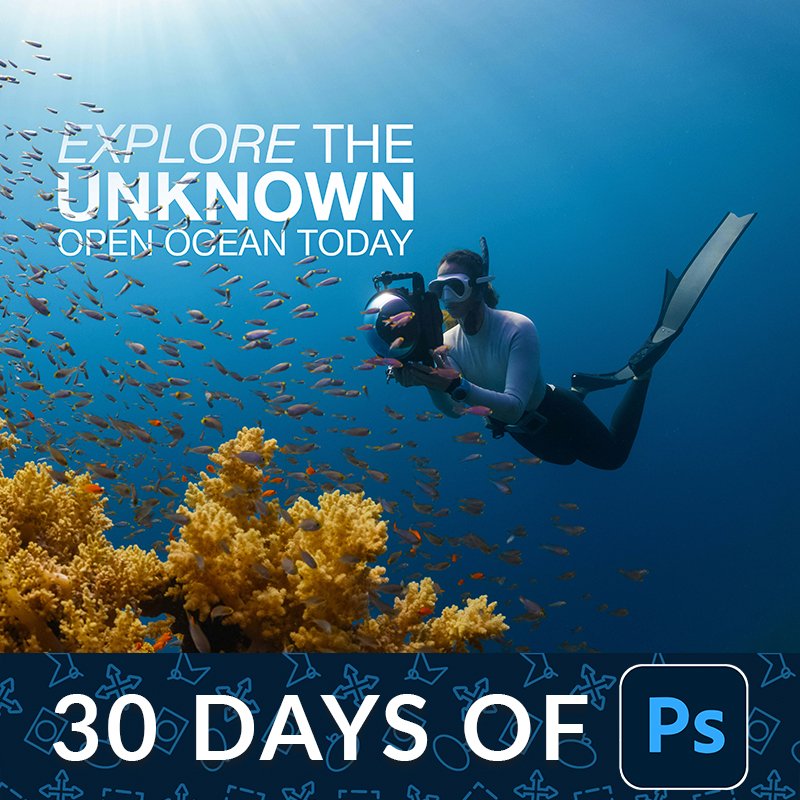
On day 12 learn how to scale, rotate, and align layers!👇
Discover the benefits of Smart Objects for non-destructive editing, and utilize alignment tools to perfectly position elements!
https://t.co/4trSHH36jD
#30daysofphotoshop

On Day 9 of our #30daysofPhotoshop series, we'll show how to use Photoshop's new cloud-based Select Subject tool to make professional edits.👇
https://t.co/jtTfb7hKJN
Don't forget to grab your printable calendar and schedule when you sign up for our newsletter!
#photoediting

Day 6 👉 Learn how to use Layer Masks!
In today's episode of #30DaysofPhotoshop we'll show you how to create composite images by cutting subjects from their backgrounds, adding new elements, and creating a cohesive final image.
https://t.co/4bboeC6gbk

It's day 3 of 30 Days of Photoshop! 👇
In this tutorial, we'll teach you about essential file formats, including how to save your layered work and export for web or print.
https://t.co/PlunbBcOYA
#30daysofphotoshop #photoshoptutorial #photoediting #photoretouching

It's day 1 of 30 Days of Photoshop! Today, we'll take you on a tour of the software, explaining every major tool, menu, and option. Let's jump into Photoshop!👇
https://t.co/WXQHe0BwXN
#photoshoptutorial #photoediting #30daysofphotoshop
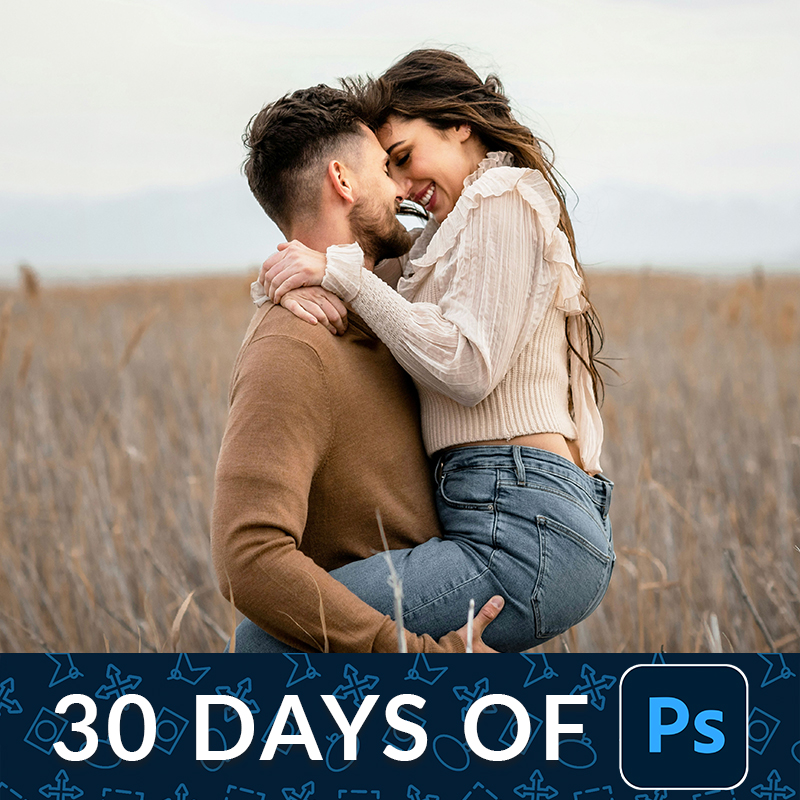
The wait is over! The first episode of our 30 Days of Photoshop FREE Series is officially live.
Let's get started!👇
https://t.co/NBTDLdPEYu
#30DaysOfPhotoshop #learnphotoshop
#30DaysofPhotoshop starts in 2 days!
This is FREE series designed to take you from zero to Photoshop hero in just 30 days.
Sign up today to join the challenge! We'll email you a printable calendar + daily schedule to help you stay up to speed.
https://t.co/ZlnDx2gb7C

https://t.co/L8pi3LgKjc Have You Checked out @Phlearn's FREE 30 Days of Photoshop on YouTube! Explore the magic of #Photoshop, from most common tools & techniques, to pro skills, to photo retouching & compositing with Aaron Nace! #30DaysOfPhotoshop #Design


2-Weeks ago, I enrolled to upgrade my #graphicdesign skills... I'm also currently consuming @phlearn's #30DaysOfPhotoshop & I'm on Day 2.
Putting this EAR as a reminder for when I'll get my 2nd #RemoteJob... 1st week in May. 💫
Erm... What have U been up to my guy? 🤔
https://t.co/L8pi3LgKjc Have You Checked out @Phlearn's FREE 30 Days of Photoshop on YouTube! Explore the magic of #Photoshop, from most common tools & techniques, to pro skills, to photo retouching & compositing with Aaron Nace! #30DaysOfPhotoshop #Design

Starting day 6 of @phlearn #30daysofphotoshop This lesson is about levels and curves. @Photoshop @aknacer


I did Layering and Masking on Day 3 of #30DaysofPhotoshop. I hope Ill be able to retain much as the days go by. Enjoying the experience though.
Last Seen Hashtags on Sotwe
ngintip
Seen from Singapore
momson() nolimit()* filter:native_video
Seen from Turkey
男高中生
NAIHorizon
Seen from United States
nolimit() +filter:native_video
Seen from Saudi Arabia
tcsnqt2025
Seen from United States
tuzlagay
Seen from Turkey
mardintravesti
Seen from Turkey
Nolimit() + filter:native_video
Seen from Netherlands
ensest
Seen from Turkey
Trends for you
Most Popular Users

Elon Musk 
@elonmusk
241M followers

Barack Obama
@barackobama
119.2M followers

Cristiano Ronaldo
@cristiano
111.8M followers

Donald J. Trump
@realdonaldtrump
111.8M followers

Narendra Modi
@narendramodi
107M followers

Rihanna
@rihanna
98M followers

NASA
@nasa
92.2M followers

Justin Bieber
@justinbieber
91.2M followers

KATY PERRY
@katyperry
88.3M followers

Taylor Swift
@taylorswift13
82.2M followers

Lady Gaga
@ladygaga
73.7M followers

Virat Kohli
@imvkohli
71M followers

Kim Kardashian
@kimkardashian
70.1M followers

YouTube
@youtube
68.7M followers

Bill Gates
@billgates
64.3M followers

Neymar Jr
@neymarjr
63.8M followers

The Ellen Show
@theellenshow
62.4M followers

CNN
@cnn
61.8M followers

Selena Gomez
@selenagomez
61.4M followers

X
@x
60.8M followers