

Top Tweets for #31DaysSafer

The full anatomy — spoofed & lookalike domains, invisible homoglyph characters, open redirects, credential harvesting — mapped to MITRE ATT&CK, then the character-by-character check that stops it 👇🏽
https://t.co/hnVuWiY8vU
#31DaysSafer
Day 23 of #31DaysSafer 🔐
Today: Create a Family Safe Word.
What if you received an urgent call from someone who sounded exactly like a family member asking for help?
With AI-generated voice cloning and impersonation scams, recognizing someone's voice may not be enough.
Today's challenge: Choose a private word or phrase that only your family knows.
Use it to help verify someone's identity during an unexpected or urgent request.
Keep it private, avoid obvious words, and agree on what to do if someone can't provide it.
A simple conversation today could help protect your family from a scam tomorrow.
One small step. One day safer. 🍂
#CybersecurityAwarenessMonth #DigitalHygiene #InfoSec

Day 22 of #31DaysSafer 🔐
Welcome to Week 4: Resilient Daily Habits! 🍂
Today: Apply the 3-Second Phishing Rule.
Ever received a message urging you to click a link or take action immediately?
Phishing messages often create a sense of urgency so you act before thinking.
Before clicking a link, opening an attachment, or responding to an urgent request, pause for three seconds.
Check who sent it and where it wants you to go. For sensitive requests, visit the official app or website directly instead of using the message's link.
Sometimes, a few seconds of hesitation can prevent a costly mistake.
One small step. One day safer. 🍂
#CybersecurityAwarenessMonth #DigitalHygiene #InfoSec

Day 21 of #31DaysSafer 🔐
Today: Charge Safely.
We're wrapping up Week 3: Mobile Shielding! 📱
Ever plugged your phone into a public USB charging station without thinking twice?
Public charging ports can potentially be modified to access your data or install malware. This is known as "juice jacking."
Take a few minutes to think about how you charge your devices when you're away from home.
Use your own charger and a wall outlet when possible, or carry a portable power bank.
A little preparation can help you avoid unnecessary risks.
One small step. One day safer. 🍂
#CybersecurityAwarenessMonth #DigitalHygiene #InfoSec

Day 20 of #31DaysSafer 🔐
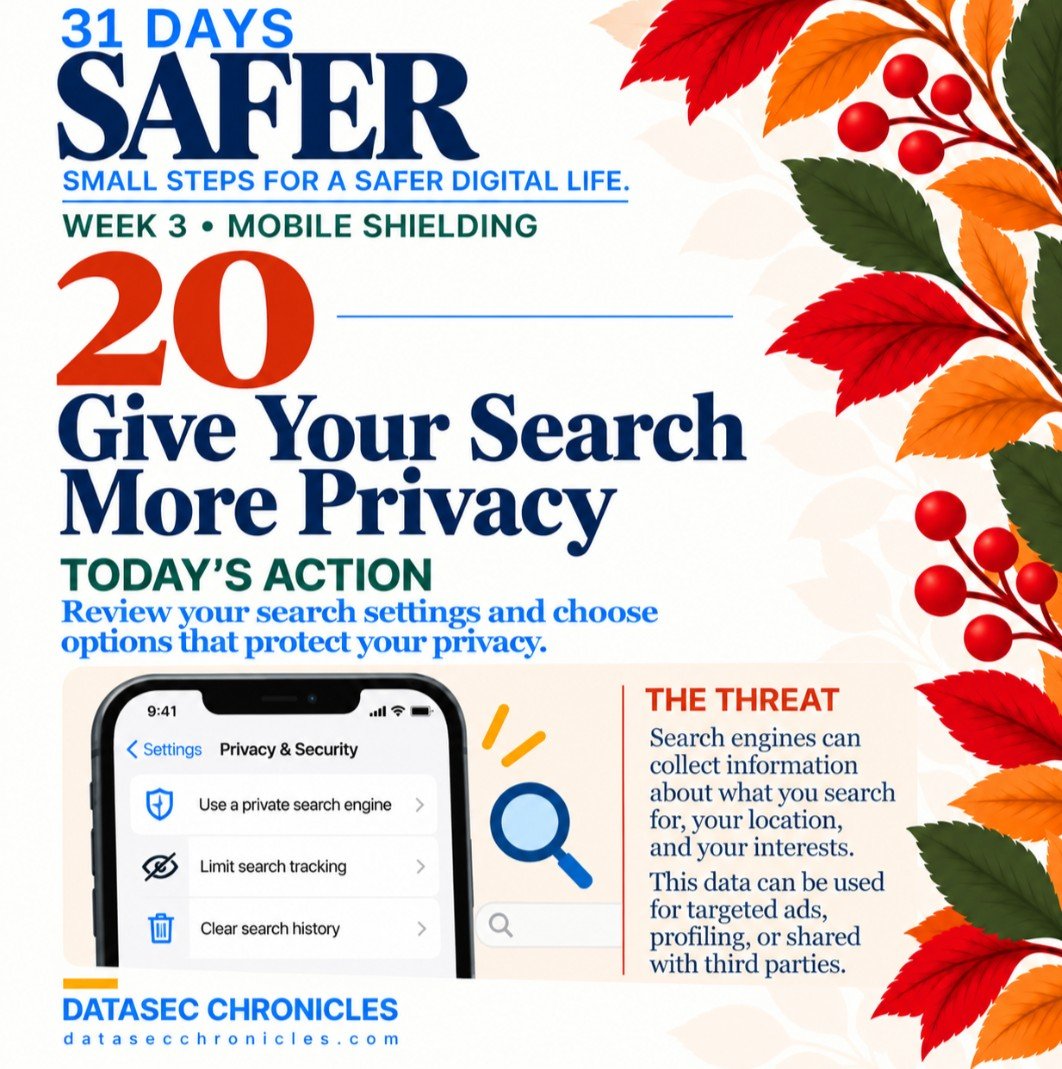
Today: Give Your Search More Privacy.
Have you ever searched for something online and started seeing related ads everywhere?
Search engines can collect information about what you search for, your location, and your interests.
Take a few minutes to review your search settings.
Consider trying a privacy-focused search engine, limiting search tracking, and reviewing your saved search history.
Small changes can help reduce how much information is collected about your online activity.
One small step. One day safer. 🍂
#CybersecurityAwarenessMonth #DigitalHygiene #InfoSec
Day 19 of #31DaysSafer 🔐
Today: Turn On Device Recovery.
If your phone went missing today, would you know how to locate or secure it?
Take a few minutes to review your device recovery settings.
On iPhone, check Find My. On Android, check Find Hub (formerly Find My Device).
Make sure you can locate, lock, or erase your phone remotely if it's lost or stolen.
Having these features enabled can help protect your personal information and give you more options if your device goes missing.
One small step. One day safer. 🍂
#CybersecurityAwarenessMonth #DigitalHygiene #InfoSec

Day 18 of #31DaysSafer 🔐
Today: Stop Auto-Joining Unknown Networks.
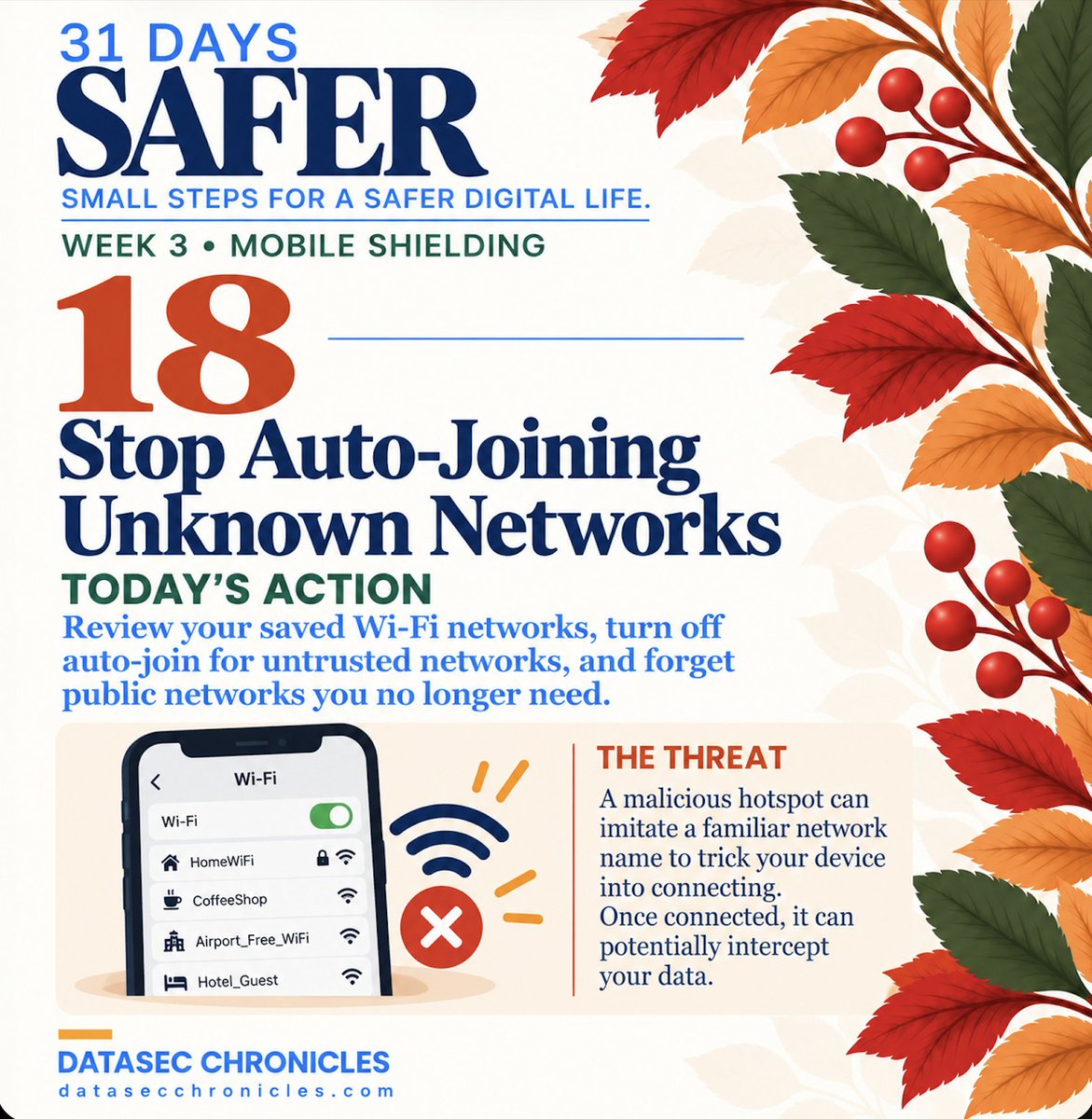
Your phone may automatically reconnect to Wi-Fi networks you've used before. But not every familiar network name is trustworthy.
Take a few minutes to review your saved Wi-Fi networks.
Turn off auto-join for networks you don't trust, and forget public networks you no longer need.
A malicious hotspot can imitate a familiar network name to trick your device into connecting.
One small step. One day safer. 🍂
#CybersecurityAwarenessMonth #DigitalHygiene #InfoSec
The full Week 2 recap — what my home-network audit turned up, the fix (and the reconnect-everything tax), and how it landed with the community 👇🏽
https://t.co/E4RSq3rROK
#31DaysSafer
Day 17 of #31DaysSafer 🔐
Today: Strengthen Your Lock Screen.
If your phone ended up in the wrong hands, how much could someone access without unlocking it?
Take a few minutes to review your lock screen settings.
→ Use a strong PIN or password.
→ Enable biometrics if available.
→ Hide sensitive notification previews.
→ Set your phone to lock automatically.
A stronger lock screen helps keep your personal information private.
One small step. One day safer. 🍂
#CybersecurityAwarenessMonth #DigitalHygiene #InfoSec

The why behind Week 3 of 31 Days Safer: app-permission abuse, how Bluetooth & Wi-Fi track you passively, and the honest truth about juice jacking (it's not what the headlines say) 👇🏽
https://t.co/kyS5xO6W41
#31DaysSafer
Day 16 of #31DaysSafer 🔐
Today: Audit App Permissions.
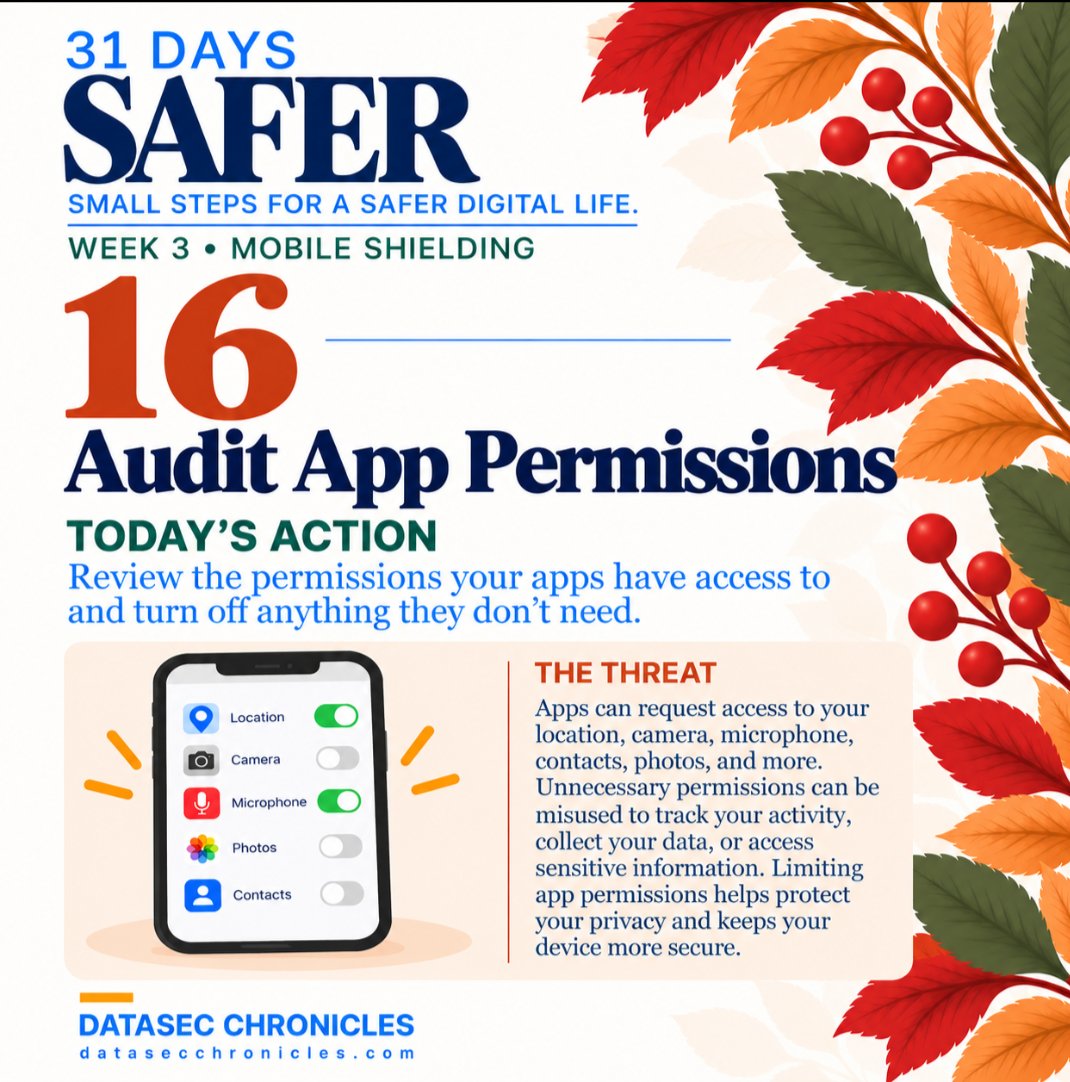
Does that app really need access to your location, camera, or microphone?
Take a few minutes to review your app permissions, including contacts and photos.
Turn off access that isn't necessary for the app to do its job.
Less unnecessary access means less exposure of your personal data.
One small step. One day safer. 🍂
#CybersecurityAwarenessMonth #DigitalHygiene #InfoSec
Day 15 of #31DaysSafer 🔐
We're halfway through the challenge! 🎉
Welcome to Week 3: Mobile Shielding! 📱
Today: Run the App Purge.
Take a few minutes to review the apps on your phone and remove ones you no longer use.
Don't recognize an app? Look it up before deleting it. Some are built-in system apps.
Fewer unnecessary apps means less software to maintain and fewer potential security gaps.
One small step. One day safer. 🍂
#CybersecurityAwarenessMonth #DigitalHygiene #InfoSec

Day 14 of #31DaysSafer 🔐
Today: Patch Your Router. 📶
Your router needs security updates just like your phone and computer!
Check for firmware updates and enable automatic updates if your router supports them.
Outdated firmware can leave known vulnerabilities exposed to attackers.
Week 2 complete! We've spent seven days strengthening our home networks, one setting at a time.
One small step. One day safer. 🍂
#CybersecurityAwarenessMonth #DigitalHygiene #InfoSec

Day 13 of #31DaysSafer 🔐
Today: Review WPS & UPnP.
Your router has convenience features that can make things easier, but they can also increase your network's attack surface.
Check your router settings:
🔹 Disable WPS if you don't use it.
🔹 Review UPnP and consider disabling it unless you need automatic port mapping.
Not every feature needs to be turned off. The goal is to understand what's enabled and why.
One small step. One day safer. 🍂
#CybersecurityAwarenessMonth #DigitalHygiene #InfoSec

Day 12 of #31DaysSafer 🔐
Today: Clean Up Your Wi-Fi Name.
Your Wi-Fi network name (SSID) is visible to people nearby. But is yours revealing too much?
Check if it includes your name, apartment number, router model, or other identifying details.
If it does, consider changing it to something generic.
💡 Heads up: Changing your Wi-Fi name means your devices will need to reconnect!
One small step. One day safer. 🍂
#CybersecurityAwarenessMonth #DigitalHygiene #InfoSec

Day 11 of #31DaysSafer 🔐
Today: Separate Your IoT Devices. 📶
Smart TVs, cameras, speakers, and even light bulbs can connect to your home network.
If your router supports it, consider moving these devices to a separate guest or IoT network.
Just make sure the network actually isolates them from your main devices!
One compromised smart device shouldn't put your entire network at risk.
One small step. One day safer. 🍂
#CybersecurityAwarenessMonth #DigitalHygiene #InfoSec

Day 10 of #31DaysSafer 🔐
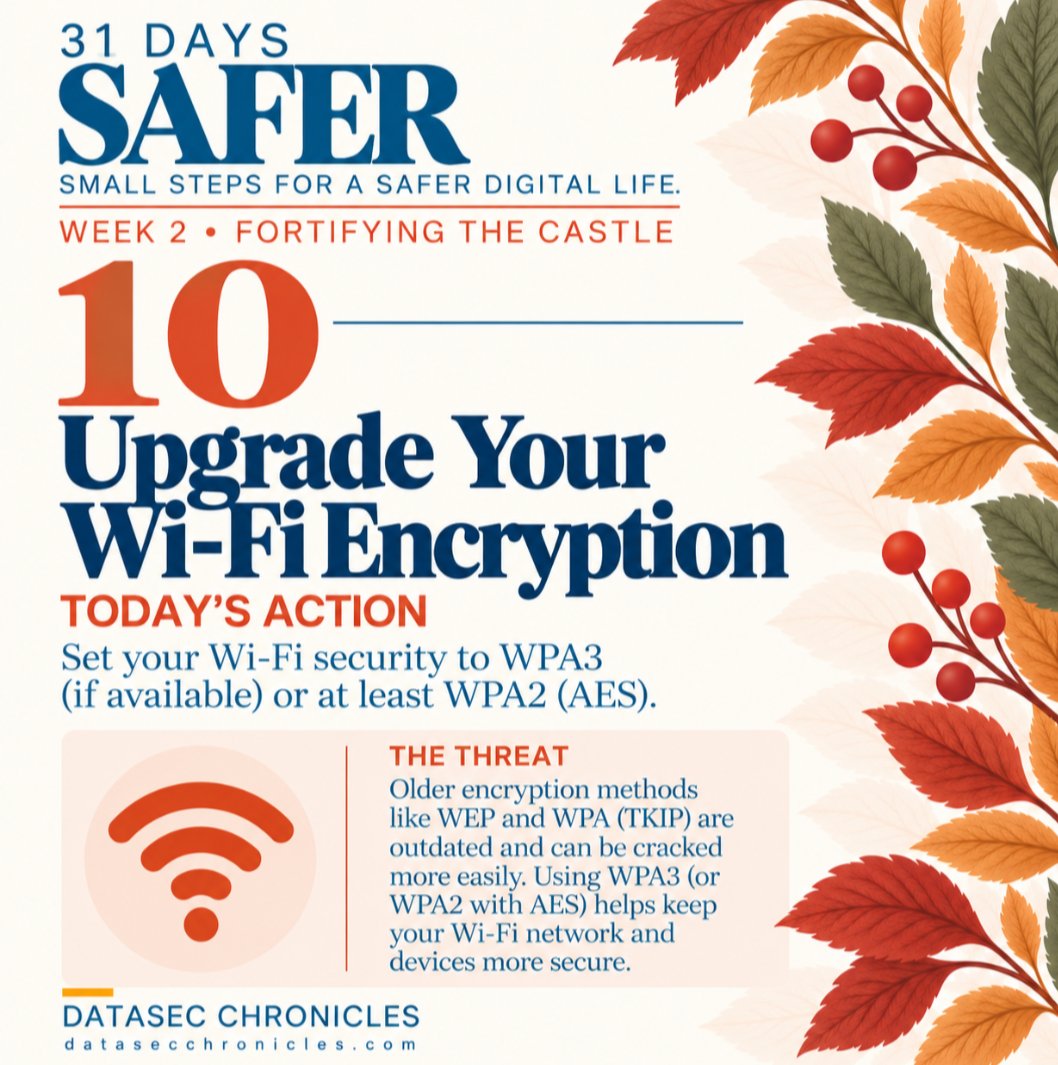
Today: Upgrade Your Wi-Fi Encryption.
Yesterday, we secured our router's admin credentials. Today, we're checking how our Wi-Fi network is protected.
Look for WPA3 in your router's security settings. If it's not supported, WPA2-AES is a secure alternative.
Still using WEP or older WPA? It's time for an upgrade!
One small step. One day safer. 🍂
#CybersecurityAwarenessMonth #DigitalHygiene #InfoSec
Day 9 of #31DaysSafer 🔐
Today: Replace Factory Credentials.
Yesterday, we found our router dashboards. Today, we're securing access to them.
Check your router's admin password. If it's still the default, weak, or reused, replace it with something strong and unique.
Your home network deserves more than a factory password.
One small step. One day safer. 🍂
#CybersecurityAwarenessMonth #DigitalHygiene #InfoSec

Day 8 of #31DaysSafer 🔐
Welcome to Week 2: Fortifying the Castle!
This week, we're focusing on home network security.
Today's step: Meet Your Router Dashboard. 📶
Find your router's settings and take a look at the devices connected to your network.
Recognize everything?
No need to change anything today. Just get familiar with what's there.
One small step. One day safer. 🍂
#CybersecurityAwarenessMonth #DigitalHygiene #InfoSec

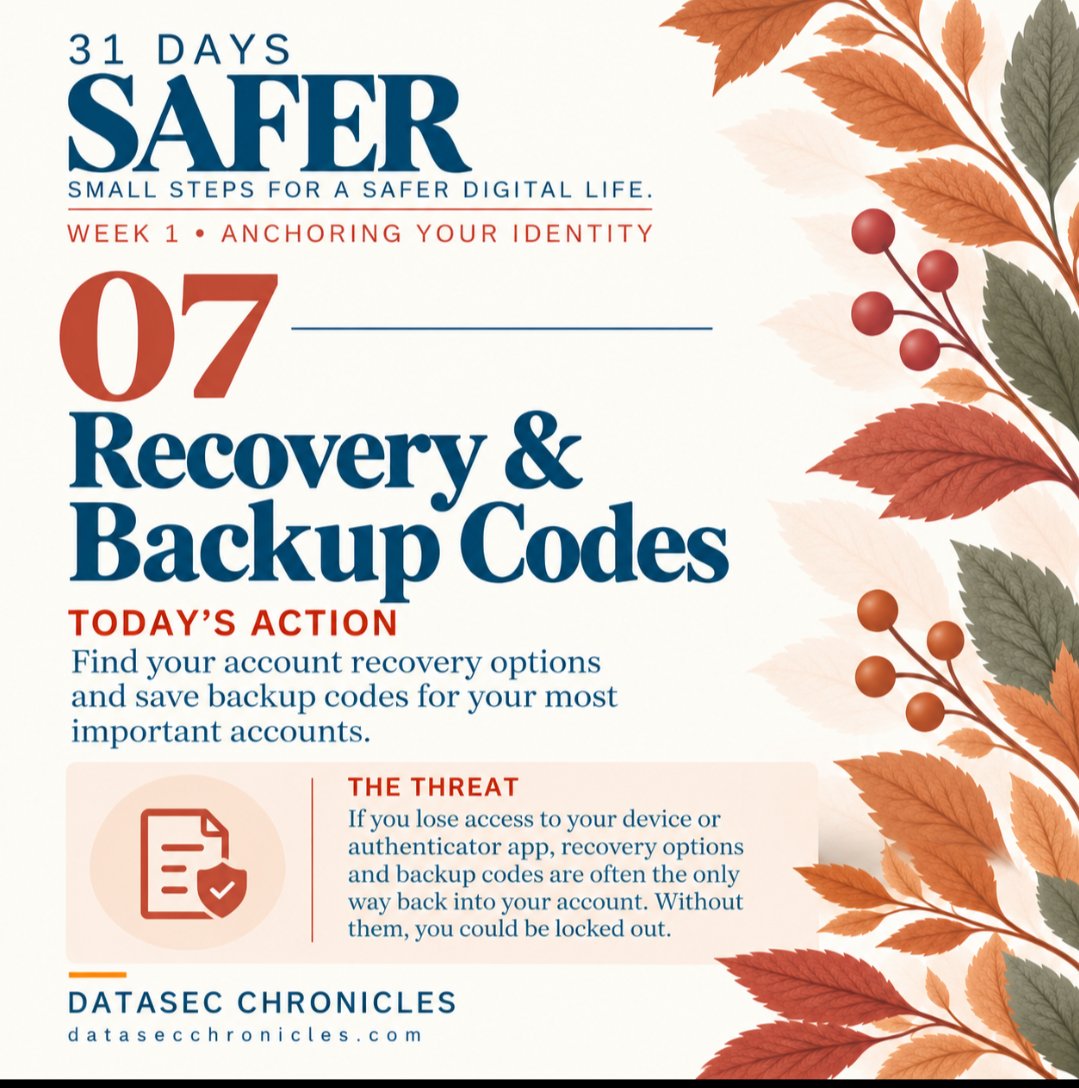
Day 7 of #31DaysSafer 🔐
Today: Recovery & Backup Codes.
MFA protects your account—but what happens if you lose access to your phone or authenticator?
Check your recovery options, make sure your email and phone number are current, and securely store your backup codes.
You’ve officially made it through Week 1. 🍂🙌🏽
One small step. One day safer.
#CybersecurityAwarenessMonth #DigitalHygiene #InfoSec
Last Seen Hashtags on Sotwe
ballandoconlestelle anna
Seen from Italy
snapchat
Seen from Turkey
kaw #wldm #extremebnwo filter:native_video
Seen from Germany
minichatt
Seen from Turkey
minichat((((*))))* filter:videos
Seen from India
Arcee
Seen from United States
DogMom
Seen from United States
dogsex filter:videos
Seen from Malaysia
pegging cum
Seen from Greece
incestomamá
Seen from Mexico
Trends for you
Most Popular Users

Elon Musk 
@elonmusk
241.5M followers

Barack Obama
@barackobama
118.8M followers

Cristiano Ronaldo
@cristiano
114.5M followers

Donald J. Trump
@realdonaldtrump
111.8M followers

Narendra Modi
@narendramodi
107.1M followers

Rihanna
@rihanna
98.7M followers

NASA
@nasa
92.3M followers

Justin Bieber
@justinbieber
91.8M followers

KATY PERRY
@katyperry
90M followers

Taylor Swift
@taylorswift13
84M followers

Lady Gaga
@ladygaga
75.5M followers

Virat Kohli
@imvkohli
73.5M followers

Kim Kardashian
@kimkardashian
70.9M followers

YouTube
@youtube
68.8M followers

Neymar Jr
@neymarjr
66.5M followers

Bill Gates
@billgates
65.3M followers

Selena Gomez
@selenagomez
63.1M followers

The Ellen Show
@theellenshow
62.2M followers

CNN
@cnn
61.7M followers

X
@x
60.7M followers