

Top Tweets for #Bandart


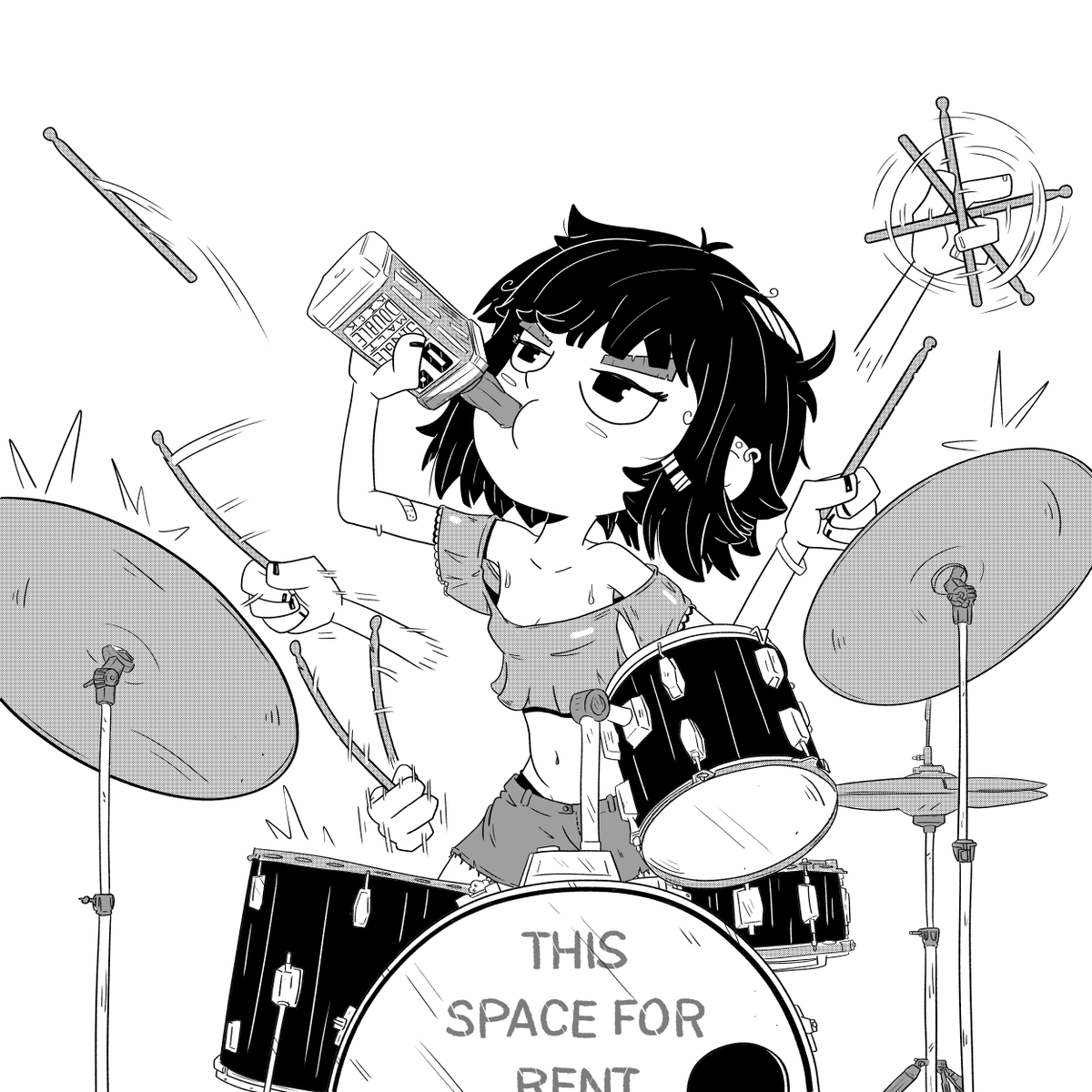

Fanart of Kururu!!
I can't wait until I get to see BLAZE play in London
@blz_kururu #blaze #クルル #vkei #visualkei #fanart #bandart #blazeクルル #クルルblaze #blz
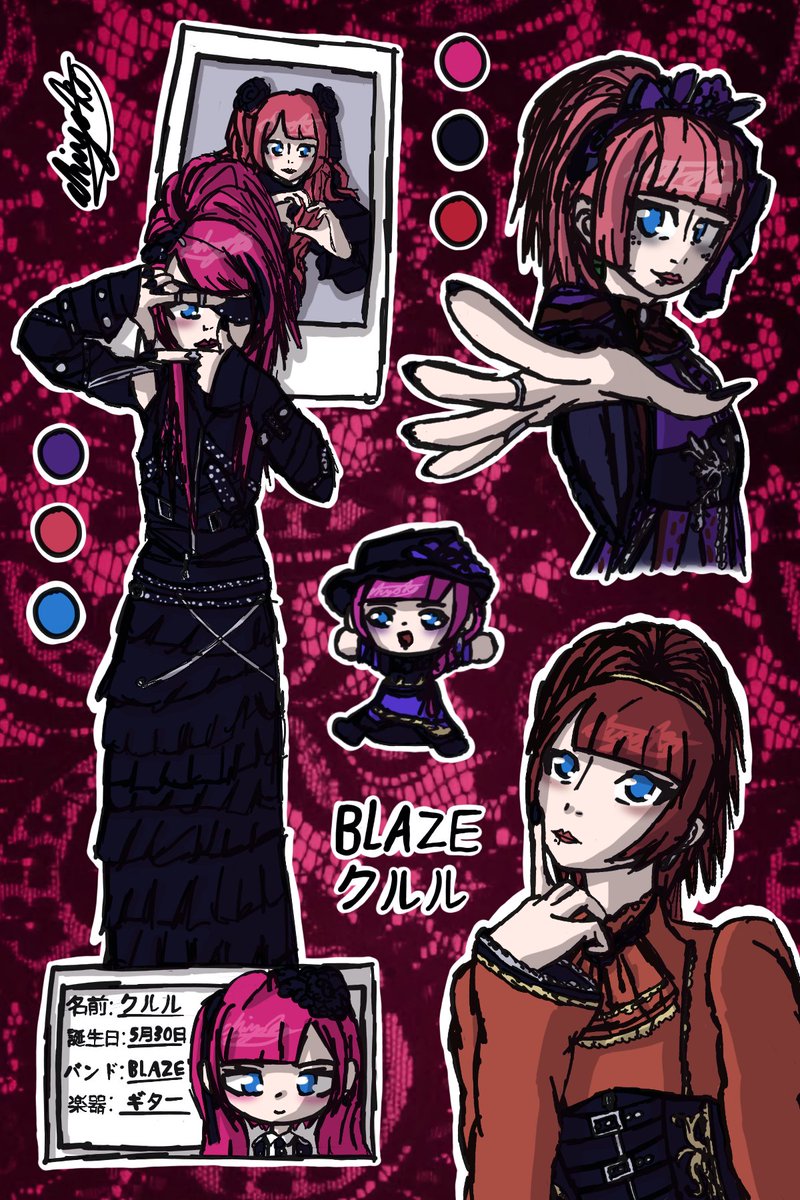


WATERPARKS 1!!! (ABC)
#BandArt
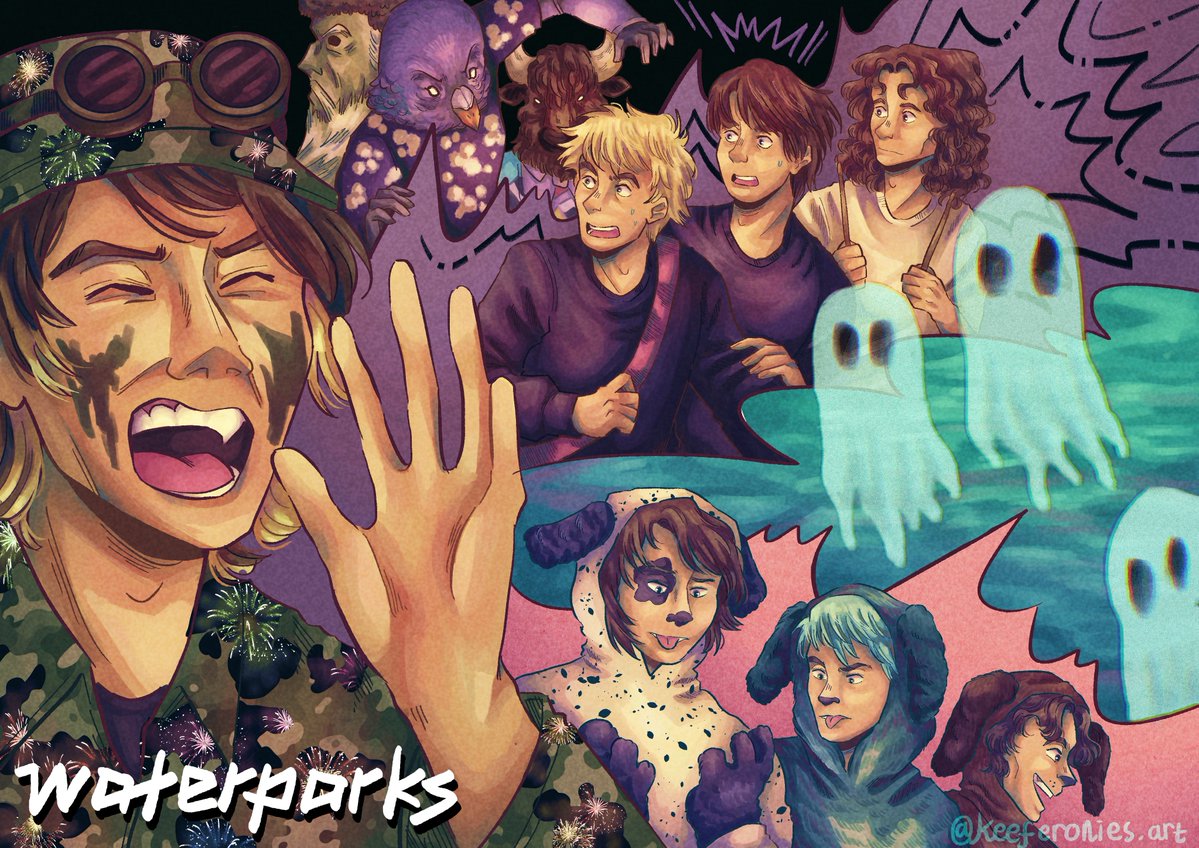

Guerreros del sol, hijos de Aztlan
🤘🏻🔥
#POTD #promptoftheday #AI #AiArt #Art #AnimeArt #RockBand #MetalBand #ConcertStage #LiveMusic #CharacterDesign #AnimeStyle #DigitalArt #MusicArt #BandArt #CommunityPrompt


Prompt of the Day: JOIN THE BAND 🎸🔥💜💚
This was a last-minute change forgive any weirdness thanks to @Nodoka_Katana @MagsNoctis @Exarchos for last minute testing
Today’s Prompt of the Day puts your character reference image or character reference images on stage as members of your chosen rock or metal band.
Type the band name into the BAND PICKER, choose the main character’s role, then attach your character reference images.
Image 1 becomes the main featured performer.
Image 2 becomes exactly one other band member.
Image 3 becomes exactly one other band member.
Every uploaded character reference is used once and only once.
Any band members not replaced by uploaded references should be based on the real or expected lineup of the selected band.
Have fun with this one 🎤⚡
............................PROMPT STARTS HERE............................
BAND PICKER:
[Type the band name here.]
Examples:
* Metallica
* Slayer
* Queen
* Slipknot
* Ghost
* Iron Maiden
* Black Sabbath
* Judas Priest
* Korn
* Avenged Sevenfold
* Bring Me The Horizon
* Sleep Token
* Babymetal
* A custom fictional rock or metal band
Use the typed band name as the main inspiration for the concert scene, stage design, lighting, atmosphere, outfit styling, performance energy, band lineup, and overall live-show identity.
Keep the final image rooted in rock, metal, hard rock, theatrical rock, or a closely related heavy-performance style.
Do not copy real copyrighted logos exactly, but do make the chosen band identity visually clear.
MAIN CHARACTER ROLE SELECTOR:
[Type the role for Image 1 here.]
Examples:
* Lead singer
* Frontman / frontwoman
* Guitarist
* Lead guitarist
* Rhythm guitarist
* Bassist
* Drummer
* Keyboardist
* Backup vocalist
* Custom role
Use the typed role as the exact role for Image 1.
If no role is typed, make Image 1 the lead singer and main featured performer.
REFERENCE ASSIGNMENT RULE:
Treat each uploaded character reference image as exactly one band member assignment.
Image 1:
Use the first uploaded character reference image as the main featured performer.
Image 1 is the primary inserted character and the main visual focal point of the image.
Image 2:
If a second uploaded character reference image is provided, use Image 2 as exactly one additional band member on stage.
Image 2 must replace only one band member.
Do not use Image 2 to replace every band member.
Do not duplicate Image 2 across multiple performers.
Do not clone Image 2 into a whole band.
Do not use Image 2 as a general style source for all other band members.
Image 3:
If a third uploaded character reference image is provided, use Image 3 as exactly one additional band member on stage.
Image 3 must replace only one band member.
Do not ignore Image 3 if it is provided as a character reference.
Do not duplicate Image 3 across multiple performers.
Do not clone Image 3 into a whole band.
Do not use Image 3 as a general style source for all other band members.
Additional uploaded images:
If more uploaded character reference images are provided, each one must become exactly one separate additional band member.
Each uploaded reference image equals one character only.
One uploaded image must never become multiple people.
Band-member count rule:
If only one character reference image is uploaded, create Image 1 as the featured inserted performer and build the rest of the band from the selected band’s actual or expected lineup.
If two character reference images are uploaded, create Image 1 plus Image 2 as two separate band members, then fill any remaining band roles using the selected band’s actual or expected lineup.
If three character reference images are uploaded, create Image 1, Image 2, and Image 3 as three separate band members, then fill any remaining band roles using the selected band’s actual or expected lineup.
If more character reference images are uploaded, use each uploaded image exactly once as one separate band member, then fill any remaining band roles using the selected band’s actual or expected lineup.
Real band member rule:
Any band members who are not replaced by uploaded character reference images should be based on the real selected band members when possible.
Use the selected band’s real lineup, expected instruments, stage roles, silhouettes, performance energy, and visual identity.
If exact real-band-member likeness is not possible, create believable original supporting performers who fit the selected band’s real structure, style, and live-show identity.
Do not replace unreplaced real band members with duplicates of any uploaded character reference.
No duplication rule:
Do not duplicate Image 1.
Do not duplicate Image 2.
Do not duplicate Image 3.
Do not duplicate any uploaded character reference.
Do not create alternate versions, mirrored copies, clones, twins, or slightly changed copies of any uploaded character.
Each uploaded character appears once and only once.
Character reference rules:
- Preserve each uploaded character’s face shape, hairstyle, hair colour, eye colour, body language, signature colour palette, key outfit motifs, species traits, accessories, silhouette, and overall character vibe.
- The final design must still clearly look like each uploaded character.
- Transform every uploaded character into a believable member of the selected band while keeping their identity readable.
- Do not redesign any uploaded character into a different person.
- Keep Image 1 as the most visually important subject.
Hard style rule:
Preserve the visual art style and character identity of the uploaded reference images while transforming the characters into high-detail live-performance versions of themselves.
If the references are anime, keep them anime.
If they are stylized, keep that stylization.
Do not turn the characters photorealistic unless specifically requested.
Scene concept:
Create a 16:9 horizontal widescreen cinematic concert-stage illustration showing the uploaded characters performing live as members of the band written in the BAND PICKER.
Image 1 should occupy the role written in the MAIN CHARACTER ROLE SELECTOR.
Additional uploaded reference characters should each occupy one other believable band role.
The rest of the band should be based on the selected band’s real or expected lineup.
The image should feel like a premium high-detail anime-style live music key visual with a complete band presence, dramatic stage identity, strong crowd-facing energy, and a powerful concert atmosphere.
Band name text:
Place the typed band name somewhere large, clear, stylish, and readable in the image.
The name can appear on a giant stage backdrop, LED wall, hanging banner, amplifier display, drum-riser display, pyro-lit screen, or other major concert visual element.
Keep the text bold, clean, and legible.
Make the band name feel naturally integrated into the stage production.
Do not fill the image with random text.
Do not misspell the typed band name.
Character transformation:
Fully redesign and redress every uploaded character so they look like they genuinely belong in the selected band’s visual world.
Do not just place the band name on a T-shirt.
Change the full outfit, stagewear, silhouette, materials, accessories, makeup, instruments, performance styling, and overall presentation to closely match the selected band’s fashion language, tone, and visual identity.
Use the selected band’s style cues to influence costume silhouette, layers, materials, masks, face paint, leather, chains, straps, robes, spikes, metallic trim, gloves, boots, distressed fabric, gothic details, occult details, theatrical styling, uniform elements, or other genre-appropriate features where relevant.
The redesign should feel like each uploaded character has been genuinely reimagined as a true member of that band while still preserving their original identity.
Use each character’s original colours, motifs, accessories, and overall vibe as the foundation, but let the selected band’s style heavily reshape the final performance outfit.
Role adaptation:
Make Image 1’s selected role immediately clear.
If Image 1 is the lead singer or frontman / frontwoman, make Image 1 the main focal performer with a microphone, commanding posture, and strong crowd-leading presence.
If Image 1 is a guitarist or bassist, give Image 1 a custom instrument and a strong performance pose.
If Image 1 is the drummer, place Image 1 at a dramatic drum kit with strong visibility and stage impact.
If Image 1 is a keyboardist, give Image 1 a convincing live setup and readable performance posture.
Assign each additional uploaded character to exactly one remaining band role.
Assign unreplaced band members based on the selected band’s real or expected lineup.
Supporting band-member clarity:
Every uploaded character reference image must be visibly and distinctly present as exactly one separate band member.
Each uploaded character should be identifiable as their own separate person.
Give each uploaded character clear silhouette separation and enough visual presence to be recognized.
Do not hide secondary uploaded characters so much that they become unreadable.
Do not replace uploaded characters with random people.
Do not use one uploaded reference image to fill multiple band slots.
The first uploaded character should remain the strongest focal point, but the other uploaded reference characters must clearly appear as individual band members.
Stage and environment:
Set the scene on a large live concert stage.
Build the stage environment around the selected band’s tone and live-show identity.
Use genre-appropriate concert elements such as speaker walls, drum risers, stage trusses, crowd silhouettes, spotlights, smoke, haze, lasers, pyrotechnics, projected graphics, LED screens, banners, and dramatic light beams.
The environment should feel huge, immersive, and cinematic while still supporting the characters and the full-band composition.
Composition and camera:
Use a wide 16:9 horizontal cinematic composition.
Show enough of the stage and lineup to make the image clearly read as a full band performance, not a solo portrait.
Keep Image 1 clearly visible and the main focal point.
Make every additional uploaded character visible and readable as a distinct band member.
Make unreplaced real or expected band members look like they belong to the selected band.
Use strong visual hierarchy, clean silhouette separation, and a powerful live-performance composition.
The band name should be large and readable without blocking important character features.
Lighting and mood:
Use dramatic concert lighting that matches the selected band’s energy and stage identity.
The mood should feel loud, electric, powerful, immersive, and performance-driven.
Use strong rim light, spotlights, coloured beams, stage haze, dramatic backlighting, reflections, and cinematic contrast.
Keep the strongest detail on the uploaded characters, their stage roles, key instruments or performance props, and the readable band name.
Style and quality:
High-detail premium anime-style rock or metal concert illustration, polished rendering, crisp linework, expressive character acting, dynamic full-band stage composition, detailed outfit redesign, dramatic lighting, clean silhouettes, readable typography, and high-end concert-poster energy.
Do not:
- Do not ignore the BAND PICKER.
- Do not ignore the MAIN CHARACTER ROLE SELECTOR.
- Do not ignore any uploaded character reference image.
- Do not use Image 2 to replace every band member.
- Do not use Image 3 to replace every band member.
- Do not use any single uploaded reference image for more than one band member.
- Do not duplicate Image 1.
- Do not duplicate Image 2.
- Do not duplicate Image 3.
- Do not clone, mirror, copy, or slightly alter any uploaded character to create extra performers.
- Do not merge uploaded characters together.
- Do not turn uploaded characters into props, posters, stickers, audience members, or background decoration.
- Do not create more uploaded-reference-based band members than the number of uploaded reference images.
- Do not create fewer uploaded-reference-based band members than the number of uploaded reference images.
- Do not replace unreplaced real band members with duplicates of uploaded reference characters.
- Do not make every band member look like Image 2.
- Do not make every band member look like any one uploaded reference.
- Do not redesign any uploaded character into a different person.
- Do not leave the characters in their original outfits with only minor band merch added.
- Do not make the outfit redesign generic; it should strongly reflect the selected band’s style.
- Do not make the secondary uploaded characters tiny, hidden, blurry, or unreadable.
- Do not make the scene feel like a solo act if multiple uploaded band-member references are provided.
- Do not copy real copyrighted logos exactly.
- Do not misspell the typed band name.
- Do not make the band name tiny, hidden, distorted, unreadable, or covered by effects.
- Do not fill the image with random text, fake words, broken letters, or cluttered typography.
- Do not make the background busier than the characters.
- Do not make the stage so chaotic that the band lineup becomes unclear.
- Do not create messy anatomy, extra limbs, malformed hands, distorted faces, broken instruments, or muddy textures.
- Do not use photorealism unless specifically requested.
..............................END OF PROMPT..................................
#POTD #promptoftheday #AI #AiArt #Art #AnimeArt #RockBand #MetalBand #ConcertStage #LiveMusic #CharacterDesign #AnimeStyle #DigitalArt #MusicArt #BandArt #CommunityPrompt
![EvaGlitchAI's tweet photo. Prompt of the Day: JOIN THE BAND 🎸🔥💜💚
This was a last-minute change forgive any weirdness thanks to @Nodoka_Katana @MagsNoctis @Exarchos for last minute testing
Today’s Prompt of the Day puts your character reference image or character reference images on stage as members of your chosen rock or metal band.
Type the band name into the BAND PICKER, choose the main character’s role, then attach your character reference images.
Image 1 becomes the main featured performer.
Image 2 becomes exactly one other band member.
Image 3 becomes exactly one other band member.
Every uploaded character reference is used once and only once.
Any band members not replaced by uploaded references should be based on the real or expected lineup of the selected band.
Have fun with this one 🎤⚡
............................PROMPT STARTS HERE............................
BAND PICKER:
[Type the band name here.]
Examples:
* Metallica
* Slayer
* Queen
* Slipknot
* Ghost
* Iron Maiden
* Black Sabbath
* Judas Priest
* Korn
* Avenged Sevenfold
* Bring Me The Horizon
* Sleep Token
* Babymetal
* A custom fictional rock or metal band
Use the typed band name as the main inspiration for the concert scene, stage design, lighting, atmosphere, outfit styling, performance energy, band lineup, and overall live-show identity.
Keep the final image rooted in rock, metal, hard rock, theatrical rock, or a closely related heavy-performance style.
Do not copy real copyrighted logos exactly, but do make the chosen band identity visually clear.
MAIN CHARACTER ROLE SELECTOR:
[Type the role for Image 1 here.]
Examples:
* Lead singer
* Frontman / frontwoman
* Guitarist
* Lead guitarist
* Rhythm guitarist
* Bassist
* Drummer
* Keyboardist
* Backup vocalist
* Custom role
Use the typed role as the exact role for Image 1.
If no role is typed, make Image 1 the lead singer and main featured performer.
REFERENCE ASSIGNMENT RULE:
Treat each uploaded character reference image as exactly one band member assignment.
Image 1:
Use the first uploaded character reference image as the main featured performer.
Image 1 is the primary inserted character and the main visual focal point of the image.
Image 2:
If a second uploaded character reference image is provided, use Image 2 as exactly one additional band member on stage.
Image 2 must replace only one band member.
Do not use Image 2 to replace every band member.
Do not duplicate Image 2 across multiple performers.
Do not clone Image 2 into a whole band.
Do not use Image 2 as a general style source for all other band members.
Image 3:
If a third uploaded character reference image is provided, use Image 3 as exactly one additional band member on stage.
Image 3 must replace only one band member.
Do not ignore Image 3 if it is provided as a character reference.
Do not duplicate Image 3 across multiple performers.
Do not clone Image 3 into a whole band.
Do not use Image 3 as a general style source for all other band members.
Additional uploaded images:
If more uploaded character reference images are provided, each one must become exactly one separate additional band member.
Each uploaded reference image equals one character only.
One uploaded image must never become multiple people.
Band-member count rule:
If only one character reference image is uploaded, create Image 1 as the featured inserted performer and build the rest of the band from the selected band’s actual or expected lineup.
If two character reference images are uploaded, create Image 1 plus Image 2 as two separate band members, then fill any remaining band roles using the selected band’s actual or expected lineup.
If three character reference images are uploaded, create Image 1, Image 2, and Image 3 as three separate band members, then fill any remaining band roles using the selected band’s actual or expected lineup.
If more character reference images are uploaded, use each uploaded image exactly once as one separate band member, then fill any remaining band roles using the selected band’s actual or expected lineup.
Real band member rule:
Any band members who are not replaced by uploaded character reference images should be based on the real selected band members when possible.
Use the selected band’s real lineup, expected instruments, stage roles, silhouettes, performance energy, and visual identity.
If exact real-band-member likeness is not possible, create believable original supporting performers who fit the selected band’s real structure, style, and live-show identity.
Do not replace unreplaced real band members with duplicates of any uploaded character reference.
No duplication rule:
Do not duplicate Image 1.
Do not duplicate Image 2.
Do not duplicate Image 3.
Do not duplicate any uploaded character reference.
Do not create alternate versions, mirrored copies, clones, twins, or slightly changed copies of any uploaded character.
Each uploaded character appears once and only once.
Character reference rules:
- Preserve each uploaded character’s face shape, hairstyle, hair colour, eye colour, body language, signature colour palette, key outfit motifs, species traits, accessories, silhouette, and overall character vibe.
- The final design must still clearly look like each uploaded character.
- Transform every uploaded character into a believable member of the selected band while keeping their identity readable.
- Do not redesign any uploaded character into a different person.
- Keep Image 1 as the most visually important subject.
Hard style rule:
Preserve the visual art style and character identity of the uploaded reference images while transforming the characters into high-detail live-performance versions of themselves.
If the references are anime, keep them anime.
If they are stylized, keep that stylization.
Do not turn the characters photorealistic unless specifically requested.
Scene concept:
Create a 16:9 horizontal widescreen cinematic concert-stage illustration showing the uploaded characters performing live as members of the band written in the BAND PICKER.
Image 1 should occupy the role written in the MAIN CHARACTER ROLE SELECTOR.
Additional uploaded reference characters should each occupy one other believable band role.
The rest of the band should be based on the selected band’s real or expected lineup.
The image should feel like a premium high-detail anime-style live music key visual with a complete band presence, dramatic stage identity, strong crowd-facing energy, and a powerful concert atmosphere.
Band name text:
Place the typed band name somewhere large, clear, stylish, and readable in the image.
The name can appear on a giant stage backdrop, LED wall, hanging banner, amplifier display, drum-riser display, pyro-lit screen, or other major concert visual element.
Keep the text bold, clean, and legible.
Make the band name feel naturally integrated into the stage production.
Do not fill the image with random text.
Do not misspell the typed band name.
Character transformation:
Fully redesign and redress every uploaded character so they look like they genuinely belong in the selected band’s visual world.
Do not just place the band name on a T-shirt.
Change the full outfit, stagewear, silhouette, materials, accessories, makeup, instruments, performance styling, and overall presentation to closely match the selected band’s fashion language, tone, and visual identity.
Use the selected band’s style cues to influence costume silhouette, layers, materials, masks, face paint, leather, chains, straps, robes, spikes, metallic trim, gloves, boots, distressed fabric, gothic details, occult details, theatrical styling, uniform elements, or other genre-appropriate features where relevant.
The redesign should feel like each uploaded character has been genuinely reimagined as a true member of that band while still preserving their original identity.
Use each character’s original colours, motifs, accessories, and overall vibe as the foundation, but let the selected band’s style heavily reshape the final performance outfit.
Role adaptation:
Make Image 1’s selected role immediately clear.
If Image 1 is the lead singer or frontman / frontwoman, make Image 1 the main focal performer with a microphone, commanding posture, and strong crowd-leading presence.
If Image 1 is a guitarist or bassist, give Image 1 a custom instrument and a strong performance pose.
If Image 1 is the drummer, place Image 1 at a dramatic drum kit with strong visibility and stage impact.
If Image 1 is a keyboardist, give Image 1 a convincing live setup and readable performance posture.
Assign each additional uploaded character to exactly one remaining band role.
Assign unreplaced band members based on the selected band’s real or expected lineup.
Supporting band-member clarity:
Every uploaded character reference image must be visibly and distinctly present as exactly one separate band member.
Each uploaded character should be identifiable as their own separate person.
Give each uploaded character clear silhouette separation and enough visual presence to be recognized.
Do not hide secondary uploaded characters so much that they become unreadable.
Do not replace uploaded characters with random people.
Do not use one uploaded reference image to fill multiple band slots.
The first uploaded character should remain the strongest focal point, but the other uploaded reference characters must clearly appear as individual band members.
Stage and environment:
Set the scene on a large live concert stage.
Build the stage environment around the selected band’s tone and live-show identity.
Use genre-appropriate concert elements such as speaker walls, drum risers, stage trusses, crowd silhouettes, spotlights, smoke, haze, lasers, pyrotechnics, projected graphics, LED screens, banners, and dramatic light beams.
The environment should feel huge, immersive, and cinematic while still supporting the characters and the full-band composition.
Composition and camera:
Use a wide 16:9 horizontal cinematic composition.
Show enough of the stage and lineup to make the image clearly read as a full band performance, not a solo portrait.
Keep Image 1 clearly visible and the main focal point.
Make every additional uploaded character visible and readable as a distinct band member.
Make unreplaced real or expected band members look like they belong to the selected band.
Use strong visual hierarchy, clean silhouette separation, and a powerful live-performance composition.
The band name should be large and readable without blocking important character features.
Lighting and mood:
Use dramatic concert lighting that matches the selected band’s energy and stage identity.
The mood should feel loud, electric, powerful, immersive, and performance-driven.
Use strong rim light, spotlights, coloured beams, stage haze, dramatic backlighting, reflections, and cinematic contrast.
Keep the strongest detail on the uploaded characters, their stage roles, key instruments or performance props, and the readable band name.
Style and quality:
High-detail premium anime-style rock or metal concert illustration, polished rendering, crisp linework, expressive character acting, dynamic full-band stage composition, detailed outfit redesign, dramatic lighting, clean silhouettes, readable typography, and high-end concert-poster energy.
Do not:
- Do not ignore the BAND PICKER.
- Do not ignore the MAIN CHARACTER ROLE SELECTOR.
- Do not ignore any uploaded character reference image.
- Do not use Image 2 to replace every band member.
- Do not use Image 3 to replace every band member.
- Do not use any single uploaded reference image for more than one band member.
- Do not duplicate Image 1.
- Do not duplicate Image 2.
- Do not duplicate Image 3.
- Do not clone, mirror, copy, or slightly alter any uploaded character to create extra performers.
- Do not merge uploaded characters together.
- Do not turn uploaded characters into props, posters, stickers, audience members, or background decoration.
- Do not create more uploaded-reference-based band members than the number of uploaded reference images.
- Do not create fewer uploaded-reference-based band members than the number of uploaded reference images.
- Do not replace unreplaced real band members with duplicates of uploaded reference characters.
- Do not make every band member look like Image 2.
- Do not make every band member look like any one uploaded reference.
- Do not redesign any uploaded character into a different person.
- Do not leave the characters in their original outfits with only minor band merch added.
- Do not make the outfit redesign generic; it should strongly reflect the selected band’s style.
- Do not make the secondary uploaded characters tiny, hidden, blurry, or unreadable.
- Do not make the scene feel like a solo act if multiple uploaded band-member references are provided.
- Do not copy real copyrighted logos exactly.
- Do not misspell the typed band name.
- Do not make the band name tiny, hidden, distorted, unreadable, or covered by effects.
- Do not fill the image with random text, fake words, broken letters, or cluttered typography.
- Do not make the background busier than the characters.
- Do not make the stage so chaotic that the band lineup becomes unclear.
- Do not create messy anatomy, extra limbs, malformed hands, distorted faces, broken instruments, or muddy textures.
- Do not use photorealism unless specifically requested.
..............................END OF PROMPT..................................
#POTD #promptoftheday #AI #AiArt #Art #AnimeArt #RockBand #MetalBand #ConcertStage #LiveMusic #CharacterDesign #AnimeStyle #DigitalArt #MusicArt #BandArt #CommunityPrompt](https://pbs.twimg.com/media/HLX3JihakAAcO2S.jpg)
![EvaGlitchAI's tweet photo. Prompt of the Day: JOIN THE BAND 🎸🔥💜💚
This was a last-minute change forgive any weirdness thanks to @Nodoka_Katana @MagsNoctis @Exarchos for last minute testing
Today’s Prompt of the Day puts your character reference image or character reference images on stage as members of your chosen rock or metal band.
Type the band name into the BAND PICKER, choose the main character’s role, then attach your character reference images.
Image 1 becomes the main featured performer.
Image 2 becomes exactly one other band member.
Image 3 becomes exactly one other band member.
Every uploaded character reference is used once and only once.
Any band members not replaced by uploaded references should be based on the real or expected lineup of the selected band.
Have fun with this one 🎤⚡
............................PROMPT STARTS HERE............................
BAND PICKER:
[Type the band name here.]
Examples:
* Metallica
* Slayer
* Queen
* Slipknot
* Ghost
* Iron Maiden
* Black Sabbath
* Judas Priest
* Korn
* Avenged Sevenfold
* Bring Me The Horizon
* Sleep Token
* Babymetal
* A custom fictional rock or metal band
Use the typed band name as the main inspiration for the concert scene, stage design, lighting, atmosphere, outfit styling, performance energy, band lineup, and overall live-show identity.
Keep the final image rooted in rock, metal, hard rock, theatrical rock, or a closely related heavy-performance style.
Do not copy real copyrighted logos exactly, but do make the chosen band identity visually clear.
MAIN CHARACTER ROLE SELECTOR:
[Type the role for Image 1 here.]
Examples:
* Lead singer
* Frontman / frontwoman
* Guitarist
* Lead guitarist
* Rhythm guitarist
* Bassist
* Drummer
* Keyboardist
* Backup vocalist
* Custom role
Use the typed role as the exact role for Image 1.
If no role is typed, make Image 1 the lead singer and main featured performer.
REFERENCE ASSIGNMENT RULE:
Treat each uploaded character reference image as exactly one band member assignment.
Image 1:
Use the first uploaded character reference image as the main featured performer.
Image 1 is the primary inserted character and the main visual focal point of the image.
Image 2:
If a second uploaded character reference image is provided, use Image 2 as exactly one additional band member on stage.
Image 2 must replace only one band member.
Do not use Image 2 to replace every band member.
Do not duplicate Image 2 across multiple performers.
Do not clone Image 2 into a whole band.
Do not use Image 2 as a general style source for all other band members.
Image 3:
If a third uploaded character reference image is provided, use Image 3 as exactly one additional band member on stage.
Image 3 must replace only one band member.
Do not ignore Image 3 if it is provided as a character reference.
Do not duplicate Image 3 across multiple performers.
Do not clone Image 3 into a whole band.
Do not use Image 3 as a general style source for all other band members.
Additional uploaded images:
If more uploaded character reference images are provided, each one must become exactly one separate additional band member.
Each uploaded reference image equals one character only.
One uploaded image must never become multiple people.
Band-member count rule:
If only one character reference image is uploaded, create Image 1 as the featured inserted performer and build the rest of the band from the selected band’s actual or expected lineup.
If two character reference images are uploaded, create Image 1 plus Image 2 as two separate band members, then fill any remaining band roles using the selected band’s actual or expected lineup.
If three character reference images are uploaded, create Image 1, Image 2, and Image 3 as three separate band members, then fill any remaining band roles using the selected band’s actual or expected lineup.
If more character reference images are uploaded, use each uploaded image exactly once as one separate band member, then fill any remaining band roles using the selected band’s actual or expected lineup.
Real band member rule:
Any band members who are not replaced by uploaded character reference images should be based on the real selected band members when possible.
Use the selected band’s real lineup, expected instruments, stage roles, silhouettes, performance energy, and visual identity.
If exact real-band-member likeness is not possible, create believable original supporting performers who fit the selected band’s real structure, style, and live-show identity.
Do not replace unreplaced real band members with duplicates of any uploaded character reference.
No duplication rule:
Do not duplicate Image 1.
Do not duplicate Image 2.
Do not duplicate Image 3.
Do not duplicate any uploaded character reference.
Do not create alternate versions, mirrored copies, clones, twins, or slightly changed copies of any uploaded character.
Each uploaded character appears once and only once.
Character reference rules:
- Preserve each uploaded character’s face shape, hairstyle, hair colour, eye colour, body language, signature colour palette, key outfit motifs, species traits, accessories, silhouette, and overall character vibe.
- The final design must still clearly look like each uploaded character.
- Transform every uploaded character into a believable member of the selected band while keeping their identity readable.
- Do not redesign any uploaded character into a different person.
- Keep Image 1 as the most visually important subject.
Hard style rule:
Preserve the visual art style and character identity of the uploaded reference images while transforming the characters into high-detail live-performance versions of themselves.
If the references are anime, keep them anime.
If they are stylized, keep that stylization.
Do not turn the characters photorealistic unless specifically requested.
Scene concept:
Create a 16:9 horizontal widescreen cinematic concert-stage illustration showing the uploaded characters performing live as members of the band written in the BAND PICKER.
Image 1 should occupy the role written in the MAIN CHARACTER ROLE SELECTOR.
Additional uploaded reference characters should each occupy one other believable band role.
The rest of the band should be based on the selected band’s real or expected lineup.
The image should feel like a premium high-detail anime-style live music key visual with a complete band presence, dramatic stage identity, strong crowd-facing energy, and a powerful concert atmosphere.
Band name text:
Place the typed band name somewhere large, clear, stylish, and readable in the image.
The name can appear on a giant stage backdrop, LED wall, hanging banner, amplifier display, drum-riser display, pyro-lit screen, or other major concert visual element.
Keep the text bold, clean, and legible.
Make the band name feel naturally integrated into the stage production.
Do not fill the image with random text.
Do not misspell the typed band name.
Character transformation:
Fully redesign and redress every uploaded character so they look like they genuinely belong in the selected band’s visual world.
Do not just place the band name on a T-shirt.
Change the full outfit, stagewear, silhouette, materials, accessories, makeup, instruments, performance styling, and overall presentation to closely match the selected band’s fashion language, tone, and visual identity.
Use the selected band’s style cues to influence costume silhouette, layers, materials, masks, face paint, leather, chains, straps, robes, spikes, metallic trim, gloves, boots, distressed fabric, gothic details, occult details, theatrical styling, uniform elements, or other genre-appropriate features where relevant.
The redesign should feel like each uploaded character has been genuinely reimagined as a true member of that band while still preserving their original identity.
Use each character’s original colours, motifs, accessories, and overall vibe as the foundation, but let the selected band’s style heavily reshape the final performance outfit.
Role adaptation:
Make Image 1’s selected role immediately clear.
If Image 1 is the lead singer or frontman / frontwoman, make Image 1 the main focal performer with a microphone, commanding posture, and strong crowd-leading presence.
If Image 1 is a guitarist or bassist, give Image 1 a custom instrument and a strong performance pose.
If Image 1 is the drummer, place Image 1 at a dramatic drum kit with strong visibility and stage impact.
If Image 1 is a keyboardist, give Image 1 a convincing live setup and readable performance posture.
Assign each additional uploaded character to exactly one remaining band role.
Assign unreplaced band members based on the selected band’s real or expected lineup.
Supporting band-member clarity:
Every uploaded character reference image must be visibly and distinctly present as exactly one separate band member.
Each uploaded character should be identifiable as their own separate person.
Give each uploaded character clear silhouette separation and enough visual presence to be recognized.
Do not hide secondary uploaded characters so much that they become unreadable.
Do not replace uploaded characters with random people.
Do not use one uploaded reference image to fill multiple band slots.
The first uploaded character should remain the strongest focal point, but the other uploaded reference characters must clearly appear as individual band members.
Stage and environment:
Set the scene on a large live concert stage.
Build the stage environment around the selected band’s tone and live-show identity.
Use genre-appropriate concert elements such as speaker walls, drum risers, stage trusses, crowd silhouettes, spotlights, smoke, haze, lasers, pyrotechnics, projected graphics, LED screens, banners, and dramatic light beams.
The environment should feel huge, immersive, and cinematic while still supporting the characters and the full-band composition.
Composition and camera:
Use a wide 16:9 horizontal cinematic composition.
Show enough of the stage and lineup to make the image clearly read as a full band performance, not a solo portrait.
Keep Image 1 clearly visible and the main focal point.
Make every additional uploaded character visible and readable as a distinct band member.
Make unreplaced real or expected band members look like they belong to the selected band.
Use strong visual hierarchy, clean silhouette separation, and a powerful live-performance composition.
The band name should be large and readable without blocking important character features.
Lighting and mood:
Use dramatic concert lighting that matches the selected band’s energy and stage identity.
The mood should feel loud, electric, powerful, immersive, and performance-driven.
Use strong rim light, spotlights, coloured beams, stage haze, dramatic backlighting, reflections, and cinematic contrast.
Keep the strongest detail on the uploaded characters, their stage roles, key instruments or performance props, and the readable band name.
Style and quality:
High-detail premium anime-style rock or metal concert illustration, polished rendering, crisp linework, expressive character acting, dynamic full-band stage composition, detailed outfit redesign, dramatic lighting, clean silhouettes, readable typography, and high-end concert-poster energy.
Do not:
- Do not ignore the BAND PICKER.
- Do not ignore the MAIN CHARACTER ROLE SELECTOR.
- Do not ignore any uploaded character reference image.
- Do not use Image 2 to replace every band member.
- Do not use Image 3 to replace every band member.
- Do not use any single uploaded reference image for more than one band member.
- Do not duplicate Image 1.
- Do not duplicate Image 2.
- Do not duplicate Image 3.
- Do not clone, mirror, copy, or slightly alter any uploaded character to create extra performers.
- Do not merge uploaded characters together.
- Do not turn uploaded characters into props, posters, stickers, audience members, or background decoration.
- Do not create more uploaded-reference-based band members than the number of uploaded reference images.
- Do not create fewer uploaded-reference-based band members than the number of uploaded reference images.
- Do not replace unreplaced real band members with duplicates of uploaded reference characters.
- Do not make every band member look like Image 2.
- Do not make every band member look like any one uploaded reference.
- Do not redesign any uploaded character into a different person.
- Do not leave the characters in their original outfits with only minor band merch added.
- Do not make the outfit redesign generic; it should strongly reflect the selected band’s style.
- Do not make the secondary uploaded characters tiny, hidden, blurry, or unreadable.
- Do not make the scene feel like a solo act if multiple uploaded band-member references are provided.
- Do not copy real copyrighted logos exactly.
- Do not misspell the typed band name.
- Do not make the band name tiny, hidden, distorted, unreadable, or covered by effects.
- Do not fill the image with random text, fake words, broken letters, or cluttered typography.
- Do not make the background busier than the characters.
- Do not make the stage so chaotic that the band lineup becomes unclear.
- Do not create messy anatomy, extra limbs, malformed hands, distorted faces, broken instruments, or muddy textures.
- Do not use photorealism unless specifically requested.
..............................END OF PROMPT..................................
#POTD #promptoftheday #AI #AiArt #Art #AnimeArt #RockBand #MetalBand #ConcertStage #LiveMusic #CharacterDesign #AnimeStyle #DigitalArt #MusicArt #BandArt #CommunityPrompt](https://pbs.twimg.com/media/HLX3EQBbEAAsyEe.jpg)

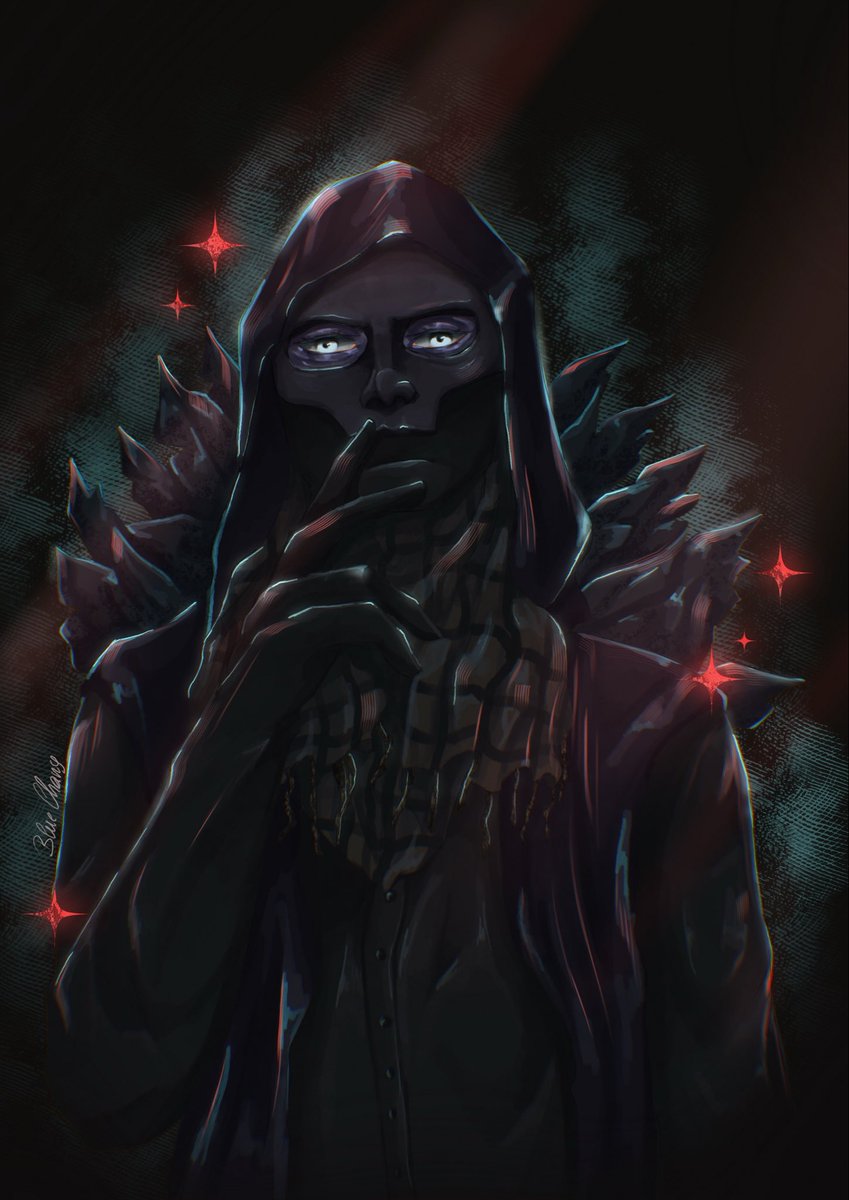

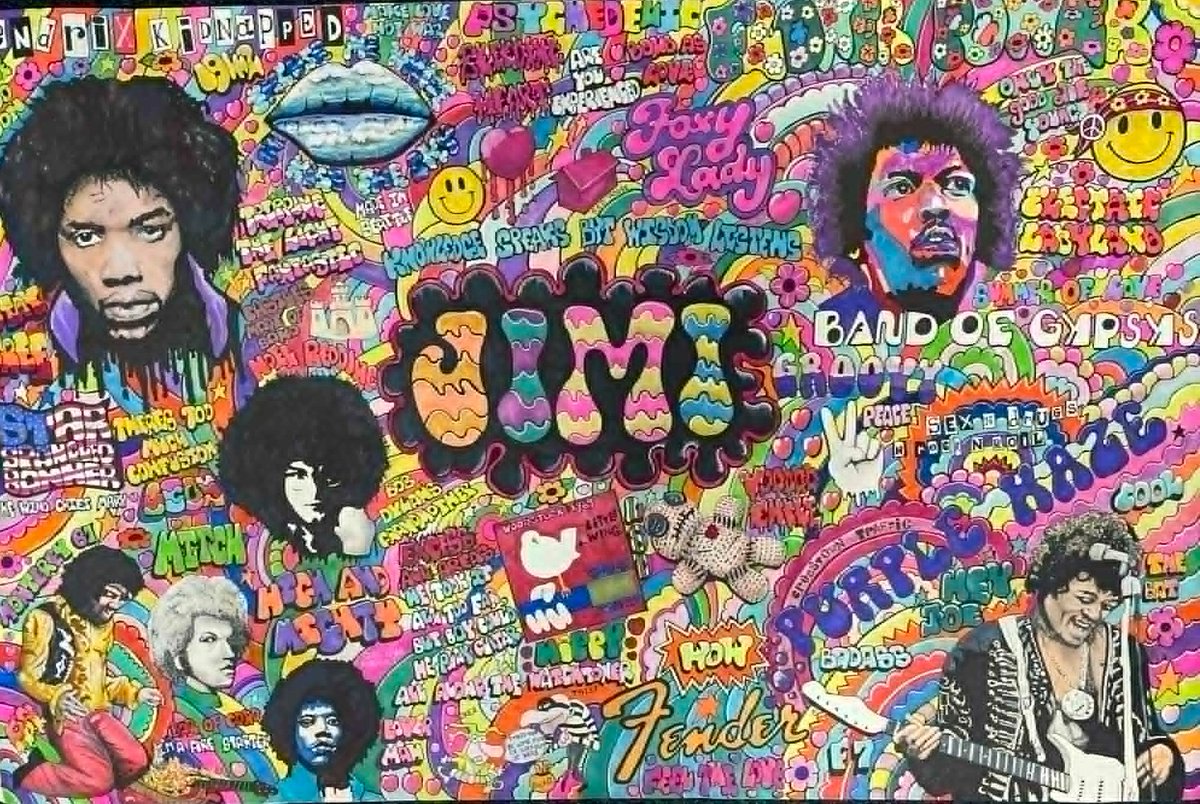
Finally got my Jimi Hendrix artwork finished. #jimihendrix #hippy #lsd ##art #60s #70s #60smusic #usa #anime #popart #nft #wallart #rockmusic #Seattle #woodstock #guitar #classicrock ##rockmusic #bandart #coour #druguse #acid
Check out Led Zeppelin art. Physical graffiti limited edition print by Paul Halmshaw. https://t.co/KXpmvp1iOz #eBay via @eBay_UK #ledzeppelin #ledzep #jimmypage #robertplant #art #music #bandart #70s #70smusic #rockmusic #classicrock #uk #london


The heartwarming family show "Ann-droid: The Wonderful Adventures of a Robot Girl" by #Hungary's top creative team #BANDART Productions took the stage at Lyceum Theatre recently, marking a warm finale to the Shanghai International Comedy Festival.
Spanning 79 days, the festival featured 50+ productions and 250+ performances, setting a new decade-high record. This year also showcased a strong international lineup, with debut works from troupes across Hungary, Italy, Spain, and Australia.


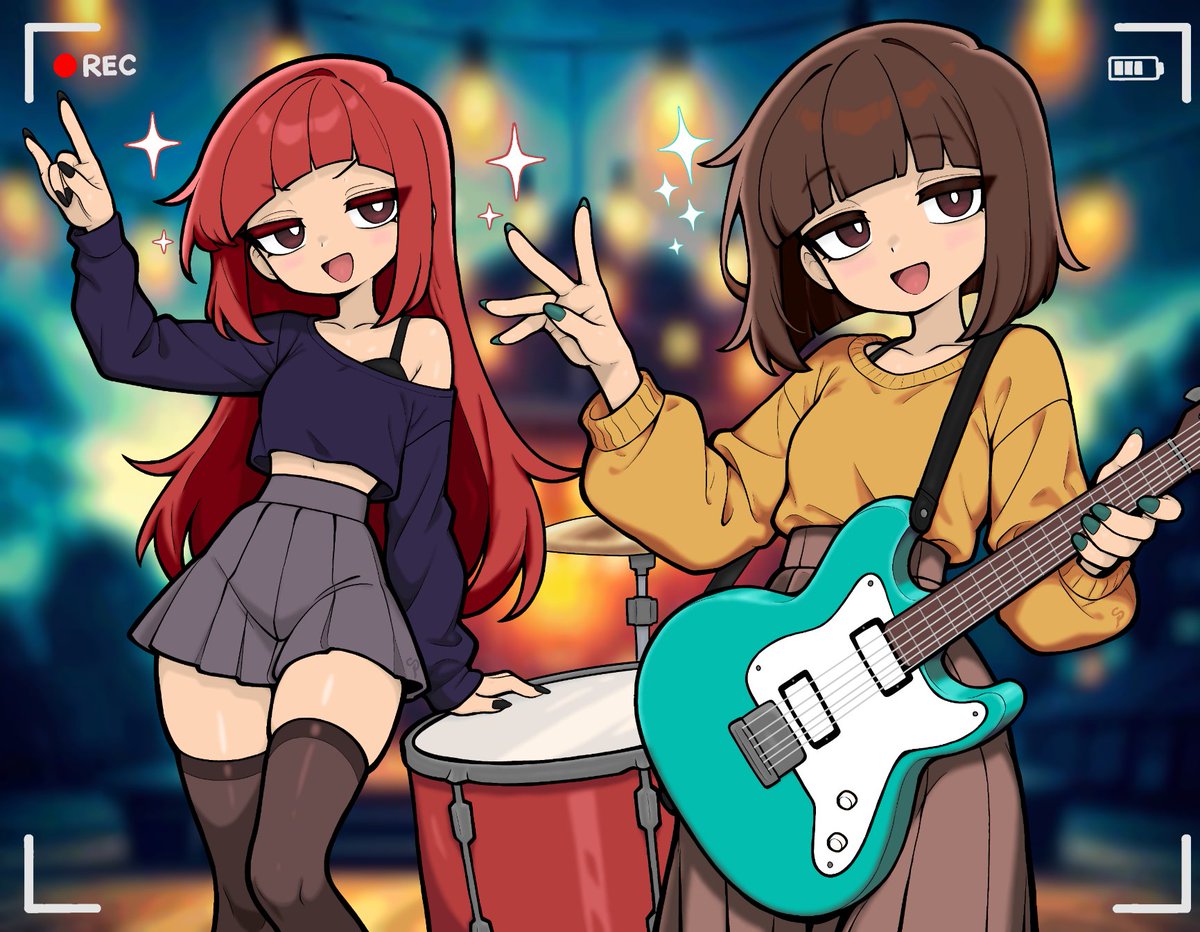
An appreciation piece for the wonderful @cupidtem !
These ladies are blowing, and the music is just so catchy; and keeps me listening!
Go give them a listen and support them on their approaching stardom!
#cupidtem #bandart #lollipop #kansaijapan #FanArtAnime #jpop #jpopband

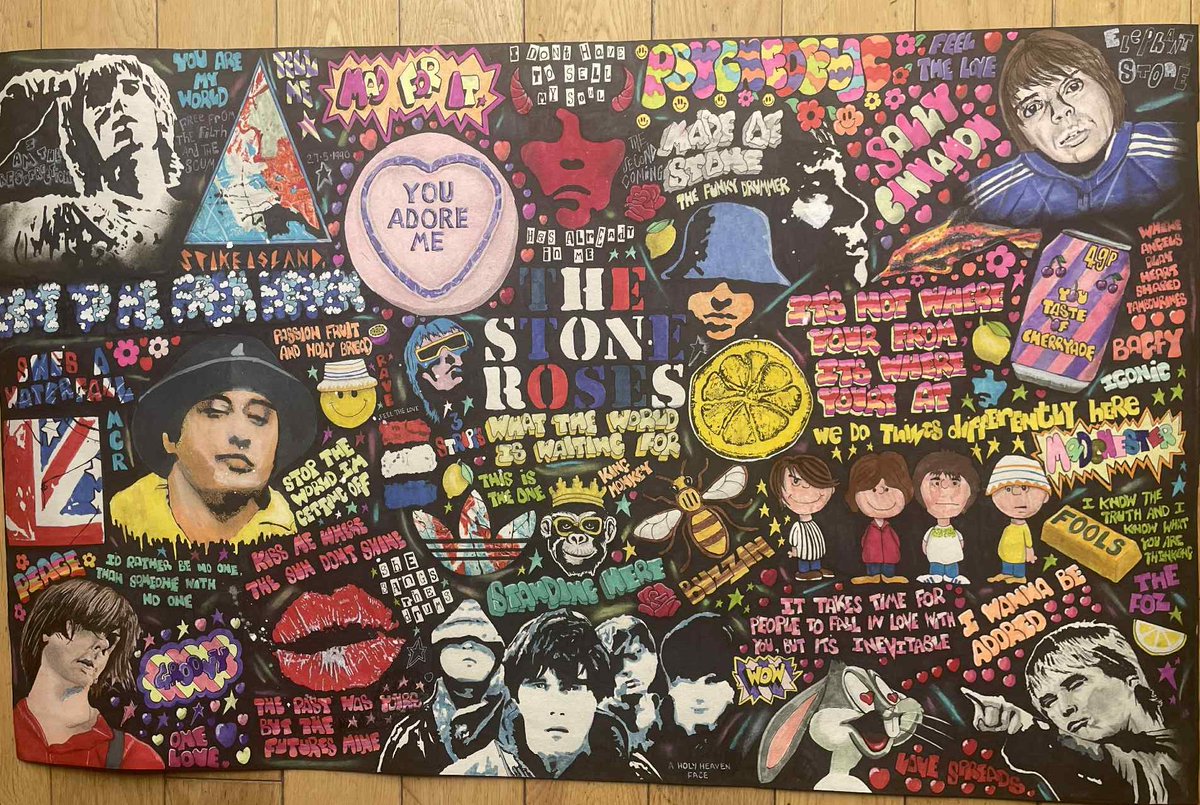
Stone Roses artwork by Paul Halmshaw. #thestoneroses #stoneroses #art #manchester #manchestermusic #anime #wallart #80s #80s #britpop #ianbrown #bandart #vinyl #albumart
Stone Roses artwork now completed. #thestoneroses #ianbrown #art #wallart #music #manchester #warrington #80s #90s #britpop #manchestermusic #popart #anime #songlyrics #albumart #vinyl #bandart

Check out Black Sabbath artwork - Limited edition print by Paul Halmshaw. https://t.co/xjcz02xgEY #eBay via @eBay_UK #blacksabbath #art #bandart #rockmusic #70s #uk #anime #music #vinyl #70smusic #OzzyOsbourneRIP

Last Seen Hashtags on Sotwe
ゴブリンスレイヤー
Seen from Japan
anxiouspandaa
Seen from Thailand
teenageeers
Seen from United Kingdom
AltGirl
Seen from United States
新世纪狂欢
Seen from Mexico
anxiouspanda min_faves:1000
Seen from Algeria
indo
Seen from Indonesia
รับงานศรีราชา
Seen from Thailand
maharashtra or devabhau
Seen from India
rusticarrangement
Seen from United States
Most Popular Users

Elon Musk 
@elonmusk
241.5M followers

Barack Obama
@barackobama
118.8M followers

Cristiano Ronaldo
@cristiano
114.5M followers

Donald J. Trump
@realdonaldtrump
111.8M followers

Narendra Modi
@narendramodi
107.1M followers

Rihanna
@rihanna
98.7M followers

NASA
@nasa
92.3M followers

Justin Bieber
@justinbieber
91.8M followers

KATY PERRY
@katyperry
90M followers

Taylor Swift
@taylorswift13
84M followers

Lady Gaga
@ladygaga
75.5M followers

Virat Kohli
@imvkohli
73.5M followers

Kim Kardashian
@kimkardashian
70.9M followers

YouTube
@youtube
68.8M followers

Neymar Jr
@neymarjr
66.5M followers

Bill Gates
@billgates
65.3M followers

Selena Gomez
@selenagomez
63.1M followers

The Ellen Show
@theellenshow
62.2M followers

CNN
@cnn
61.7M followers

X
@x
60.7M followers