

Top Tweets for #DIYBlogger

🚨ATTENTION BLOGGERS!🚨
We have unlimited positions available for bloggers within the DIY niche!
Drop your links below if you think you fit this category
#blog #blogging #blogger #paidopportunities #diyblogger


#WordPress #SEO #RankMath #404Errors #Redirects #DIYBlogger #WebDev #BloggingTips #SiteOptimization #WordPressTips #TechBlogging #SEOStrategy
WordPress 404 Monitor + Redirections = Clean Site (Part 6)
https://t.co/URYRasuZWc
Ever wonder what to do with all those broken links hitting your site? 🤔
Traditional advice: "Redirect everything to your homepage!"
My breakthrough: That creates a WORSE user experience!
Someone searching for "category/ukraine" doesn't want your homepage - they want relevant content or a clear explanation.
My innovative solution: The "404 Retired Archive" approach
✅ Sort broken links into two tracks:
• Real content → proper redirects
• Junk traffic → retired archive page
✅ Use RankMath's 404 Monitor + Redirections partnership
✅ Results: 85% reduction in genuine 404 errors
✅ Better user experience + cleaner analytics
Real workflow with actual screenshots:
• 404 Monitor shows broken links with hover options
• One-click redirect creation
• Strategic destination decisions
• Systematic cleanup process
This isn't theory - it's hands-on testing with real results!
From chaos to clean system using free RankMath tools 🎯
Series score: 83/100 (NEW SERIES HIGH! 🎉)
Coming in Part 7: Google Search Console troubleshooting - because that "couldn't fetch" error needs solving!
#DIYSEO #RankMath #WordPress #FreeSEOTools #DIYBlogger #SEOTips #TechBlogging #WordPressSEO #BloggingTips #SEO
RankMath Free Features Deep Dive: What You Actually Get [Part 4]
https://t.co/fa86hYCoYG
When Google Search Console screams "Couldn't fetch!" but your sitemaps are working perfectly fine
➤ The Sitemap Scare That Wasn't
Picture this: You’re exploring RankMath free features and checking Google Search Console, feeling pretty good about your RankMath setup, when suddenly you see it. Red text. “Couldn’t fetch sitemap.” Your heart sinks a little. Did something break? Is Google ignoring your carefully crafted content?
This exact scenario hit me while working on this RankMath series. After successfully bumping my SEO scores from 71 to 77 across the first three posts, I discovered what looked like a major problem: Google couldn’t fetch my sitemap, even though RankMath was proudly showing it had generated one.
Here’s what I learned – and why this “problem” actually became the perfect showcase for RankMath’s free features.
➤ The Investigation
When I saw the Google Search Console error, my first instinct was to panic. But instead of immediately assuming RankMath had failed me, I decided to dig deeper.
Step 1: Test the sitemap directly
To find your sitemap, go to Admin panel > RankMath SEO > Sitemap Settings > “Your sitemap index can be found here.” I navigated to my sitemap URL in my browser. Result? It loaded perfectly, showing three organized sub-sitemaps dated August 1, 2025.
Step 2: Check the sub-sitemaps
• Page sitemap: 38 URLs (including all my new SEO Tools dropdown pages)
• Category sitemap: 160 URLs (WordPress auto-generated categories)
• Post sitemap: 261 URLs (every single blog post)
Every single URL worked. Every single one.
Step 3: Analyze Google Search Console history
Here’s where it got interesting. Google showed multiple sitemap submissions with different dates – July 14, July 24, July 31, and August 1. The “Couldn’t fetch” errors were on the newer submissions, but my RSS sitemap was showing “Success” with 51 pages.
➤ The Lightbulb Moment
This wasn’t a technical problem. This was a timing and process issue.
RankMath automatically updates and resubmits sitemaps whenever you publish new content. Google keeps a history of every submission attempt – and you can’t delete the old ones. When Google sees a new sitemap submission, it doesn’t process it instantly. The “Couldn’t fetch” status is often just Google saying “we haven’t gotten around to this yet.”
The proof? My RSS sitemap success showed Google could definitely read XML files from my site. (RSS sitemaps are basically feeds that tell search engines about your newest content updates – like a “what’s new” list for Google.) The infrastructure was fine.
➤ What This Reveals About RankMath Free Features
This sitemap investigation accidentally became the perfect test case for evaluating RankMath’s free tier. Here’s what I discovered actually works without paying:
Automatic Sitemap Management (Actually Impressive)
RankMath’s free sitemap generation isn’t just functional – it’s genuinely sophisticated:
• Auto-updates: Every time you publish new content, the sitemap refreshes
• Smart structure: Organizes into logical categories (pages, posts, categories)
• Custom permalink friendly: Works perfectly with my /index.php/ structure
• Auto-submission: Sends updates to Google Search Console automatically
This is enterprise-level functionality you’re getting for free. Many paid SEO plugins charge extra for automatic sitemap management. These RankMath free features rival what many paid SEO plugins charge extra for.
404 Error Monitoring (Hidden Gem)
While troubleshooting the sitemap, I explored RankMath’s 404 Monitor. This free feature tracks every broken link attempt on your site. In just one week, it caught:
• 12 attempts to access old URLs I’d forgotten about
• 3 typos in internal links I hadn’t noticed
• 2 broken image references from old posts
Each 404 represents lost traffic and poor user experience. Having this data automatically tracked is incredibly valuable.
Basic Redirections (Simple but Effective)
RankMath’s free tier includes basic 301 redirects. While you don’t get advanced features like bulk imports or regex patterns, you can handle the most common scenarios:
• Old URL → New URL mappings
• Fixing typos in published URLs
• Redirecting discontinued pages to relevant alternatives
For most small blogs, this covers 90% of redirect needs.
Social Media Open Graph (The Magic Discovery)
This might be RankMath’s most underrated free feature, and it runs completely automatically. You’ll find the settings under Titles & Meta > Social Meta in your admin panel. It automatically generates Open Graph tags for social media sharing:
• Facebook previews: Title, description, and featured image automatically configured
• Twitter cards: Proper formatting for Twitter/X sharing
• LinkedIn optimization: Professional preview formatting
The magic happens behind the scenes – when someone shares your post, social platforms see perfectly formatted 1200×630 images and professional previews without you doing anything.
I tested this by sharing a recent post on X. The preview looked professional and branded – something that would normally require manual meta tag configuration or expensive social media plugins.
➤ The Credit Conservation Reality Check
Here’s where my original Part 4 plan changed dramatically. I’d intended to test RankMath’s AI features extensively, particularly the focus keyword research. Then I discovered something crucial: RankMath AI costs 500 credits per focus keyword research request.
With only 29 credits remaining from my 750 total, I could run exactly zero AI research queries without upgrading. This wasn’t RankMath being stingy – their AI features integrate with premium services that have real costs. But it definitely shifted my focus from “test all the AI” to “explore what’s genuinely free.”
Manual Focus Keyword Optimization (No Credits Required)
The good news? You can absolutely optimize for focus keywords manually without burning credits. RankMath’s free tier provides all the analysis tools – you just need to do the research yourself:
• Content analysis: RankMath scores your content against your chosen keyword
• SEO suggestions: Shows missing elements (meta descriptions, headings, etc.)
• Readability scoring: Flesch reading level and improvement suggestions
• Internal linking suggestions: Identifies opportunities to link related posts
The AI just automates keyword research – everything else works fine with keywords you research yourself. And here’s where AI assistants like Claude become your secret weapon for manual optimization – helping with keyword research, crafting SEO titles, writing meta descriptions, and strategic content integration. (More on this hands-on approach in Part 5!)
➤ Free vs Paid: What Actually Matters?
After spending significant time with RankMath’s free features, here’s my honest assessment:
What Free Gets You (Actually Quite a Lot)
• Site-wide SEO analysis: Complete 33-point technical audit (my site scored 86/100)
• Individual post SEO scoring: Comprehensive analysis and optimization suggestions
• Automatic sitemap generation and management: Enterprise-level functionality
• 404 error monitoring and basic redirects: Catch problems before users do
• Social media optimization: Professional Open Graph tags for all platforms
• Manual focus keyword optimization: Full content analysis without credit costs
• Schema markup for rich snippets: Structured data implementation
• Basic analytics integration: Connect Google Analytics and Search Console
What Requires Payment
• AI-powered keyword research (500 credits each)
• Advanced redirect features (bulk imports, regex)
• Rank tracking and competitor analysis
• Advanced schema types
• Priority support
The Practical Reality
For most DIY bloggers and small business websites, RankMath free features provide 80% of what you actually need. The paid features are genuinely valuable, but they’re optimization layers on top of solid fundamentals.
Yes, the free version requires more manual work. You’ll spend time researching keywords yourself, manually setting up redirects one by one, and doing your own competitive analysis. But here’s where modern AI assistants like Claude become incredibly valuable – Claude can help with keyword research, explain technical concepts, troubleshoot issues, and guide optimization strategies without costing credits or subscription fees.
The free sitemap management alone probably saves 2-3 hours per month of manual work. The 404 monitoring catches problems you’d never find otherwise. The social media optimization ensures your content looks professional when shared.
➤ Lessons for DIY SEO Success
This deep dive into RankMath’s free features taught me several important lessons:
Don’t Panic Over Dashboard Warnings
Google Search Console errors aren’t always actual problems. Before assuming something’s broken:
• Test the functionality directly (like loading your sitemap in a browser)
• Check if the issue affects user experience
• Look for patterns rather than isolated incidents
• Give Google time to process changes (24-48 hours is normal)
Free Doesn’t Mean Limited
RankMath’s free tier includes features that many paid plugins charge extra for. The automatic sitemap management, 404 monitoring, and social media optimization represent real value.
Know When to Upgrade (And When Not To)
The AI features are genuinely impressive, but they’re not essential for good SEO. If you’re comfortable doing keyword research manually (using tools like Google Keyword Planner, Answer the Public, or even Google autocomplete), you can achieve excellent results without the credit costs.
Upgrade when the time saved justifies the expense, not because you think paid automatically means better.
➤ The Bottom Line
My sitemap “crisis” turned out to be a perfect example of why you shouldn’t rush to upgrade SEO tools at the first sign of confusion. RankMath’s free features were working exactly as designed – I just needed to understand what was normal versus what was actually broken.
Current SEO Score: Still holding at 71-77/100 for new individual posts, with an impressive 86/100 site-wide score showing that free features deliver real results.
PS: This post is 74/100 … these are the highest scores I’ve ever had. Heck, the average for the 15-20 old posts I optimized with RankMath ran 65-67/100 – up from roughly an average 13-15/100 before RankMath.
(NOTE: see blog post for links...)
🚀🚀 CALLING ALL BLOGGERS! 📣📣
We have unlimited positions available for bloggers within the Home DIY niche! 🎪🛌
Drop your links below if you think you fit this category 👇
#blog #blogging #blogger #home
#homeblogger #homeblogs #diy #diyblogger


Turning spaces into stories, one project at a time. ✨ What does your dream home look like?
🎨 #HomeInspo #DIYBlogger #EuropeanLiving #InteriorGoals #CozyVibes


Turning spaces into stories, one project at a time. ✨ What does your dream home look like?🎨 #HomeInspo #DIYBlogger #EuropeanLiving #InteriorGoals #CozyVibes




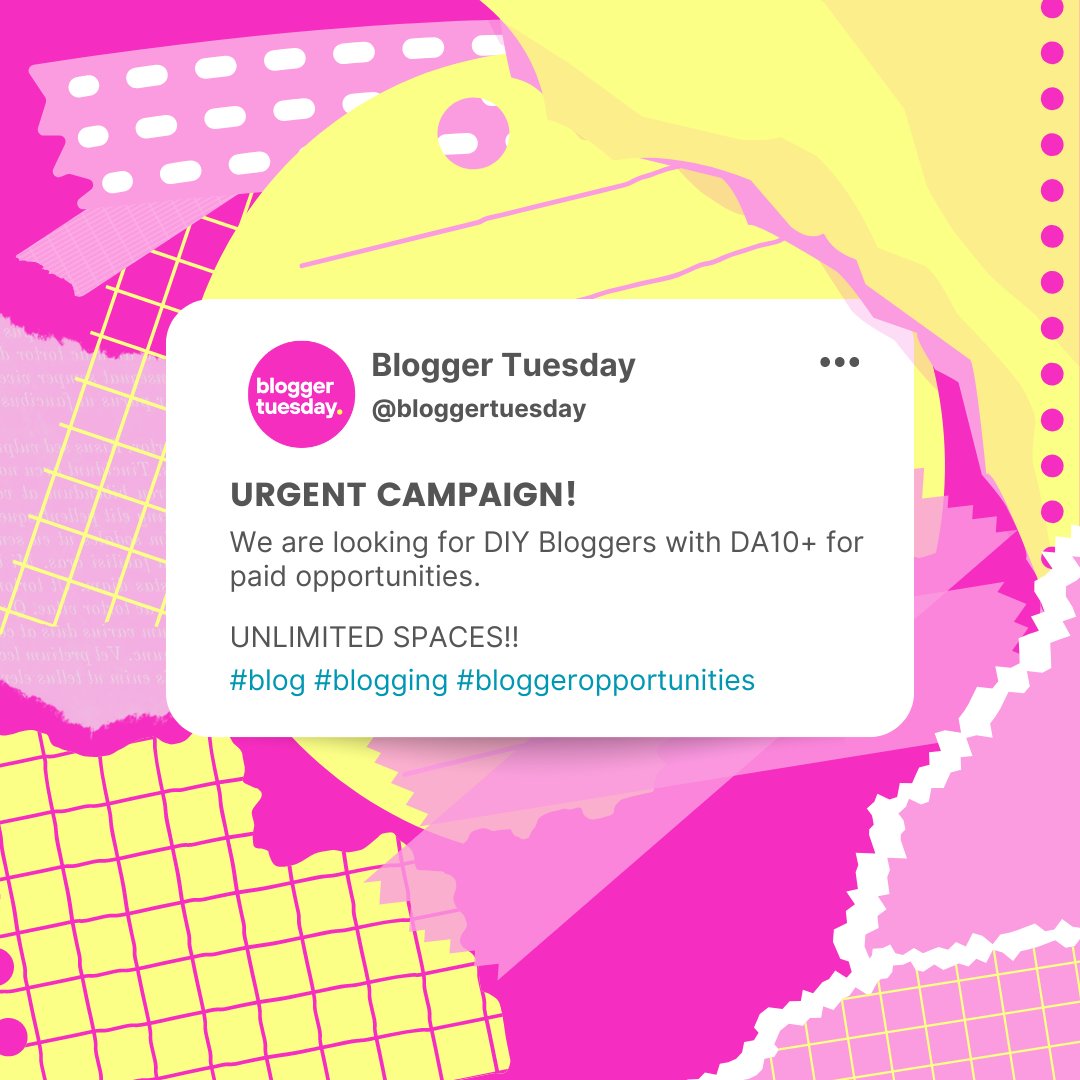
🚨ATTENTION BLOGGERS!🚨
We have unlimited positions available for bloggers within the DIY niche!
🏌Drop your links below if you think you fit this category ↘️↘️↘️
#blog #blogging #blogger #DIY #diyblogger
#diybloggers #diyblog

My momma is my wallpaper buddy and has helped me do 3 rooms in this house. How grateful I am for her!! I love me some peel and stick wallpaper and it’s so much easier with TWO people.
This is the TWIGS line from and I love it.
#springdecor #diydecor #craftygirl #diyblogger

👻🎃🍂 Super adorable #Halloween decor idea: DIY SCARECROW MASON JARS and I got the full step-by-step guide for you HERE: https://t.co/2KVXZVXIpp #halloweendecor #Halloween2024 #decorideas #homedecor #CRAFTHOLIC #crafts #diy #diyblogger #hipmamasplace


blind_screens @blind_screens
Check out our Saturday short installation journey.
From assembly to installation
to achieving the perfect blackout.
#blindscreen #diycraft #diys #diyblogger #diyvideos #newhome #firsthome #newbuild #newhomes
https://t.co/X5wb89tUBp

Long-lasting dining chairs with linen-like fabric, solid wood frame, and thick cushioning for comfort.
🔗 : https://t.co/UWMR94VuYd
#Yaheetech #myyaheetech #yaheetechfurniture #diningchair #diningtable #kitchen #homedesign #interior123 #diyblogger #homestyling #homeinspo


Highlights from our Alaska cruise on @royalcaribbean Ovation of the Seas 🌊 Part 2 #alaskacruise #alaskalife #sitkaalaska #skagwayalaska #juneaualaska #victoriabritishcolumbia #seattlewashington #cruiseship #familyvacay #diyblogger #summervibes
https://t.co/I5JnNE0RmB

Mosaic Photo Frame Craft Kit - DIY Arts & Crafts for Kids -
Click & Buy The Link Is Here: https://t.co/zo3wzkIt8u
#crafty #diyer #diyblogger #diyfuture #lifehacks #projectoftheday #happy #diyfashion #diyforlife #handmadegifts #giftideas


WATHFKCU 4 Sets DIY Glass Mosaic Tiles for Crafts : Handmade Home Decor Gifts -
The Link Is Here Click & Buy: https://t.co/GO2HxCSGEc
#diyshop #crafty #diyer #diyblogger #diyfuture #lifehacks #projectoftheday #happy #diyfashion #diyforlife #handmadegifts


ROBOTIME Miniature House Kit DIY Mini Dollhouse Making Kit with LED Tiny Greenhouse -
The Link Is Here Click & Buy: https://t.co/v37qL1tzBt
#diylife #diychristmas #diyshop #crafty #diyer #diyblogger #diyfuture #lifehacks #projectoftheday


Arts & Crafts Construct & Paint A Wind Powered Musical Chime DIY Gift for Kids, Boys & Girls -
The Link Is Here: https://t.co/hrsAkQ2d9M
#diylife #diychristmas #diyshop #crafty #diyer #diyblogger #diyfuture #lifehacks #projectoftheday #happy #diyfashion #diyforlife #handmadegi


Bring order to your mudroom or foyer with this 6-in-1 industrial farmhouse hall tree.
Link to hall tree: https://t.co/153soNe59q
#Yaheetech #myyaheetech #yaheetechfurniture #diyhomeprojects #renovations #diy #homedesign #interior123 #diyblogger



Last Seen Hashtags on Sotwe
ensest
Seen from Turkey
DarkAsReality
Seen from Italy
変態生活
Seen from Japan
دياثه
Seen from United States
industrialmusicagainstfascism
Seen from Brazil
ometv flash
Seen from United States
WoodruffCountyArkansas
Seen from Brazil
polynesian
Seen from United States
freefiregay
Seen from Vietnam
桃園ミキ
Seen from United States
Trends for you
Most Popular Users

Elon Musk 
@elonmusk
240.1M followers

Barack Obama
@barackobama
119.3M followers

Donald J. Trump
@realdonaldtrump
111.6M followers

Cristiano Ronaldo
@cristiano
108.8M followers

Narendra Modi
@narendramodi
106.9M followers

Rihanna
@rihanna
97.2M followers

NASA
@nasa
92.1M followers

Justin Bieber
@justinbieber
90.5M followers

KATY PERRY
@katyperry
86.7M followers

Taylor Swift
@taylorswift13
80.5M followers

Lady Gaga
@ladygaga
72.1M followers

Kim Kardashian
@kimkardashian
69.3M followers

YouTube
@youtube
68.6M followers

Virat Kohli
@imvkohli
68.4M followers

Bill Gates
@billgates
63.4M followers

The Ellen Show
@theellenshow
62.5M followers

CNN
@cnn
61.9M followers

Neymar Jr
@neymarjr
60.9M followers

X
@x
60.9M followers

CNN Breaking News
@cnnbrk
59.9M followers