

Top Tweets for #GetSession

PRO TIP for VIBE CODERS:
The complete Supabase auth flow most tutorials never show you.
I have built auth for 10+ SaaS apps.
Every time I skipped a step here, something broke in production.
Usually at the worst possible moment.
Here is the full flow, start to finish:
SETUP
1. Install the right packages.
npm install @supabase/supabase-js @supabase/ssr
Not the old auth-helpers package. That one is deprecated. Use @supabase/ssr.
2. Create two Supabase clients. Not one.
A browser client for client components.
A server client for server components, actions and middleware.
They are different. Mixing them up breaks session handling silently.
3. Set up your middleware.ts at the root.
This is the step everyone skips.
Without it, sessions do not refresh automatically and users get randomly logged out.
SIGN UP FLOW
4. Create the sign up form with email and password.
Use Zod to validate before sending anything to Supabase.
Never trust raw form input.
5. Call supabase.auth.signUp() server side. Not client side.
Keeps your Supabase URL and anon key away from network tab inspection.
6. Send the user to a confirmation pending page immediately.
Do not wait for email confirmation on the same screen.
It confuses users and creates abandoned signups.
7. Set up the auth callback route.
This is /auth/callback in your app.
This is where Supabase redirects after email confirmation.
Without this route magic links and OAuth both silently fail.
Most tutorials do not mention this. Most broken auth flows are missing this.
8. In the callback route exchange the code for a session.
const { error } = await supabase.auth.exchangeCodeForSession(code)
Then redirect to your dashboard.
SIGN IN FLOW
9. Always sign in server side.
Return a redirect from your server action. Never navigate client side after sign in.
This ensures cookies are set correctly before the next page loads.
10. Handle the case where email is not confirmed yet.
Check the error code. Return a clear message.
"Please check your email" is better than a generic error.
11. Set up OAuth if you need it. Google is enough for most apps.
Add the provider in Supabase dashboard.
Call supabase.auth.signInWithOAuth() with a redirectTo pointing at your callback route.
Same callback. Everything flows through it.
SESSION HANDLING
12. Never call supabase.auth.getSession() on the server and trust it blindly.
Use supabase.auth.getUser() instead.
getSession() reads from the cookie. getUser() verifies with Supabase servers.
For anything security critical, always verify.
13. Protect your routes in middleware.
Check for a valid user. Redirect to sign in if not found.
Do this once in middleware. Not on every page.
14. Pass user data from server to client via props or context.
Do not call getUser() twice. Fetch once on the server. Pass it down.
SIGN OUT
15. Sign out server side.
await supabase.auth.signOut()
Then redirect to home.
Client side sign out does not reliably clear the server cookie.
Users think they are logged out. They are not.
EMAIL TEMPLATES
16. Customise every Supabase email template.
Confirmation, magic link, password reset.
Default templates look like a test app.
Users do not trust emails that look like test apps.
17. Set your site URL and redirect URLs in Supabase dashboard.
Localhost for dev. Your production URL for prod.
Skipping this breaks every email link in production.
ROW LEVEL SECURITY
18. Enable RLS on every table the moment you create it.
Not after. Not later. The moment you create it.
19. Add a user_id column to every table that belongs to a user.
Default it to auth.uid() so it fills automatically on insert.
20. Write your RLS policies using auth.uid().
select: auth.uid() = user_id
insert: auth.uid() = user_id
update: auth.uid() = user_id
delete: auth.uid() = user_id
Four policies. Every user table. No exceptions.
TESTING
21. Test sign up, confirmation, sign in and sign out end to end before shipping.
Not just locally. On your actual production URL.
Auth behaves differently across environments.
22. Test with a user who should NOT have access.
Create a second test account.
Try to read another user's data directly via the Supabase client.
If RLS is correct it returns nothing.
If it is wrong you will know now instead of later.
23. Test session expiry.
Set your JWT expiry to 1 hour in Supabase settings.
Wait. Come back. Does the session refresh silently?
It should if your middleware is set up correctly.
If the user gets redirected to sign in, your middleware is broken.
The mistakes that cost people the most time:
Skipping the callback route. Breaks everything.
Signing out client side only. Users stay authenticated on the server.
Using getSession() for security checks. It lies sometimes.
Not testing on the production URL before launch.
Auth is the foundation.
If it is shaky everything built on top of it is shaky too.
Build it right once.
You will never have to touch it again.
Bookmark this. You will need it.

Just spent 8 hours debugging a production issue for a customer.
Context:
My SaaS boilerplate includes a CMS module that lets you set reading permissions (public, logged-in only, or subscribers only).
I designed `generateStaticParams` to only pre-render public articles—seemed logical, right? Why pre-render content that requires authentication?
My customer @dshensmith, his CMS module only had subscriber-only articles. So `generateStaticParams` returned an empty array. Pages started crashing with 500 errors in production.
Since it was affecting production, I quickly provided a workaround: adding `export const dynamic = 'force-dynamic'`.
It works, but it kills static rendering for ALL articles, even public ones. There had to be a better way.
I tried GPT, Claude, Gemini—they all gave me wrong answers.
I wasn't satisfied, so I dug into the Next.js docs myself. Here's what I found:
When `generateStaticParams` returns an empty array, Next.js tries to statically render pages on first visit.
Holy shit! My original "optimization" was actually causing the bug. When you only have logged-in or subscriber-only articles, `generateStaticParams` returns an empty array, triggering static rendering. But the first visit is to a protected article that needs dynamic session checks. So the page crashes.
The proper fix:
Include all published articles in `generateStaticParams`, regardless of visibility. During build, `getSession()` returns null, so protected content gets cleared from pre-rendered HTML. At runtime, session checks work normally. No security risk.
I love debugging hard problems. Every difficult issue teaches me something that makes the product better.😁


Here is the main file:
- `login()` verifies Google token + stores user.
- `logout()` clears the session cookie.
- `getSession()` validates the cookie for protected APIs.
- `updateSession()` refreshes the expiry (put this in `middleware.ts`).
- `UserProvider` exposes a `useUser()` hook to get user data in client components.
- `AuthButton` shows the user profile + Sign In / Sign Out buttons.
- I used the function `updateSession()` in middleware. This function extends the session cookie expirary time by the next 30 days. Basically, when the user doesnt access your app for more than 30 days, he is logged out. And if he access it within the 30 days, his login status will remain intact.
auth.ts:

📌 Supabase lesson 1:
⛔ Careful if you are vibe coding
The following steps will make your site faster.
1️⃣ Store session access_token
2️⃣ Suscribe to TOKEN_REFRESHED
3️⃣ Only 1 await session.supabase.auth.getSession()
❌ It may seems straight forward
But guess what vibe coding is doing?
✅ Reading local storage, decoding JWTand potentially refreshing access token.
Do the maths:
getSessions takes 1-5ms
reading memory 0.001ms
So if you do 10 following request you are adding latency to your site that you can easily avoid.
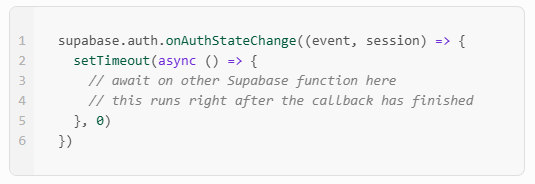

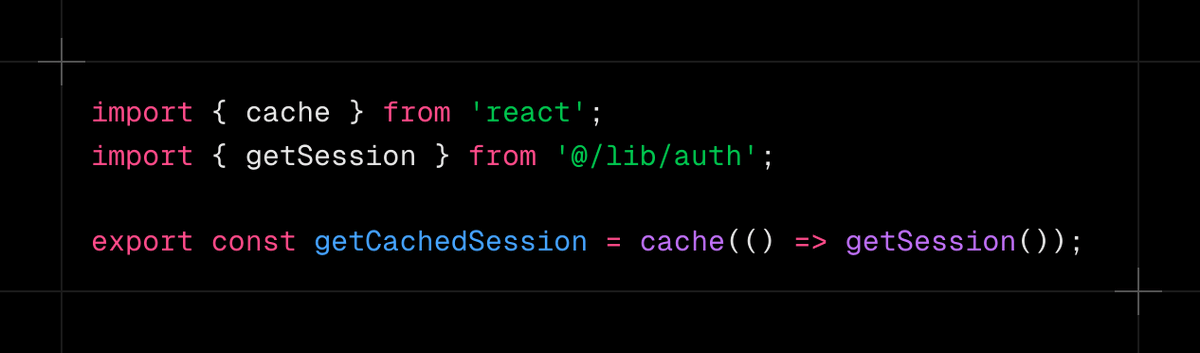
Wrap your session checks in React.cache() so you don't end up running getSession multiple times during the same request

@de_mawo Are you calling the getSession method anywhere else in the dashboard components or just in the dashboard page alone as we can see?

@hemant_nimble Firstly useSession hook might not work as api routes are server side than client side, you might want to share how you are using getSession fn so that it is easy to debug!

@amaan8429 You should use the useSession() hook instead of getSession() in client side…remove the getSession() then try

@amaan8429 umm... where are you using the getSession ()

@amaan8429 You have to use getSession() to get session data in your client, you could use something like this as it is asynchronous.
async componentDidMount() {
const session = await getSession()
this.setState({ session })
}

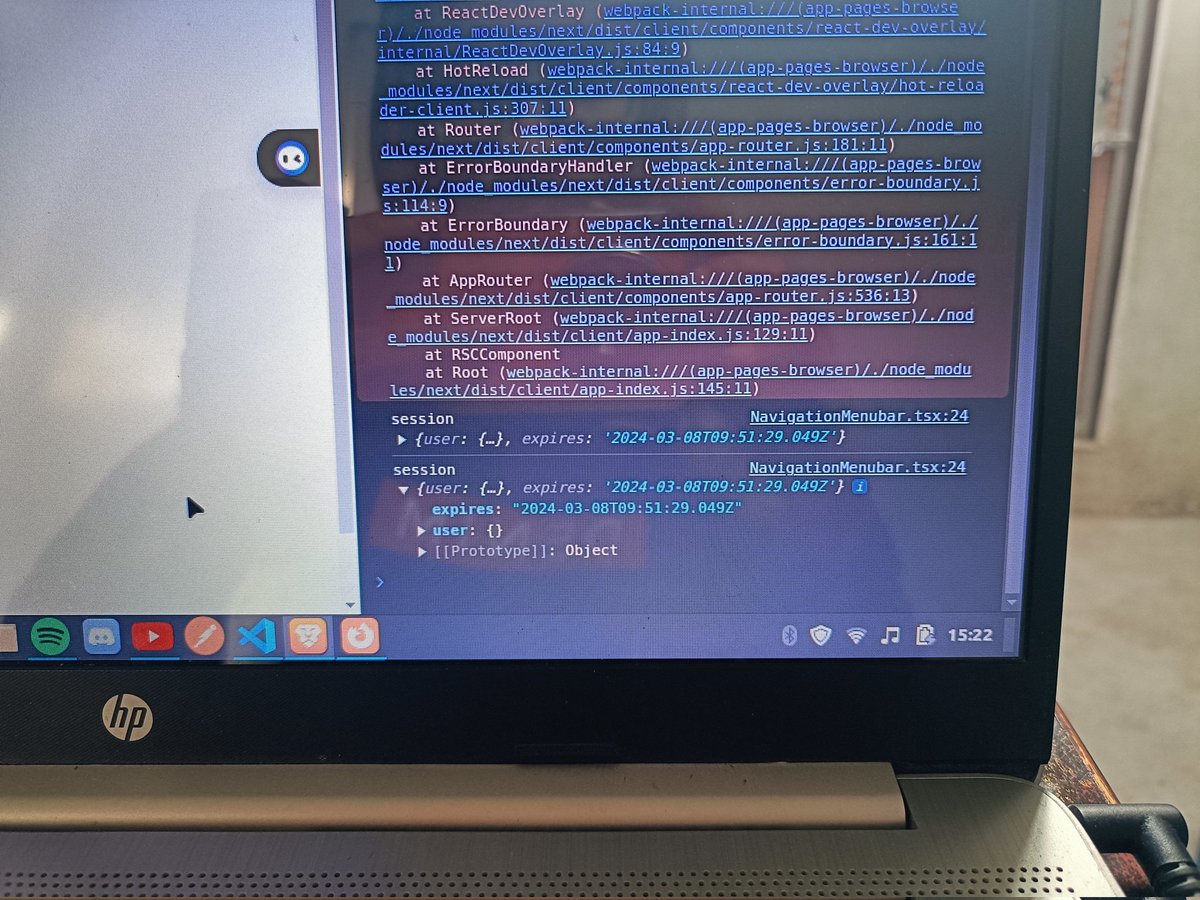
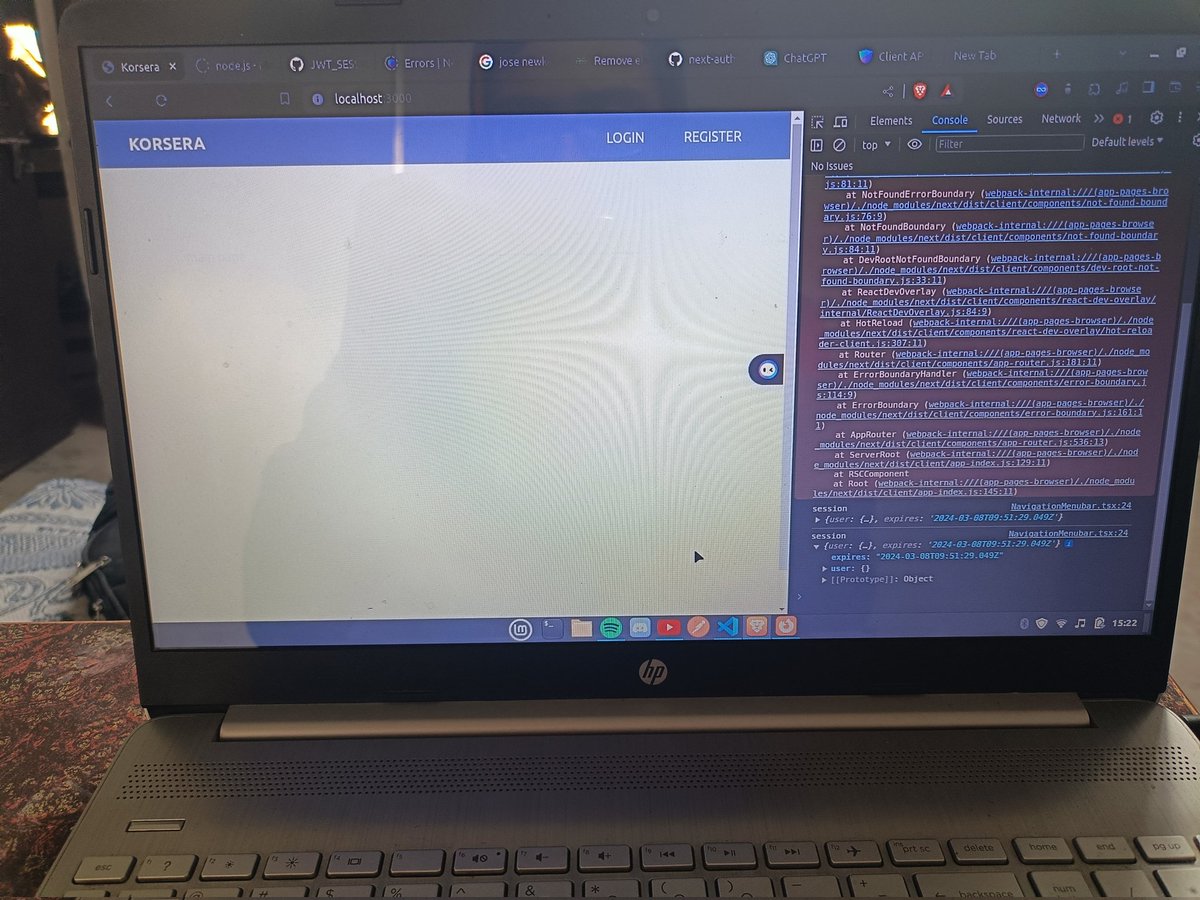
I am not getting any data in the array when I am using getSession() in next js for client side rendering .
Can anyone help me with this?


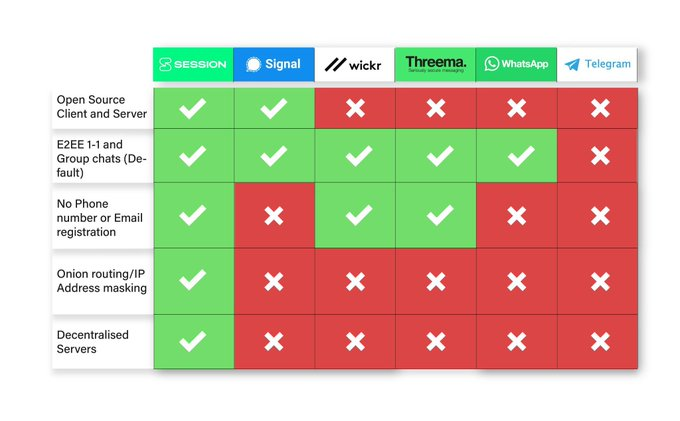
Session seems like the most private messenger. #getsession

We're built different.
Most Popular Users

Elon Musk 
@elonmusk
240.1M followers

Barack Obama
@barackobama
118.6M followers

Cristiano Ronaldo
@cristiano
114.4M followers

Donald J. Trump
@realdonaldtrump
111.7M followers

Narendra Modi
@narendramodi
106.9M followers

Rihanna
@rihanna
98.6M followers

NASA
@nasa
92.1M followers

Justin Bieber
@justinbieber
91.7M followers

KATY PERRY
@katyperry
89.9M followers

Taylor Swift
@taylorswift13
83.9M followers

Lady Gaga
@ladygaga
75.4M followers

Virat Kohli
@imvkohli
73.3M followers

Kim Kardashian
@kimkardashian
70.8M followers

YouTube
@youtube
68.6M followers

Neymar Jr
@neymarjr
66.3M followers

Bill Gates
@billgates
65.2M followers

Selena Gomez
@selenagomez
63M followers

The Ellen Show
@theellenshow
62.1M followers

CNN
@cnn
61.7M followers

X
@x
60.6M followers