

Top Tweets for #GitStudyCards

Use
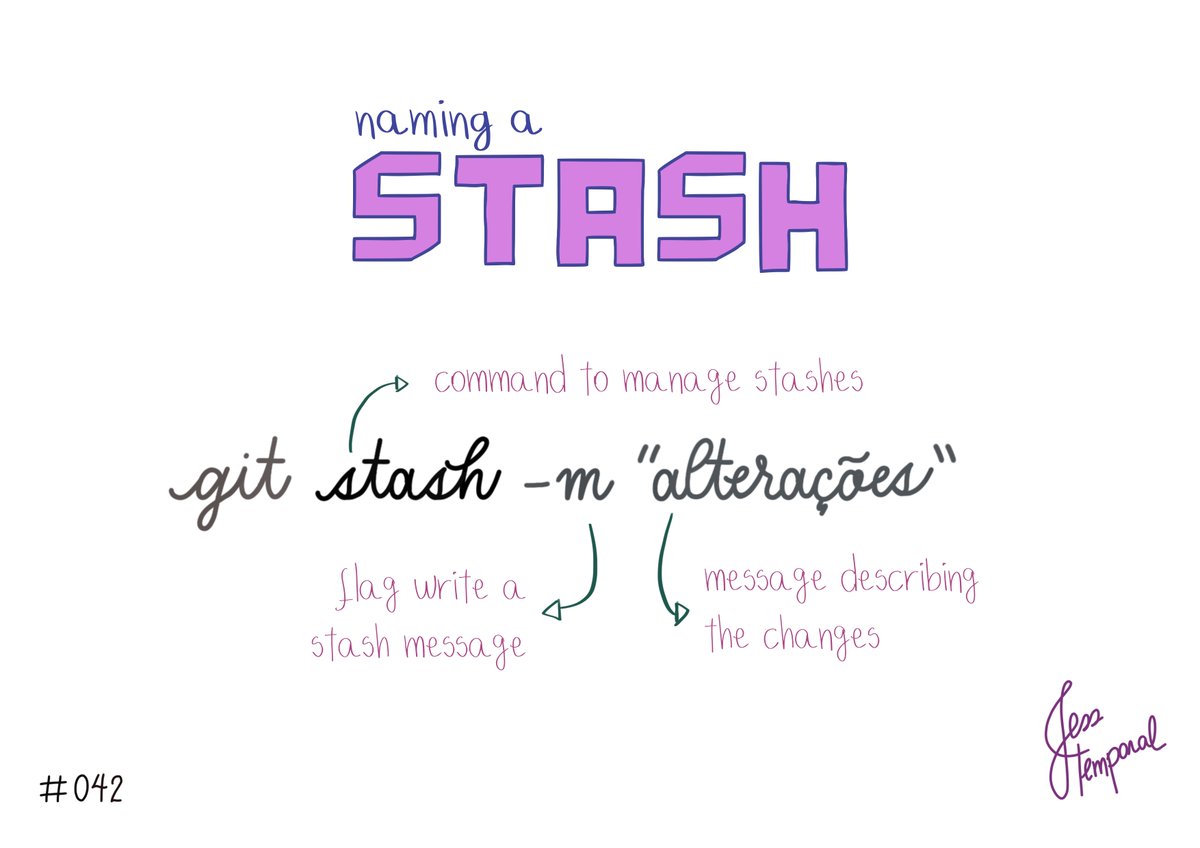
git clone -b branch-name
to clone a repo from a specific branch.
You can find this and more #GitStudyCards at https://t.co/eSsUIG0yRg #gitfichas #git #developer #developers #software #github #techtwitter
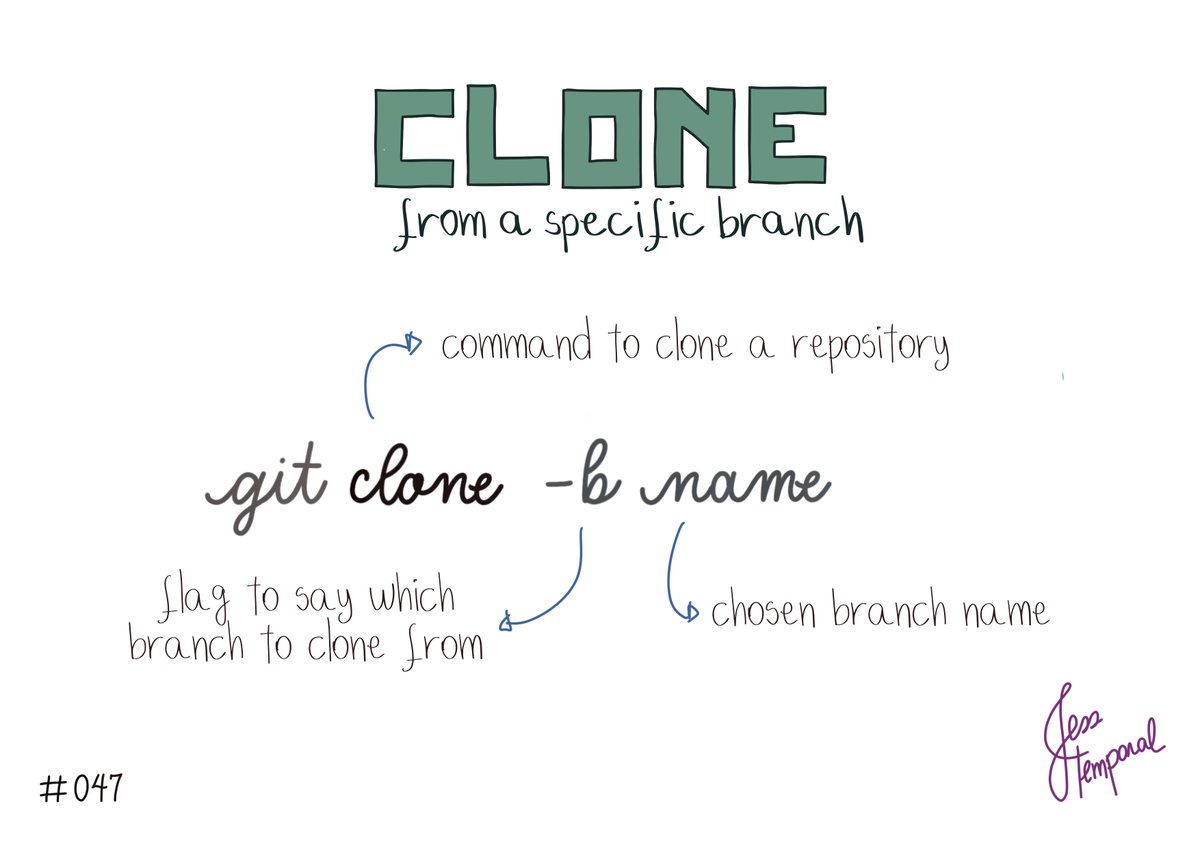
To apply a stash, use the command
git stash apply
followed by the index of the desired stash.
For example: git stash apply stash@{2}
You can find this #GitStudyCards & more at https://t.co/eSsUIG0yRg #gitfichas #git #developer #developers #software #github #techtwitter
To delete a stash from the list, use the command:
git stash drop
Followed by the stash name.
For example: git stash drop stash@{2}
You can find this #GitStudyCards & more at https://t.co/eSsUIG011I #gitfichas #git #developer #developers #software #github #techtwitter

Answer me this: which git commands or concepts you would like to see in a #GitStudyCard next?
Now that the book is out, time to go back to fun stuff.
These are the #GitStudyCards in progress right now!
I’m going to release all them on the site at once, and in here one a week.

The Big Git Microbook is available now available in English. Ideal for quickly understanding how Git works, this is a tool that every developer should know.
Visit https://t.co/4TLFBxSuyb to learn more and grab your digital copy.
#Git #GitHub #GitStudyCards

I'm going to go back to writing #GitFichas #GitStudyCards!! Any commands that you are in dire need of help with? Leave it here 👇
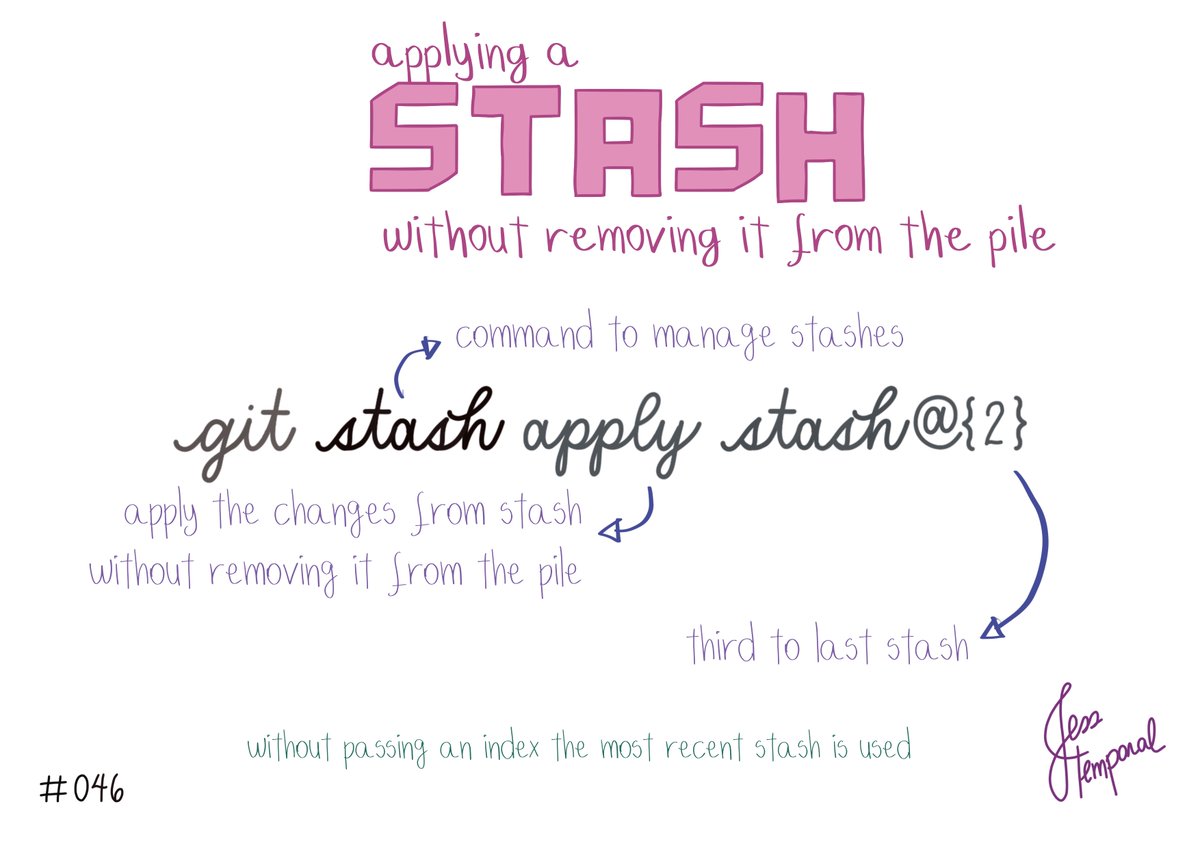
Want to list all stashes you saved? Use
git stash list
You can find this #GitStudyCards & more at https://t.co/eSsUIG011I
#gitfichas #git #developer #developers #software #github #techtwitter
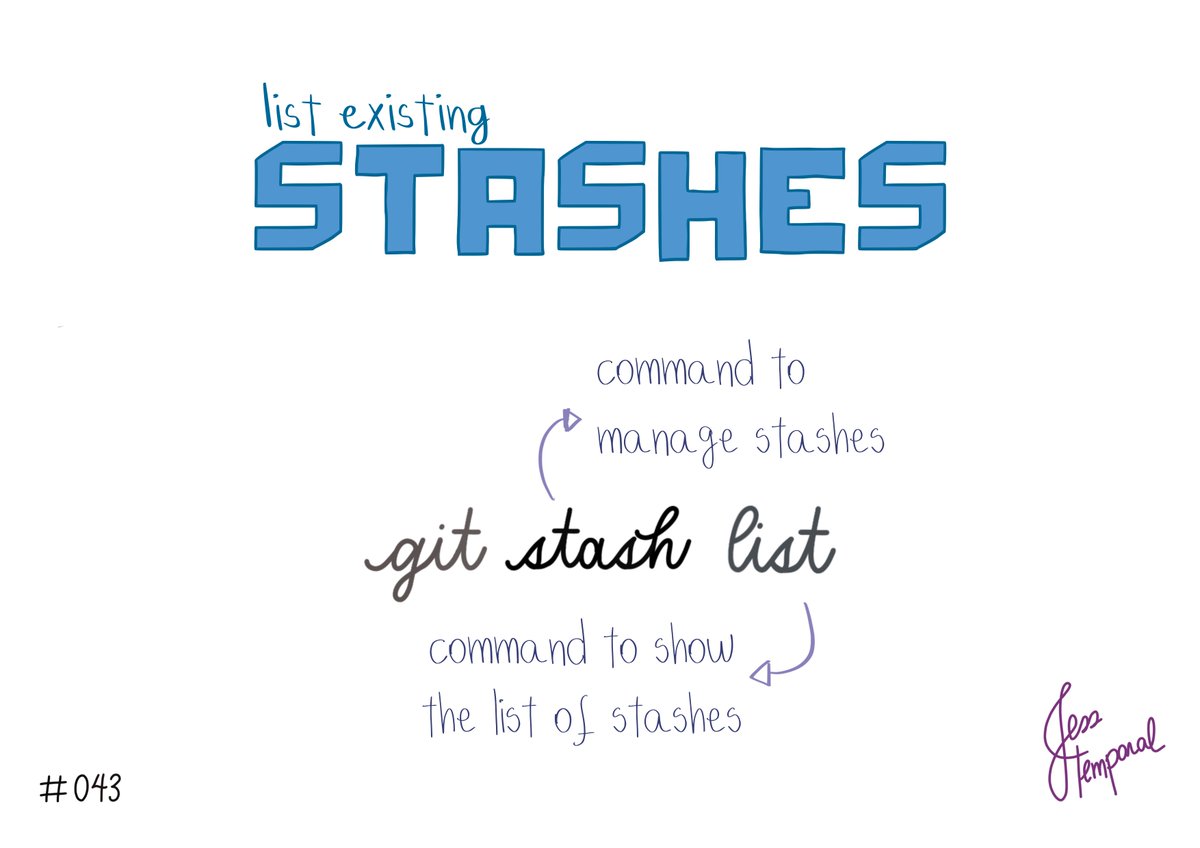
After a sabbatical #gitfichas is back! To create a “named” stash, use the command:
git stash -m followed by the message describing the stash.
You can find this #GitStudyCards & more at https://t.co/eSsUIG011I
#git #developer #developers #software #github #techtwitter
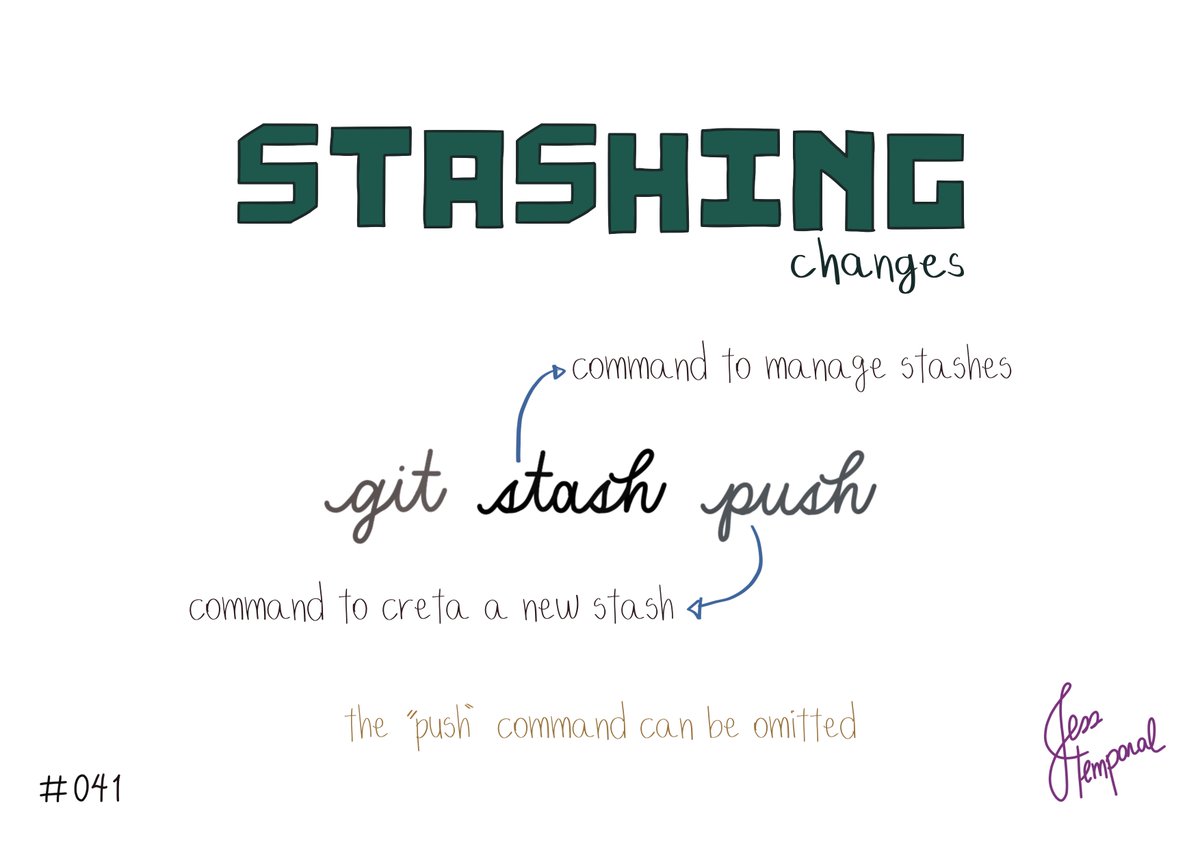
To create a stash use the following command:
git stash push
or simply:
git stash
since you can omit the “push” in this case 😉
You can find this #GitStudyCards & more at https://t.co/eSsUIG011I
#gitfichas #git #developer #developers #software #github #techtwitter
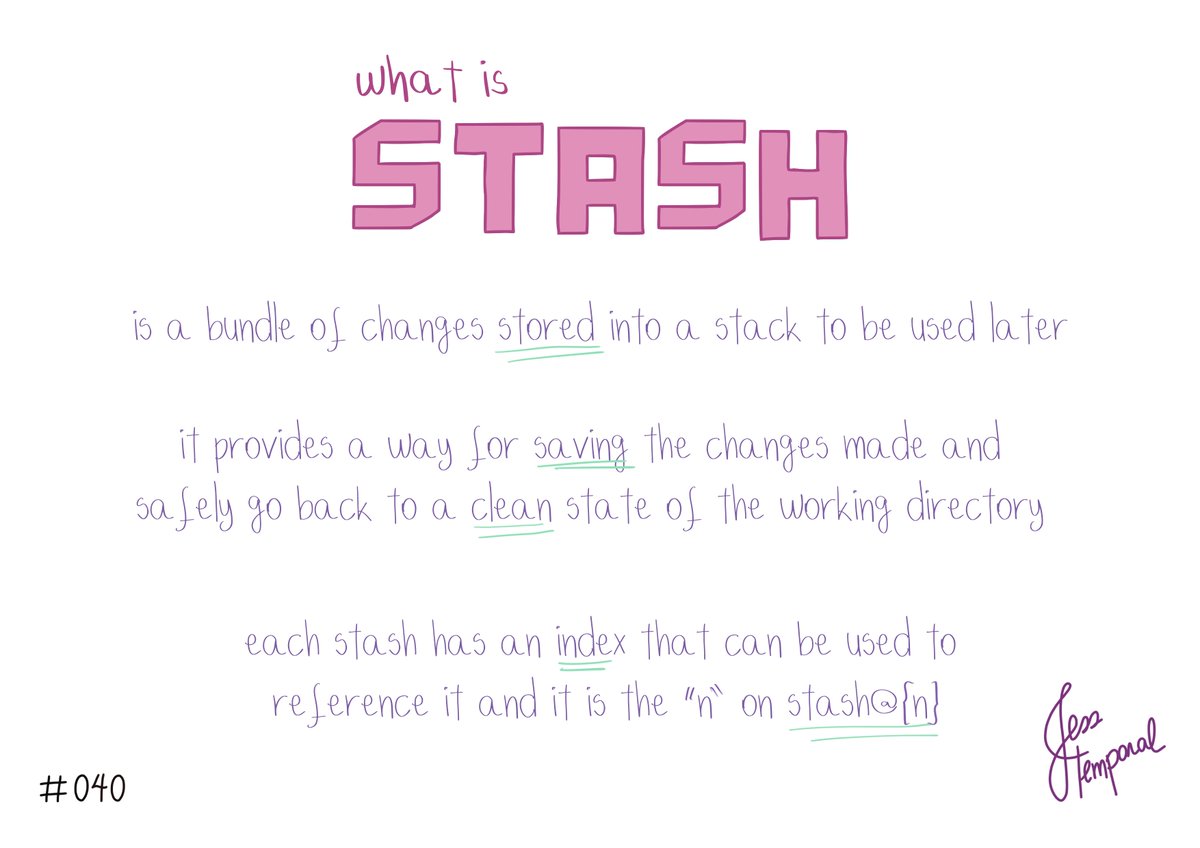
Do you know what is a stash in git? Well fret not my friend, this #GitStudyCard is here to help you 😉
You can find this #GitStudyCards & more at https://t.co/eSsUIG011I
#gitfichas #git #developer #developers #software #github #techtwitter
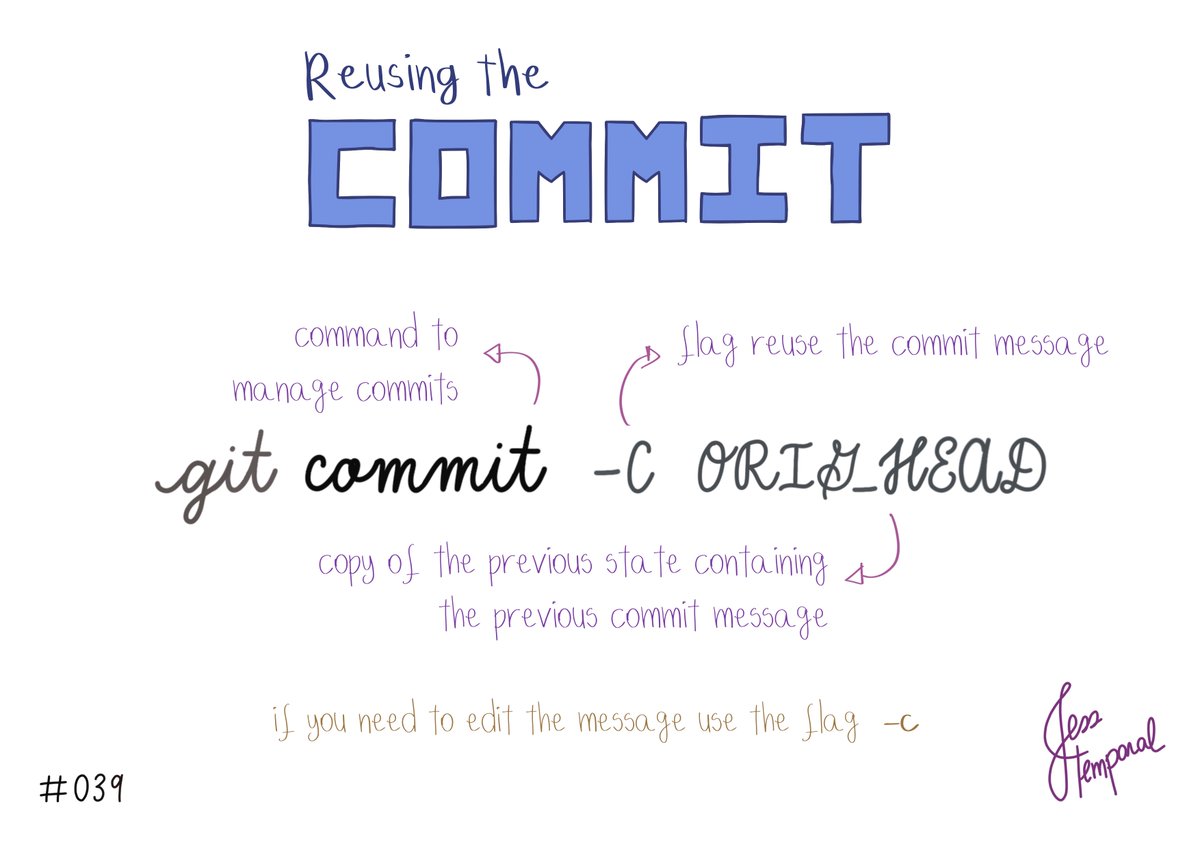
To reuse the changes and commit message undone with the “--soft” flag, use the command:
git commit -C ORIG_HEAD
You can find this #GitStudyCards & more at https://t.co/eSsUIG011I
#gitfichas #git #developer #developers #software #github #techtwitter
If you need to undo the last commit but want to maintain the corresponding alterations in staging use the command:
git reset HEAD^ --soft
You can find this #GitStudyCards & more at https://t.co/eSsUIG011I
#gitfichas #git #developer #developers #software #github #techtwitter

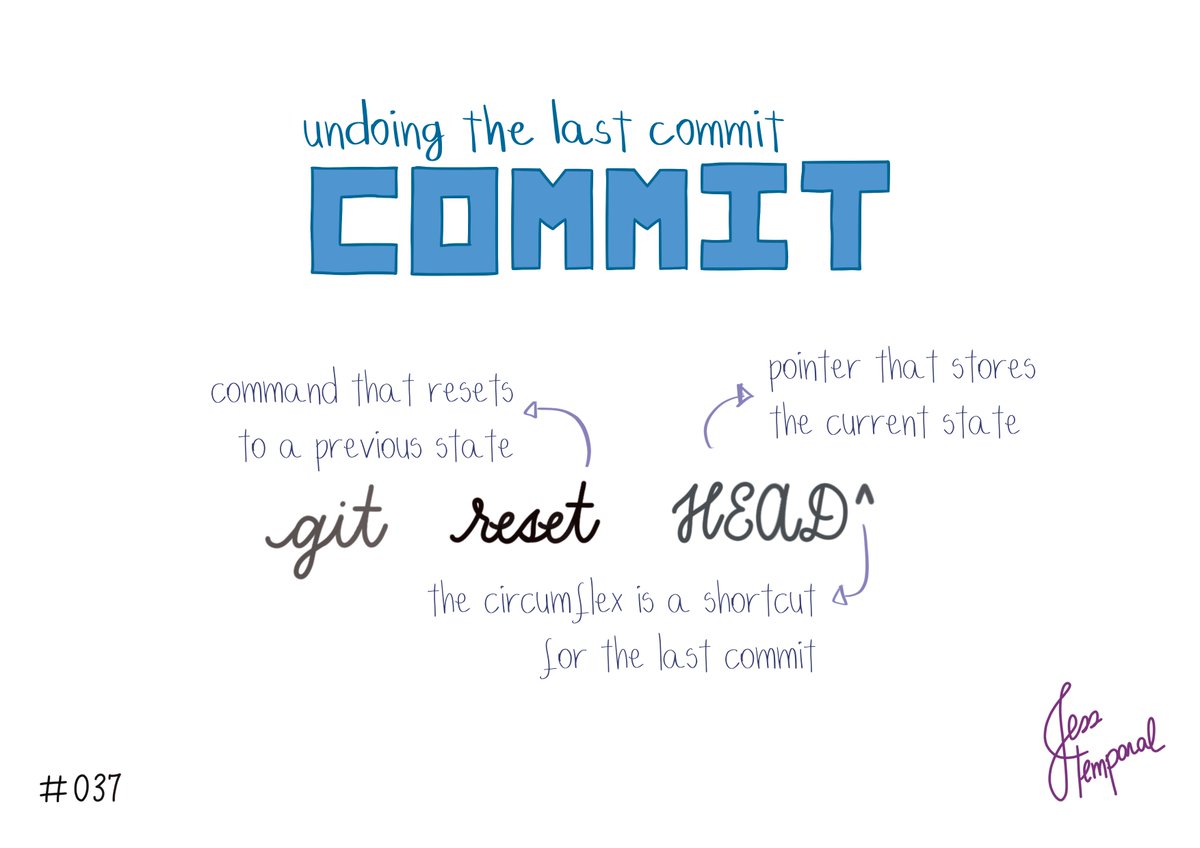
The command
git reset HEAD followed by the ^
is a short cut to undo the last commit made.
You can find this #GitStudyCards & more at https://t.co/eSsUIG011I
#gitfichas #git #developer #developers #software #github #techtwitter
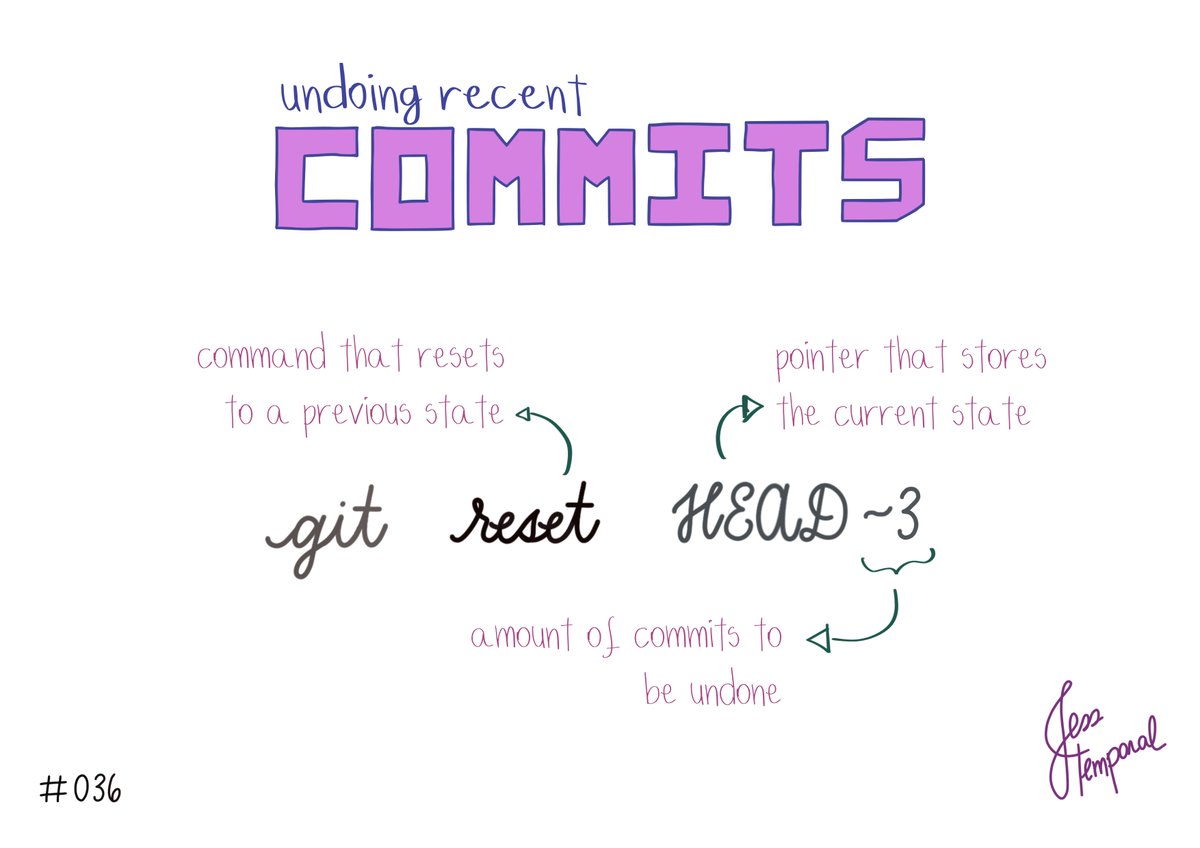
Want to undo the last few commits? Use:
git reset HEAD~ followed by the # of commits.
e.g.: git reset HEAD~3 would undo the last 3 commits
You can find this #GitStudyCards & more at https://t.co/eSsUIG011I
#gitfichas #git #developer #developers #software #github #techtwitter
To create a new branch and then switch to this new branch all with one command use this:
git switch -c name
You can find this and more #GitStudyCards at https://t.co/eSsUIG011I
#gitfichas #git #developer #developers #software #github #techtwitter

To switch branches in Git use the command:
git switch name
You can find this and more #GitStudyCards at https://t.co/eSsUIG011I
#gitfichas #git #developer #developers #software #github #techtwitter

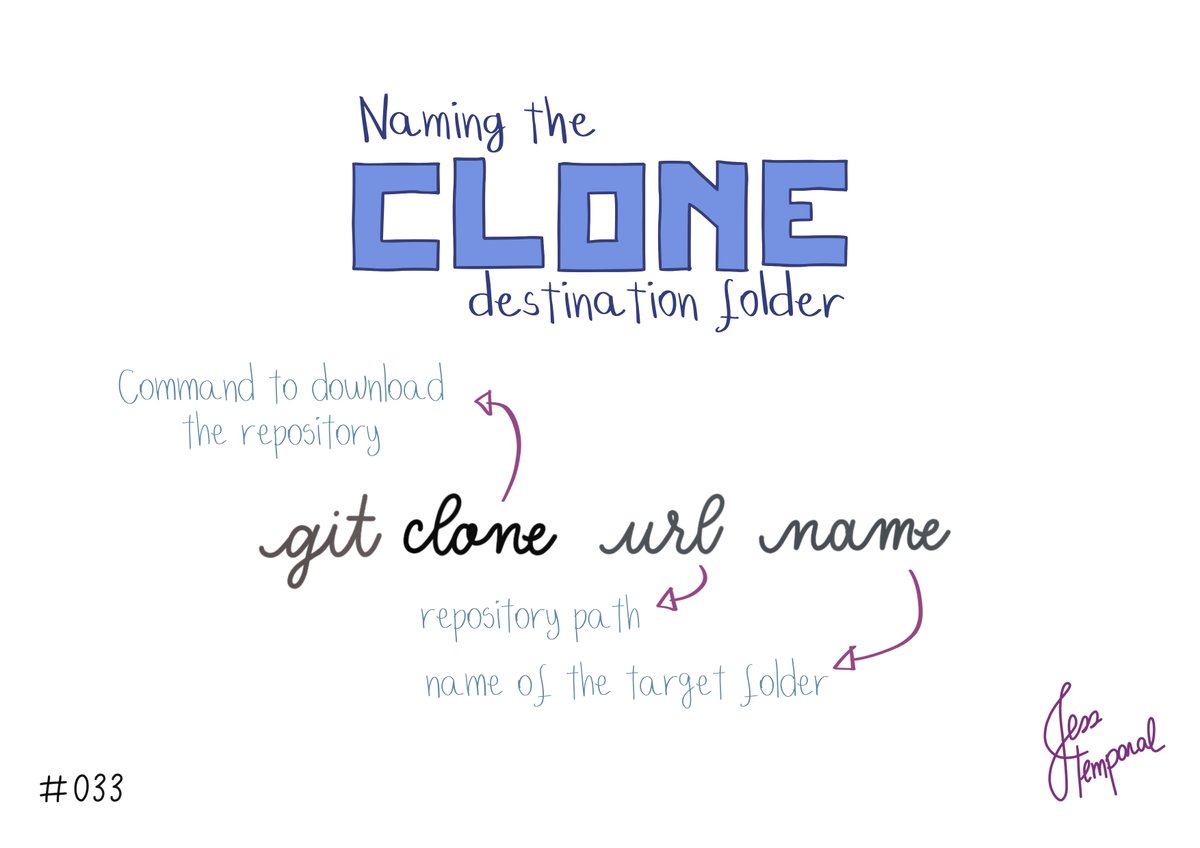
Want to give a different name to the destination folder for clone? Add the name after the URL while cloning like this:
git clone url name
You can find this and more #GitStudyCards at https://t.co/eSsUIG011I
#gitfichas #git #developer #developers #software #github #techtwitter
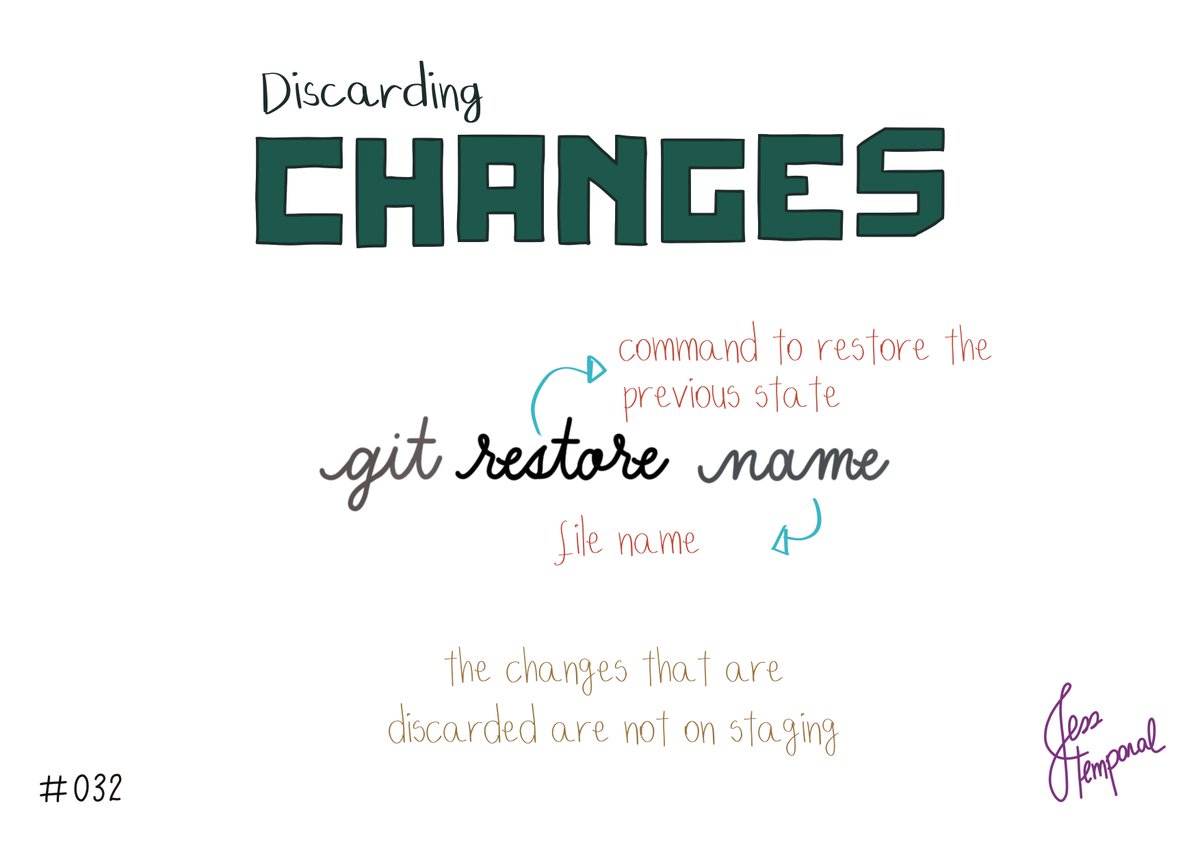
Need to undo changes that arem’t in staging? Use the command:
git restore file-name
You can find this and more #GitStudyCards at https://t.co/eSsUIG011I
#gitfichas #git #developer #developers #software #github #techtwitter
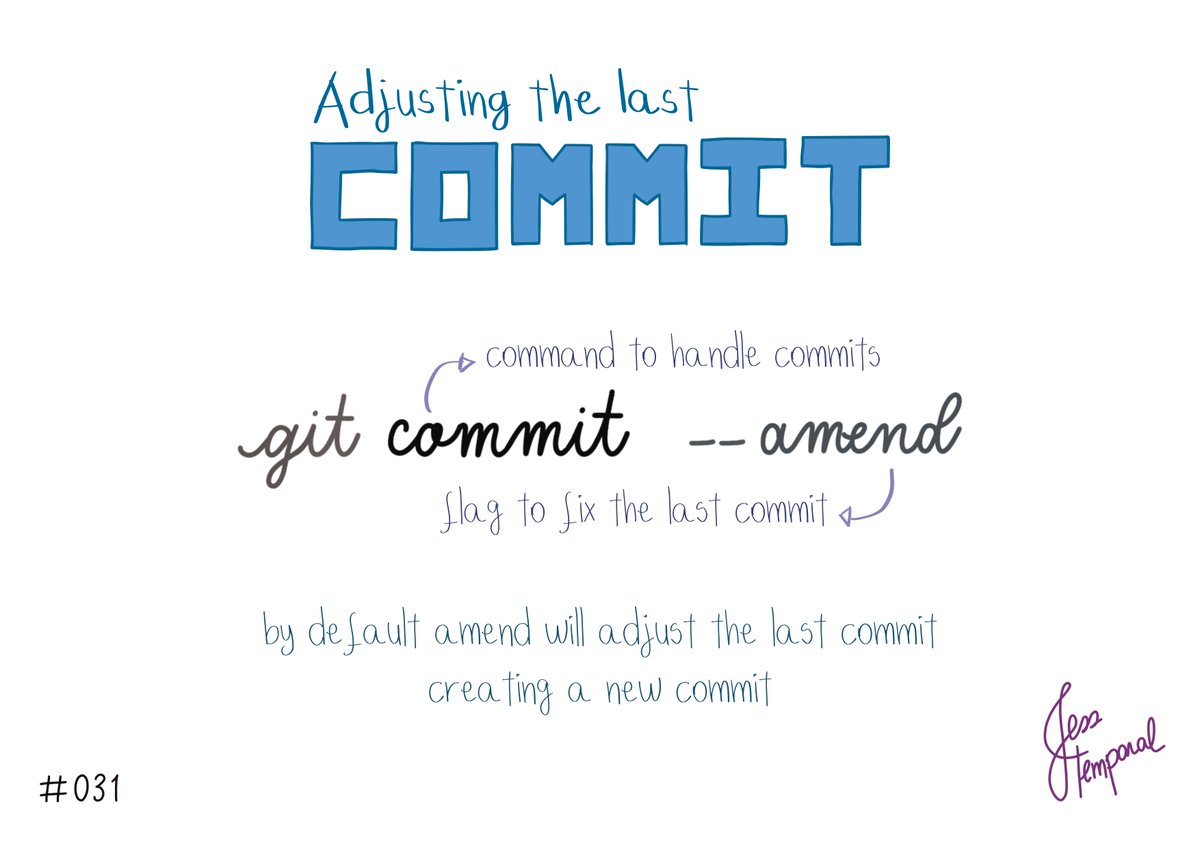
Need to adjust the last commit?
Use git commit --amend
You can find this and more #GitStudyCards at https://t.co/eSsUIG011I
#gitfichas #git #developer #developers #software #github #techtwitter
Last Seen Hashtags on Sotwe
minichatt(**********************)()()()()()()()()()()()()()()********************** +filter:native_video
Seen from Italy
tiktok live nude
Seen from Egypt
bbw white
Seen from United Kingdom
yenge((((((((**********)))))))) filter:native_video
mgai()*****************************((((****)))) +filter:videos
Seen from Spain
grupporno
Seen from Turkey
snapchat)()()(*************filter:videos
Seen from Ireland
egirl
france #sex
Seen from Germany
blackedmembership
Seen from France
Trends for you
Most Popular Users

Elon Musk 
@elonmusk
241.5M followers

Barack Obama
@barackobama
118.8M followers

Cristiano Ronaldo
@cristiano
114.5M followers

Donald J. Trump
@realdonaldtrump
111.8M followers

Narendra Modi
@narendramodi
107.1M followers

Rihanna
@rihanna
98.7M followers

NASA
@nasa
92.3M followers

Justin Bieber
@justinbieber
91.8M followers

KATY PERRY
@katyperry
90M followers

Taylor Swift
@taylorswift13
84M followers

Lady Gaga
@ladygaga
75.5M followers

Virat Kohli
@imvkohli
73.5M followers

Kim Kardashian
@kimkardashian
70.9M followers

YouTube
@youtube
68.8M followers

Neymar Jr
@neymarjr
66.5M followers

Bill Gates
@billgates
65.3M followers

Selena Gomez
@selenagomez
63.1M followers

The Ellen Show
@theellenshow
62.2M followers

CNN
@cnn
61.7M followers

X
@x
60.7M followers