

Top Tweets for #JBSpaceTips

🤳 Never lose your mentions with the Space mobile app!
You can find all your personal and team mentions by tapping the @ symbol in the top right-hand corner of the Chats tab.
Get the Android app 👉 https://t.co/KSlReVH01B
Get the iOS app 👉 https://t.co/3qN1uCbm6r
#JBSpaceTips

🗃️Manage your project issue tags in one place!
📝Now you can edit and remove your issue tags under the Issues Settings.
👀It gives you an overall view of the issue tags and helps you manage them faster.
➡️Navigate to the Project| Issues| Settings| Tags.
#JBSpaceTips

If you’re already developing software in Space, consider bringing powerful CI/CD to your projects with Space Automation. Learn how to create and run automation jobs in just 4 minutes. 🤖
You've discovered #Spacein7Steps! Stay tuned to more #JBSpaceTips!
https://t.co/0iErlsuDDX
👉Use the To-Do list to simplify your task management!
🗃️ Manually prioritize the items in the To-Do list using ⌘+⌥/Ctrl+Alt +⬆️ or ⌘+⌥/Ctrl+Alt+⬇️
🧭 Navigate between the Today, History, and Later tabs.
📽️ Create a meeting/issue from any To-Do item.
#JBSpaceTips
The cloud version of Space has just been updated! ⛅️
🗨️You can now mark entire tabs in Space Chats as read in one click.👀
Navigate to Chats | Settings, then simply mark the desired tabs as read.
#JBSpaceTips
Check out the full changelog: https://t.co/gLByNYzVy4

✅ Want to track the progress of automation jobs from your IDE? It's easy with the updated Space plugin! #JBSpaceTips
Go to the list of commits in the Git log and click the job status icon to learn more about the job.
Learn more: https://t.co/YCsoj8fT5p
💡 Focus on what’s important by filtering messages in chats 🔥 #JBSpaceTips
👉 Switch between comments only and all messages in issues
🗨️ Filter discussions by type in the code review timeline
Check more productivity tips: https://t.co/0zOwVHESH9
📌11 chat tips for JetBrains Space 🔥 #JBSpaceTips
Using chats is self-explanatory, but some functionality may be lesser-known.
🎁Let's look at 11 tips to use Space Chats like a pro!
https://t.co/v3DdEoeij7
Who broke the build? 😱 #JBSpaceTips
Want to get pinged when a job runs? Or only when a job fails? For your commits only, or for everybody on the team?
🌴 Sit back and relax, a message will come when it matters to you.
https://t.co/ewf1bnxsIq
Space Automation runs everything! 🚀 #JBSpaceTips
Shell scripts, Kotlin scripts, Docker commands, or a nice framework-specific DSL. You decide! 💪https://t.co/esk40bagnH
Use IntelliJ IDEA to write Space Automation scripts 🤩 #JBSpaceTips
💻 Use code completion 🗃️ Move common logic into functions 😎 Refactor your build!
https://t.co/cbPdCdeeRK
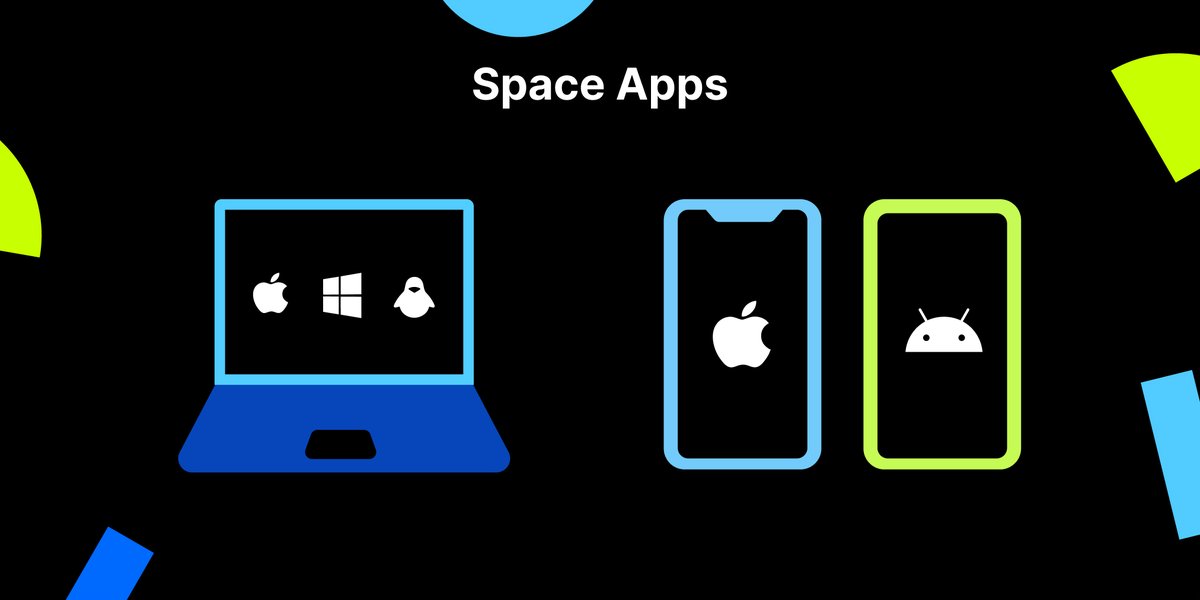
💡Did you know that other than a web version, Space also is available as a desktop and mobile apps? #JBSpaceTips
Download the Space app for your desktop or mobile to stay connected from anywhere: https://t.co/n5KPxCJeGK
Navigate Space at warp speed! 🚀 #JBSpaceTips
⌨️ Many actions and items can be navigate to with your keyboard. At any place, press ❔ to see available shortcuts.
https://t.co/pkNtlRmn0F
Plan and manage your tasks and goals 📋 #JBSpaceTips
📝 Write free-format To-Do's
📰 or add issues, chats & blogs for follow-up.
Sometimes, the best way to get something done is to wait for a better time to do it. Postpone To-Do's when needed. 🗓️
https://t.co/4TjSx8oXq4
Create private projects in Space! 👷♀️👷 #JBSpaceTips
🤳 A temporary project for yourself?
🧰 Sharing code, issues, or checklists with specific colleagues?
🙌 Create a private project!
Only visible to their members, not to others in the organization 👍
https://t.co/cPYpDmjDVS
Use Space issues your way! 🗃️ #JBSpaceTips
🏷️ Create and edit available statuses.
🧐 Make it clear what's going on with an issue!
Use the project settings to customize issue statuses.
https://t.co/dSaK2ChXl5
Keyboard shortcuts to manage checklists efficiently! ⌨️ #JBSpaceTips
✏️ Enter/Return adds new items
📝 Tab/Shift-Tab to indent/unindent
🏹 Arrow keys to move up/down
📇 Hold Ctrl/Cmd & move items around
Plan & track tasks, checklists are at your fingertips!
Forward slash lets you browse Space! 🛣️ #JBSpaceTips
Use Go to Anything (Ctrl+K / Cmd+K) and press "/" to browse hierarchically. Try it out! 💪
https://t.co/KFkFsV6yLB
Tell Space what you are after! 🚀 #JBSpaceTips
😎 Go to Anything makes search and navigation easy!
🌟 Search, and append "team", "chat", "project", ...
💻 Press tab to search within the previous result
https://t.co/bDlsHQHXMc
Simplify planning and create issues from a checklist! 💡 #JBSpaceTips
🛣️ High-level planning as a checklist
🧐 Convert items to issues to work on details
🖇️ Issues and their status are linked to the checklist
https://t.co/hG8ekOD7P6
Last Seen Hashtags on Sotwe
高速戦隊ターボレンジャー
Seen from Japan
camilanoceda
Seen from South Africa
CYANBRAIN
Seen from Russia
nolimit #nolimit filter:native_video since:2026-06-2
Seen from United Arab Emirates
shochuMusicFestival
Seen from United States
nolimit()
Seen from Pakistan
ไซด์ไลน์ระยอง
Seen from Thailand
frum
Seen from Israel
mbull #hindu
Seen from India
KALKAN
Seen from Turkey
Most Popular Users

Elon Musk 
@elonmusk
240.5M followers

Barack Obama
@barackobama
119.3M followers

Donald J. Trump
@realdonaldtrump
111.7M followers

Cristiano Ronaldo
@cristiano
110.3M followers

Narendra Modi
@narendramodi
107M followers

Rihanna
@rihanna
97.6M followers

NASA
@nasa
92.1M followers

Justin Bieber
@justinbieber
90.8M followers

KATY PERRY
@katyperry
87.5M followers

Taylor Swift
@taylorswift13
81.3M followers

Lady Gaga
@ladygaga
72.9M followers

Kim Kardashian
@kimkardashian
69.7M followers

Virat Kohli
@imvkohli
69.7M followers

YouTube
@youtube
68.7M followers

Bill Gates
@billgates
63.8M followers

The Ellen Show
@theellenshow
62.5M followers

Neymar Jr
@neymarjr
62.4M followers

CNN
@cnn
61.9M followers

X
@x
60.8M followers

Selena Gomez
@selenagomez
60.6M followers