

Top Tweets for #KeyTips


In Google Docs
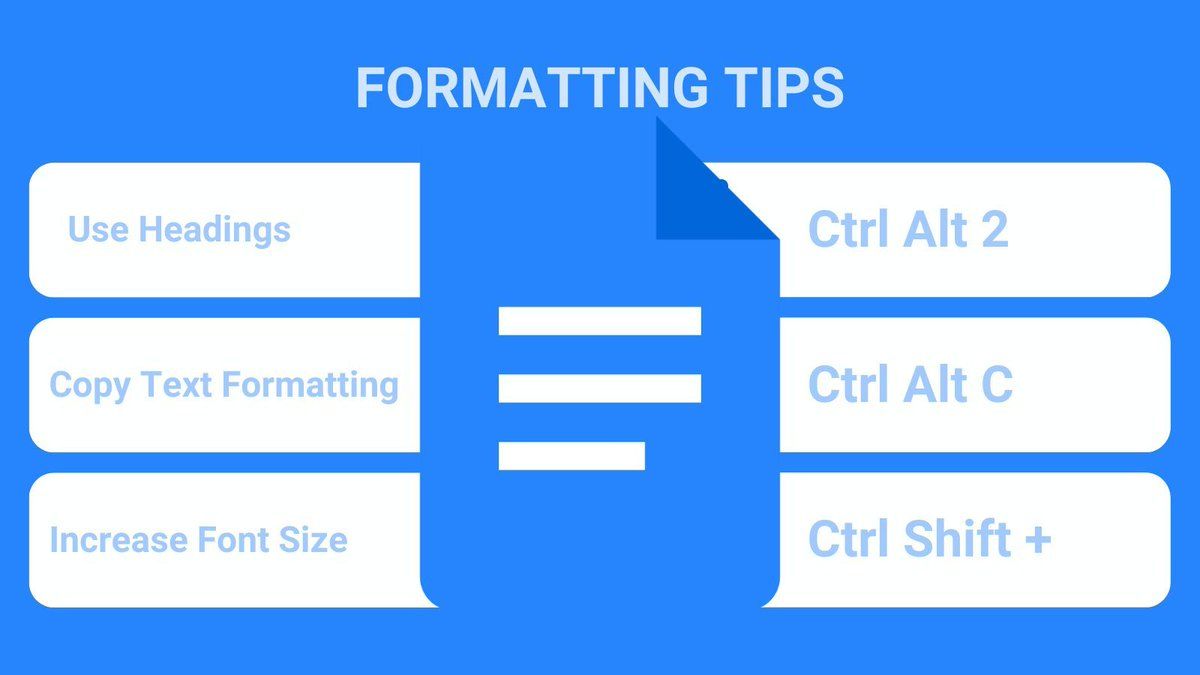
Increase the font size with
Control Shift Period
(Decrease with Control Shift Comma)
Try it!
#KeyTips #GoogleWorkspace

Mac Users
Try Command Spacebar to search your computer for applications.
I keep almost no icons in my dock and instead get to the applications quickly with command spacebar.
#KeyTips

MacBook Users
Command Tab
cycles you through your active applications.
#KeyTips

Ever notice the web page seems off (zoomed in too much or zoomed out too much.)
Use Control Zero
Command Zero on a Mac
to reset the zoom.
#KeyTips

In Google Docs
Increase the font size with
Control Shift Period
(Decrease with Control Shift Comma)
Try it!
#KeyTips #GoogleWorkspace

Mac Users
Quickly get to the emojis 🤣 👉 🤷🏻♀️ ✅
Command Control Spacebar
I have this on muscle memory, had to really look at what I was doing to add this tip :)
#KeyTips

Feel unconfident at using the computer/edtech? Learn ONE Keyboard Shortcut a week. By the end of the year you'll know 52 and feel like a ninja.
Try Control X to cut (then Control V to paste)
#googleEDU #keytips

MacBook Users
Command Shift 5 allows you to take a screenshot
#KeyTips

Press N right now.
It starts a new tweet
#keytips

When I need a calculator
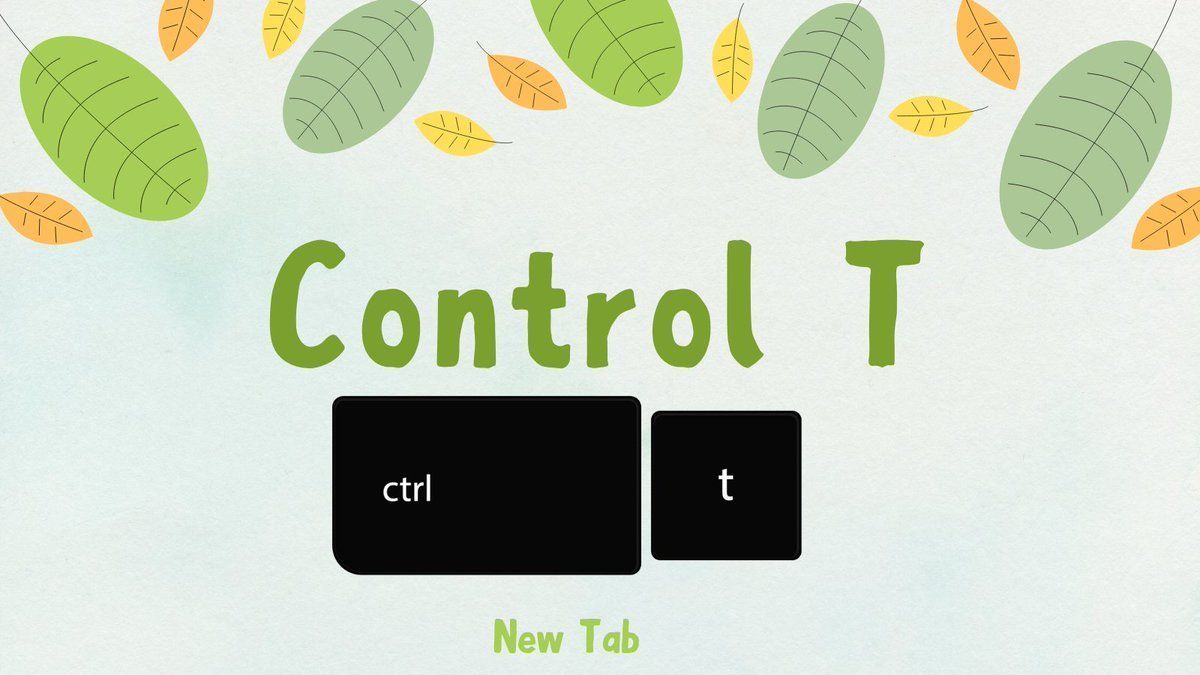
Control T - new tab
Type the math problem
Press enter
Boom... Chrome has a built in calculator
Control W closes the tab
#GoogleEDU #TeacherTech #KeyTips

Mac Users
Command Option Spacebar
Opens your Finder.
This helps you get to your downloads faster.
#KeyTips

🗓️ Navigate Google Calendar:
📅 Tap W for the week view
📆 Tap A for the agenda view
#GoogleEDU #keytips

Insert the current date into #GoogleSheets with
Control Semicolon
Try it now! Go to https://t.co/xQ2mkDJf7B
#keytips #googleEDU #GoogleWorkspace

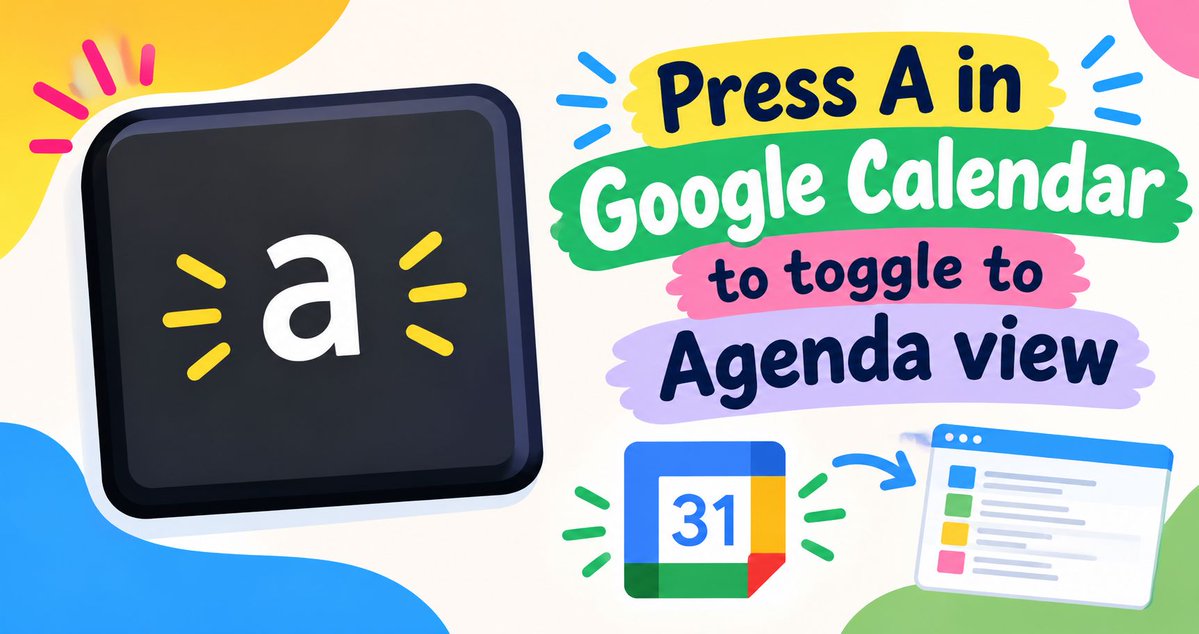
Press A in Google Calendar to jump to Agenda view.
#GoogleCalendar #googleEDU #GoogleWorkspace #KeyTips
When using a spreadsheet
Use the TAB key to move to the right
Then when you push the ENTER key
it takes you back to the first column (where you started using the Tab key).
Makes data entry a lot faster!
#KeyTips #GoogleSheets #GoogleEdu
In YouTube
Press left arrow to rewind 5 seconds
Press the letter J to rewind 10 seconds
#KeyTips #GoogleEdu #TeacherTech

Last Seen Hashtags on Sotwe
minichat ()anxiouspanda ()since:2026-09-30 until:2026-10-17 filter:videos
Seen from Spain
mamando
Seen from Brazil
anxiouspandaa
VerosikaMayday
heterosengañado
Seen from Argentina
şişligay
Seen from Turkey
minichat (*)()(*)()***+filter:videos
Seen from Denmark
aov r34
Seen from Vietnam
colmek muncrat
Seen from Indonesia
ลาดกระบัง
Seen from Thailand
Most Popular Users

Elon Musk 
@elonmusk
241.5M followers

Barack Obama
@barackobama
118.8M followers

Cristiano Ronaldo
@cristiano
114.5M followers

Donald J. Trump
@realdonaldtrump
111.8M followers

Narendra Modi
@narendramodi
107.1M followers

Rihanna
@rihanna
98.7M followers

NASA
@nasa
92.3M followers

Justin Bieber
@justinbieber
91.8M followers

KATY PERRY
@katyperry
90M followers

Taylor Swift
@taylorswift13
84M followers

Lady Gaga
@ladygaga
75.5M followers

Virat Kohli
@imvkohli
73.5M followers

Kim Kardashian
@kimkardashian
70.9M followers

YouTube
@youtube
68.8M followers

Neymar Jr
@neymarjr
66.5M followers

Bill Gates
@billgates
65.3M followers

Selena Gomez
@selenagomez
63.1M followers

The Ellen Show
@theellenshow
62.2M followers

CNN
@cnn
61.7M followers

X
@x
60.7M followers