

Top Tweets for #Revushortcut

Discover insider info on some of Revu’s more advanced features. Don’t miss our free "Bluebeam Revu Tips and Tricks: Part Two" @ENRnews webinar tomorrow at 2PM ET. https://t.co/uJOb5HDjZE #ENRwebinars #Revushortcut

Now's the time to take your Revu game to the next level! Join this free @ENRnews webinar "Bluebeam Revu Tips & Tricks: Part Two" to learn time-saving & customization tips that are guaranteed to improve your workflows. https://t.co/uJOb5HUVoe #ENRwebinars #Revushortcut

Want to learn how to get more done in less time with Bluebeam Revu? There’s still time to register for tomorrow’s Revu Tips & Tricks webinar hosted by @ENRnews at 2pm ET. https://t.co/ik6RZtkdUf #ENRwebinars #Revushortcut

Having trouble seeing your markups? Type CTRL + F5 to toggle the underlying content on and off with the Dimmer so your annotations will pop. #Revushortcut

To quickly align the left edges of two or more selected markups, type CTRL+ALT+L. #Revushortcut
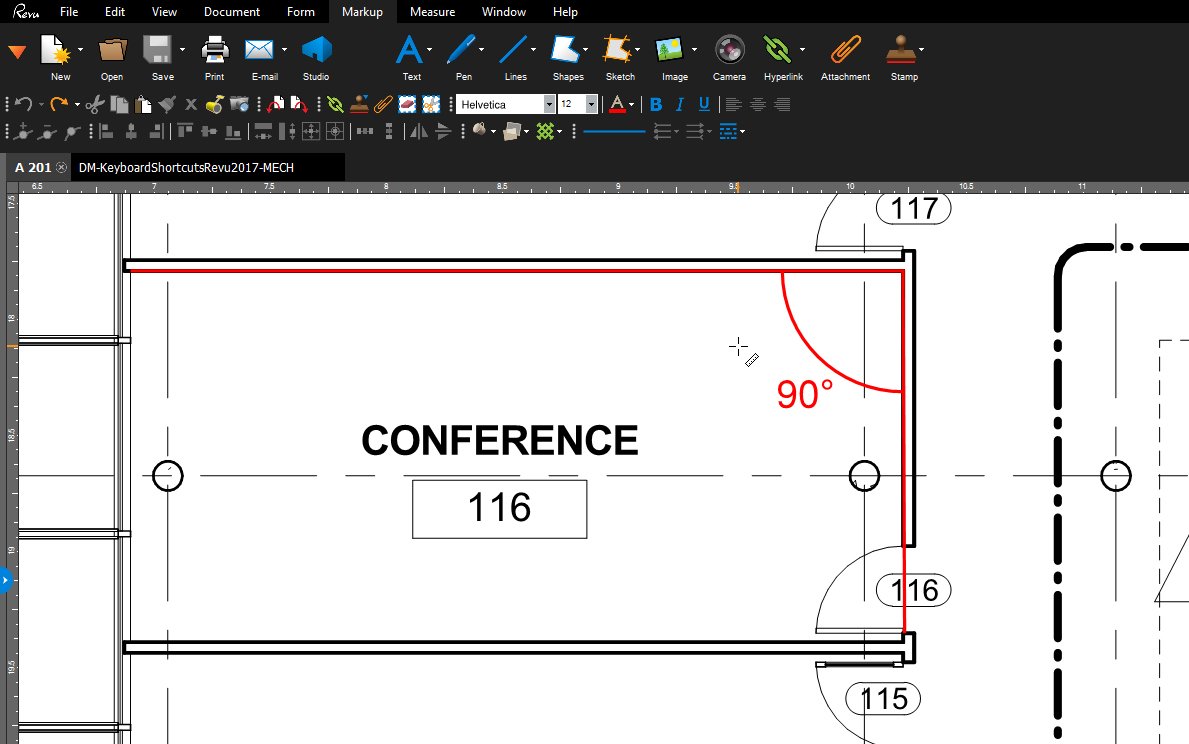
To quickly access the Angle Measurement tool, type Shift + Alt + G. #Revushortcut
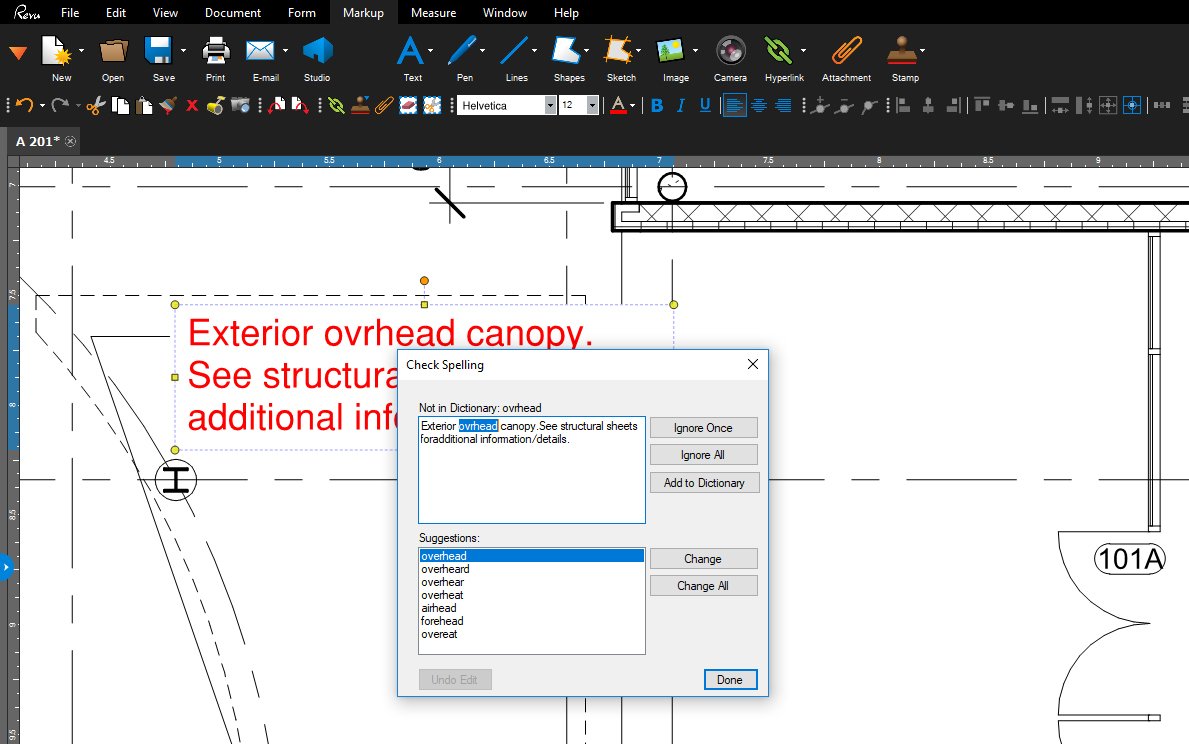
To quickly spellcheck markups or form fields, type F7. #Revushortcut
Type Shift + F9 to toggle the Grid on and off. #Revushortcut
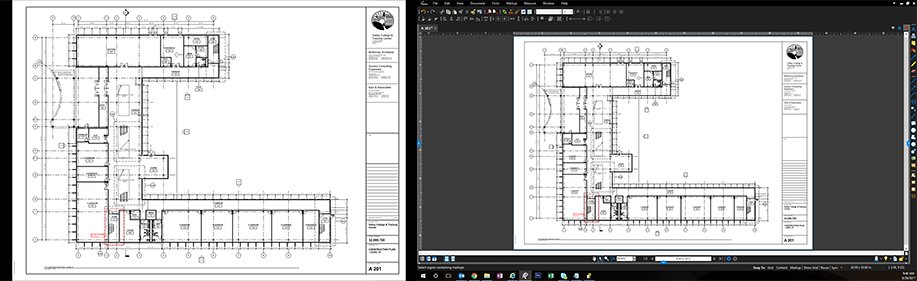
To split your screen vertically in Revu, type CTRL + 2. To unsplit, CTRL + Shift + 2. #Revushortcut

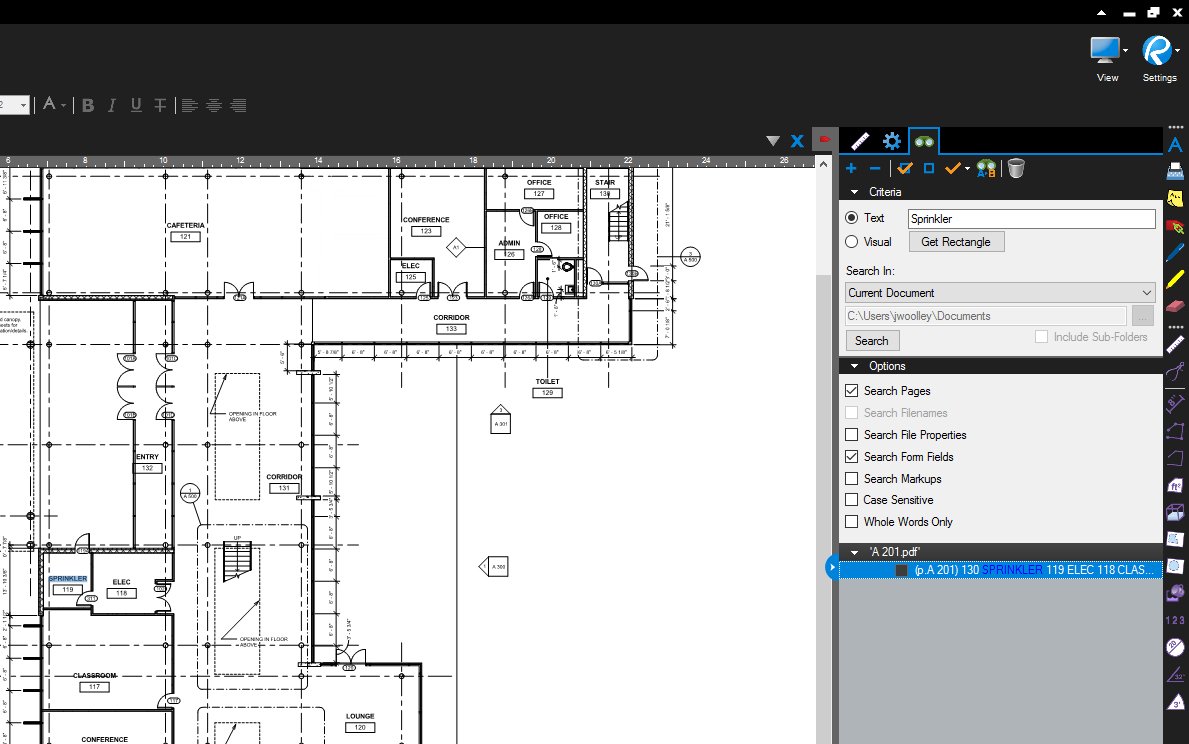
Want to search for a keyword or symbol in a PDF? Type Ctrl + F to quickly access the Search feature in Revu. #Revushortcut
Want to close multiple files quickly? Press CTRL + Shift +W to close all open tabs. #Revushortcut
To quickly view a PDF in a slide-show style, full-screen Presentation mode, type CTRL + Enter. To exit, hit ESC. #Revushortcut
Want to flatten markups without losing data? Choose Flatten > Show Properties in Popup, & Options to select which ones to keep #Revushortcut

Hold down the CTRL key when clicking a control point to convert a segment from curved to straight . #Revushortcut

Type CTRL + SHIFT + V to paste in place. Learn more tips like this; attend a session at #bbeXtreme! #revushortcut https://t.co/jg9Wpm7rE3
To resize or move individual markups within a group, press and hold the ALT key to access each one's control points. #Revushortcut

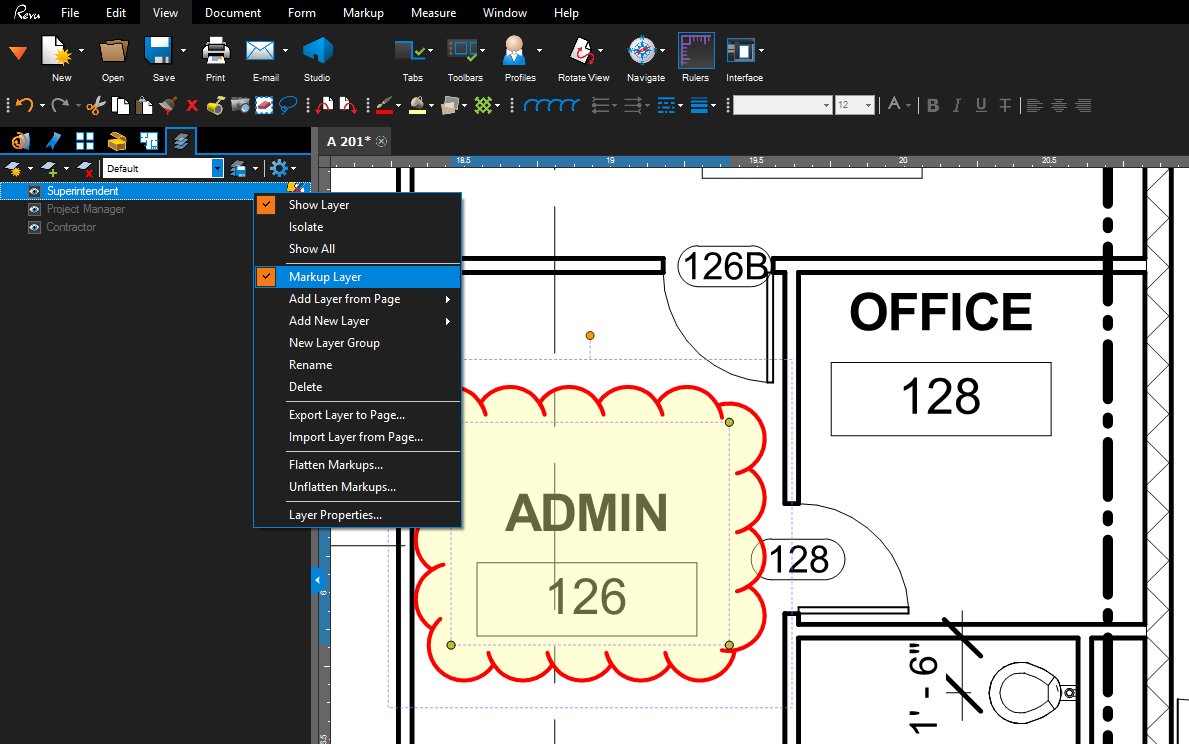
To organize your markups by discipline, type CTRL + Y to quickly access the Layers Tab & assign a new layer to each partner. #Revushortcut
Hold down the CTRL key when clicking on a link to open it in a new tab. #Revushortcut
Need a reminder of what those Punchkey symbols mean? Click properties on your tool set & change from Symbol to Detail view. #Revushortcut

Last Seen Hashtags on Sotwe
sophierain
Seen from Indonesia
gaydickexposure
Seen from Switzerland
sonmo
Seen from United Kingdom
etekalti()
Seen from Turkey
ควยเด็กนักเรียน
Seen from Thailand
Trans
Seen from Canada
ÖznurGüven
Seen from Turkey
dogmanxpetey
Seen from United States
امهات
Seen from Saudi Arabia
MalavikaMohanan
Seen from United States
Trends for you
Most Popular Users

Elon Musk 
@elonmusk
241.4M followers

Barack Obama
@barackobama
118.8M followers

Cristiano Ronaldo
@cristiano
114.5M followers

Donald J. Trump
@realdonaldtrump
111.9M followers

Narendra Modi
@narendramodi
107M followers

Rihanna
@rihanna
98.7M followers

NASA
@nasa
92.3M followers

Justin Bieber
@justinbieber
91.8M followers

KATY PERRY
@katyperry
90M followers

Taylor Swift
@taylorswift13
84M followers

Lady Gaga
@ladygaga
75.5M followers

Virat Kohli
@imvkohli
73.4M followers

Kim Kardashian
@kimkardashian
70.8M followers

YouTube
@youtube
68.7M followers

Neymar Jr
@neymarjr
66.4M followers

Bill Gates
@billgates
65.2M followers

Selena Gomez
@selenagomez
63.1M followers

The Ellen Show
@theellenshow
62.2M followers

CNN
@cnn
61.7M followers

X
@x
60.7M followers