

Top Tweets for #SecurityReminder

Mypal Support will never ask for your password, private key, seed phrase, or full payment details.
Please keep your account information safe.
#Mypal #SecurityReminder
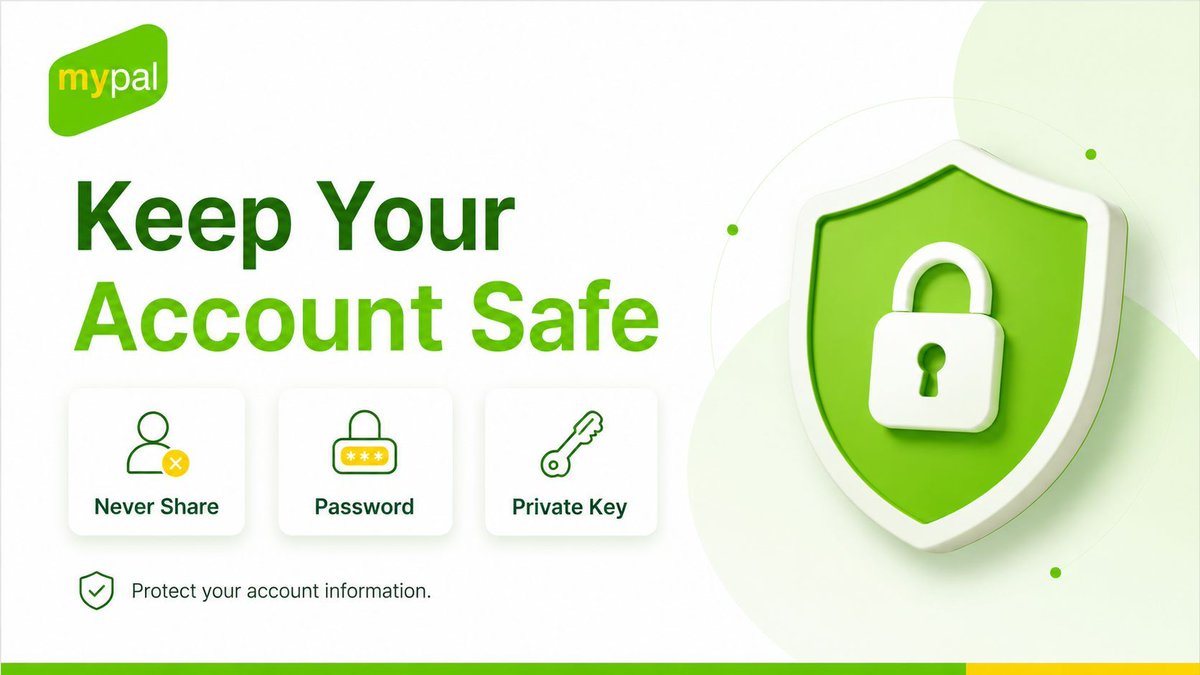
Be careful with fake support messages and unverified DMs.
Mypal Support will not contact you casually from unknown accounts.
#Mypal #SecurityReminder


[Warning: New AI-Driven Phishing Attacks] CertiK Report: On-chain theft is rampant today. Hackers are using AI to generate deep spoofs to phish DeFi users' private keys. Please be sure to check your contract permissions! Lock your wallet! 🔒🛡️ #SecurityReminder

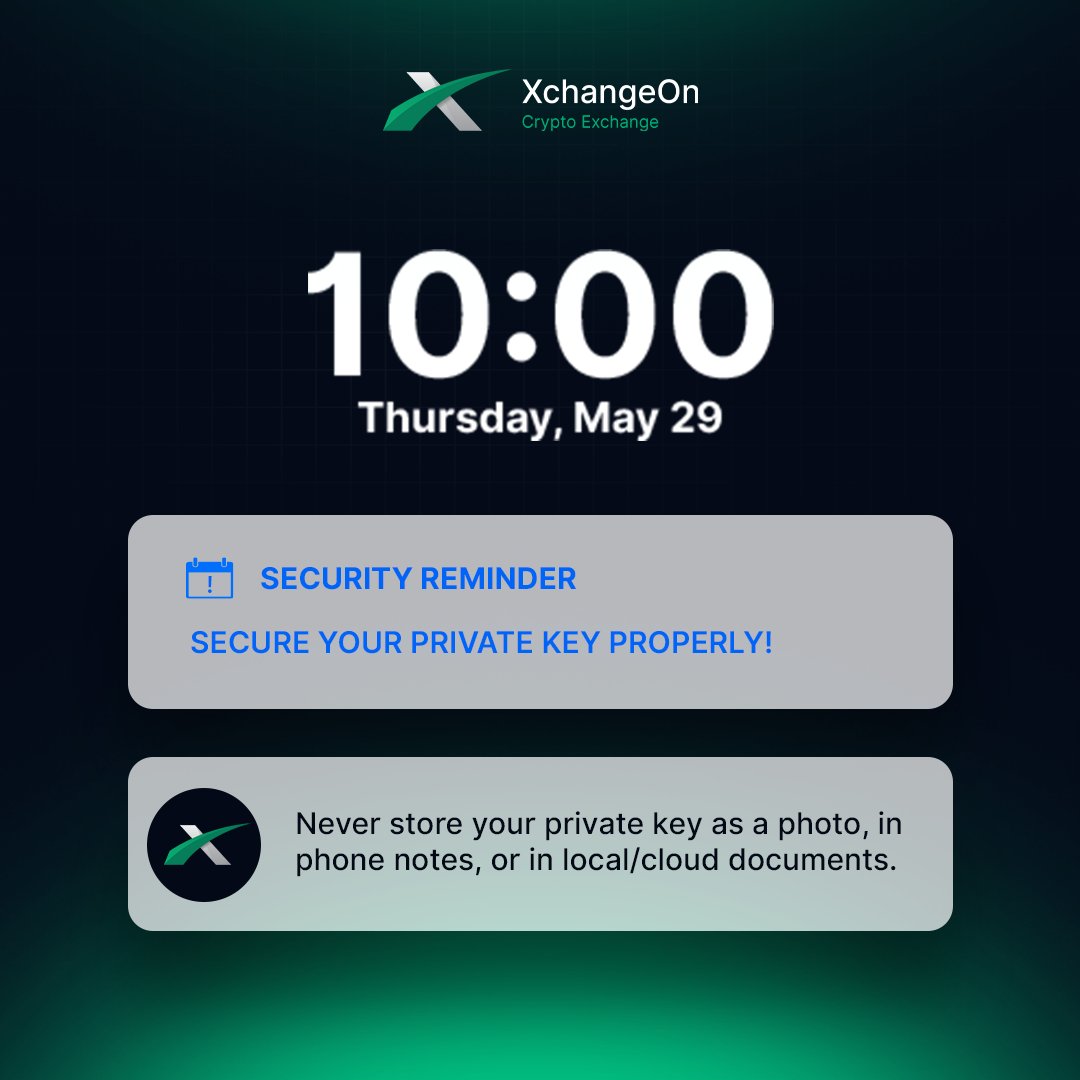
🔔 #XchangeOn Security Reminder: Keep your private KEY in the right way!
#XchangeOn #SecurityReminder #PrivateKey #WorldsFirstArbitrageCryptoExchange #XchangeOnCommunity

GM WOW EARNERS
Remember SECURITY FIRST!
Don't click suspicious links,
Use ONLY official WOW Chain resources
Contact our customer care; @wowearncs for any questions!
#WOWEARN $WOW #SecurityReminder #ProtectYourAssets"

📢 Security Reminder
⚠️ Protect your assets!
•Do NOT click links from unknown sources.
•Use the official WOW Chain:
📝 Network: WOW
📌 RPC: https://t.co/b35LLOEm1W
🔍 Chain ID: 1916
✏️ Currency: WOW
🔗 Explorer: https://t.co/8y4rxQhfcj
❓ Got questions? Please contact WOW EARN customer service! @wowearncs
#WOWEARN $WOW

🔒 Thread: How to Password-Protect Your MTN Registered SIM Card in Nigeria 🔒
🚨 Important: Keep Your PIN Safe
- Remember your new PIN and keep it secure.
- If you enter the wrong PIN three times, you'll need a PUK to unlock it.
#SecurityReminder #MTNNigeria
📱 Setting up a PIN lock on your MTN SIM card in Nigeria is a great way to protect your SIM from unauthorized use. Here's a step-by-step guide to help you secure your SIM card. #MTNNigeria #SIMSecurity
🛠️ Step 1: Access SIM Card Settings
- Go to the "Settings" menu on your phone.
- Navigate to "Security Settings" or "SIM Card Settings." #TechTip #MobileSecurity
🔑 Step 2: Set up SIM Card Lock
- Find the option "Set up SIM card lock" or "Lock SIM card."
- Enable this feature to start the process.
#SIMLock #PhoneSafety
🏁 Step 3: Enter Default SIM PIN
- Initially, you'll need to enter the default SIM PIN.
- For MTN, it's usually "0000" or "1234".
#MTNUsers #DefaultPIN
✨ Step 4: Change the SIM PIN
- Change the default PIN to a new, secure one.
- Select "Change SIM PIN" and follow the prompts.
#SecurityFirst #PrivacyMatters
🔒 Step 5: Confirm the New PIN
- Re-enter the new PIN to confirm it.
- Your SIM card is now protected with your new PIN!
#StaySecure #TechTips
📞 Need Help? Contact MTN
- If you experience any issues with your phone or forget your PIN, contact MTN customer service for assistance.
- They can assist with unlocking your SIM.
#CustomerSupport #MTNHelp
🔐 Protect your personal information by following these mobile security tips for your SIM card. Share this thread to help others! #CyberSecurity #MTNNigeria

If you’re in Nigeria and your SIM card isn’t passworded, I don’t know what to say to you ooo. Especially if it’s the SIM card registered with your Bank, you’re sitting on a keg of gun powder if that phone gets missing. Password your sim today!!!!!!

⚠️ Stay vigilant amidst the excitement! With the recent surge, phishing campaigns are a real concern. Remember, Ripple will NEVER ask for your seed phrase or private key. 🛡️🚫
#Ripple #SecurityReminder #StaySafe #CryptoSafety #ProtectYourAssets 🌐

Hey community members!
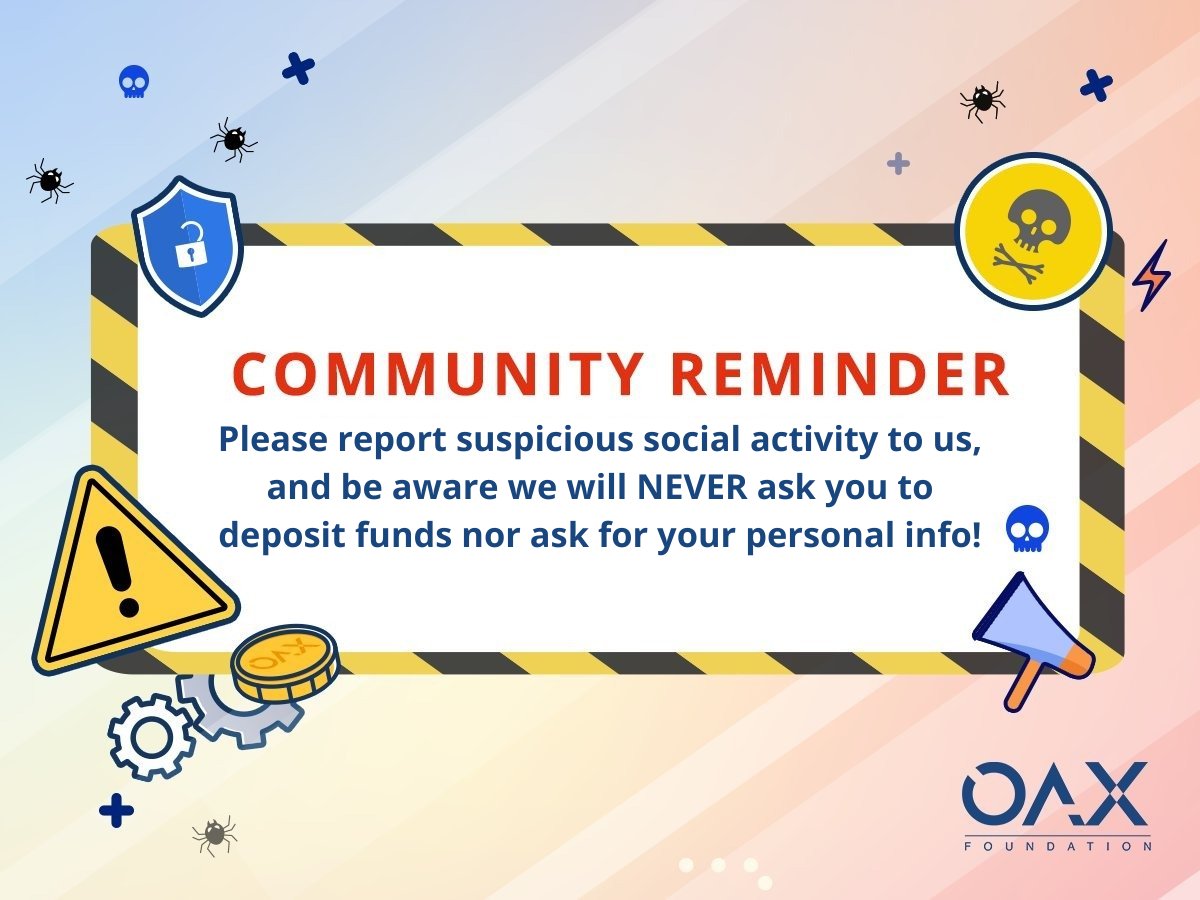
Please remember we are NOT running any airdrops or activities that require you to deposit funds on any TG group or social media channels.
Please stay safe and extra vigilant with scams.
#digitalasset #OAX #crypto #securityreminder
Hi community members,
We are aware of some strange activity going around especially on Telegram or social media. ❌
Please be aware of potential scams in the space - stay safe and practice utmost caution! 🙏
#OAX #digitalassets #security #blockchain #DeFi

Do yourself a favor and double check your Twitter security setting ppl!!! #securityreminder #AquafurArmy #ApeReunion

Be smart and be safe! Use a strong password to protect yourself and all of your valuable data! Happy #WorldPasswordDay! 💻
#StrongPassword #CyberSecurity #DataProtection #OnlineIdentity #PasswordAwareness #SecurityReminder #Members #JCTCU #MariannaFL
Last Seen Hashtags on Sotwe
alannapow
Seen from Turkey
dickflashing
Seen from Egypt
eksib
Seen from Indonesia
inter Inter,.,.,..,.,.,.,
Seen from United States
미시
Seen from Korea
Aivideo
Seen from Netherlands
perv #momson
Seen from Saudi Arabia
missjulia
Seen from Canada
wariajakarta
Seen from Indonesia
AIModel
Seen from Thailand
Trends for you
Most Popular Users

Elon Musk 
@elonmusk
241M followers

Barack Obama
@barackobama
119.2M followers

Cristiano Ronaldo
@cristiano
111.8M followers

Donald J. Trump
@realdonaldtrump
111.8M followers

Narendra Modi
@narendramodi
107M followers

Rihanna
@rihanna
98M followers

NASA
@nasa
92.2M followers

Justin Bieber
@justinbieber
91.2M followers

KATY PERRY
@katyperry
88.3M followers

Taylor Swift
@taylorswift13
82.2M followers

Lady Gaga
@ladygaga
73.7M followers

Virat Kohli
@imvkohli
70.9M followers

Kim Kardashian
@kimkardashian
70.1M followers

YouTube
@youtube
68.7M followers

Bill Gates
@billgates
64.3M followers

Neymar Jr
@neymarjr
63.8M followers

The Ellen Show
@theellenshow
62.4M followers

CNN
@cnn
61.8M followers

Selena Gomez
@selenagomez
61.4M followers

X
@x
60.8M followers