

Top Tweets for #SupportiveEdTech

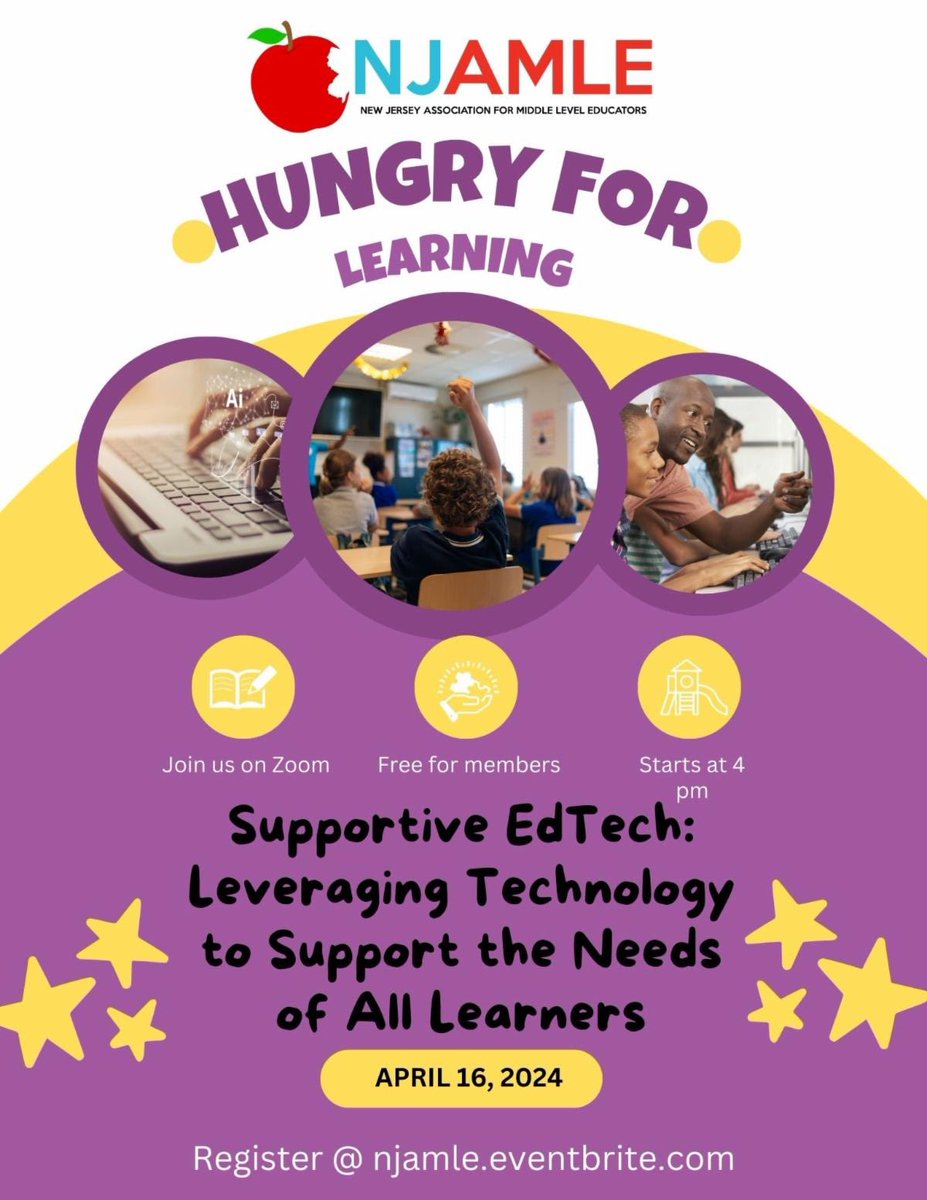
Join us next week for our April virtual HFL event! If you are a @NJAMLE member, it’s free! Register here: https://t.co/bsngCnMt4u #supportiveedtech #njamle @AMLE

Join NJAMLE and Katie Nieves Licwinko, Ed.D to learn about how you can use technology to support all learners in the classroom! Register at https://t.co/b3yGg0a2mh!

Teachers, feeling overwhelmed?🌊Don't worry,
we're here to ride the wave with you! EdTech
should be your lifesaver, not your replacement.
#SupportiveEdTech #SurfsUp

Discover how to use technology to empower students with special needs.
https://t.co/qBZb8K5fZZ 📸@Ms_KatieNieves @edutopia
#sped #supportiveedtech #edtech


Discover how to use technology to empower students with special needs.
https://t.co/1X88CpKuTv 📸@Ms_KatieNieves @edutopia
#sped #supportiveedtech #edtech

I realized I incorrectly uploaded my pitch without the necessary graphics, but you get the picture. Here's my project pitch, which finally has a name! Still building out all the modules! #VIA20 #AssemblingInclusion #SupportiveEdTech @AssemblingIncl1
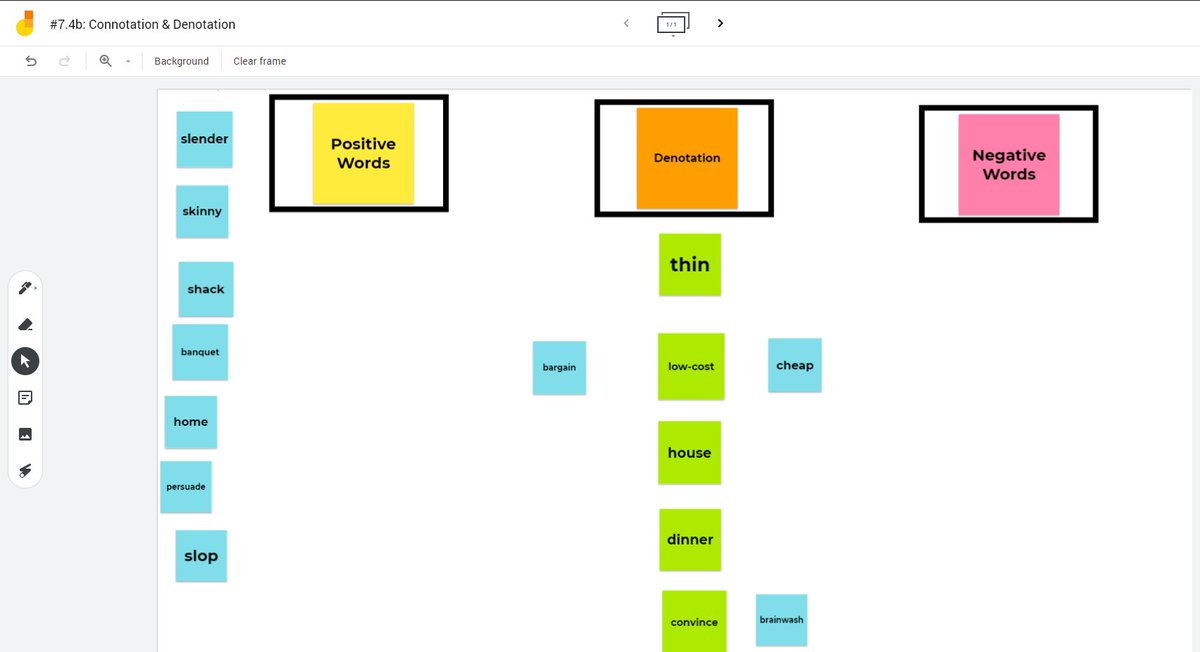
Jamboard is one of my favorite tools. Today, we did a group practice of connotation & denotation before reading and analyzing an article. Ss can collaborate, drag and drop, add questions and images. It's great for synchronous practice #SupportiveEdTech
If you're not using the "Open Transcript" option on YouTube, you should be. It's been awesome for my grad work & it's great for supporting students. Not only does it help me with focus during videos, but it's a built-in accessibility feature. #SupportiveEdTech


I hate putting a number on a formative assessment on Google Forms--Ss could see a score & get defeated. Where's the motivation in that? If you make each question 0 pts, you can still give feedback & email the work, but with no number attached. #SupportiveEdTech

Chrome extensions to enhance your Google Meets, including transcript creation, downloading of the chat comments, virtual backgrounds, & more. Check out my post to learn more about some of these tools to try out #SupportiveEdTech #remotelearning
https://t.co/lWLhlTsliC
Read Along by Google is an interactive supplemental app Ss can use for reading independently. Great for families looking for academic summer practice or as a station for Ts in early ed classrooms. Check out my tutorial
#SupportiveEdTech @GoogleForEdu https://t.co/an6RpGtozi
A tutorial for using https://t.co/QyhJv8Eobm with students and ideas for using it during synchronous remote classes. #SupportiveEdTech https://t.co/oBtoc8v4zI

How do the co-teaching frameworks work in a remote learning setting? Here's a blog post I wrote about how the six models can work within synchronous online lessons with tips for current co-teachers #SupportiveEdTech https://t.co/Sqe4XtjGGy
Check out Mote: a Chrome extension in beta mode. It allows you to provide voice comments in Google Slides, Sheets, and Docs. Super easy for Ts and Ss to use. And (my favorite part) it has a transcript of the comment in addition to the audio file! #SupportiveEdTech #remotelearning

Today's #SupportiveEdTech was selected in honor of #SELDay. Mindful Powers is an app for Apple & Android that focuses on teaching mindfulness skills through voice-narrated lessons and an interactive Flibbertigibbet character.

Thanks, @Verso_Learning for being a great tool! Using the tool, students can share their thoughts in a safe environment. Great for my students who want to share but may feel uncomfortable in a verbal discussion #SupportiveEdTech

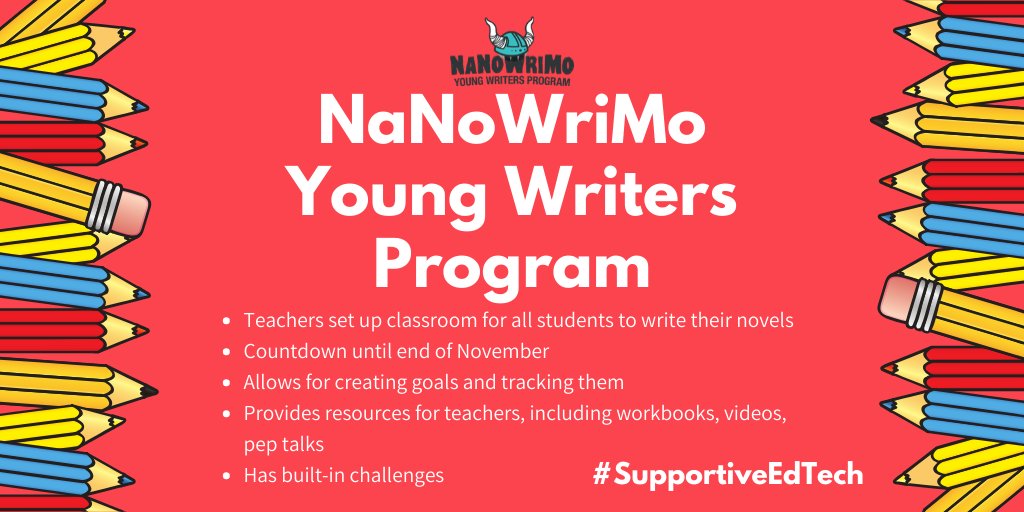
As we move into November, consider using the @NaNoWriMo Young Writers Program. The website gives Ts the chance to create a class & track student novels. For Ss, it provides goal setting, feedback opportunities, challenges, & built-in mini-lessons! #SupportiveEdTech
30/30 is an Apple app that acts as an organizer and virtual schedule, which is great for Ss that need support with organization, scheduling, and consistent breaks. It's customizable, easy-to-use, and discrete for use in class. #SupportiveEdTech


Thank you to @Ms_KatieNieves for the great session #SupportiveEdTech. Can't wait to get some of these assistive tools into my student's hands @sbs_saints #Forest #DarkReader #VoiceIn #ReadAloud #GoogleDictionary #MateTranslate #ISTE19

Looking forward to my next session at #ISTE19 with @Ms_KatieNieves. Love learning more about how I can support students using Google Tools.
#SupportiveEdTech @ArchbaltSchools @nancyreed123 @schoolstjoanarc
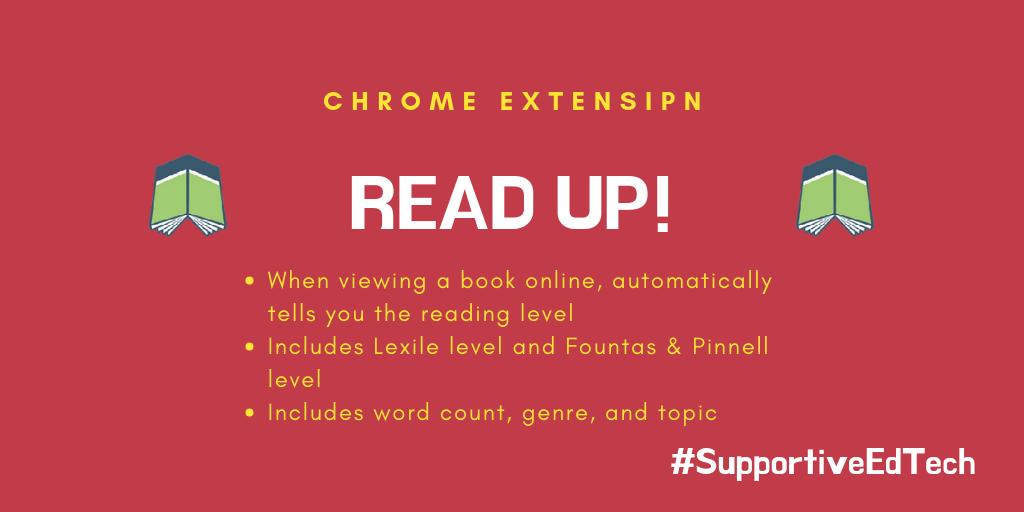
I've been slacking lately, but here's the latest edtech tool I want to share. Read Up! is a Chrome extension that automatically reveals the reading level of a book when you're browsing online. No extra clicks or searching required! #SupportiveEdTech
Last Seen Hashtags on Sotwe
Trends for you
Most Popular Users

Elon Musk 
@elonmusk
240.7M followers

Barack Obama
@barackobama
119.2M followers

Donald J. Trump
@realdonaldtrump
111.7M followers

Cristiano Ronaldo
@cristiano
110.8M followers

Narendra Modi
@narendramodi
107M followers

Rihanna
@rihanna
97.7M followers

NASA
@nasa
92.2M followers

Justin Bieber
@justinbieber
90.9M followers

KATY PERRY
@katyperry
87.8M followers

Taylor Swift
@taylorswift13
81.6M followers

Lady Gaga
@ladygaga
73.1M followers

Virat Kohli
@imvkohli
70M followers

Kim Kardashian
@kimkardashian
69.8M followers

YouTube
@youtube
68.7M followers

Bill Gates
@billgates
63.9M followers

Neymar Jr
@neymarjr
62.8M followers

The Ellen Show
@theellenshow
62.4M followers

CNN
@cnn
61.9M followers

Selena Gomez
@selenagomez
60.8M followers

X
@x
60.8M followers