

Top Tweets for #TeslaSpringUpdate

Le printemps est déjà là, et avec lui la Spring Update 2026
#Tesla #TM3 #Model3 #SpringUpdate #TeslaSpringUpdate

Guys, I present you: "Bagels".
from Tesla's 2026 Spring Update.
#teslaupdate #tesla #teslaspringupdate

Aracınızın "Yazılım" sekmesini kontrol etmeyi unutmayın! ⚡️ #Tesla #OTAUpdate #Grok #FSD #TeslaSpringUpdate


🔥🚀 The Tesla Spring Update 2025.14.3 is now rolling out to the 1st batch of vehicles (reaching ~1% of the fleet)!
Only minor fixes are expected, but feel free to share anything new you notice after getting the update!
2025.14.1 changelog:
✅ Adaptive Headlights [US & Canada]
✅ Blind Spot Camera on Driver Screen [New S/X]
✅ Dashcam Update & Side Camera Recording [AMD Ryzen]
Your vehicle's side cameras (B-Pillar) will now be recorded to both Dashcam and Sentry clips, increasing the total number of camera views from 4 to 6.
The Dashcam Viewer app has also been redesigned with a grid view and quick access to the next video, making it easier review recordings.
✅ Alternative Trip Plans
Multiple trip plans are now available for you to choose from, allowing you to better suit your travel needs.
• Fastest: offers the quickest route
• Best Amenities: prioritizes stops near open and highly rated restaurants, shops, and restrooms
• Fewer Stops: minimizes charging stops
✅ Comfort Drive Mode in Autopilot [CT]
Your Cybertruck will now automatically transition to Comfort Drive Mode when Autopilot is engaged.
✅ Lane Departure Avoidance [CT]
✅ Save Trunk Height Based on Location [3/Y, New S/X, New 3]
To set height, manually adjust the lift gate to your preferred opening height, then press & hold the trunk close button until you hear a chime.
✅ Save Frunk Height Based on Location [Cybertruck]
✅ Avoid Highways in Navigation
✅ Keyboard Languages
Switch between different language input methods on your touchscreen.
✅ Keep Accessory Power On
Use or charge devices through USB ports / inductive phone charger / low voltage outlets (depending on what your vehicle is equipped with) after exiting your Tesla, as long as battery is >20%
✅ The new rear view shows a larger field of vision and improves visibility of rear cross traffic
✅ When viewing a charger location page, nearby restaurants, cafes, and shops within walking distance are displayed at the bottom
✅ In your Navigation settings, you can choose to show or hide chargers on the map that are not owned or serviced by Tesla.
✅ Media search results are now filtered by sources, providing faster and more streamlined access to content
✅ You can now shuffle an entire Apple Music playlist that contains more than 100 songs
✅ Easily scroll through your SiriusXM favorites by tapping the steering wheel button left or right
✅ Sign in with your Amazon Music Free account. Requires Premium Connectivity or an active WiFi connection
✅ See what song will play next on YouTube Music playlists in the Up Next view of the media player
✅ If your hotspot is enabled, it will automatically connect to your vehicle once you start driving, so you won’t have to reconnect each time
✅ Contact are now displayed for incoming calls and in the vehicle's Phone app
✅ Side repeater camera views displayed at the top when using reversing (or using cameras) [undocumented]
✅ Sentry Mode updated UI [undocumented]
✅ New Trip Summary: a new summary at the top displays total trip duration, distance, number of stops, and estimated arrival time [undocumented]
✅ Minor Map UI Changes [undocumented]
✅ Service Mode Improvements [undocumented]
✅ Reduced UI transparency for Intel Atom [undocumented]
✅ The “km/h” unit now appears in lowercase on the speedometer [undocumented]
![TeslaNewswire's tweet photo. 🔥🚀 The Tesla Spring Update 2025.14.3 is now rolling out to the 1st batch of vehicles (reaching ~1% of the fleet)!
Only minor fixes are expected, but feel free to share anything new you notice after getting the update!
2025.14.1 changelog:
✅ Adaptive Headlights [US & Canada]
✅ Blind Spot Camera on Driver Screen [New S/X]
✅ Dashcam Update & Side Camera Recording [AMD Ryzen]
Your vehicle's side cameras (B-Pillar) will now be recorded to both Dashcam and Sentry clips, increasing the total number of camera views from 4 to 6.
The Dashcam Viewer app has also been redesigned with a grid view and quick access to the next video, making it easier review recordings.
✅ Alternative Trip Plans
Multiple trip plans are now available for you to choose from, allowing you to better suit your travel needs.
• Fastest: offers the quickest route
• Best Amenities: prioritizes stops near open and highly rated restaurants, shops, and restrooms
• Fewer Stops: minimizes charging stops
✅ Comfort Drive Mode in Autopilot [CT]
Your Cybertruck will now automatically transition to Comfort Drive Mode when Autopilot is engaged.
✅ Lane Departure Avoidance [CT]
✅ Save Trunk Height Based on Location [3/Y, New S/X, New 3]
To set height, manually adjust the lift gate to your preferred opening height, then press & hold the trunk close button until you hear a chime.
✅ Save Frunk Height Based on Location [Cybertruck]
✅ Avoid Highways in Navigation
✅ Keyboard Languages
Switch between different language input methods on your touchscreen.
✅ Keep Accessory Power On
Use or charge devices through USB ports / inductive phone charger / low voltage outlets (depending on what your vehicle is equipped with) after exiting your Tesla, as long as battery is >20%
✅ The new rear view shows a larger field of vision and improves visibility of rear cross traffic
✅ When viewing a charger location page, nearby restaurants, cafes, and shops within walking distance are displayed at the bottom
✅ In your Navigation settings, you can choose to show or hide chargers on the map that are not owned or serviced by Tesla.
✅ Media search results are now filtered by sources, providing faster and more streamlined access to content
✅ You can now shuffle an entire Apple Music playlist that contains more than 100 songs
✅ Easily scroll through your SiriusXM favorites by tapping the steering wheel button left or right
✅ Sign in with your Amazon Music Free account. Requires Premium Connectivity or an active WiFi connection
✅ See what song will play next on YouTube Music playlists in the Up Next view of the media player
✅ If your hotspot is enabled, it will automatically connect to your vehicle once you start driving, so you won’t have to reconnect each time
✅ Contact are now displayed for incoming calls and in the vehicle's Phone app
✅ Side repeater camera views displayed at the top when using reversing (or using cameras) [undocumented]
✅ Sentry Mode updated UI [undocumented]
✅ New Trip Summary: a new summary at the top displays total trip duration, distance, number of stops, and estimated arrival time [undocumented]
✅ Minor Map UI Changes [undocumented]
✅ Service Mode Improvements [undocumented]
✅ Reduced UI transparency for Intel Atom [undocumented]
✅ The “km/h” unit now appears in lowercase on the speedometer [undocumented]](https://pbs.twimg.com/media/GpupUVWXEAAhO7D.jpg)
![TeslaNewswire's tweet photo. 🔥🚀 The Tesla Spring Update 2025.14.3 is now rolling out to the 1st batch of vehicles (reaching ~1% of the fleet)!
Only minor fixes are expected, but feel free to share anything new you notice after getting the update!
2025.14.1 changelog:
✅ Adaptive Headlights [US & Canada]
✅ Blind Spot Camera on Driver Screen [New S/X]
✅ Dashcam Update & Side Camera Recording [AMD Ryzen]
Your vehicle's side cameras (B-Pillar) will now be recorded to both Dashcam and Sentry clips, increasing the total number of camera views from 4 to 6.
The Dashcam Viewer app has also been redesigned with a grid view and quick access to the next video, making it easier review recordings.
✅ Alternative Trip Plans
Multiple trip plans are now available for you to choose from, allowing you to better suit your travel needs.
• Fastest: offers the quickest route
• Best Amenities: prioritizes stops near open and highly rated restaurants, shops, and restrooms
• Fewer Stops: minimizes charging stops
✅ Comfort Drive Mode in Autopilot [CT]
Your Cybertruck will now automatically transition to Comfort Drive Mode when Autopilot is engaged.
✅ Lane Departure Avoidance [CT]
✅ Save Trunk Height Based on Location [3/Y, New S/X, New 3]
To set height, manually adjust the lift gate to your preferred opening height, then press & hold the trunk close button until you hear a chime.
✅ Save Frunk Height Based on Location [Cybertruck]
✅ Avoid Highways in Navigation
✅ Keyboard Languages
Switch between different language input methods on your touchscreen.
✅ Keep Accessory Power On
Use or charge devices through USB ports / inductive phone charger / low voltage outlets (depending on what your vehicle is equipped with) after exiting your Tesla, as long as battery is >20%
✅ The new rear view shows a larger field of vision and improves visibility of rear cross traffic
✅ When viewing a charger location page, nearby restaurants, cafes, and shops within walking distance are displayed at the bottom
✅ In your Navigation settings, you can choose to show or hide chargers on the map that are not owned or serviced by Tesla.
✅ Media search results are now filtered by sources, providing faster and more streamlined access to content
✅ You can now shuffle an entire Apple Music playlist that contains more than 100 songs
✅ Easily scroll through your SiriusXM favorites by tapping the steering wheel button left or right
✅ Sign in with your Amazon Music Free account. Requires Premium Connectivity or an active WiFi connection
✅ See what song will play next on YouTube Music playlists in the Up Next view of the media player
✅ If your hotspot is enabled, it will automatically connect to your vehicle once you start driving, so you won’t have to reconnect each time
✅ Contact are now displayed for incoming calls and in the vehicle's Phone app
✅ Side repeater camera views displayed at the top when using reversing (or using cameras) [undocumented]
✅ Sentry Mode updated UI [undocumented]
✅ New Trip Summary: a new summary at the top displays total trip duration, distance, number of stops, and estimated arrival time [undocumented]
✅ Minor Map UI Changes [undocumented]
✅ Service Mode Improvements [undocumented]
✅ Reduced UI transparency for Intel Atom [undocumented]
✅ The “km/h” unit now appears in lowercase on the speedometer [undocumented]](https://pbs.twimg.com/media/GpupUVTW4AErVu3.jpg)
![TeslaNewswire's tweet photo. 🔥🚀 The Tesla Spring Update 2025.14.3 is now rolling out to the 1st batch of vehicles (reaching ~1% of the fleet)!
Only minor fixes are expected, but feel free to share anything new you notice after getting the update!
2025.14.1 changelog:
✅ Adaptive Headlights [US & Canada]
✅ Blind Spot Camera on Driver Screen [New S/X]
✅ Dashcam Update & Side Camera Recording [AMD Ryzen]
Your vehicle's side cameras (B-Pillar) will now be recorded to both Dashcam and Sentry clips, increasing the total number of camera views from 4 to 6.
The Dashcam Viewer app has also been redesigned with a grid view and quick access to the next video, making it easier review recordings.
✅ Alternative Trip Plans
Multiple trip plans are now available for you to choose from, allowing you to better suit your travel needs.
• Fastest: offers the quickest route
• Best Amenities: prioritizes stops near open and highly rated restaurants, shops, and restrooms
• Fewer Stops: minimizes charging stops
✅ Comfort Drive Mode in Autopilot [CT]
Your Cybertruck will now automatically transition to Comfort Drive Mode when Autopilot is engaged.
✅ Lane Departure Avoidance [CT]
✅ Save Trunk Height Based on Location [3/Y, New S/X, New 3]
To set height, manually adjust the lift gate to your preferred opening height, then press & hold the trunk close button until you hear a chime.
✅ Save Frunk Height Based on Location [Cybertruck]
✅ Avoid Highways in Navigation
✅ Keyboard Languages
Switch between different language input methods on your touchscreen.
✅ Keep Accessory Power On
Use or charge devices through USB ports / inductive phone charger / low voltage outlets (depending on what your vehicle is equipped with) after exiting your Tesla, as long as battery is >20%
✅ The new rear view shows a larger field of vision and improves visibility of rear cross traffic
✅ When viewing a charger location page, nearby restaurants, cafes, and shops within walking distance are displayed at the bottom
✅ In your Navigation settings, you can choose to show or hide chargers on the map that are not owned or serviced by Tesla.
✅ Media search results are now filtered by sources, providing faster and more streamlined access to content
✅ You can now shuffle an entire Apple Music playlist that contains more than 100 songs
✅ Easily scroll through your SiriusXM favorites by tapping the steering wheel button left or right
✅ Sign in with your Amazon Music Free account. Requires Premium Connectivity or an active WiFi connection
✅ See what song will play next on YouTube Music playlists in the Up Next view of the media player
✅ If your hotspot is enabled, it will automatically connect to your vehicle once you start driving, so you won’t have to reconnect each time
✅ Contact are now displayed for incoming calls and in the vehicle's Phone app
✅ Side repeater camera views displayed at the top when using reversing (or using cameras) [undocumented]
✅ Sentry Mode updated UI [undocumented]
✅ New Trip Summary: a new summary at the top displays total trip duration, distance, number of stops, and estimated arrival time [undocumented]
✅ Minor Map UI Changes [undocumented]
✅ Service Mode Improvements [undocumented]
✅ Reduced UI transparency for Intel Atom [undocumented]
✅ The “km/h” unit now appears in lowercase on the speedometer [undocumented]](https://pbs.twimg.com/media/GpupUVSXUAAyhoe.jpg)
![TeslaNewswire's tweet photo. 🔥🚀 The Tesla Spring Update 2025.14.3 is now rolling out to the 1st batch of vehicles (reaching ~1% of the fleet)!
Only minor fixes are expected, but feel free to share anything new you notice after getting the update!
2025.14.1 changelog:
✅ Adaptive Headlights [US & Canada]
✅ Blind Spot Camera on Driver Screen [New S/X]
✅ Dashcam Update & Side Camera Recording [AMD Ryzen]
Your vehicle's side cameras (B-Pillar) will now be recorded to both Dashcam and Sentry clips, increasing the total number of camera views from 4 to 6.
The Dashcam Viewer app has also been redesigned with a grid view and quick access to the next video, making it easier review recordings.
✅ Alternative Trip Plans
Multiple trip plans are now available for you to choose from, allowing you to better suit your travel needs.
• Fastest: offers the quickest route
• Best Amenities: prioritizes stops near open and highly rated restaurants, shops, and restrooms
• Fewer Stops: minimizes charging stops
✅ Comfort Drive Mode in Autopilot [CT]
Your Cybertruck will now automatically transition to Comfort Drive Mode when Autopilot is engaged.
✅ Lane Departure Avoidance [CT]
✅ Save Trunk Height Based on Location [3/Y, New S/X, New 3]
To set height, manually adjust the lift gate to your preferred opening height, then press & hold the trunk close button until you hear a chime.
✅ Save Frunk Height Based on Location [Cybertruck]
✅ Avoid Highways in Navigation
✅ Keyboard Languages
Switch between different language input methods on your touchscreen.
✅ Keep Accessory Power On
Use or charge devices through USB ports / inductive phone charger / low voltage outlets (depending on what your vehicle is equipped with) after exiting your Tesla, as long as battery is >20%
✅ The new rear view shows a larger field of vision and improves visibility of rear cross traffic
✅ When viewing a charger location page, nearby restaurants, cafes, and shops within walking distance are displayed at the bottom
✅ In your Navigation settings, you can choose to show or hide chargers on the map that are not owned or serviced by Tesla.
✅ Media search results are now filtered by sources, providing faster and more streamlined access to content
✅ You can now shuffle an entire Apple Music playlist that contains more than 100 songs
✅ Easily scroll through your SiriusXM favorites by tapping the steering wheel button left or right
✅ Sign in with your Amazon Music Free account. Requires Premium Connectivity or an active WiFi connection
✅ See what song will play next on YouTube Music playlists in the Up Next view of the media player
✅ If your hotspot is enabled, it will automatically connect to your vehicle once you start driving, so you won’t have to reconnect each time
✅ Contact are now displayed for incoming calls and in the vehicle's Phone app
✅ Side repeater camera views displayed at the top when using reversing (or using cameras) [undocumented]
✅ Sentry Mode updated UI [undocumented]
✅ New Trip Summary: a new summary at the top displays total trip duration, distance, number of stops, and estimated arrival time [undocumented]
✅ Minor Map UI Changes [undocumented]
✅ Service Mode Improvements [undocumented]
✅ Reduced UI transparency for Intel Atom [undocumented]
✅ The “km/h” unit now appears in lowercase on the speedometer [undocumented]](https://pbs.twimg.com/media/GpupUVQX0AAVpiY.jpg)

@TeslaNewswire 🚗⚡️ Really hoping my Model 3 with Intel chipset finally gets the v12 UI—those full-screen visuals look amazing. Also, can’t wait for Grok integration to roll out to all HW3 vehicles! 🤖 Let’s make it happen, @Tesla! #TeslaSpringUpdate #Model3 #Grok #v12UI #TeslaOwners

#TeslaSpringUpdate completo!
A primera vista dos cosas me gustan mucho:
1- La barra para "pasar los cambios" ahora es más corta, más fácil de alcanzar y accionar.
2- La visualización en pantalla completa del #HighFidelityParkAssist con #TeslaVision es espectacular.
Mí estado en Teams está mañana va a decir algo así: "Tengo obligaciones pre-laborales que cumplir, sepan disculpar las molestias"
Finalmente me llegó el #TeslaSpringUpdate!!!
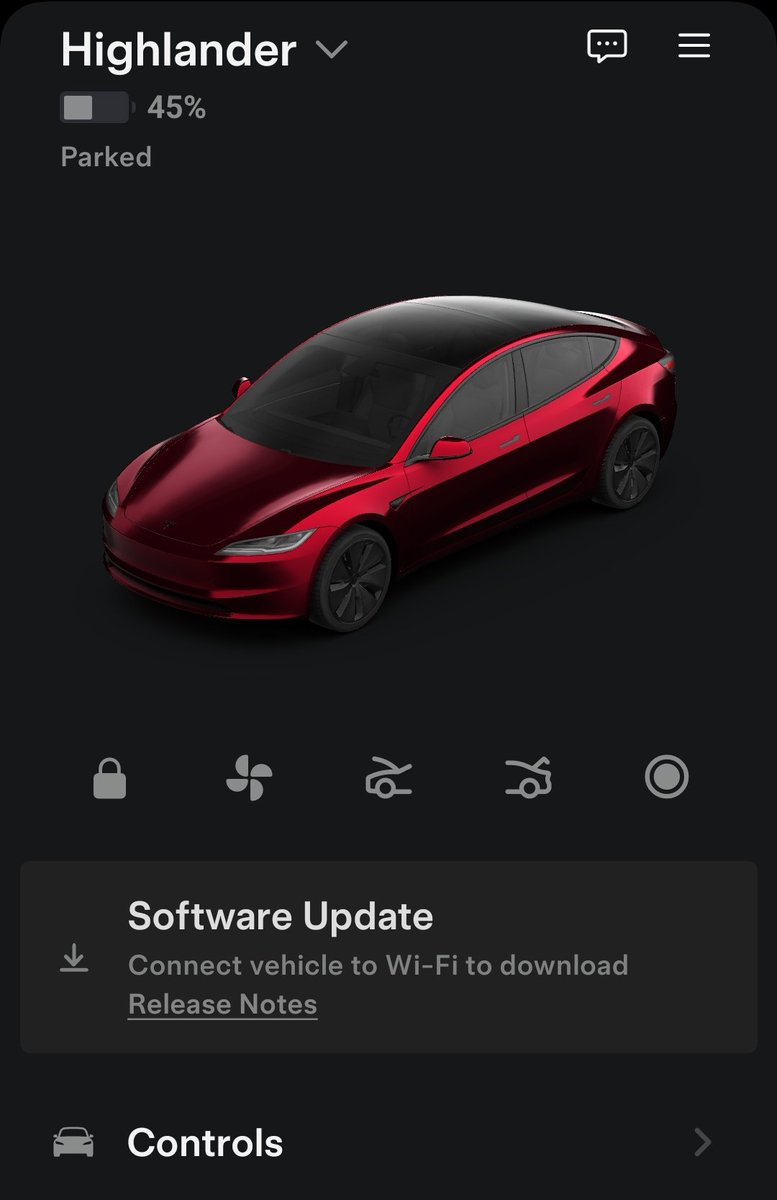
Mí estado en Teams está mañana va a decir algo así: "Tengo obligaciones pre-laborales que cumplir, sepan disculpar las molestias"
Finalmente me llegó el #TeslaSpringUpdate!!!

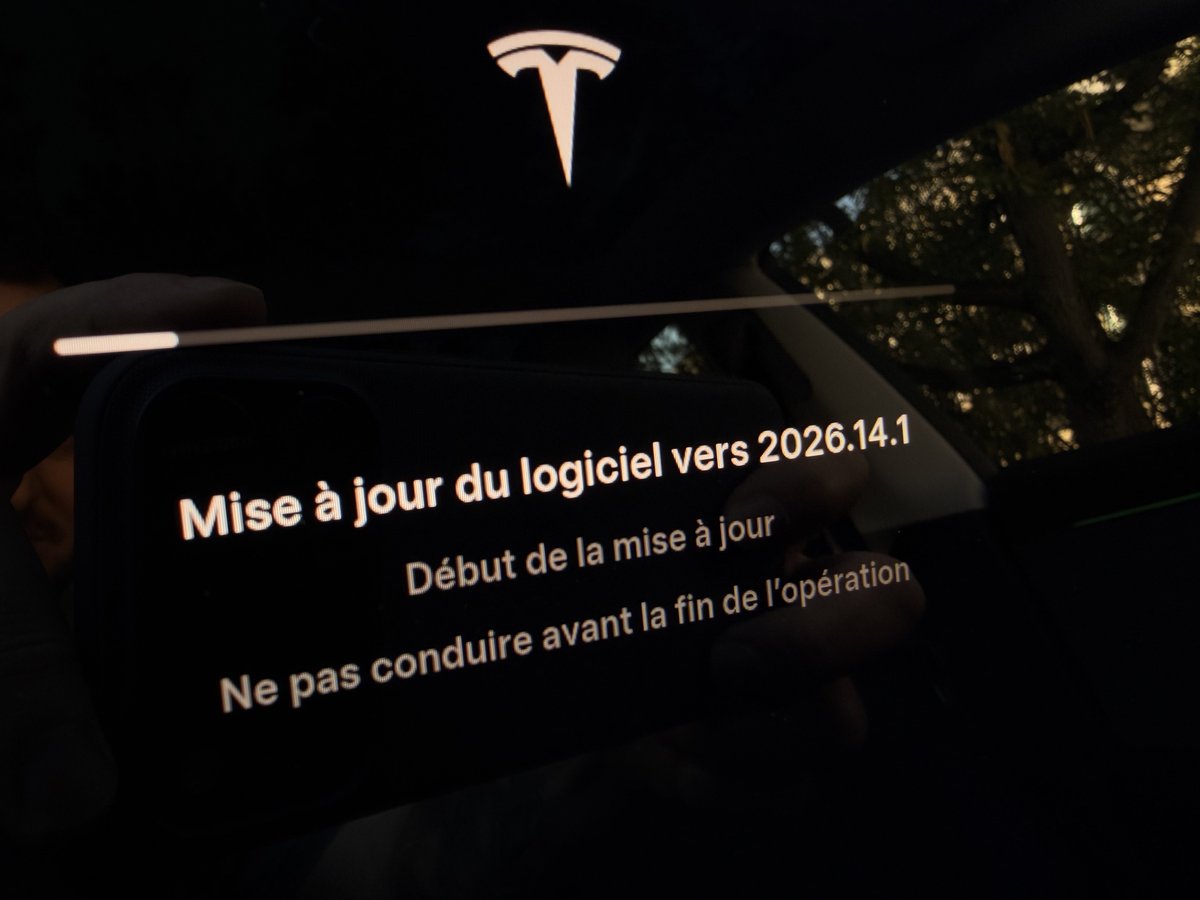
Enfin elle est arrivée !!!
#TeslaSpringUpdate


Literally two (2!) minutes before midnight before heading to the #TeslaTakeover2024 #TeslaTakeoverEurope with @TeslaClubAT ‼️🤷♂️
Thanks @Tesla 🙏🫶
#TeslaSpringUpdate


Tesla 2024.14.5 Update Brings High Fidelity Park Assist and Spring Features to AMD Ryzen and USS Vehicles. #tesla #teslaspringupdate #teslaupdate
https://t.co/pXCVnVvUwK
Last Seen Hashtags on Sotwe
barelylegal
Seen from United States
OMEGLE
Seen from Jordan
SexyBBW
Seen from Netherlands
RHONY
Seen from United States
LOETB
Seen from United States
上贡
Seen from Singapore
盯射挑战
Seen from United States
abella danger
Seen from Turkey
teenage() +filter:native_video #nolimit
Seen from Turkey
게친소
Seen from United States
Trends for you
Most Popular Users

Elon Musk 
@elonmusk
240.8M followers

Barack Obama
@barackobama
119.2M followers

Donald J. Trump
@realdonaldtrump
111.7M followers

Cristiano Ronaldo
@cristiano
111M followers

Narendra Modi
@narendramodi
107M followers

Rihanna
@rihanna
97.7M followers

NASA
@nasa
92.2M followers

Justin Bieber
@justinbieber
91M followers

KATY PERRY
@katyperry
87.9M followers

Taylor Swift
@taylorswift13
81.7M followers

Lady Gaga
@ladygaga
73.3M followers

Virat Kohli
@imvkohli
70.2M followers

Kim Kardashian
@kimkardashian
69.9M followers

YouTube
@youtube
68.7M followers

Bill Gates
@billgates
64M followers

Neymar Jr
@neymarjr
63M followers

The Ellen Show
@theellenshow
62.4M followers

CNN
@cnn
61.9M followers

Selena Gomez
@selenagomez
61M followers

X
@x
60.8M followers