

Top Tweets for #WordforMac

📢New Feature Alert! Today, we are using Microsoft Word’s latest tool, Copy Link to Location, to create a link to specific content and choose who can open and edit the document. https://t.co/r5qWotN412
#microsoftWord #wordformac #writingcommunity

✨ Better alt text is here. Word and PowerPoint for Mac now use generative AI to produce richer, more meaningful descriptions for images.
Get the specs: https://t.co/gduv4uBefK
#WordforMac #PowerPointforMac
Got audio files?🔉 Microsoft 365 subscribers can transcribe up to 300 minutes of audio per month in Microsoft Word (PC) and Word for the web (PC & Mac). 👉Full tutorial coming soon!
#techtips #microsoftword #wordformac #writingcommunity

Let’s get right to the point!🤺Microsoft Word’s Spike lets you cut or copy multiple pieces of content and then paste that content all at once. https://t.co/zeblig5pEg #microsoftword #wordformac #writingcommunity #amwriting #amediting
Do you have a long table spanning multiple pages? Today’s tutorial shows two ways to automatically duplicate table headers across pages in Microsoft Word. https://t.co/iTXqKub7nb
#microsoftword #wordformac #writingcommunity #amwriting #amediting
Tech Tip: Do you want a word to hyphenate only when it appears at the end of a line? Use Microsoft Word’s optional hyphen. (Did you know hyphens could be so sneaky?!) #techtips #microsoftWord #wordformac #writingcommunity #amwriting #amediting

Tech Tip: Do you need to keep two words together in Microsoft Word regardless of how the text shifts? Use a nonbreaking space between the words. The nonbreaking space formatting mark is an open circle.
#techtips #microsoftword #wordformac #writingcommunity #amwriting #amediting

Do you want to simplify your writing life? Use keyboard shortcuts to change line spacing in Microsoft Word for PC and Mac. Easy-peasy!
#tiptuesday #microsoftword #wordformac #writingcommunity #amwriting #amediting

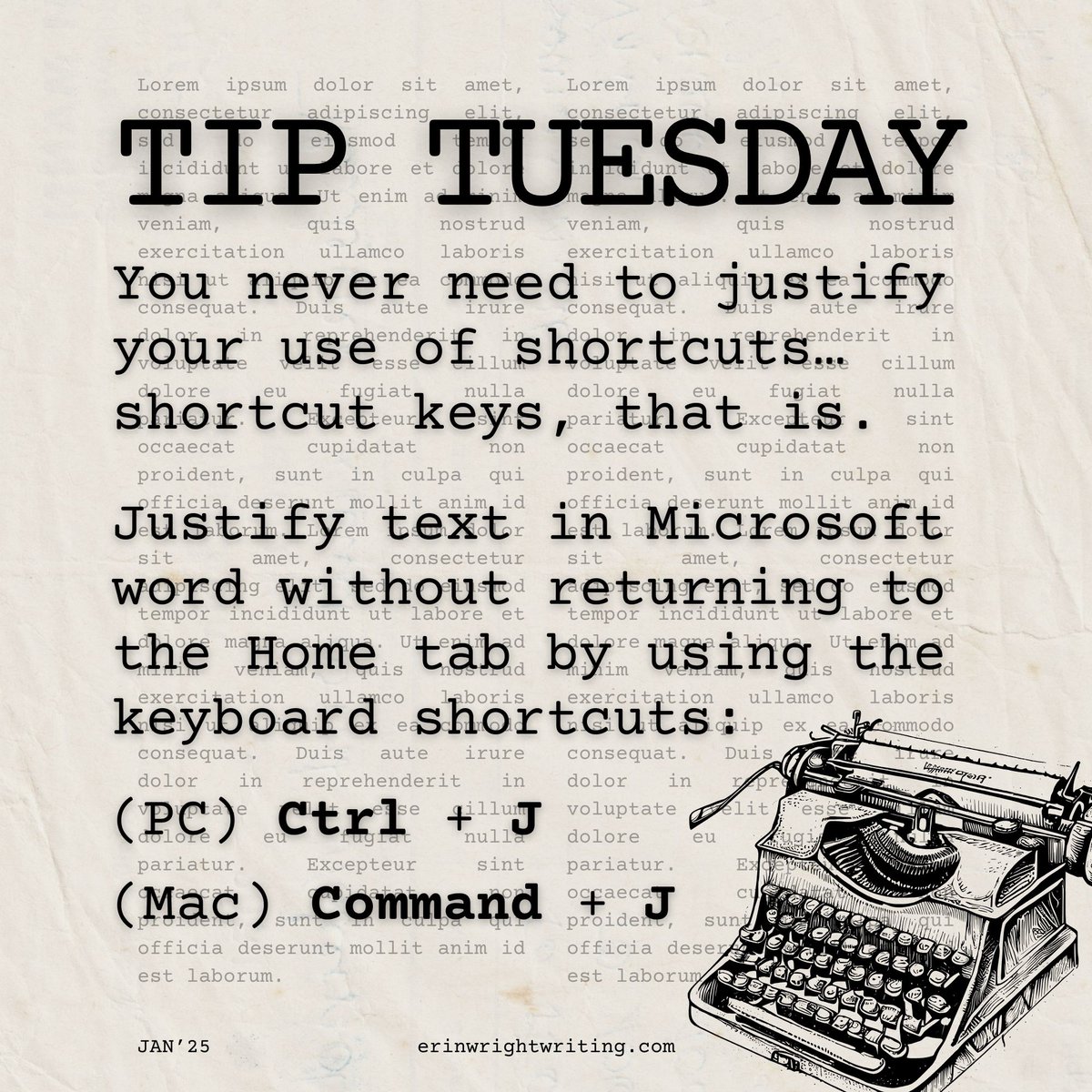
You never need to justify your use of shortcuts…shortcut keys, that is. Justify text in Microsoft word without returning to the Home tab by using the keyboard shortcuts Ctrl + J (PC) or Command + J (Mac). #microsoftword #wordformac #writingcommunity #amwriting #amediting
If you are keeping count, we looked at how to view the word count in Microsoft Word eight years ago. Eight years!🤯 So, this week we’re going to take an updated look for both PC and Mac. https://t.co/45rYBFFb4H
#microsoftword #wordformac #writingcommunity #amwriting #amediting
Do you want to adjust the spacing in your Microsoft Word document without changing the line spacing? Add or remove space before or after the paragraphs instead.
#tiptuesday #microsoftword #wordformac #writingcommunity #amwriting #amediting

Don’t let unexpected hyphens break your writing stride.😱 Tell Microsoft Word to never hyphenate, hyphenate automatically, or allow you to manually hyphenate. #tiptuesday #microsoftword #wordformac #writingcommunity #amwriting #amediting

⏳Every second counts when you are writing! The keyboard shortcut Ctrl + W (PC) or Command + W (Mac) closes the active Microsoft Word document without closing the software. #tiptuesday #microsoftword #wordformac #writingcommunity #amwriting #amediting

Happy Wednesday! This week, we are going to translate text in Microsoft Word on the PC, Mac…and the web. 🤓https://t.co/3ftAZo5T9s
#microsoftword #wordformac #wordfortheweb #writingcommunity #writingtips #writing #writer #editing #editor #assignmentwriting #academicwriting
Do you want to insert a three-dimensional T-rex into your Word for Microsoft 365 document? Or perhaps 3D emoji? Use stock 3D models. 🦖#tiptuesday #microsoftword #writingcommunity #writer #writing #editing #editor #wordformac

⚠️Warning: This tutorial is not as exciting as a solar eclipse. However, it will show you how to number paragraphs in Microsoft Word for Mac. https://t.co/NH3abtRcx6 #microsoftWord #wordformac #writingcommunity #amwriting #amediting
Last month, we looked at how to create and use bookmarks in Microsoft Word for the PC. The process is a little different in Word for Mac, so Apple people may want to bookmark today's tutorial. 🍎 https://t.co/6snmkSjPf7
#microsoftword #wordformac #writingcommunity
#TipTuesday: If you ever have to talk with technical support about Microsoft Word, they may ask for your version and build numbers. Today's tip shows where to find them on PC and Mac.🧐 #microsoftword #wordformac #writingcommunity #amwriting #amediting

#TipTuesday: The Word Options dialog box (Word Preferences on Mac) is the “command center” for Microsoft Word settings. You can access it with a keyboard shortcut: Alt + F + T on PC or ⌘ + , (comma) on Mac. #microsoftword #wordformac #writingcommunity #amwriting #amediting

📢Bonus Video Alert: On Monday, we used AutoCorrect to create reusable text in Microsoft Word for the PC. Today, we are going to do the same in Word for Mac. https://t.co/vYQqaGD5bm
#microsoftword #wordformac #writingcommunity #writer #writing #editing #editor #amwriting
Most Popular Users

Elon Musk 
@elonmusk
241.7M followers

Barack Obama
@barackobama
119M followers

Cristiano Ronaldo
@cristiano
114.3M followers

Donald J. Trump
@realdonaldtrump
111.9M followers

Narendra Modi
@narendramodi
107.2M followers

Rihanna
@rihanna
98.7M followers

NASA
@nasa
92.4M followers

Justin Bieber
@justinbieber
91.8M followers

KATY PERRY
@katyperry
90M followers

Taylor Swift
@taylorswift13
83.9M followers

Lady Gaga
@ladygaga
75.4M followers

Virat Kohli
@imvkohli
73.3M followers

Kim Kardashian
@kimkardashian
70.9M followers

YouTube
@youtube
68.8M followers

Neymar Jr
@neymarjr
66.3M followers

Bill Gates
@billgates
65.1M followers

Selena Gomez
@selenagomez
63M followers

The Ellen Show
@theellenshow
62.3M followers

CNN
@cnn
61.8M followers

X
@x
60.7M followers