Detect objects in videos locally on iPhone using Roboflow's real-time detection transformer (RF-DETR) in SwiftUI + Core AI.
Run the model on iOS for free, no API calls.👇
- https://t.co/T8qb7woW4f
- https://t.co/i0lLfwNh8U
- https://t.co/g7Ff0VpPbR
Sharing my SwiftUI Animations repository
https://t.co/i60fWohzAL
Haven’t touched it in a while, but getting back to it.
It’s a collection of prototypes showing how animations work in SwiftUI.
Feel free to star, fork, or contribute. ✨
Pro tip for iOS developers:
1. Run Xcode Instruments
2. Do a deep copy of the time profiler
3. Paste in your agent with prompt:
"Here's an export from Xcode Instruments' time profiler. Use it to analyze and plan performance improvements as a Staff iOS Engineer"
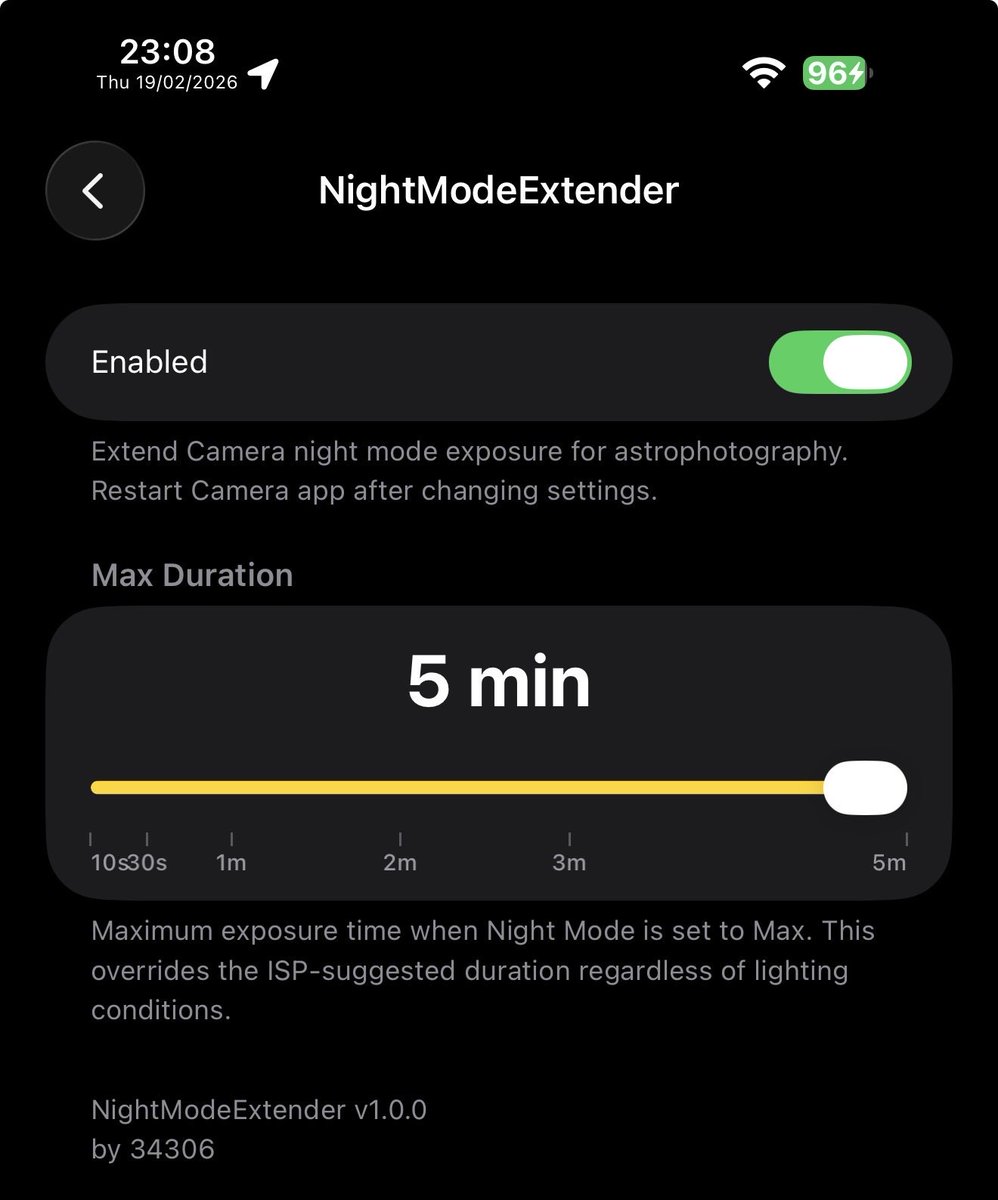
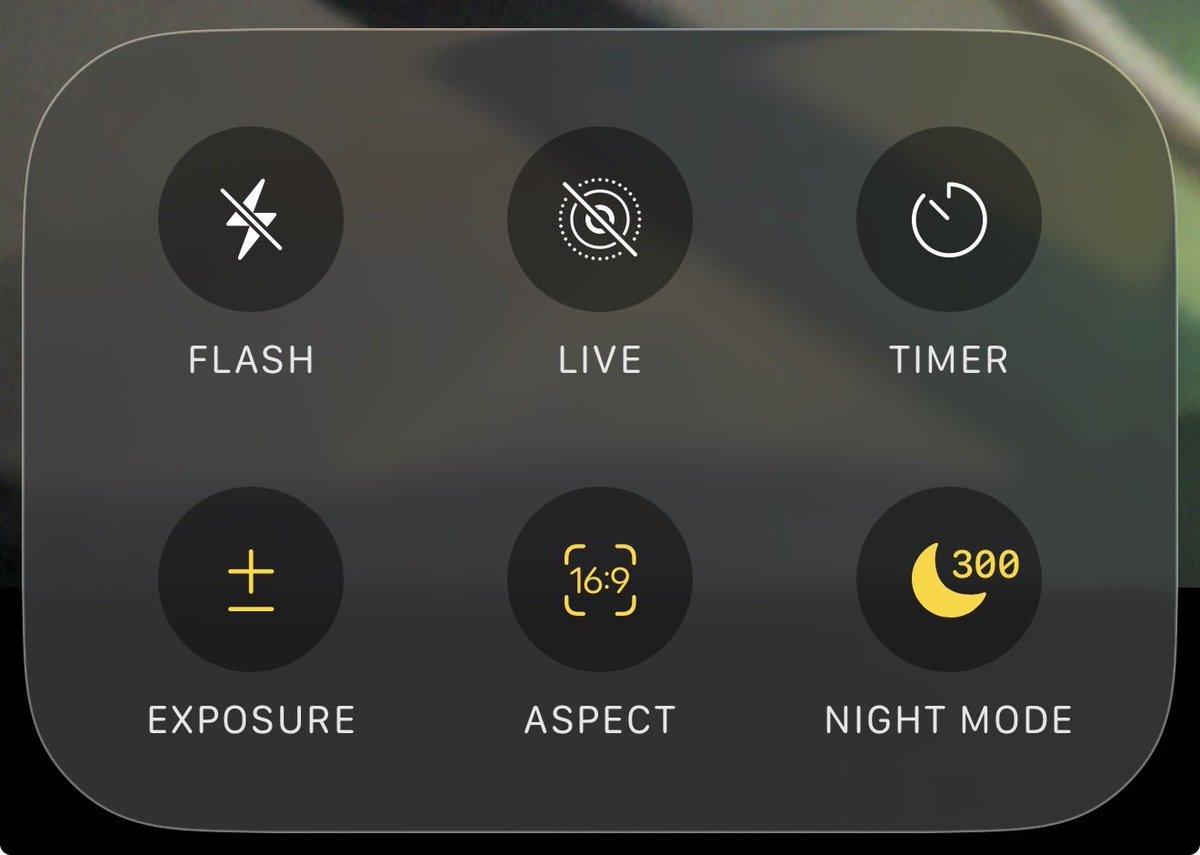
I love taking picture of Milkyway but iPhone did not have it, so i made a tweak to allows you to have a Long Exposure than limited at 10s (Apple ISP thing also limit it at 30s, i already bypassed it)
Support iOS 15-26
Link: https://t.co/a7z5mDbRj7
UI/UX Designers and Developers, here’s a go-to resource if you ever struggle to find the perfect loading spinner for your projects.
100+ open-source SVG spinners, ready to use
Bookmark it for later 💜 you’ll love it
Some SwiftUI performance day:
1. Stupid filtering in the beginning.
For each day in the heatmap (90+ days), I was filtering through the entire array. 90 × 90 = 8,100 operations!
Used dictionary keys for instant O(1) access instead of filtering arrays.
Went from O(n × m) where n = days shown, m = total data points to O(n + m) for linear time for setup, then O(1) for each lookup
So, the 90-day heatmap with 90 data points became 180 operations for setup, then instant lookups.
Uses more memory to get dramatically faster lookups.
2. Removed blur effect which barely made a difference visually. From 90+ individual blur effects running simultaneously, and each blur(radius: 0.3) requires multiple GPU render passes during scroll.
3. Finally, some SwiftUI modifiers.
.compositingGroup() // Batch all the day views into a single composited layer
.drawingGroup() // Rasterize the entire grid using Metal for better performance
Memory usage increases, but barely a few MB. Minimal compared to the smooth FPS I am getting!
#BuildInPublic