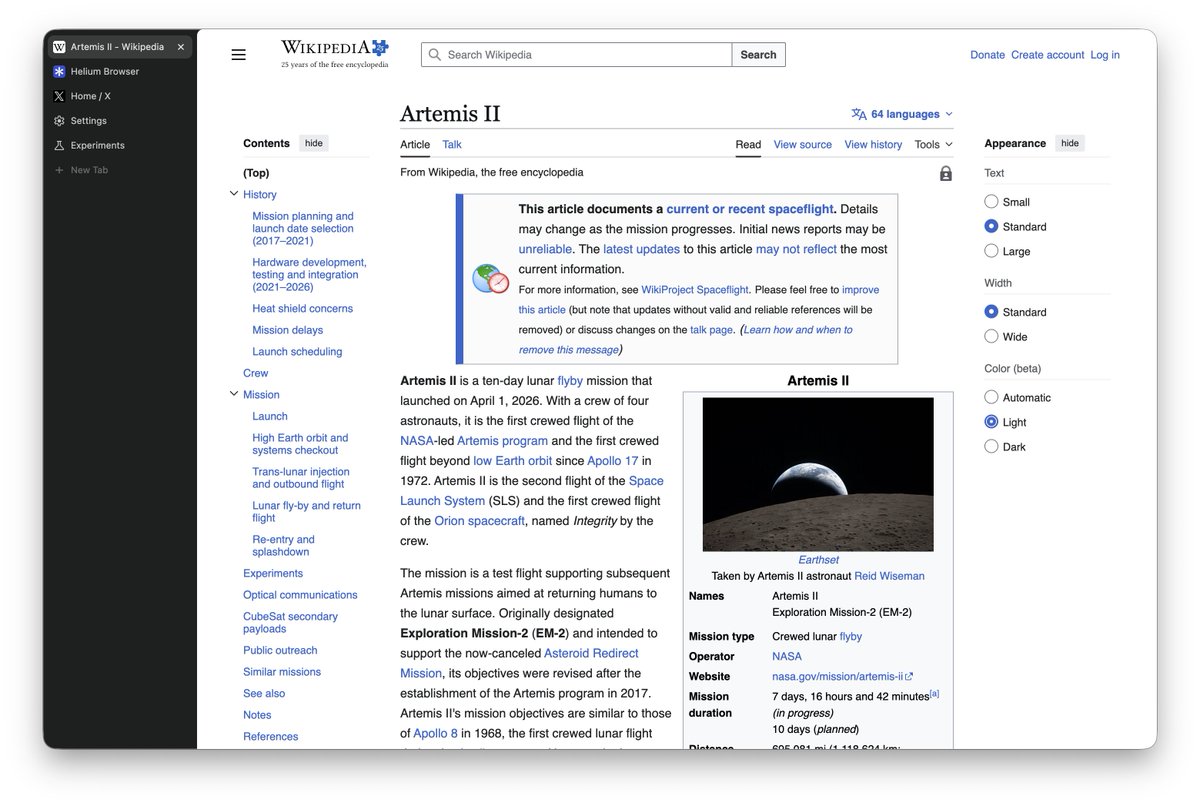
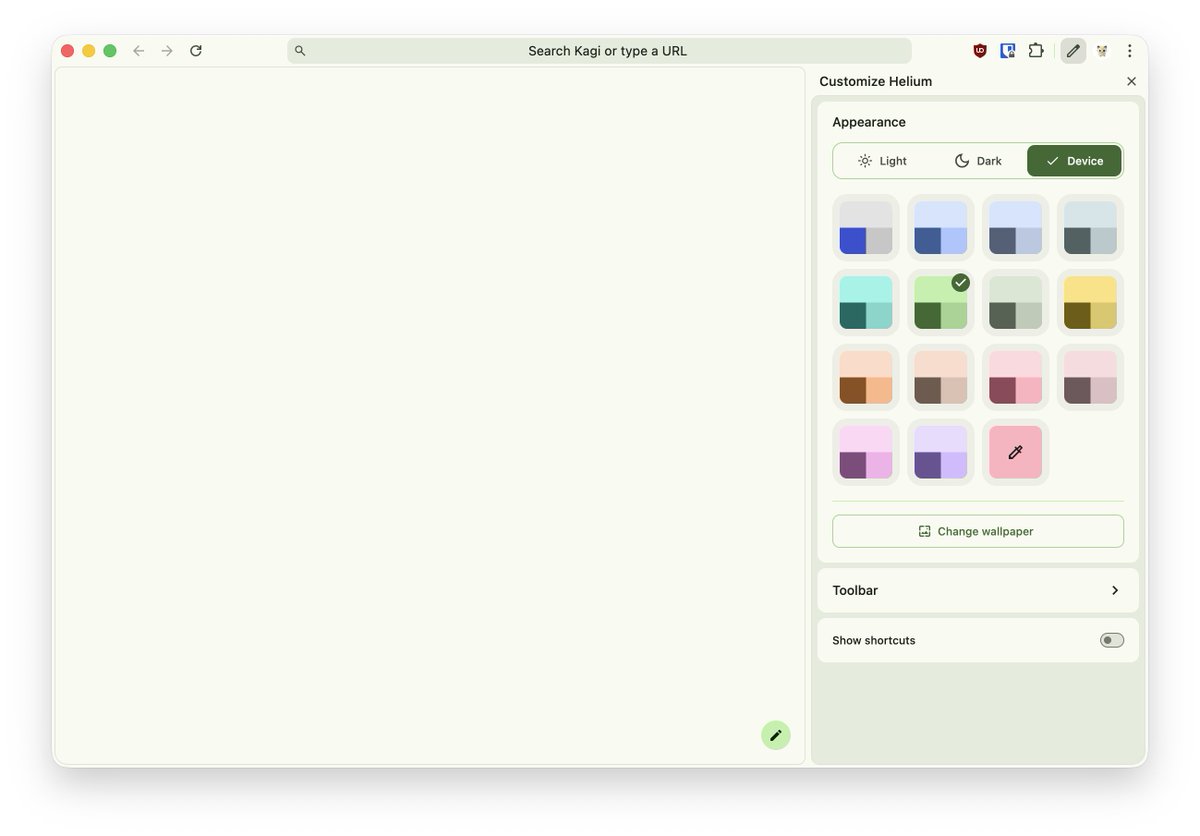
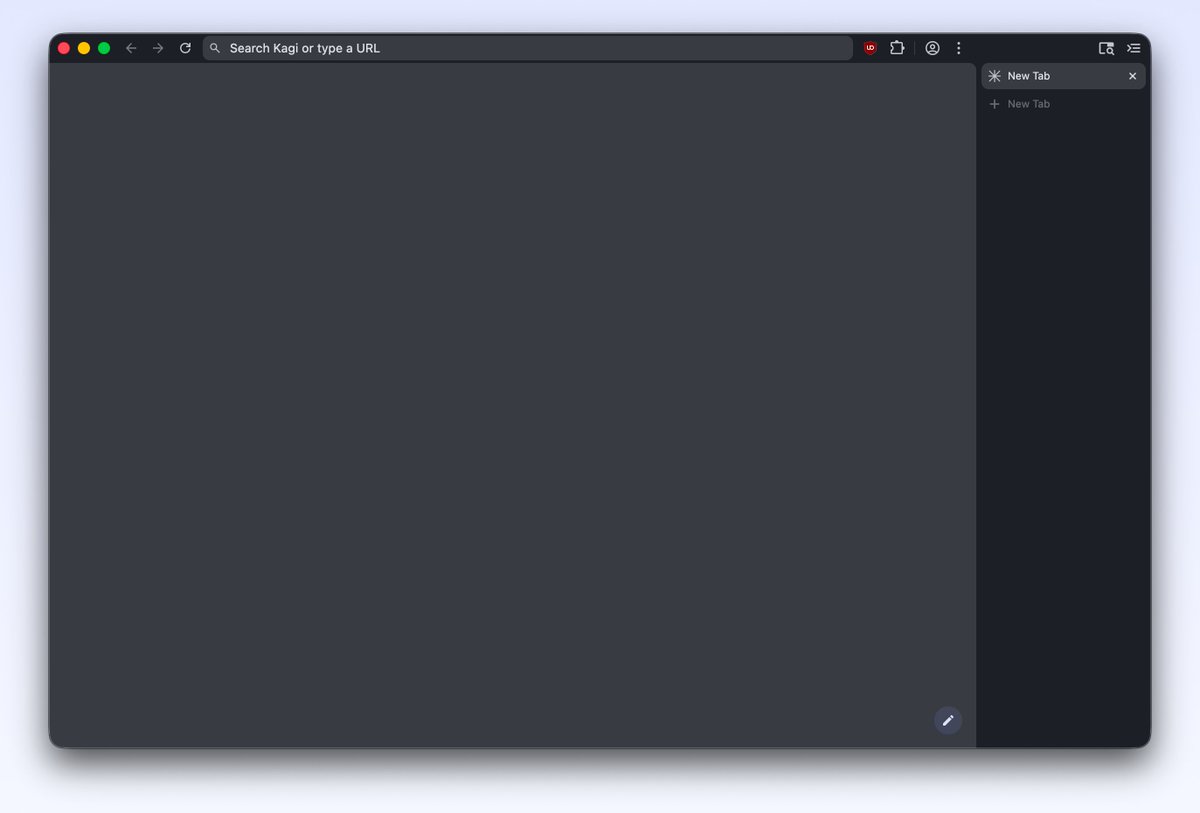
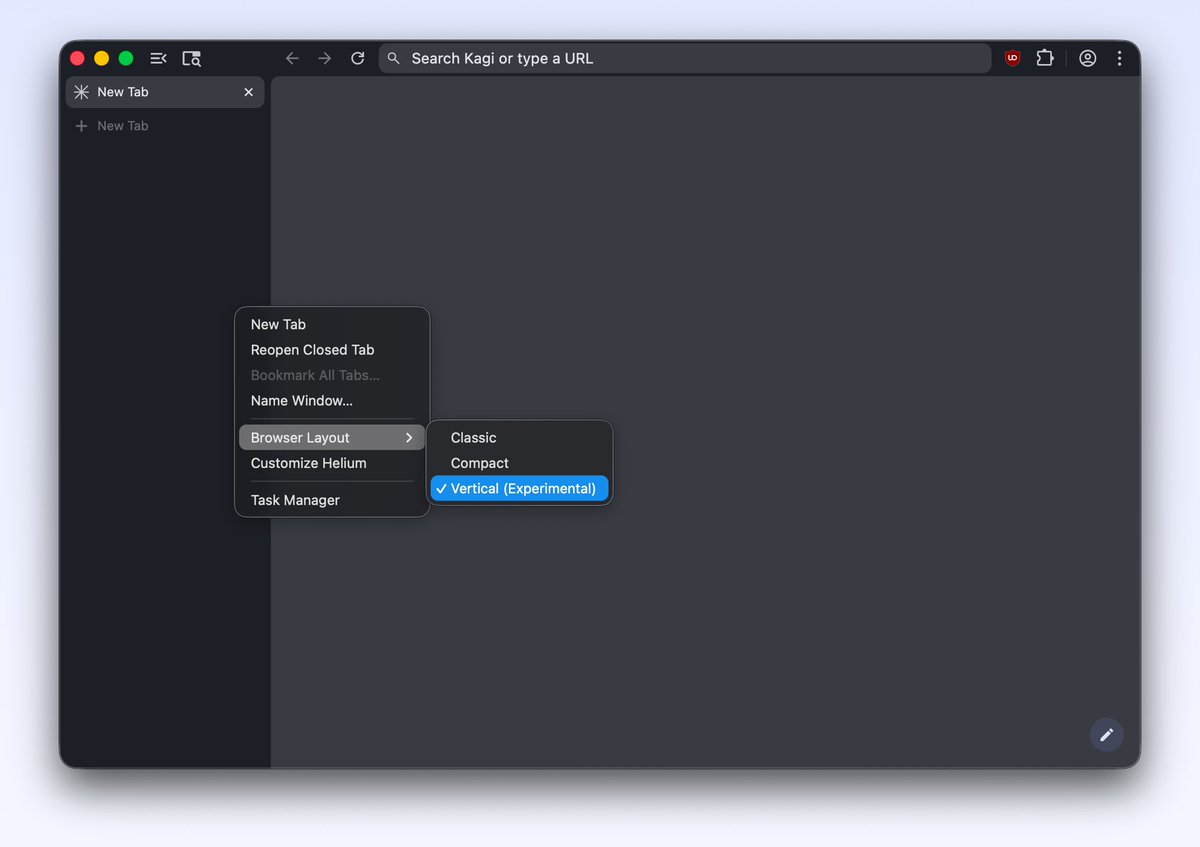
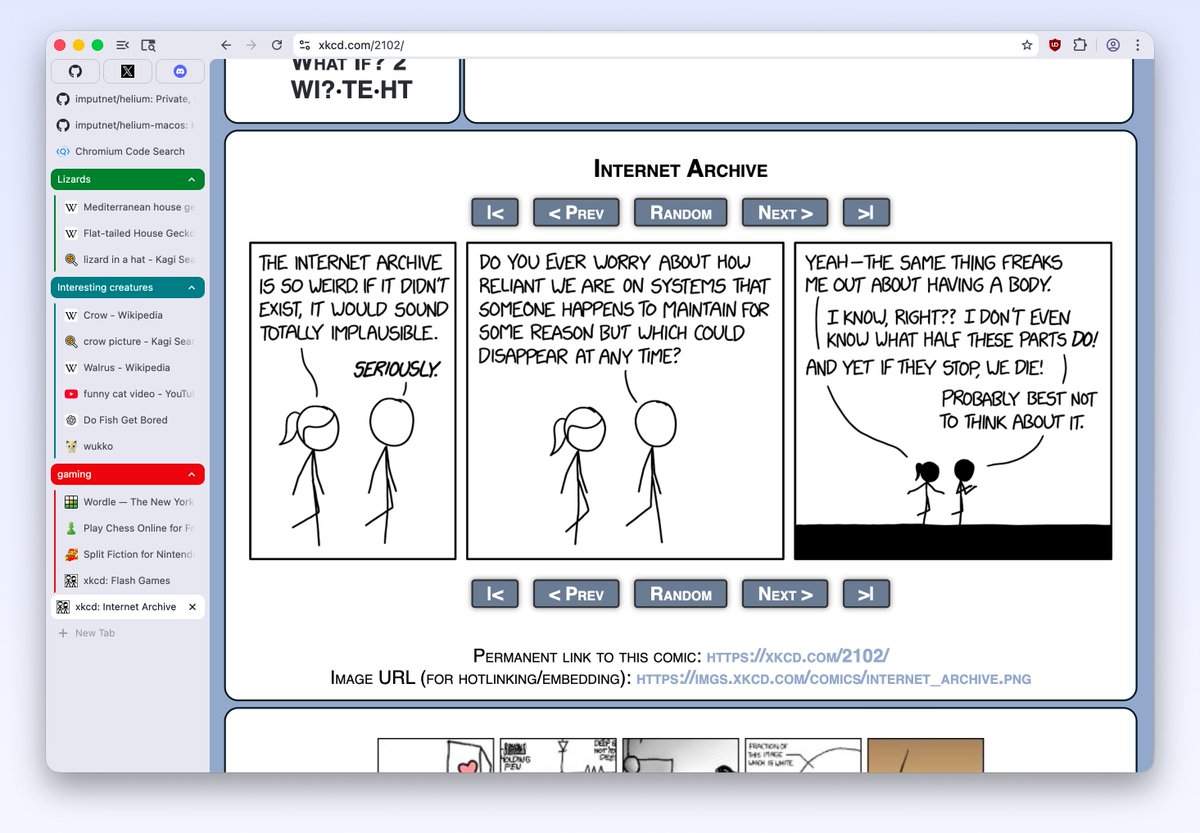
many new ways to make your browser feel "just right" dropped in helium today:
- centered address bar
- minimal address bar
- new dynamic layout
- improvements to vertical layout
- and experimental zen/frameless mode (flagged, bit buggy, but cool!)
https://t.co/j2NpMH6laB
zen mode is WIP, so it's currently disabled by default, but you can enable it via a flag if you want to try it early:
1. open helium://flags
2. search for helium-zen-mode
btw, you can pin the sidebar and autohide the toolbar via cmd/ctrl+s in zen mode:
new this week in helium:
- web content frame with concentric rounded corners that dynamically adjust based on the adjacent surface across all platforms
- a whole lot of zen mode UX and stability improvements that make it a joy to use, including new options to pin the sidebar or the top bar. for example, you can keep the toolbar pinned, but reveal vertical tabs on hover!
- split view and side panel UX improvements that make all panels inside helium look consistent, coupled with dynamic rounded corners
- better default theming with brighter shades and cuter colors
- redesigned link hover bubble, which is now consistent across all platforms
- custom profile avatars (thanks to a community PR!)
- (almost) full translations to all languages thanks to the community efforts on github
- UI rendering fixes on windows that make helium look even better and consistent with other platforms
- security fixes (latest chromium)
- other small improvements that make helium better
you can get the latest release (0.11.5) on https://t.co/JEurq40fCr or github: https://t.co/OHj7pQjK5l
helium is open source, developed in public, and fully transparent. if you're extra curious, you can take a look at all changes in the commit history: https://t.co/RoT8ZdFpIT
if you like helium and would like to support it, you can sponsor our work at https://t.co/9MzY95wKp1 :D
if you speak languages other than english and want to contribute to @heliumbrowser, please help us localize it properly by verifying machine translations on github
https://t.co/2Lb6K4SYrb
just make a suggestion in the PR, we’ll verify & push it :P
many new ways to make your browser feel "just right" dropped in helium today:
- centered address bar
- minimal address bar
- new dynamic layout
- improvements to vertical layout
- and experimental zen/frameless mode (flagged, bit buggy, but cool!)
https://t.co/j2NpMH6laB
zen mode is WIP, so it's currently disabled by default, but you can enable it via a flag if you want to try it early:
1. open helium://flags
2. search for helium-zen-mode
btw, you can pin the sidebar and autohide the toolbar via cmd/ctrl+s in zen mode:
@Mirteaaa@firefox Gecko feels sticky and gross to the touch and if you insist on using it Zen clears it by light years anyway
but Real Men use Helium https://t.co/vzfgZMSsrG
if you want vertical tabs, privacy and no bloat go download https://t.co/7JycABgBdJ and if you like helium go follow @uwukko & @schlizzawg, the makers of helium
this isn't an ad, it's a good browser
and with today's update, you can now position vertical tabs on the right side!
we also made a few improvements based on your feedback, including saving the sidebar width and collapse preferences across sessions
helium just got experimental vertical tabs! now you can choose between three browser layouts: classic, compact, and vertical :)
https://t.co/j2NpMH6laB
helium just got experimental vertical tabs! now you can choose between three browser layouts: classic, compact, and vertical :)
https://t.co/j2NpMH6laB