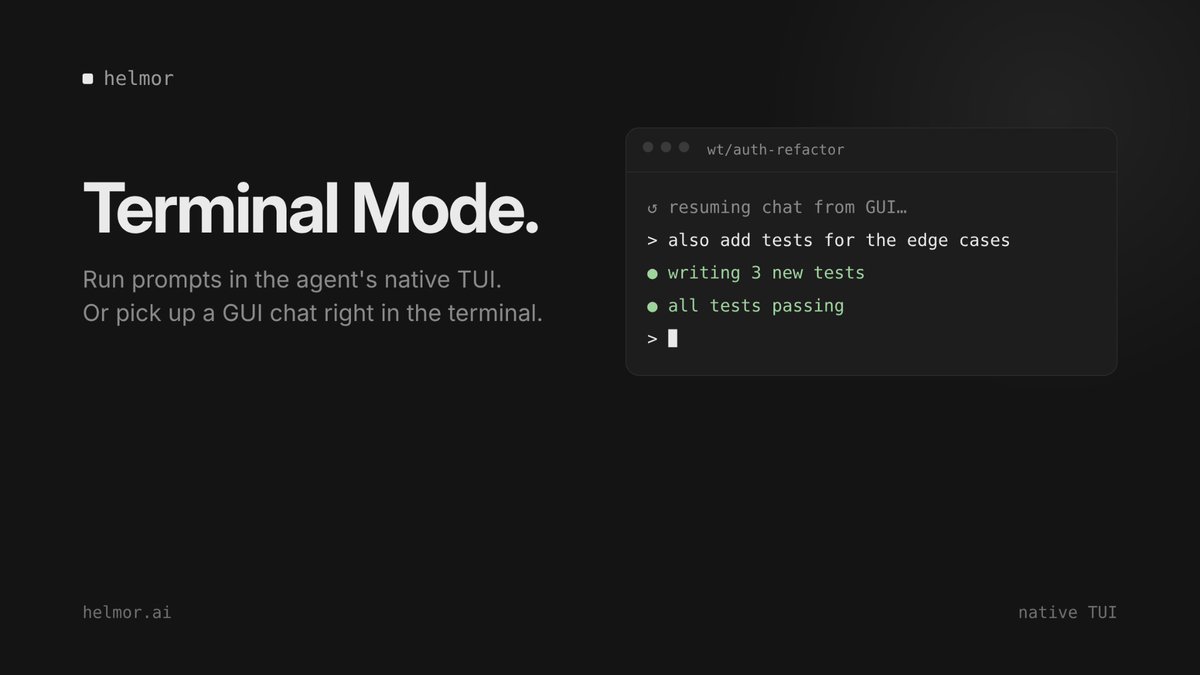
Some people just live in the terminal.
Helmor's Terminal Mode runs prompts in the agent's native TUI, and you can resume a GUI chat right in the terminal.
Switch views without losing context.
Using Helmor in 4 steps:
1. Add a repo
2. Create a workspace (fresh worktree + branch)
3. Prompt an agent and move on
4. Review the diff, run tests, merge
That's the whole loop. Nothing to babysit.
https://t.co/QOWqFfZkJi
Away from your desk? Start the task anyway.
Helmor's mobile companion (experimental) connects your phone's browser to your desktop over a Cloudflare tunnel.
Kick off an agent from your phone and it runs on your machine.
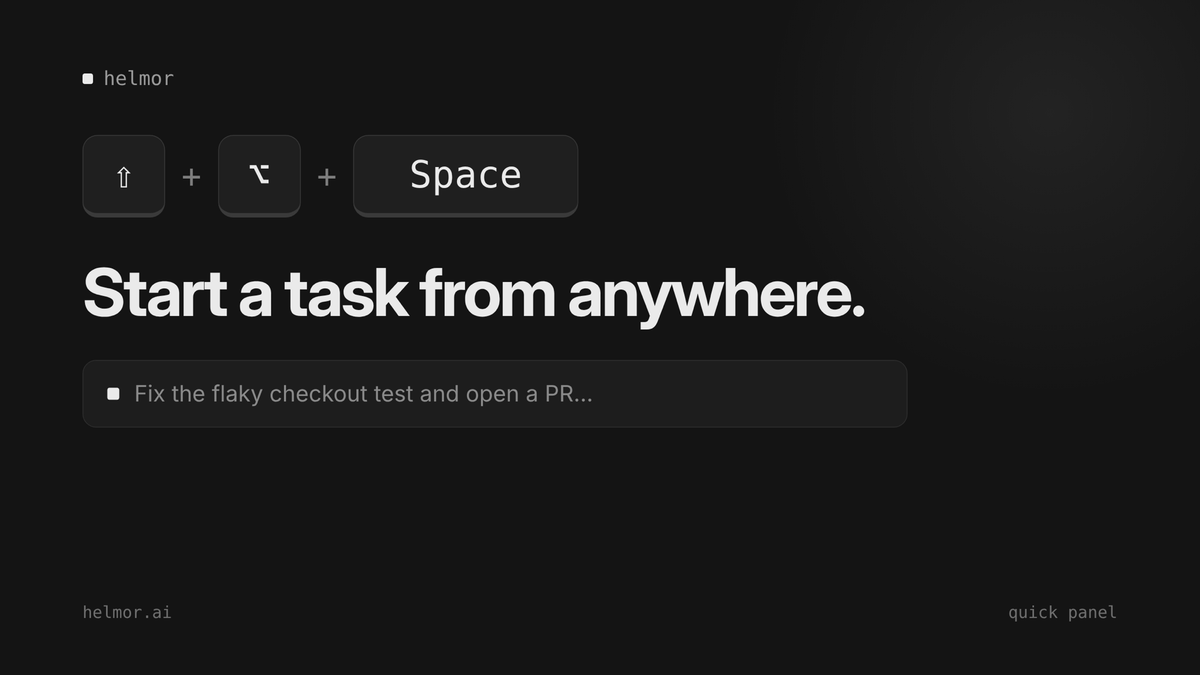
⇧⌥Space
Helmor's quick panel opens a floating window, so you can start a workspace and chat with an agent from anywhere on your desktop.
The idea hits, you type it, the agent's already on it.
Agent's done. Now what?
In Helmor you ship from one button: create the PR, fix CI, resolve conflicts, stack PRs and merge.
Works with GitHub and GitLab.
Bring your own agents.
Helmor works with Claude Code, Codex, Cursor, OpenCode and Kimi Code. You keep your own logins, API keys and custom providers.
No lock-in. Use whichever agent fits the task.
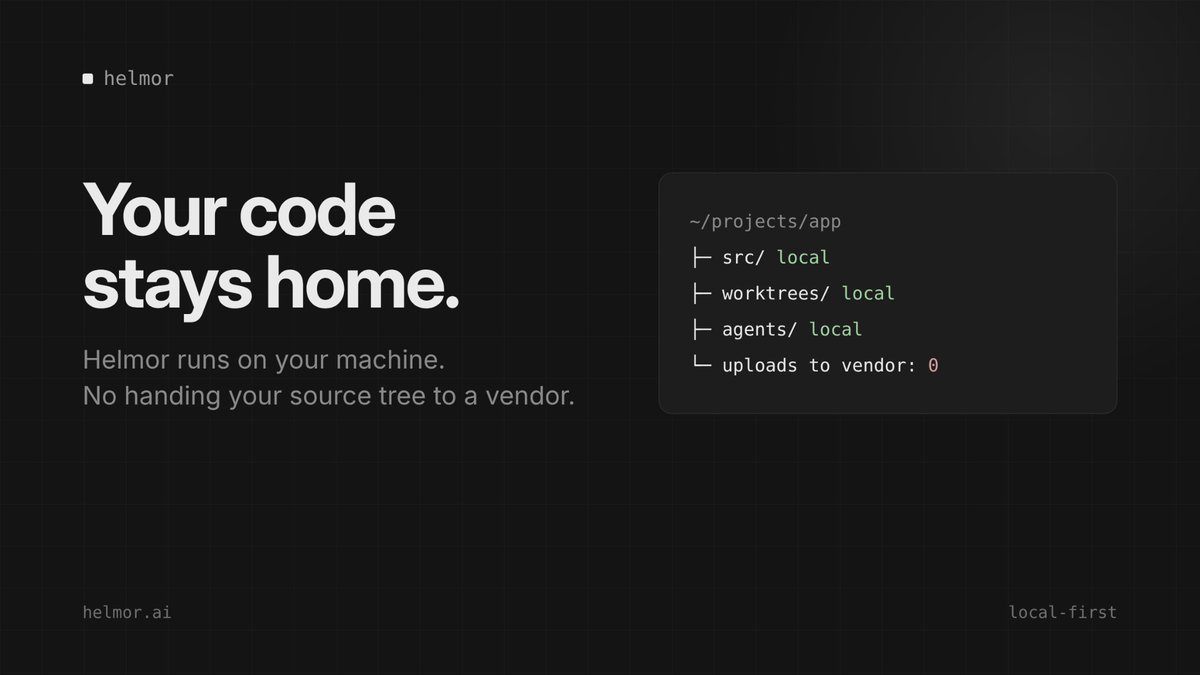
Your code stays home.
Helmor runs locally. Your agents, worktrees and source tree all live on your machine.
No handing your repo to a vendor just to get agents working.
Why pick one agent?
Run Claude Code and Codex side by side in Helmor. Each one works in its own git worktree, so they never step on each other.
Two tasks shipping in parallel on your machine.
Plan. Run. Review.
Plan → break the task down first
Run → agents work in parallel, each in its own worktree
Review → diff, test, merge
One workbench for everything that happens around the code.
AI made writing code faster. But the code is only half the job.
Planning, testing, review, merging... that part still eats your day.
Helmor is an open-source, local-first IDE for running coding agents. It's built to finish the rest of the loop.
https://t.co/QOWqFfZSyQ