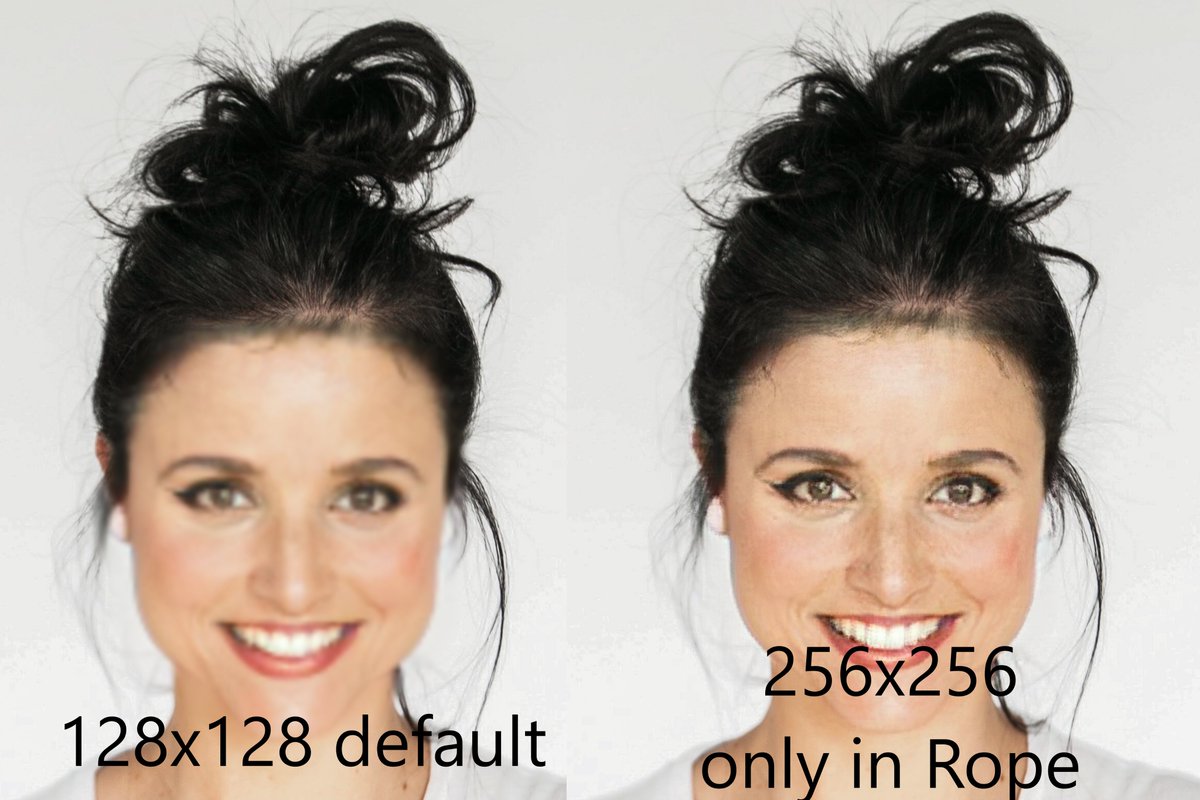
Example of a 1080p video running the inswapper model at 256x256. Unfortunately X has lossy encoding so it is more blurry than the source.
https://t.co/git4A68Z2x
Next Rope version will now generate images from the inswapper model at 256x256! Swap and play it in real-time including sound directly in Rope! https://t.co/git4A69wS5
Next Rope version will now generate images from the inswapper model at 256x256! Swap and play it in real-time including sound directly in Rope! https://t.co/git4A69wS5
@ismajc You can do them all at once. You just selecta a face and assign the new face, select the next face and assign and so on. You'll have to play around with the threshhold amount to keep similar face from being selected twice, and place some markers on problematic frames.
@artichokes_art Have you tried adding Rope to your workflow? Once you find a face you like you can predictably use it over and over again with one step in Rope (videos and image) https://t.co/pEEXWtLOif
Rope makes it so easy to manage parameters. Load/Save and Reset parameters to quickly adjust your output.
Just another example of how Rope enables the fastest face swapping workflow.