A lot of new authors think A+ Content is only for big publishers with a design team.
Any KDP book that's live or on pre-order can have it. Yours included.
It's the extra images, text and comparison charts that show up under From the Publisher on your book page. You set it up from the KDP Marketing page.
I'd add it to every book. It gives you room to show what the description can't.
One catch. You can't add it while the book is still a draft.
Is your From the Publisher section filled in yet, or still empty?
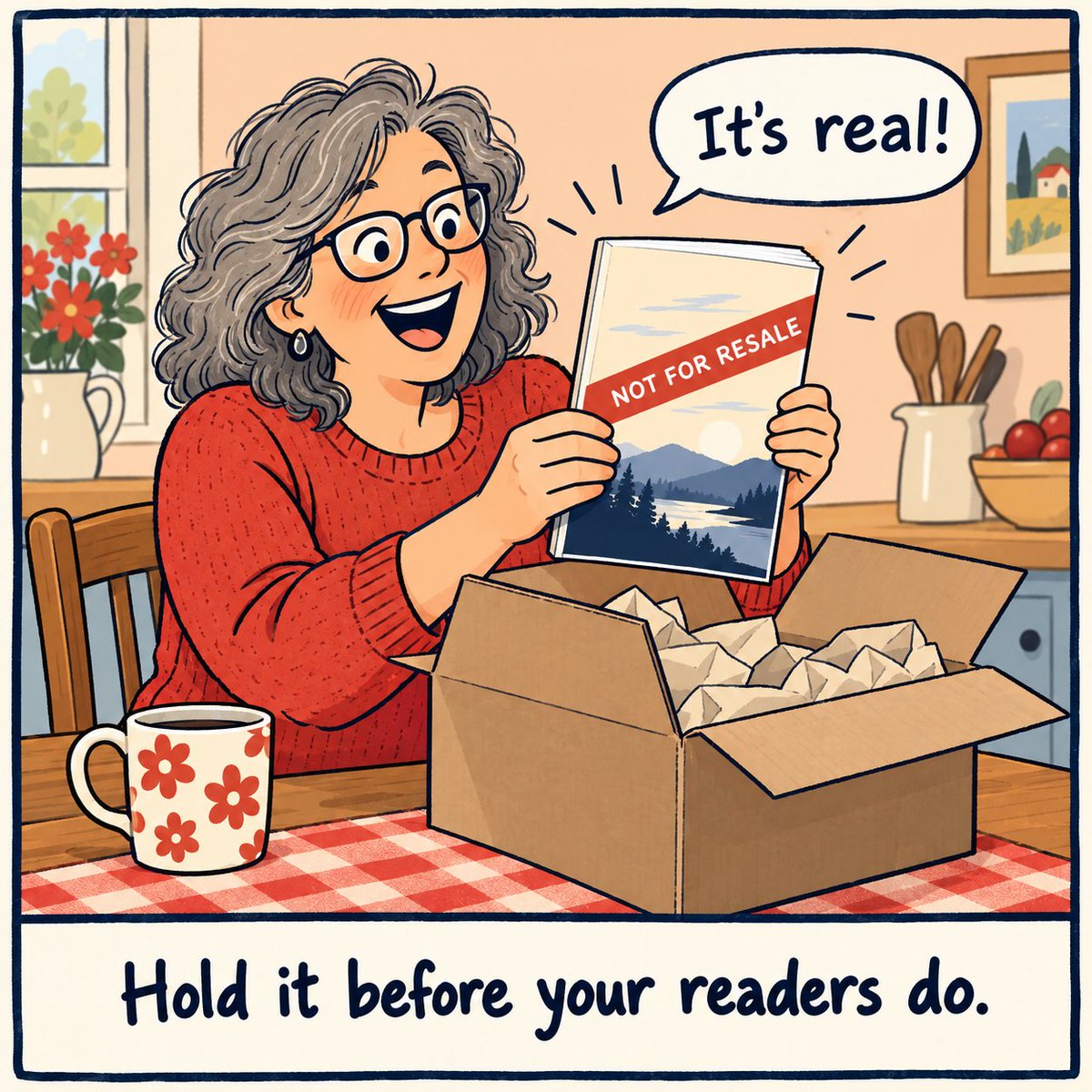
Do you order a printed proof before your paperback goes live? Or trust the screen and hit publish?
I'd order one every time. Paper is where I catch the stuff a screen hides.
On KDP you can request up to 5 proof copies while the book is still a draft. Approve it in the Print Previewer, then Bookshelf, the ... menu, Request Printed Proofs.
They're marked Not for Resale, so they're just for checking. And watch your inbox, you get 24 hours from the email to finish the order.
Proof or no proof? #KDP #selfpublishing
If I were publishing my first book this month, I'd claim my Amazon Author Page before launch day.
Readers can hit Follow on that page or on your book's page. When your next book comes out or goes on pre-order, Amazon can let those followers know (if the book's eligible and they allow Amazon's marketing emails).
Setup lives in KDP. Marketing page, then Manage author page, then claim your book.
A few minutes now, and every future launch has people waiting for it. Got yours set up yet?
Finish this sentence about your book.
"Someone looking for a book like mine would type ________ into Amazon."
That blank is your keyword. Not the clever word you like.
KDP gives you up to 7 keyword boxes. Before you publish, type each phrase into Amazon search and look at the suggestions that drop down. If the results look nothing like your book, swap it.
What did you put in the blank?
#KDP #selfpublishing
Your audiobook can run Amazon ads now. US only for now, and there's one step you have to do first.
Here's the order I'd do it in before spending a cent.
3. Make free promo cards on Audible's promo cards page.
Look up your audiobook, download the images, no login needed. Save them next to your cover files for launch posts.