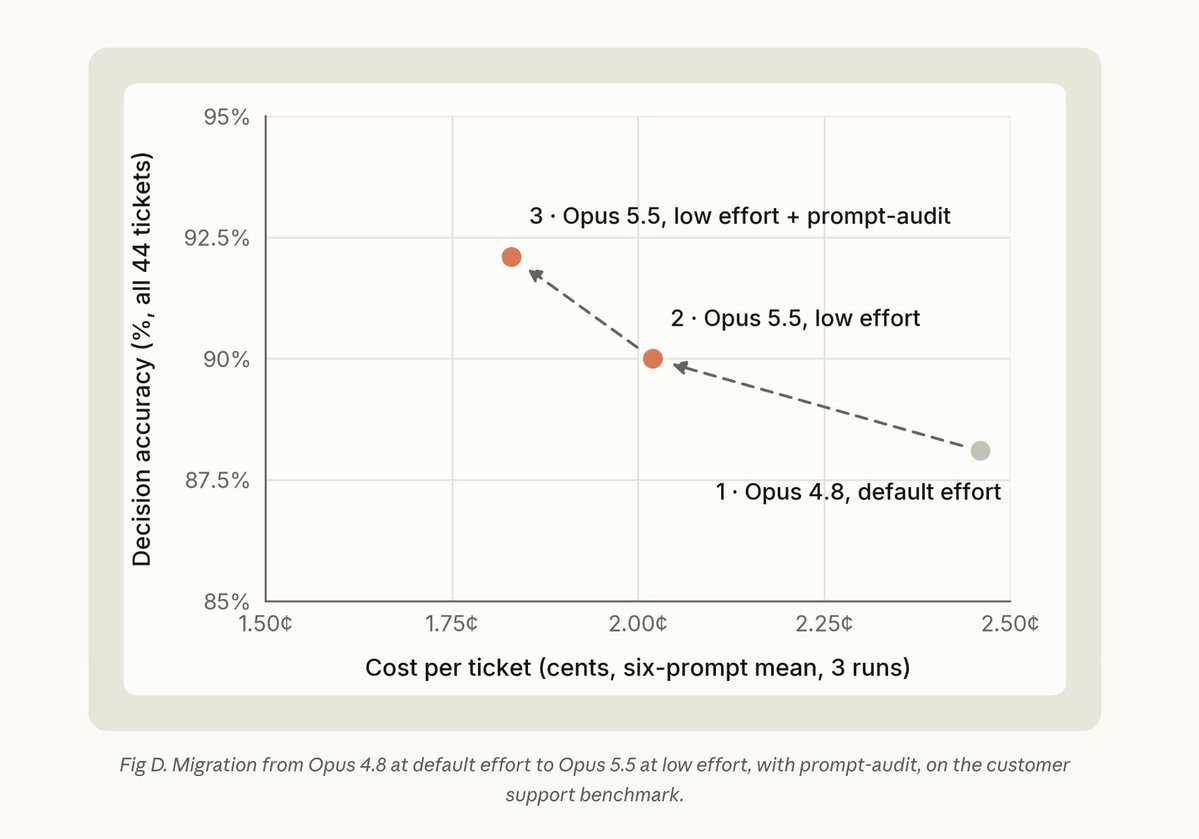
UN INGENIERO DE ANTHROPIC ACABA DE SOLTAR EL MEJOR TRUCO PARA OPUS 5.5
Abre Claude Code y escribe:
/claude-api prompt-audit
→ Audita tus skills, CLAUDE.md y prompts
→ Borra todo lo que frena al modelo
→ Lo reescribe con la guía oficial de Opus 5.5
Tus prompts están escritos para modelos viejos.
Esto lo arregla en 5 minutos.
Guárdalo.
Por: @RLanceMartin
지금 반드시 Claude Code에서 수행해야 할 공식 커맨드
> /claude-api prompt-audit
Anthropic 공식 스킬에도 같이 업데이트 됨..
🔖 Prompt Audit - Finding and Removing Dated Prompting Patterns
https://t.co/hlSekWe4vT
있는 그대로 실행하면 끝. 모든걸 정리하고 마이그 해줌.
CLAUDE md, AGENTS md, SKILL md, 룰 파일들
+ 시스템 프롬프트와 그걸 조립하는 코드
+ 툴 description / 파라미터 설명
등등 말 그대로 지금의 Opus 5.5 모델에 맞게 다 최적화하고 안티 패턴을 제거해줌.
모델별 유물과 부채를 굳이 우린 들고 있을 필요가 없음.
자, 이걸 봤다면 바로 실행하자. 5분? 10분? 그 정도면 충분함.
If you have a Gmail account, you need to read this.
Google's AI now scans your emails and attachments, bank statements, tax files, medical letters, all of it. It turned on by default, and there's a class-action lawsuit over how.
Here are 5 moves to shut it off, the switch is hidden in two places:
1. The Main Switch
This is the main setting Google shows you, but it's not the only one.
Gmail (Desktop):
⚙️ Settings ��� See all settings → Smart features and personalization → Uncheck "Turn on smart features in Gmail, Chat, and Meet" → Save Changes.
2. The Hidden Switch
Turning off the first setting isn't enough. Most people stop there.
On the same settings page: Google Workspace smart features → Manage Workspace smart feature settings → Turn off both checkboxes → Save.
Both settings need to be turned off.
3. Your Phone
The settings don't always sync between devices, so check the Gmail app separately.
Gmail app → Menu (☰) → Settings → Select your account → Turn off "Smart features and personalization" → Confirm.
4. Delete Gemini History
If you've used Gemini before, your chats may be saved, and some could be reviewed by humans.
Go to https://t.co/L7GOsTS1wM
→ Turn off Gemini Apps Activity → Delete Activity → All Time.
This removes your past Gemini chat history and stops future conversations from being saved.
5. Move Sensitive Emails
Turning off Gmail's smart features helps, but for truly private emails, consider using a separate service.
For medical, legal, or financial emails, use a free Tuta Mail account. It offers end-to-end encryption and doesn't use AI to scan your emails.
Keep Gmail for newsletters, promotions, and less sensitive messages - if you must.
More: https://t.co/WypCappyfa
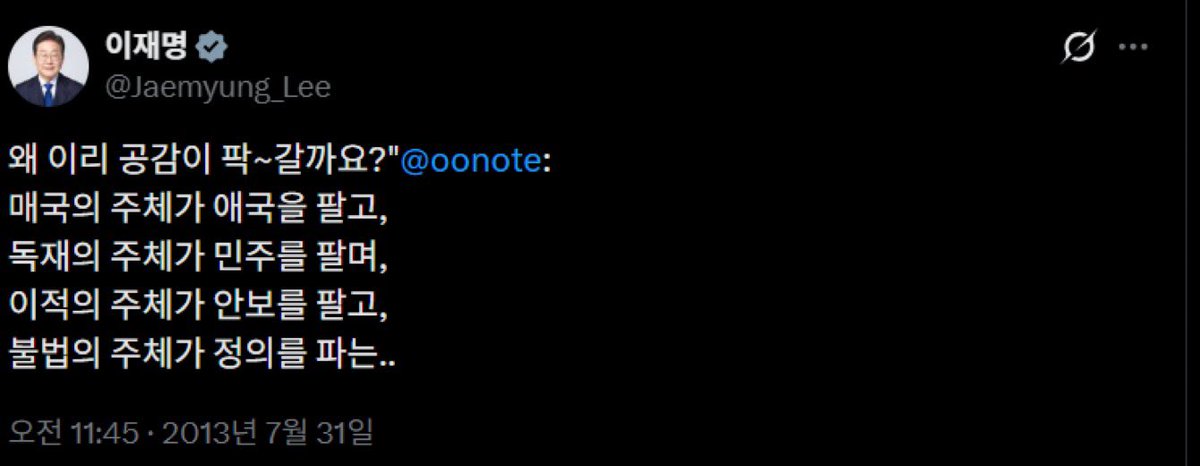
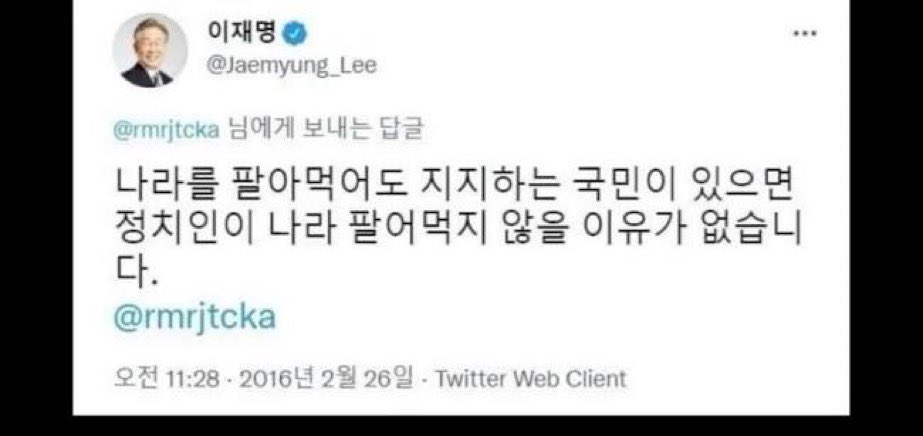
@yonhaptweet 사실 이재명 민주당 518 정신 이런 거 관심없다. 오로지 자기 진영에 이롭다고 생각해 518 정신을 즈그 정치적 프로파간다로 이용해 먹을 뿐이지.
전라도 사람들도 그걸 용인하고 있고, 헌법 전문은 꿈 깨세요. 이재명민주당이 518을 독점하는 한 절대 3.1 4.19 반열이 될 수 없고 되면 안 됩니다.