One tech habit I think we could all use: test a digital activity without a mouse. Can you get around using just the keyboard? I’ve learned that a lesson can look great on screen and still be tricky for some students to navigate. #Accessibility
One Google Docs trick I keep in my back pocket: name a version before your team starts editing. File → Version history → Name current version. That way, if the document takes a wild turn, you can find your starting point again. 😅 #TeacherTips
EdTech Links from last week - https://t.co/a8cUhbGv0J
✍️ Abstractle
✅ Doc to Form Quiz Maker
🕵️ SynthID Detector
🍳 Your Brain on AI Webinar
💎 New EduGems
🎃 Halloween Fonts
📰 Google News
🌟 WriteOn!
#EdTech#GoogleEDU
One thing I love about teaching with robots? The mistakes! 🤖 A Sphero that rolls the wrong way or a Dash that misses its turn gives students a reason to rethink their code. Sometimes the best learning starts with “Well, that didn't work!” #STEAM
I keep coming back to one digital citizenship question: “Who made this, and why?” It works for a website, a video, even a screenshot shared in a group chat. Kids don’t need a lecture every time. Sometimes one good question gets them thinking. #DigCit
Ever closed the WRONG browser tab right in the middle of teaching? 😅
Here's a shortcut worth remembering: Ctrl+Shift+T (Cmd+Shift+T on a Mac) reopens your last closed tab.
A tiny trick that can save a whole lot of classroom scrambling! #EdTech
A tech feature I wish more teachers explored? Voice typing! 🎤 Not every student can get their thoughts onto a page as quickly as they can say them.
Sometimes the biggest classroom upgrade is already sitting in the toolbar. 💻 #EdTech
One of my favorite parts of EdTech is watching a teacher go from “I don’t know how to do that” to “WAIT…show me that again!” 😂💻
We don’t have to know every tool. Sometimes we just need enough curiosity to click around and learn something new.
#EdTech
Today’s EdTech thought: sometimes the best tech tip isn’t a new tool. It’s finding a better way to use the one you already have. 💻
Before adding another tab to your life 😂, poke around in a tool you already use. You might find a hidden gem.
#EdTech
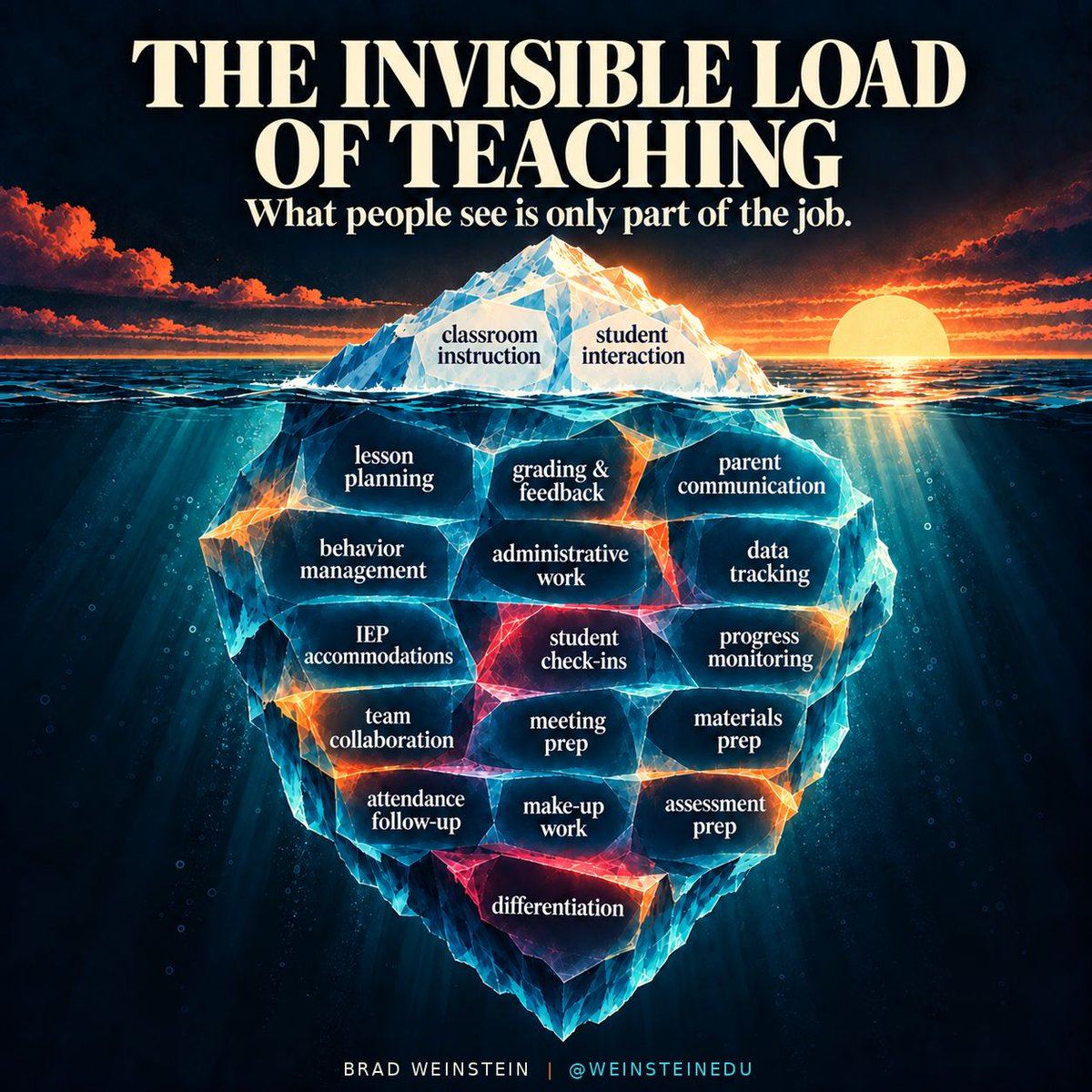
People usually see the lesson.
They do not always see the planning before it, the feedback after it, the parent communication, the data tracking, the meetings, the accommodations, the check-ins, or the adjustments made along the way.
Teaching has always been more than what happens at the front of the room.
A lot of the work that makes a classroom function happens quietly, before students arrive, after they leave, or in the middle of a hundred small decisions nobody else notices.
The visible part matters.
So does everything underneath it.
🚨Anthropic just showed a 27-minute workshop on how to actually write prompts for Claude.
Taught by the people who built it.
Free. No registration. No paywall.
I've seen $300 courses that don't cover what they teach in the first 8 minutes.
Watch the session
Let’s be real—if AI can automate behavior plans, I should be able to automate dinner plans too.
Alexa, talk to ChatGPT.
#MomLifeMeetsTechLife#SiriCallSomebody
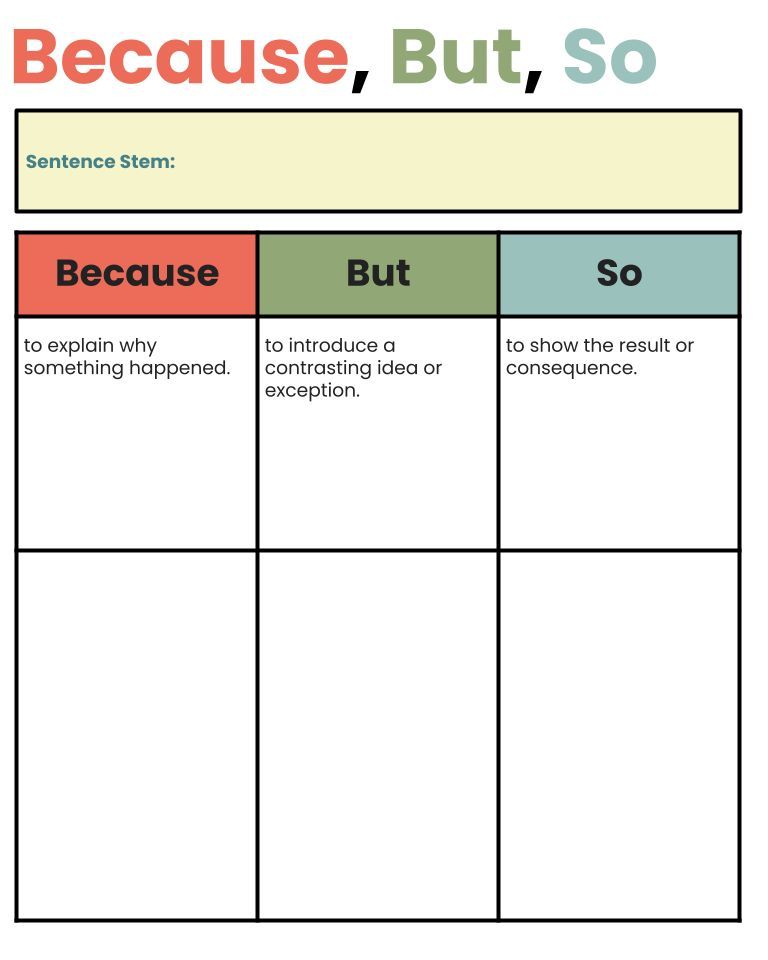
🧠💬 Teaching kids how to explain their thinking? Try the “Because, But, So” strategy!
🟠 Because – explain why
🟢 But – show contrast
🔵 So – show result
https://t.co/ajjyohtHhj
👀 Ever tried creating IEP accommodations quickly?
With Magic School AI, you can.
💡 Perfect for SPED, ESOL, and classroom teachers.
📌 Reminder: Never include personally identifiable information—just the learning needs.
#SPEDTech#AIinEducation#MagicSchoolAI#InclusiveEd