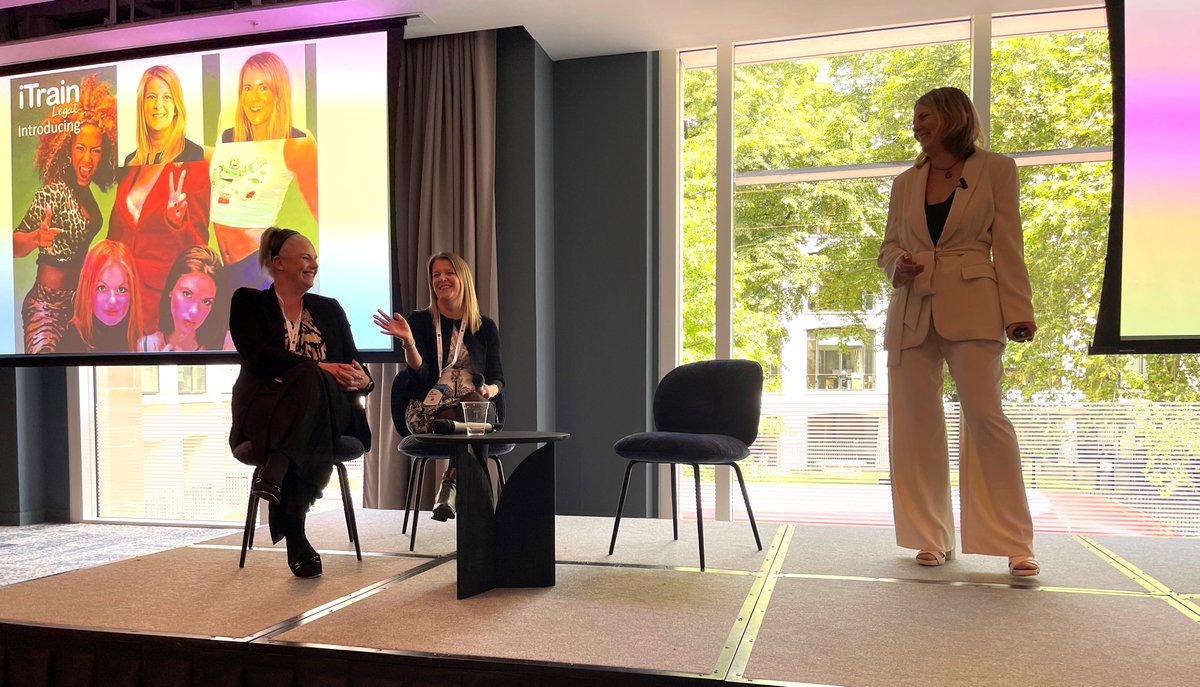
@iTrainLegal delivered the, 'iMpact lunch: Empowerment - Our reflections on the empowerment of women and underrepresented DEI groups and what has helped us during our journey within legal tech', session.
Around 80% of technology system change projects are perceived to be failures. At @itrainlegal we understand the challenges of change and have years of experience helping firms discover effective strategies for successful technology implementation. Get in touch to find out more.
The next #FutureFlexibleForum is being held in Manchester on 4th July. Hosted by @agilico and @itrainlegal, this friendly and informative event will take place @Weightmans.
Registration closes soon so book your place today:
https://t.co/S995ngxy1T
Technology is transforming the way we live our lives, and organisations are feeling the pressure to keep up to date and innovate like never before. Listen to our Managing Director Dorigen Sykes discuss at #AderantMomentum on Wednesday at 2pm.
#legaltechnology#changemanagement
Last chance to secure your place at tomorrow’s #FutureFlexibleFirm forum in Southampton. Hosted at @agilico HQ, this friendly and informative event will be followed by summer drinks on the roof terrace. Book your place now:
https://t.co/S995ngxy1T
#legal#agilefirm
Is technology outpacing your training? Ask us about Training as a Service, our flexible, scalable solution that ensures your people receive the support they need. @iTrainLegal will be at this year’s #BLTF2023 so visit us at stand C09 to find out more.
#legaltech#legalittraining
Your data is in safe hands with us.🔒We are certified to ISO 27001:2013, the leading international standard for information security. This certification demonstrates @iTrainLegal's commitment to protecting critical data assets and complying with applicable laws and regulations.
@iTrainLegal are exhibiting at this year's British Legal Technology Forum.
Visit them on stand C09
To find out more, click here https://t.co/NabfWvc0Ev
#BLTF2023#LegalTech
iManage has announced the retirement of its legacy products DeskSite, FileSite and Work Indexer. If you are looking to upgrade to iManage Work 10, let our team of IT training experts help with the transition. Email [email protected] to see how we can help.
#legaltechnology
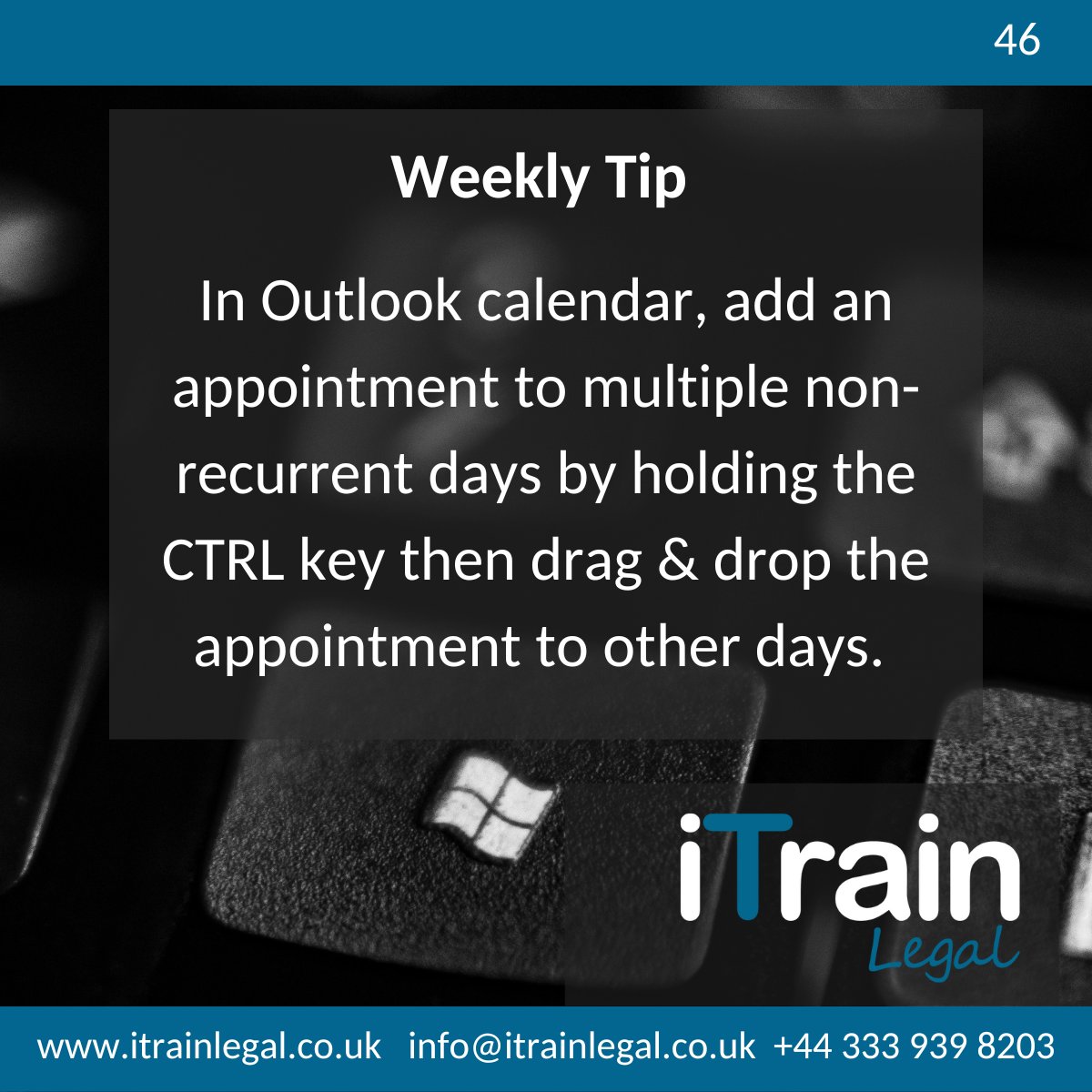
Create repeating (but not recurring) appointments in Outlook Calendar:
💡In Outlook Calendar, create a new appointment
💡Save and Close
💡In the calendar view, select this appointment and hold down the CTRL key
💡 Drag & drop the appointment to the other days as needed
#weeklytip
We are pleased to have @iTrainLegal at this year's British Legal Technology Forum.
You can visit them at stand C09
To find out more, click here https://t.co/NabfWvc0Ev
#BLTF2023#LegalTech
Did you know @iTrainLegal is in partnership with many of the industry’s leading technology companies, including:
-iManage
-Thomson Reuters
-Aderant
-Net Documents
-Litera
-Peppermint
They trust us to deliver quality #training services on their behalf.
#legaltechnology
In Excel, use Format Painter to copy formatting from one cell to multiple other cells:
💡Select the cell that has the formatting you want to copy
💡Double click the Format Painter icon
💡Click every cell you want to copy the format to
💡To stop formatting, press ESC
#weeklytip
@iTrainLegal are proud to be sponsoring @ILTANet's quarterly meeting for professionals in IT Education & Training. Taking place on 7th February from 12:30-14:00, this meeting is free to attend in person or virtually.
Register here: https://t.co/9bbBPpAqNZ
#LTC4#ILTA
In Outlook Calendar, you can view non-consecutive days in the same window:
💡Choose Calendar from the Outlook shortcut bar
💡Press CTRL and select up to 14 days
💡Each day will appear in the planner window
#weeklytip#digitalskills#legalittraining#tipoftheweek#hintsandtips
Join us tomorrow for @DocExGroup's Round Table event to discuss document production initiatives and solutions to common challenges.
25 January, 4:00-5:30pm (GMT)
Milbank LLP, London and online
Register here: https://t.co/1TvI8i8SlL
#DocExcellence, #legalittraining, #legalIT
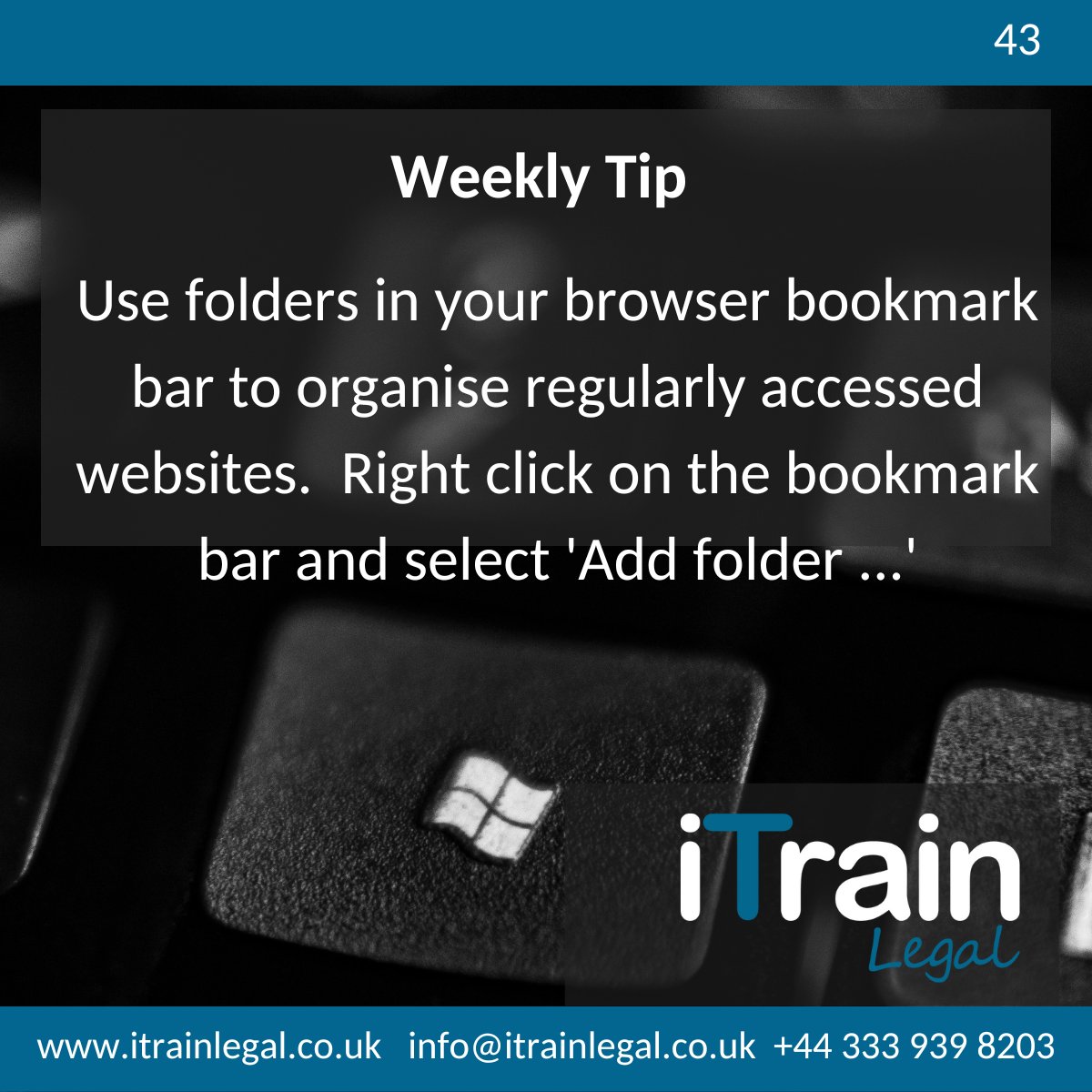
Bookmarks, also known as Favorites, are a great way to save time when jumping around the web. Here’s how to organise your browser bookmarks:
💡Right click on the bookmark toolbar at the top of the screen
💡Select ‘Add folder’ and type in a name
#weeklytip#digitalskills
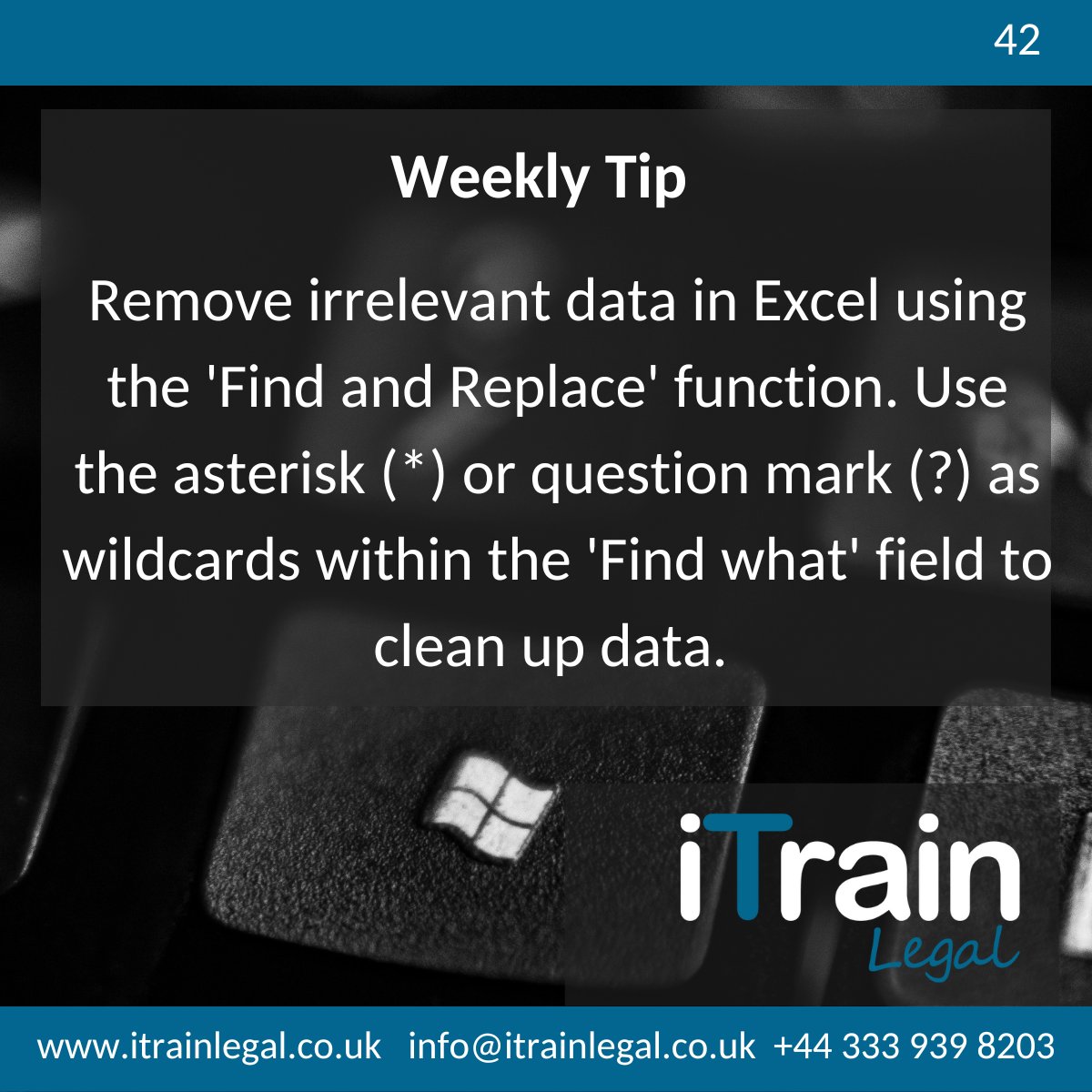
Edit data in Excel:
💡Press Ctrl + H to open the ‘Find and Replace’ dialogue box
💡In the ‘Find what’ box, type question mark (?) to find any single character, or asterisk (*) to find any number of characters eg ??d or s*d
💡Leave the 'Replace with' field empty to remove