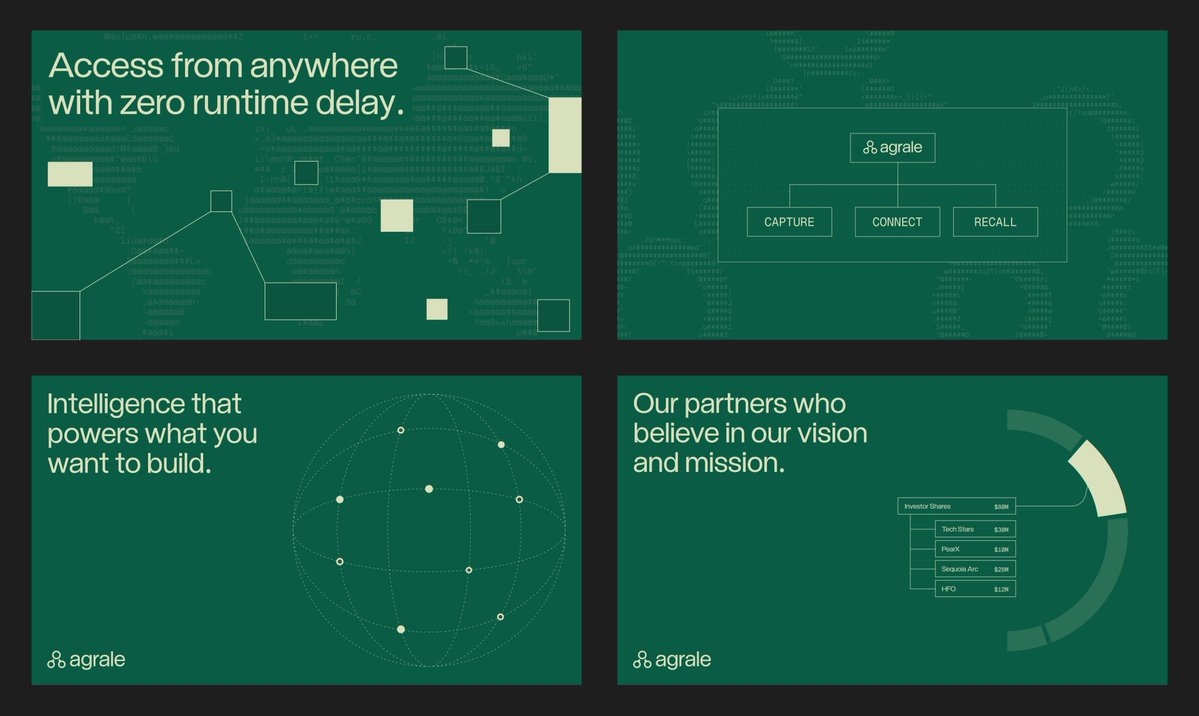
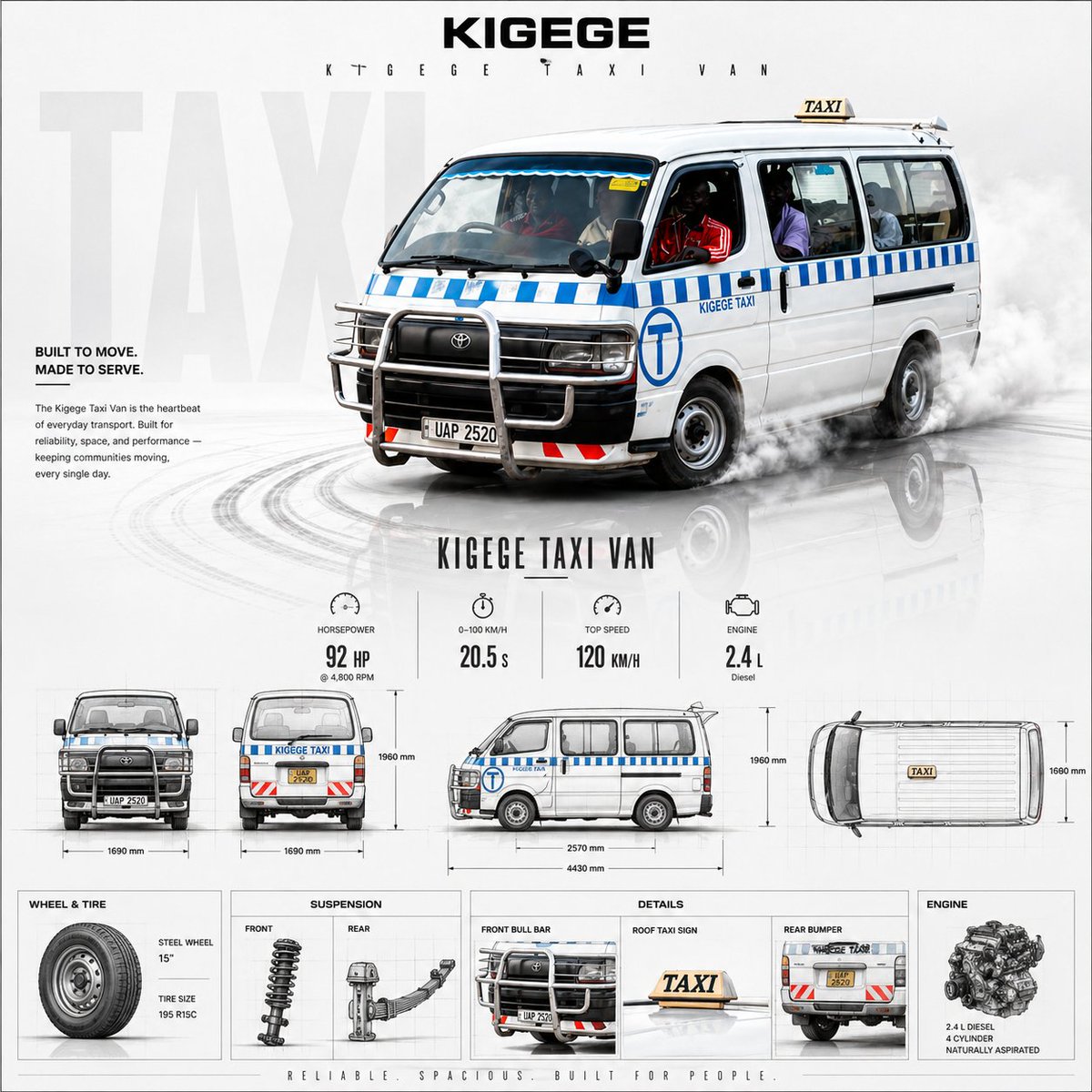
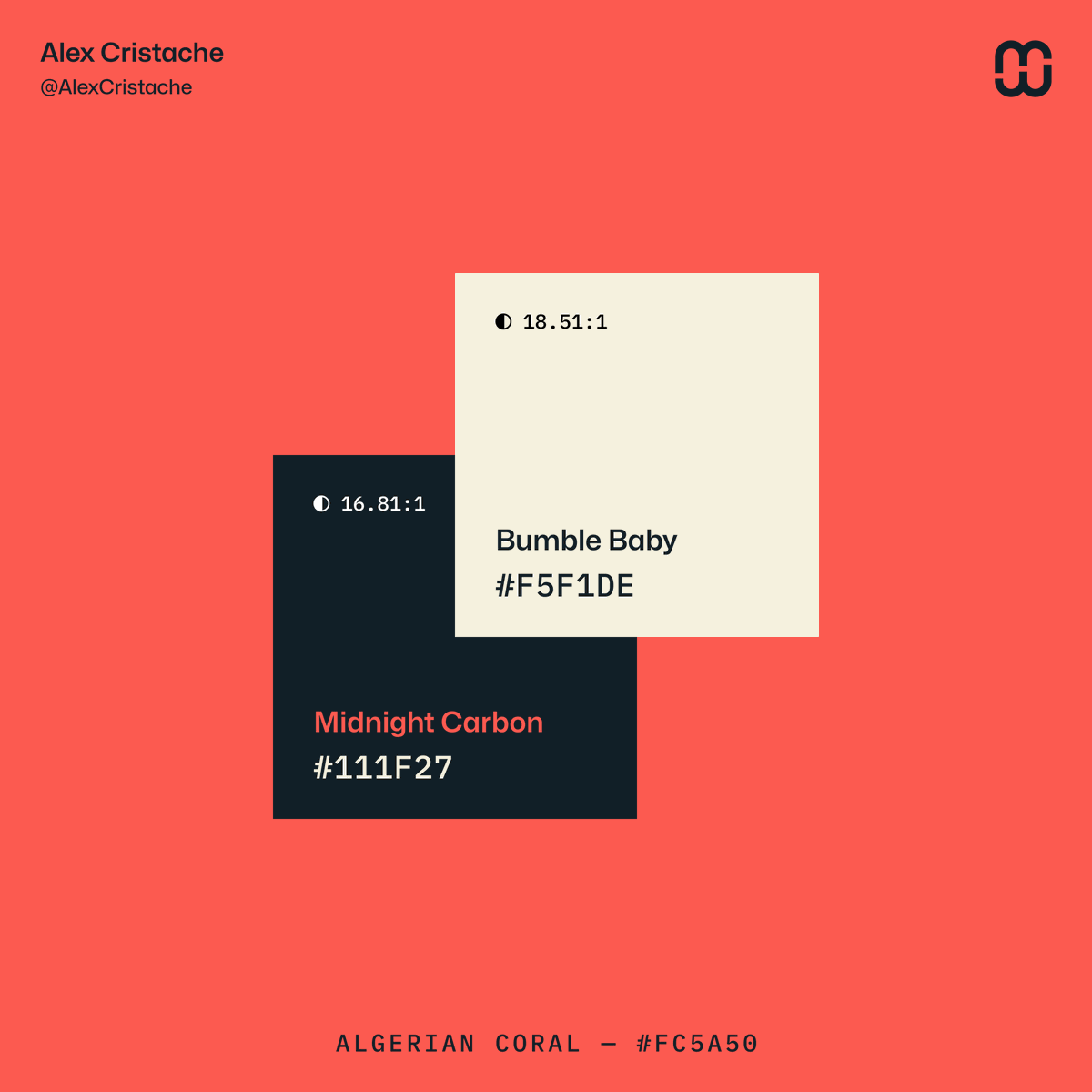
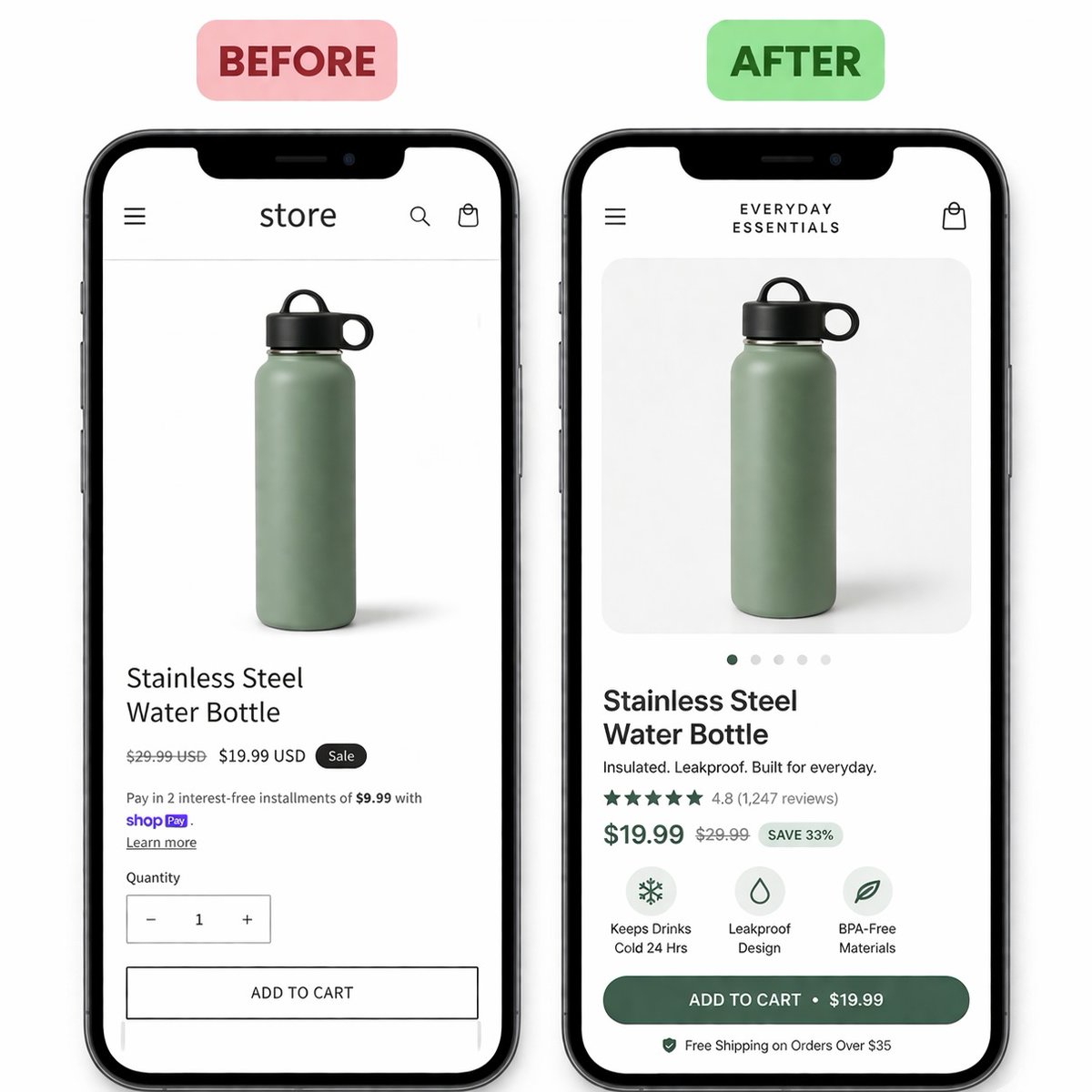
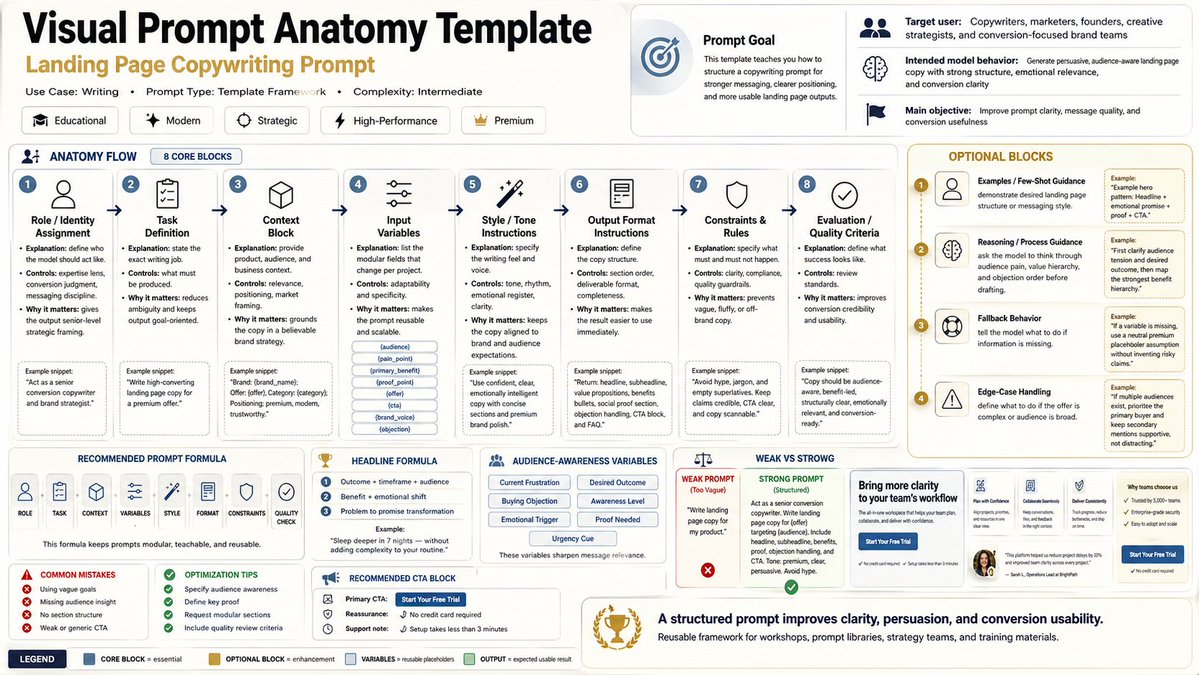
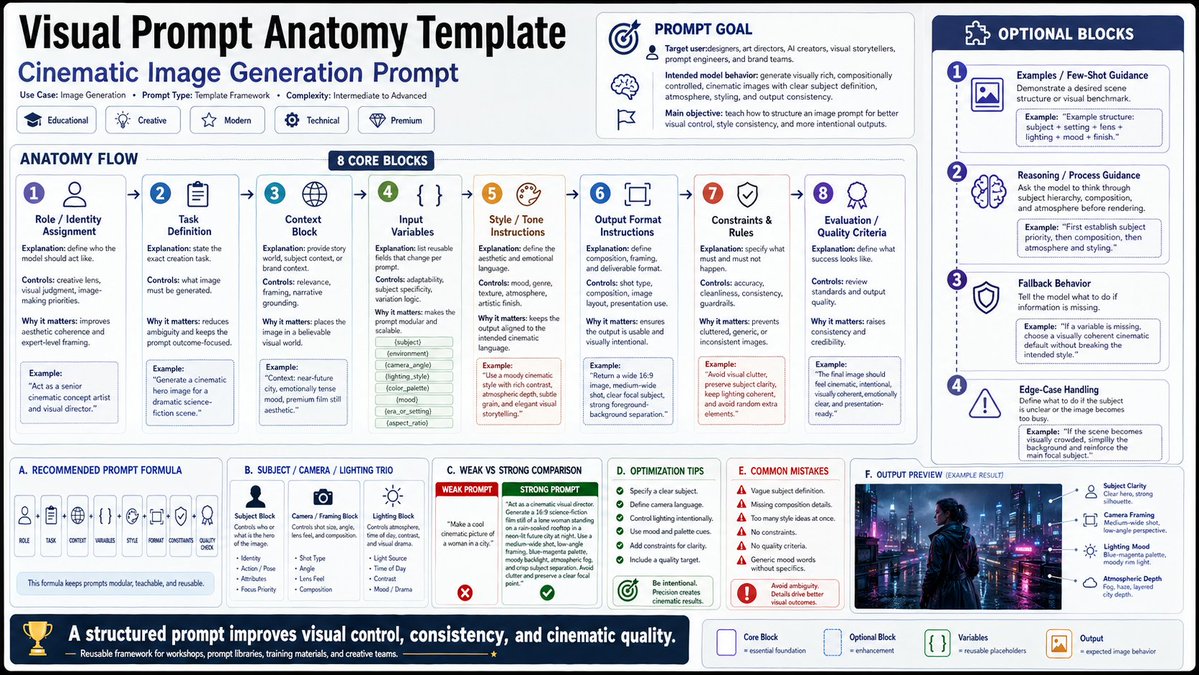
🎨 GPT 2 Serie : Case 10 — Visual Prompt Anatomy Template 🎨
Today :
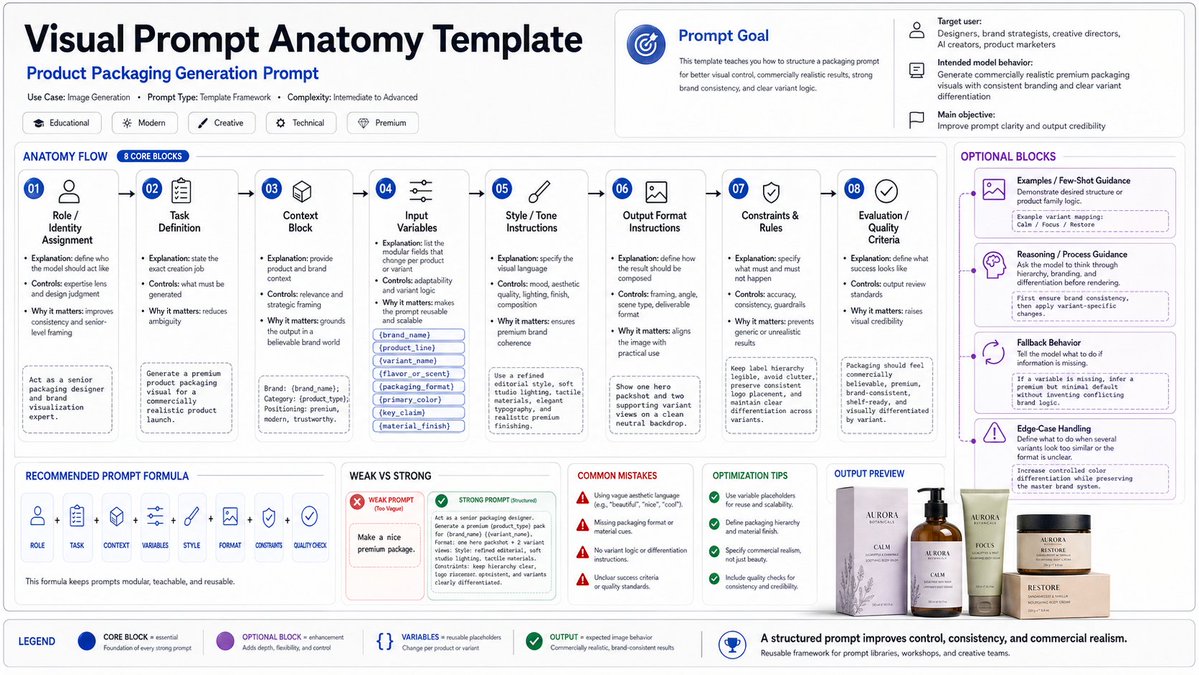
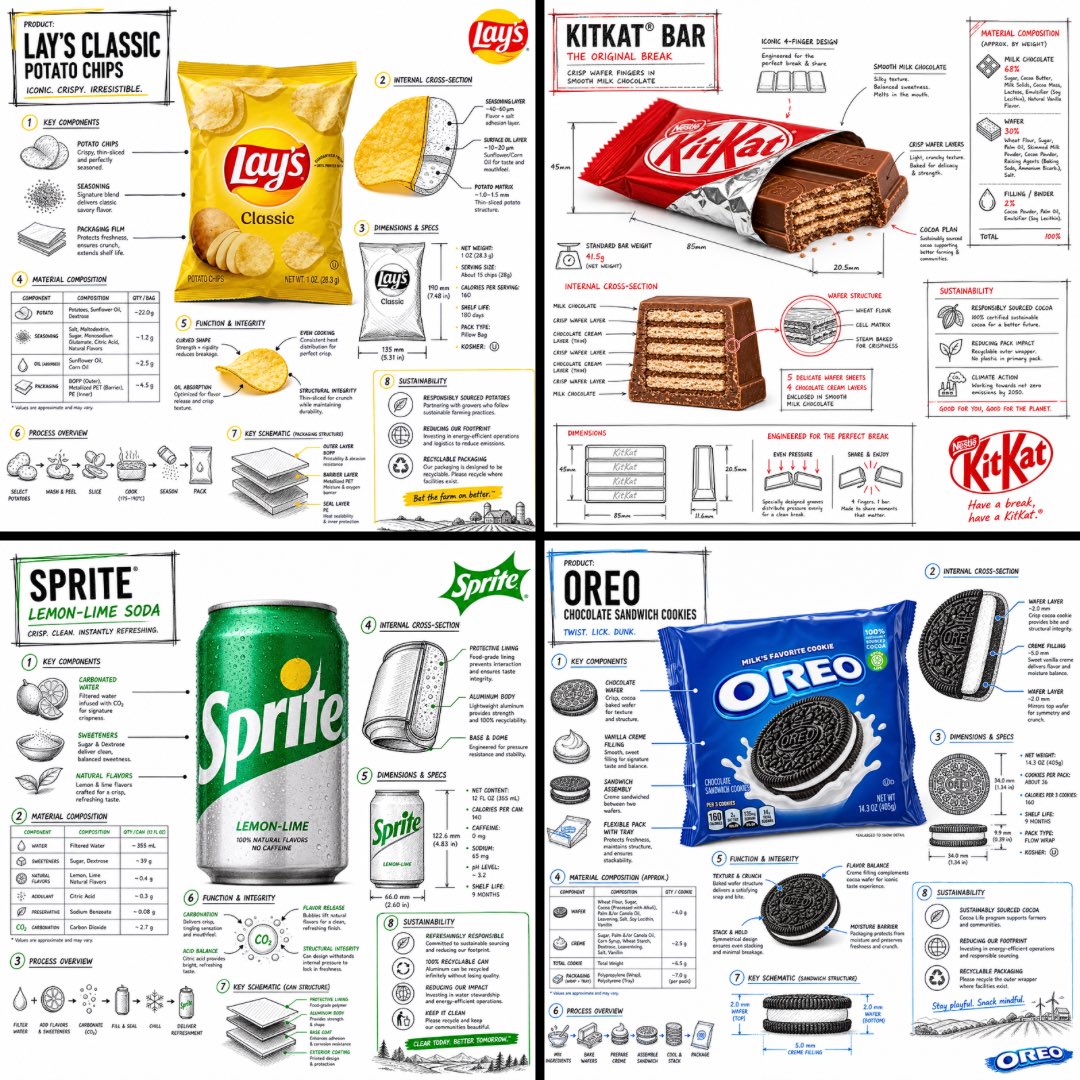
Case 10 : Visual Prompt Anatomy Template
A template for showing the structure of a prompt block by block: subject, style, composition, lighting, material, framing, text, constraints, and expected output
FInd 4 examples .
Prompt template in first comment , other prompts in comments because too long for ALT
All visuals are made @pixio_ai
1/6
Important: This is a summary of an amazing video by one of the best creators I know. Video in the first comment.
If you've been struggling to setup a productive local environment I'll summarise, but you should watch the video.
1. Qwen3.6-27B with NO THINKING - 4bit - 16bit depending on your resources
2. Hermes agent: It's polished, minimal, and OSS, if you're on OC keep at it it's also great but IMO consumes more tokens == slower
3. Learn to work in a detached way: Instead of small, unclear prompts make something really specific and hand-off to a local agent:
- What is your end goal?
- What is the output format?
- How would you recommend a task be done?
- How would you deal with common issues?
Kick off a job and go do something IRL, the lower speeds paired with very clear prompts means you can check in every 2 hours on average for your next free task.
Treat it like a challenge, it'll teach you so much.
~~~~~~~
If you're more technical, wire your devices with Tailscale & use protected Cloudflare Tunnels to serve your inference API to your network so you can work from ANYWHERE with your local models.
I love Droid, Pi, and Opencode but you can use local models in Claude Code, Codex, Cursor relatively easily.
Most of your day will involve computer-use which the models are great at. Need to reset a server? Do it for free, want to gather research? Do it for free.
Not every task requires a 10T param beast crunching on things, being able to quickly cycle between models is what's critical here, which is why I recommend the three harnesses I did
~~~~~~~
What is productive?
- Organise all your files, folders, images, etc.. have each one tagged (Qwen is omni so no more date time titles)
- Create a content cache for yourself:
- recommendation algo for books & videos etc.
- content/papers/courses for studying
- Social media post ideas (write your own posts tho)
- Torrent manager, you don't need Netflix or Spotify lol
- Simple utility coding projects: landing pages, designs, games, scripts
- Market watchers: purchase stuff, check marketplaces, do shopping
- Budgeting, taxes, and subscription management
I could go on and on, obviously it's not going to make you a millionaire or whatever but it makes life more FUN.
~~~~~~~
AI is a tool, one that's very good at accelerating you towards self fulfilment as long as you:
1. Understand what it is
2. Learn how to talk to it
3. Keep trying to improve you
~~~~~~~
My videos tend to be stream of thought, I am starved of time and just want to make sure I keep up.
I would not be doing this if I couldn't just generate 3 thumbnails on t3chat, for example. That's why I spend so much time working on this.
I see myself being more of who I want to be every day and a lot of that is with the help of this technology, allowing me to more quickly and effectively interact with the world.
Being able to own this at home? True sovereignty.
~~~~~~~
Thank you, Digital Spaceport. I wouldn't have gotten this deep into running my own infra without your videos.
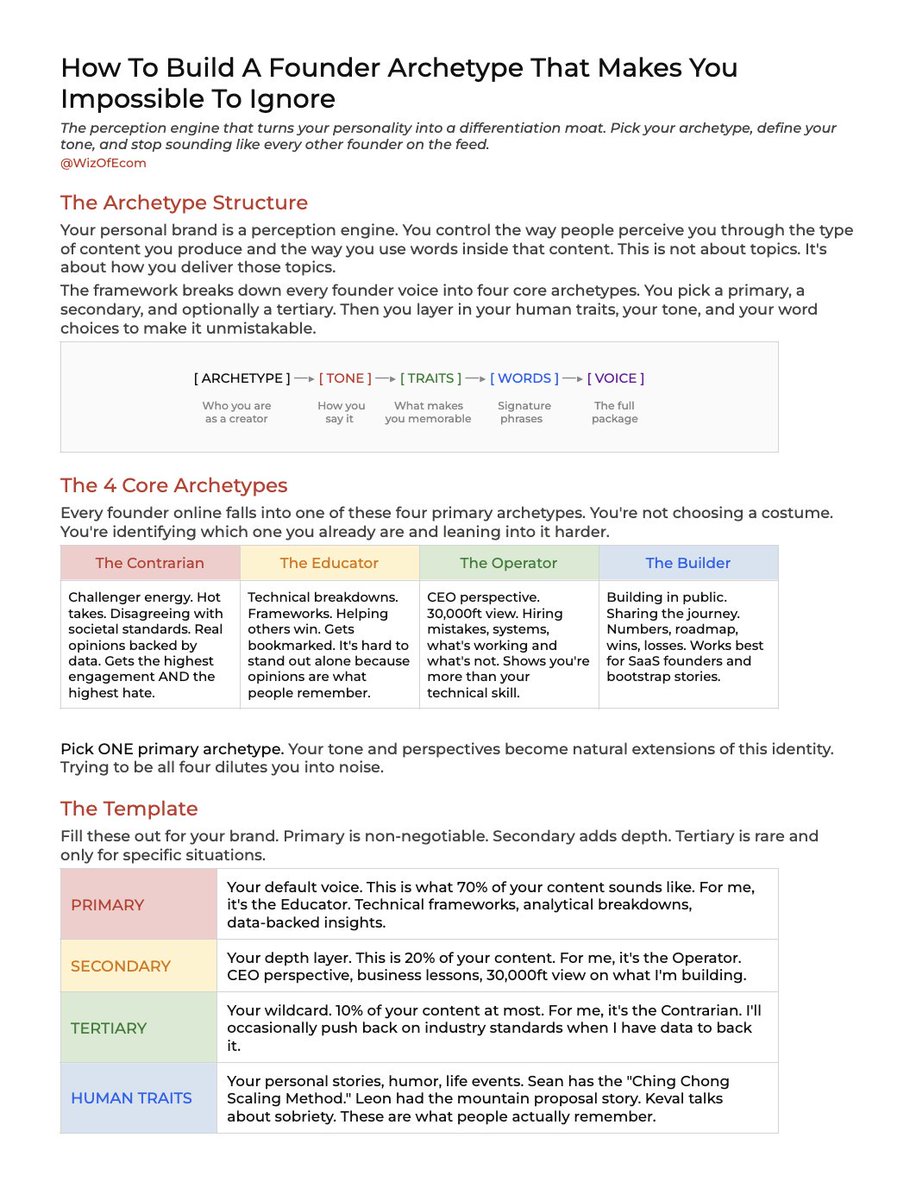
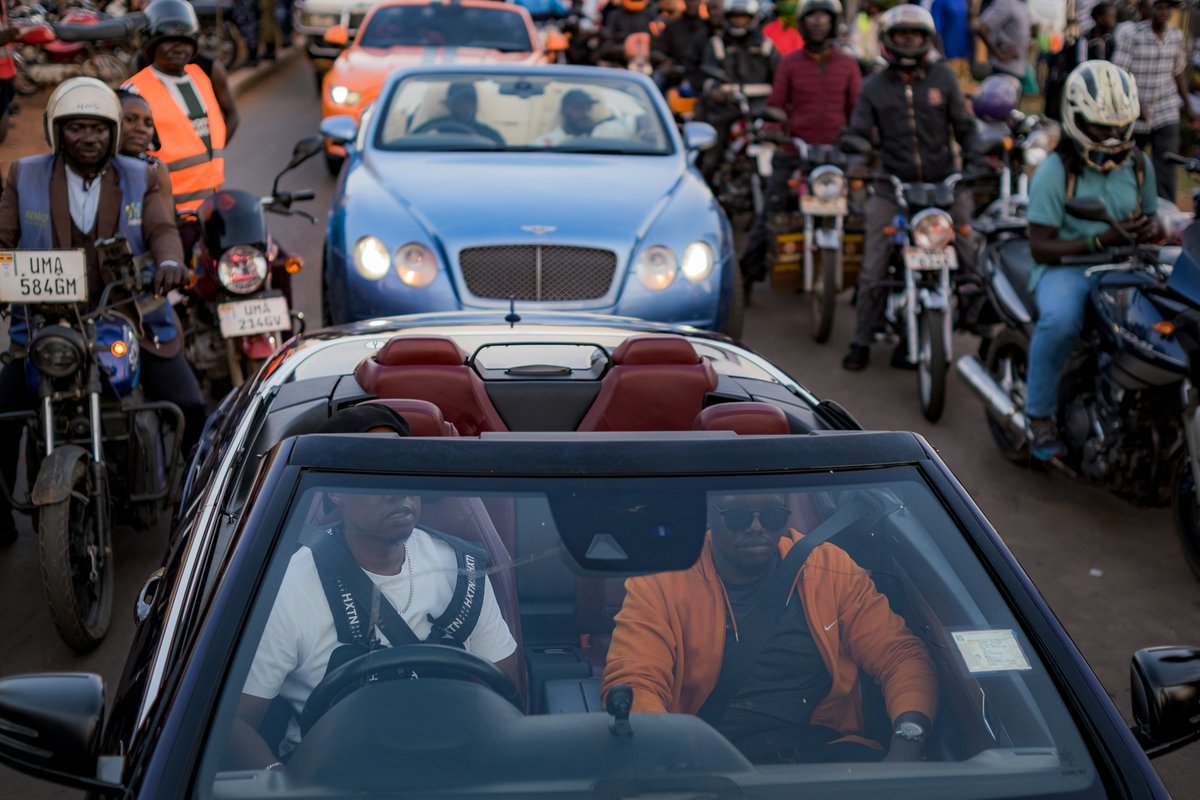
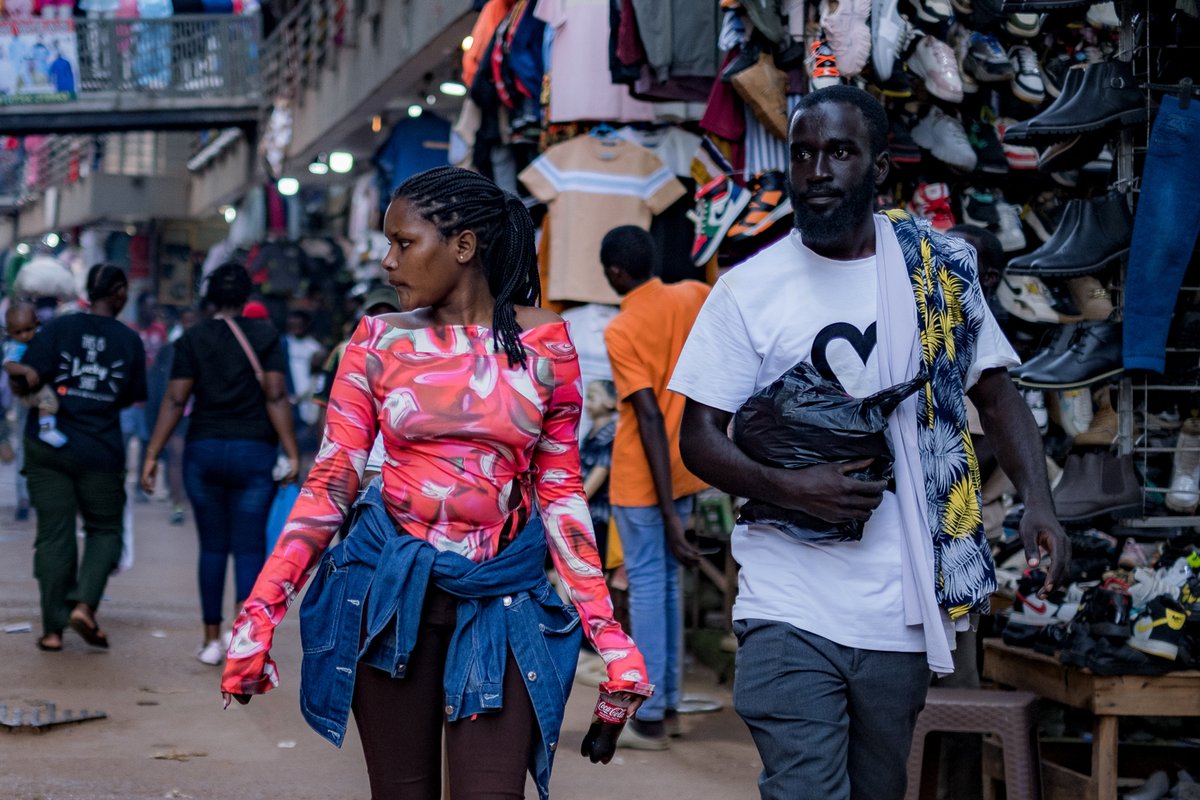
Prompt share: Precision Blueprint
💬Prompt:
[product name], technical blueprint drawing, orthographic view, front view + side view + top view, white vector line art, thin construction lines, precise measurements, annotation labels, dimension arrows, grid background, deep blue background, minimal design, engineering schematic style, high detail
Try it and share your art ✨
Keak is now insane
A CRO agent that increases your conversion rate:
- Scans your website
- Generates variations that improve your CVR
- Implements them for you
- Learns from the results
Click on the image to book a demo 👇





![azed_ai's tweet photo. Prompt share: Precision Blueprint
💬Prompt:
[product name], technical blueprint drawing, orthographic view, front view + side view + top view, white vector line art, thin construction lines, precise measurements, annotation labels, dimension arrows, grid background, deep blue background, minimal design, engineering schematic style, high detail
Try it and share your art ✨](https://pbs.twimg.com/media/HHTkNmPa0AAiupM.jpg)
![azed_ai's tweet photo. Prompt share: Precision Blueprint
💬Prompt:
[product name], technical blueprint drawing, orthographic view, front view + side view + top view, white vector line art, thin construction lines, precise measurements, annotation labels, dimension arrows, grid background, deep blue background, minimal design, engineering schematic style, high detail
Try it and share your art ✨](https://pbs.twimg.com/media/HHTkNcLaoAA8n-m.jpg)
![azed_ai's tweet photo. Prompt share: Precision Blueprint
💬Prompt:
[product name], technical blueprint drawing, orthographic view, front view + side view + top view, white vector line art, thin construction lines, precise measurements, annotation labels, dimension arrows, grid background, deep blue background, minimal design, engineering schematic style, high detail
Try it and share your art ✨](https://pbs.twimg.com/media/HHTkNR6aAAANsEI.jpg)












![Just_sharon7's tweet photo. GPT Image 2
{
"prompt": {
"title": "Agency-Grade Brand Identity System Poster",
"trigger": "Upload a logo. From it, construct a complete, investment-worthy brand identity system poster — the kind that closes client deals and dominates Behance front pages.",
"prime_directive": {
"rule": "Every element — color, tone, shape, texture, personality — must be extracted directly from the uploaded logo.",
"enforcement": "Nothing generic. Nothing templated. Nothing borrowed. Strip the logo. Decode it. Build an entire visual universe from its DNA."
},
"format": {
"orientation": "Vertical",
"aspect_ratio": "4:5",
"layout": "Multi-column grid",
"composition": "Layered, dense, intentional — zero wasted space"
},
"sections": {
"01_brand_header": {
"label": "Open With Authority",
"elements": [
"Brand name in commanding, high-hierarchy typography",
"Brand statement — 6 words maximum, razor-sharp",
"Three soul descriptors (e.g. Raw / Futuristic / Grounded)"
]
},
"02_color_system": {
"label": "Build The Color World",
"palettes": {
"primary": "3–5 colors extracted from logo",
"secondary": "3–5 supporting colors",
"accent": "High-impact hit colors"
},
"per_color_display": [
"Wide swatch block",
"HEX code",
"Role label: foundation / emphasis / atmosphere"
],
"extras": [
"Gradient blends",
"Color-on-color pairings",
"Light mode vs dark mode behavior"
]
},
"03_typography_system": {
"label": "Establish The Type Voice",
"tiers": {
"headline": "Commanding, bold — show a punchy title example",
"subheadline": "Structured, clear — show a descriptive line example",
"body": "Readable, intentional — show a paragraph fragment example"
},
"requirement": "Hierarchy must be undeniable at a glance"
},
"04_visual_language": {
"label": "Define The Visual World",
"define": [
"Image style (editorial / industrial / cinematic / organic / etc.)",
"Lighting quality and direction",
"Texture references and material moods"
],
"visual_tiles": {
"count": "3–5 tiles",
"style": "Art-directed style previews — mood board squares from a real shoot brief"
}
},
"05_brand_applications": {
"label": "Bring The Brand To Life",
"rule": "Every mockup must feel like the same brand. Same DNA. Zero inconsistency.",
"mockups": [
{
"type": "Product Packaging",
"detail": "Dimensional, realistic render"
},
{
"type": "Website Hero",
"detail": "Full desktop viewport"
},
{
"type": "Mobile App Screen",
"detail": "One key UI moment"
},
{
"type": "Social Media Posts",
"detail": "3 formats — square, story, banner"
},
{
"type": "Business Card",
"detail": "Front and back"
},
{
"type": "Out-of-Home Ad",
"detail": "Billboard or transit panel"
}
]
},
"06_design_system": {
"label": "Show The System Working",
"components": [
"Buttons — default, hover, disabled states",
"Cards",
"Input fields",
"Navigation bar",
"Spacing scale"
],
"requirement": "Must resemble a real design system handoff document"
},
"07_iconography": {
"label": "Iconography",
"count": "6–10 icons",
"style_rule": "Same visual grammar as the logo — geometric, organic, sharp, or soft",
"consistency": "Uniform stroke weight or fill logic throughou](https://pbs.twimg.com/media/HHTEBxwbAAAdbs4.jpg)

![azed_ai's tweet photo. Prompt share: Precision Blueprint
💬Prompt:
[product name], technical blueprint drawing, orthographic view, front view + side view + top view, white vector line art, thin construction lines, precise measurements, annotation labels, dimension arrows, grid background, deep blue background, minimal design, engineering schematic style, high detail
Try it and share your art ✨](https://pbs.twimg.com/media/HHTkNwlasAAxZme.jpg)