Claude is smart, but its answers can be a wall of text.
One prompt in my CLAUDE.md fixed it. Every reply now arrives in 5 parts:
→ what happened
→ what it means
→ what's risky
→ recommendation
→ next step
I read once and act.
https://t.co/6YGjZqV2h7 #ClaudeCode#AI#DevTools
2 hours into my first AI-agent session: an auth bug I could not explain. I wrote none of it. I accepted the diff because it looked right.
That is vibe coding.
How to use Claude Code as a real dev without losing control:
https://t.co/11IoqKEpSH
#ClaudeCode#AI#DevTools:
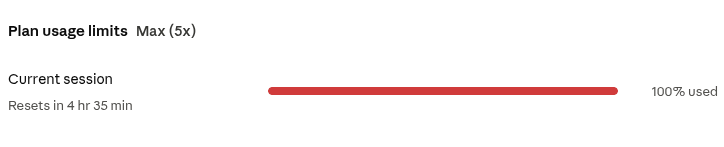
I can see the model, context used, session cost estimate, and rate-limit reset. with a tiny status line
The context % is the real win. It tells me when to handoff, compact, restart, or move key details into a spec file.
Less guessing. More control.
Full post → below
That has made the workflow feel less like “AI coding for me” and more like working with a small technical team.
The real productivity gain is not just moving faster.
It is having clearer lanes: who executes, who reviews, and where human judgment must stay in control.
I’ve been using subagents in my dev workflow, and the biggest lesson so far is simple:
AI becomes more useful when you stop treating it like one assistant and start routing work properly.
In my spec file, tasks are routed based on complexity, which the model helps classify.
Simple mechanical work goes to lighter agents. Scoped coding tasks go to executor agents. Deep review goes to stronger reviewers. Risky or architectural decisions stay with me.