iFacialMocap's English Twitter account. iFacialMocap is a face tracking app for iOS that enables real-time steaming with Maya, Unity, Blender and 3dsMax.
The Microsoft Store version of iFacialMocap version 0.9.25.0 has been released.✨
Now you can perform face tracking using only a regular webcam, utilizing Google Mediapipe. (It will work even without an NVIDIA GPU.)
https://t.co/wAcP8FOQoQ
A software that enables face tracking with a machine equipped with NVIDIA's RTX series GPU + webcam is available on the Microsoft Store.
https://t.co/pQ9bYi8nAH
It can be used with Blender, Unity, Unreal, Maya, 3dsMax, etc. We also support sending and receiving of VMC Protocol.
iFacialMocap Desktop App Version 1.22
https://t.co/DjpPuq6SkI
-Improved performance of the Blender add-on
-Fixed issues related to Bluetooth communication
-Fixed bugs related to the auto-update feature
-Fixed bugs related to the auto-update feature
By default, if there’s no response from iOS within a few seconds, the app will automatically try to connect via Bluetooth. However, if you set the Bluetooth Setting to “Disable Bluetooth,” it will no longer switch over to Bluetooth automatically.
By adding Bluetooth communication to the desktop app in versions 1.18 and 1.19, we ran into connection errors under certain environments, so we’ve fixed the issue in version 1.20:
https://t.co/5qLvvpZmFQ
If the developer is also seeing this update information, I’ve published a Python sample code for Bluetooth communication on GitHub, so please take a look. https://t.co/wF8N4I7Vyz
Starting from iFacialMocap iOS app version 1.4.2 and desktop app version 1.18, Bluetooth connection is now available as a fallback when Wi-Fi connection fails. However, since Wi-Fi offers faster performance, it is recommended to use Wi-Fi whenever possible.
Several issues have been fixed, including a problem where the Blender add-on was not working with Blender 4.4.
The Microsoft Store version of the iFacialMocap app has also been updated to version 0.9.26.0, with Mediapipe updated to version 0.10.21.
The iFacialMocap plugin for Unreal Engine has been updated.
https://t.co/1rS5A8xS3f
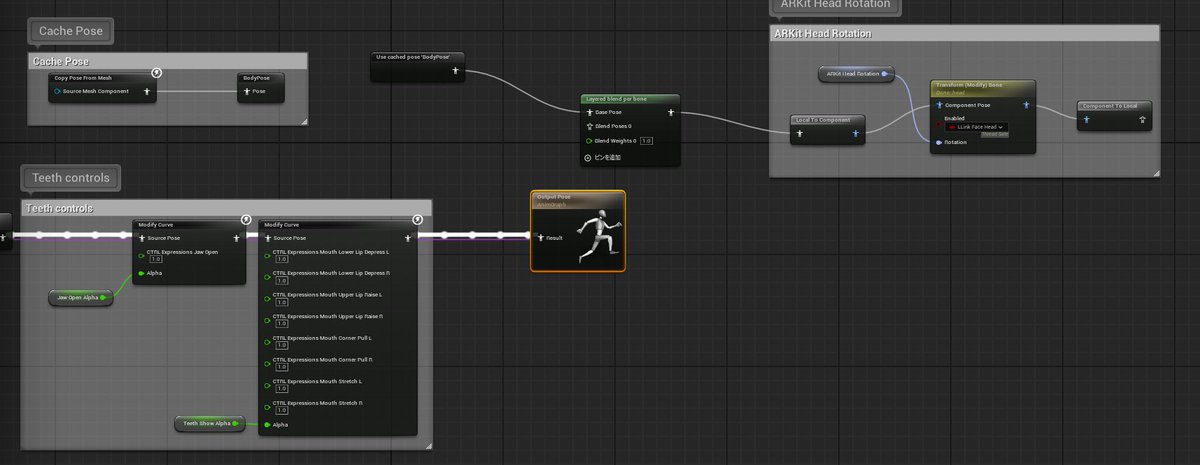
Previously, using it with MetaHuman or recording with the Take Recorder wasn’t supported. However, this update now includes MetaHuman support and compatibility with recording in Take Recorder
The Microsoft Store version of iFacialMocap version 0.9.25.0 has been released.✨
Now you can perform face tracking using only a regular webcam, utilizing Google Mediapipe. (It will work even without an NVIDIA GPU.)
https://t.co/wAcP8FOQoQ
A software that enables face tracking with a machine equipped with NVIDIA's RTX series GPU + webcam is available on the Microsoft Store.
https://t.co/pQ9bYi8nAH
It can be used with Blender, Unity, Unreal, Maya, 3dsMax, etc. We also support sending and receiving of VMC Protocol.
@studio_galt Currently, the motion export feature does not exist. However, data recorded by the recording button will be automatically saved to the following location:
In the transmitted data, as shown in the following image, a "trackingStatus" has been added. When its value is 0, it indicates that the face is not within the camera frame, and when the value is 1, it means the face is within the camera frame.